

SketchCut PRO helps workshops, carpenters, and fabricators plan efficient cuts for plywood, MDF, glass, plastics, and similar boards on Android. It focuses on saving material and time through calculation and clear visual control, and it is designed for both manual tools and machines. Moreover, it keeps planning simple on phones and tablets with no ads getting in the way. For mobile planning and quick sharing, the SketchCut PRO APK suits daily shop work without requiring a desktop.
Set key cutting parameters
You can define sheet size, cut width, and edge offsets before calculation. On smartphones and tablets, the SketchCut PRO latest version keeps these inputs straightforward so layouts reflect your saw kerf and safety margins. Units switch between metric and imperial, and conversion happens automatically when you change systems.
Choose a calculation mode that fits your workflow
You can choose By Length for long rip cuts first, By Width for crosscuts first, or let Optimal pick the direction automatically for denser nesting. Pick the mode that matches your equipment or the most efficient sequence for the job.
Work with full sheets and offcuts
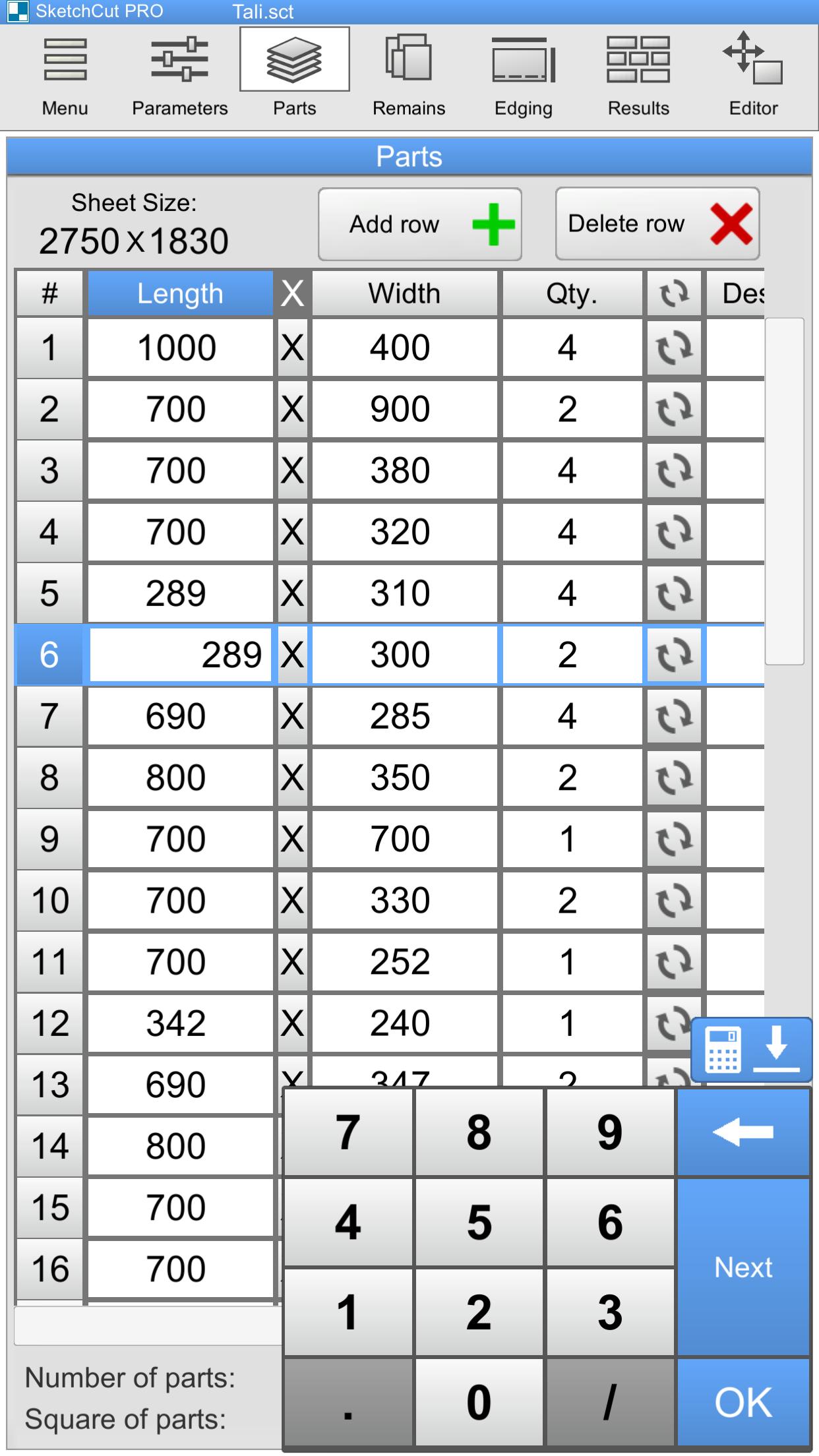
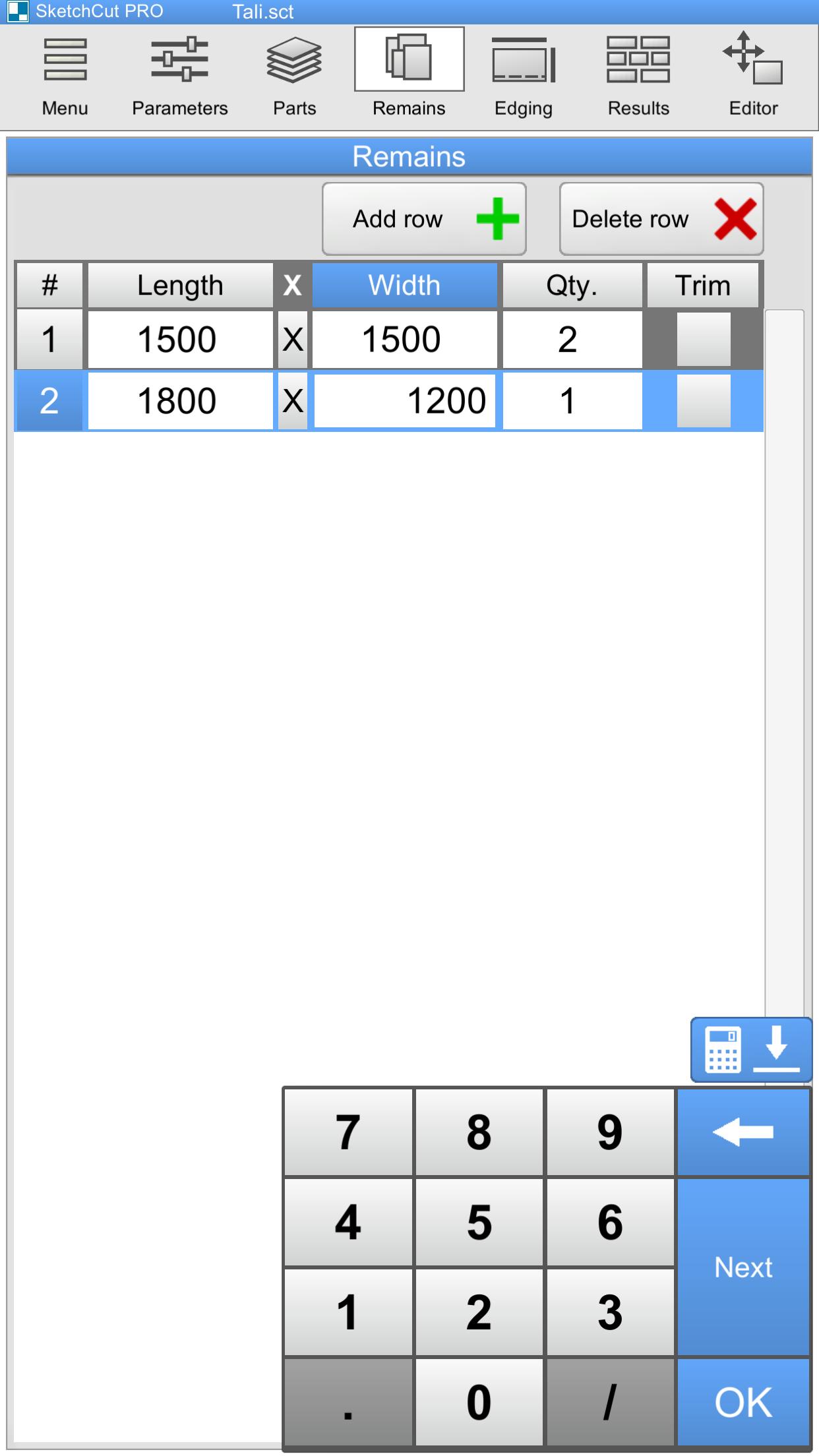
SketchCut PRO lets you mix standard panels and leftover pieces in one project. You enter part dimensions and remnant sizes in a table, then the app places items across available boards to use inventory well. This approach reduces waste and turns smaller leftovers into parts for drawers, backs, or trim.
Edit layouts, save, export, and share
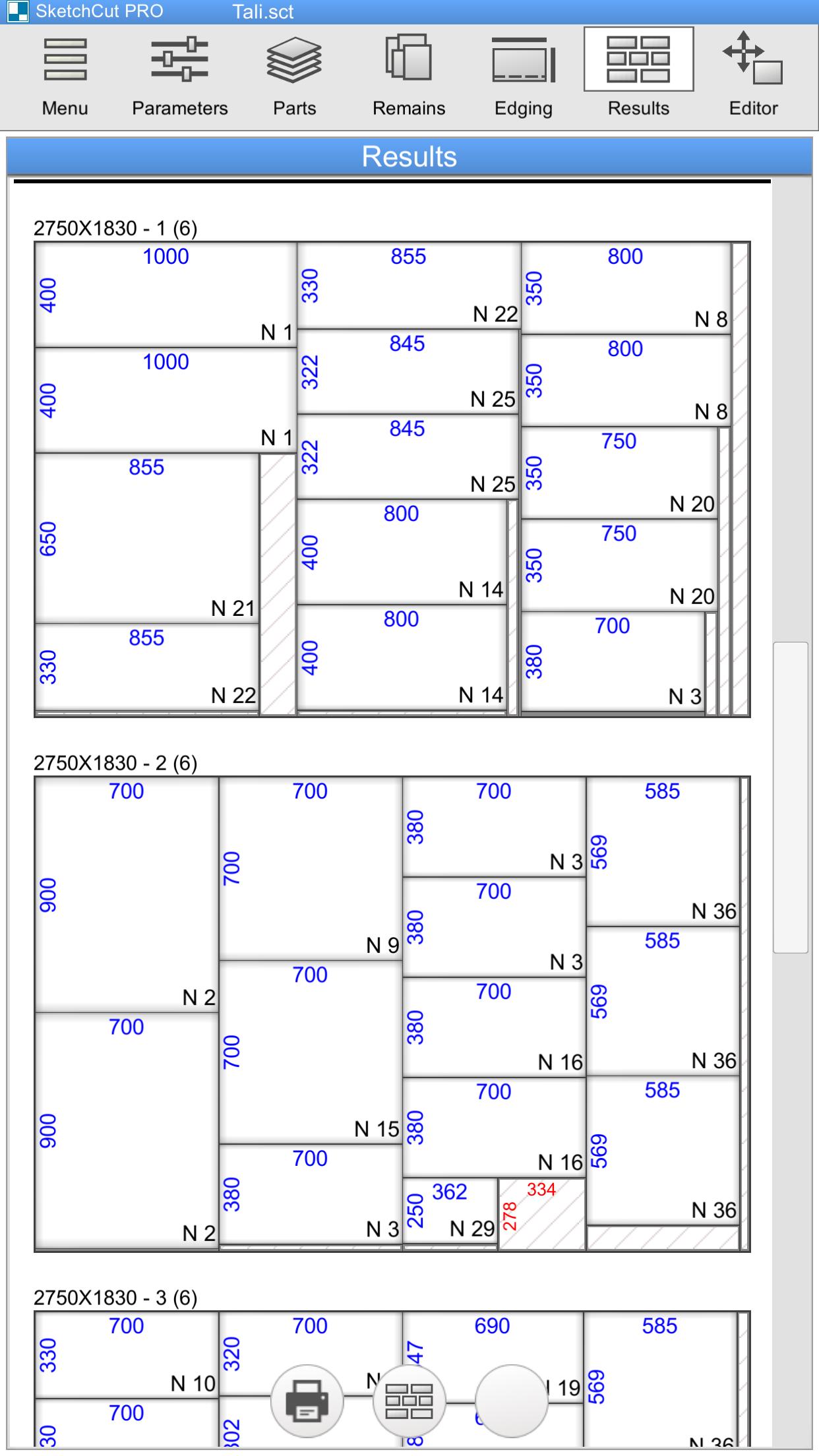
Use the Layout Editor to manually arrange parts or adjust a plan while respecting your set cut width and margins. Save projects on your device, export printable PDFs, and send files by email or messaging apps. You can add order details and mark edgebanding and grooves, and summary tables show counts, areas, and total cut lengths.
SketchCut PRO offers practical tools for calculating layouts, editing placements, and sharing clear plans. To begin, download SketchCut PRO and create a small test project to confirm kerf and edge settings match your equipment. After that, export a PDF and share it with your team before cutting.
Latest Version
3.9.72Requires Android
8.0
Category
Business AppContent Rating
Everyone
Report
Flag as inappropriateLast updated on Oct 30, 2025
Minor bug fixes and improvements. Install or update to the newest version to check it out!





APKPure - A multi-platform app store primarily focused on Android, providing extensive app-related content. Discover the app you want easier, faster, and safer, with quick and efficient downloads and installations.