Package Name:com.wakaztahir.sketchapp
SHA-256:3149c54a50f0daec5c3175038a068d900b2e1aac872f777203be74ac0675a1cd
Show More

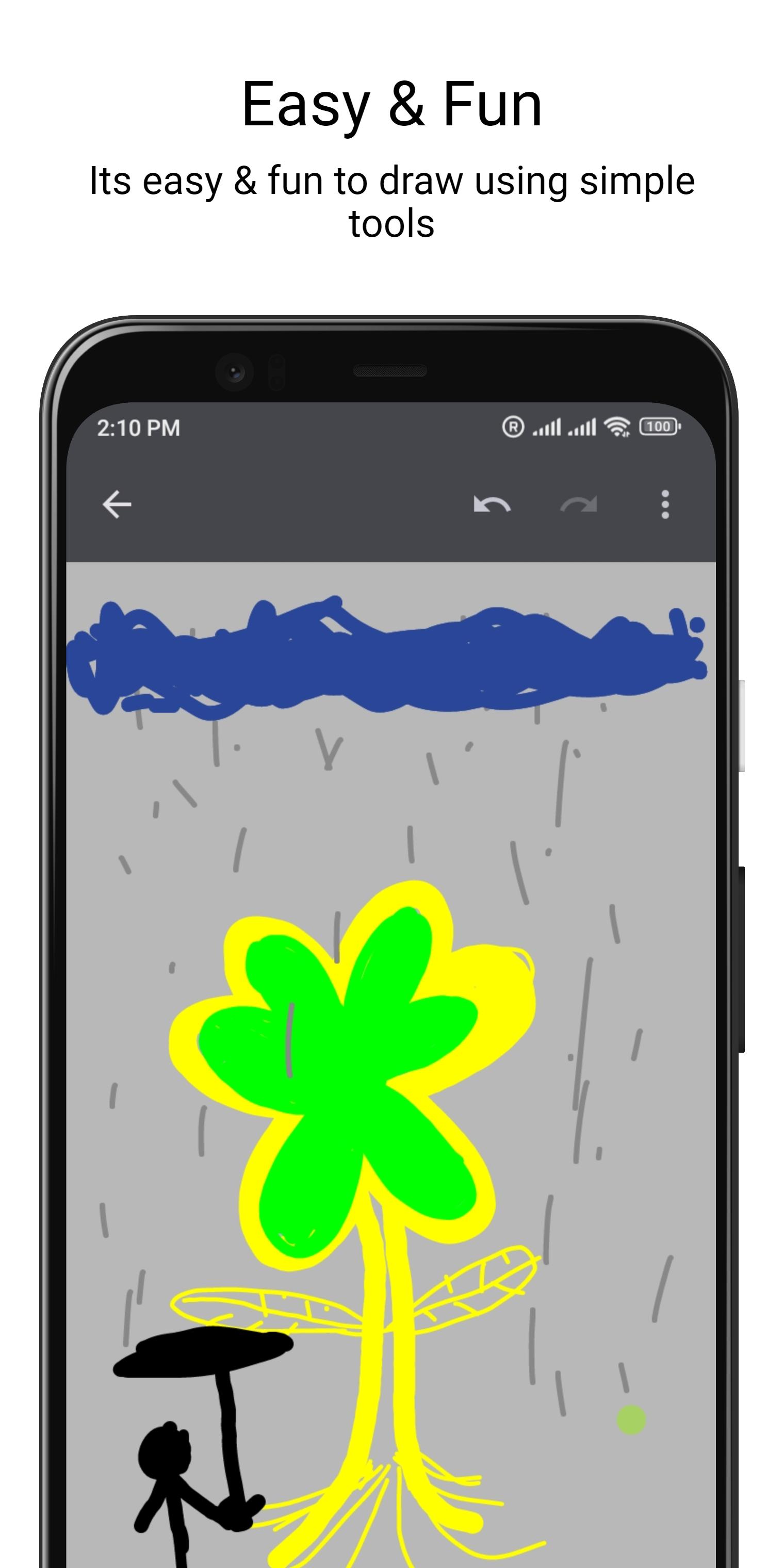
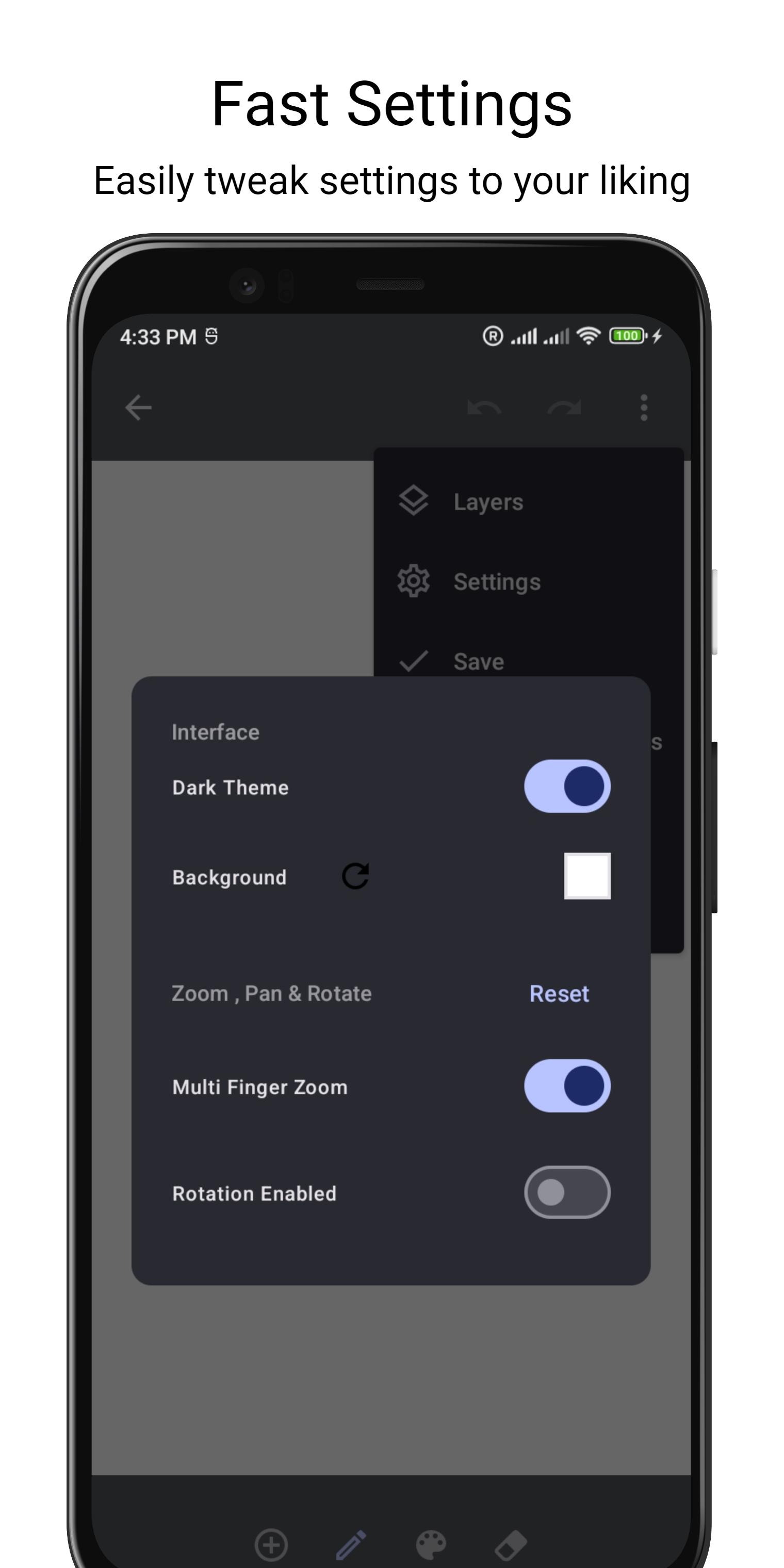
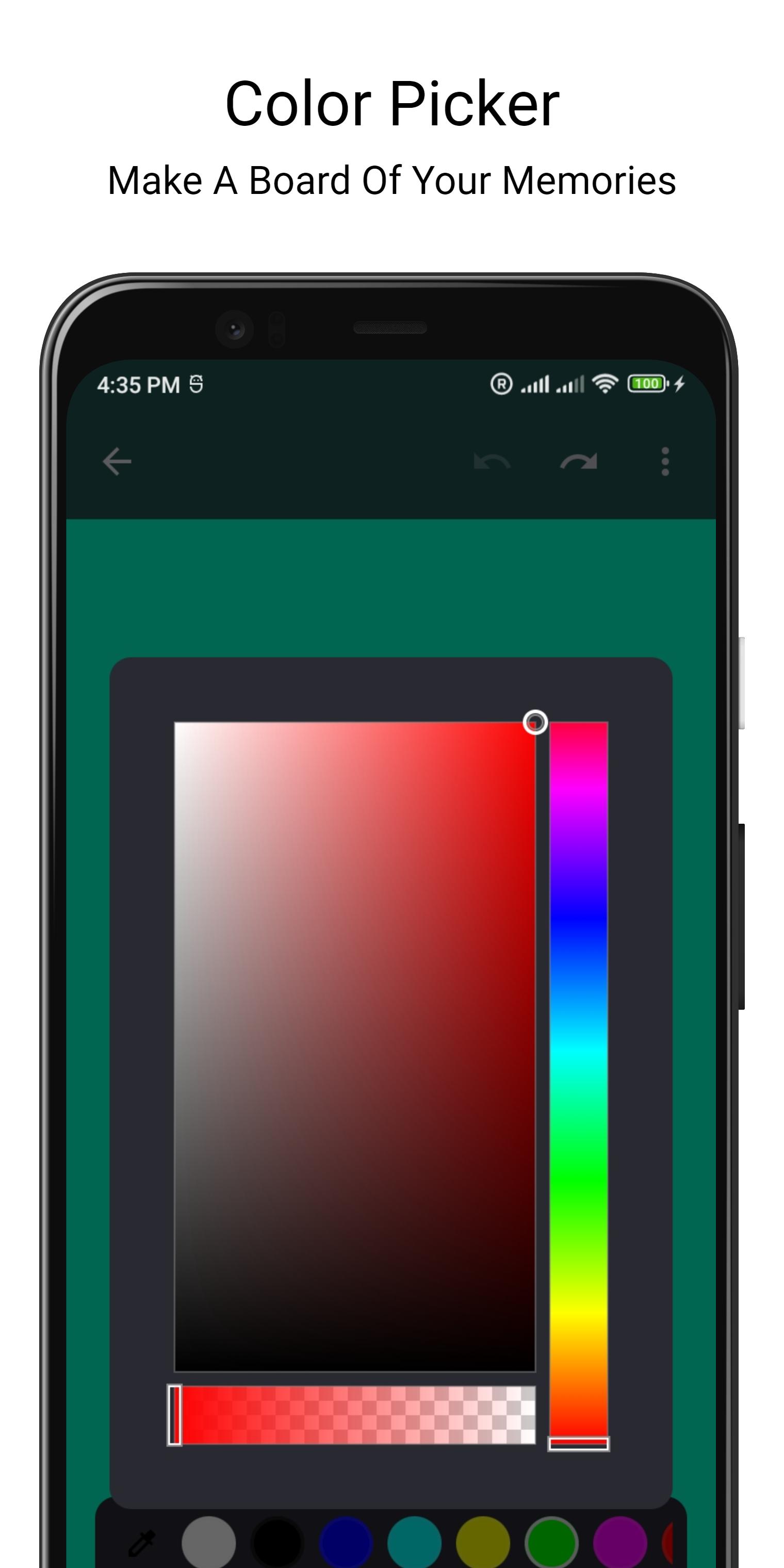
Sketchable is a powerful drawing and painting app that allows users to create digital art on their device. With its vector formatting capabilities, users can save their creations in a file and import them later for further editing or sharing. The app's color picker tool allows users to select and use multiple colors in their artwork, while its light and dark themes provide users with flexibility in terms of aesthetics and visibility.
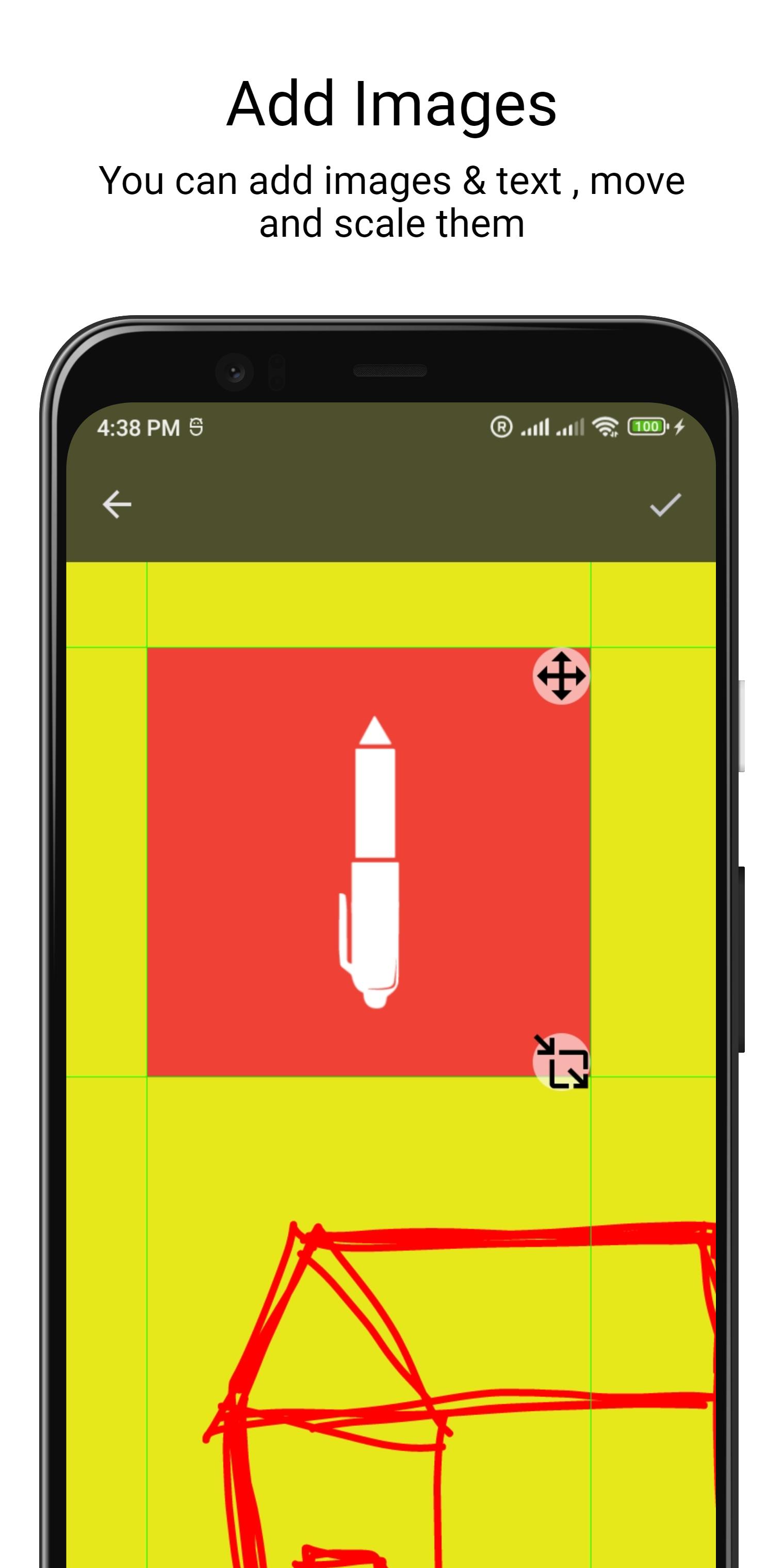
One of the standout features of Sketchable is its infinite canvas, which gives users endless space to work on their art. Additionally, the app is able to export high quality PNG, JPEG, and custom vector files, making it easy to share and showcase creations. Users can also add text and images to their sketches, and can even use the app's multi window state to drag and drop images for easy integration.
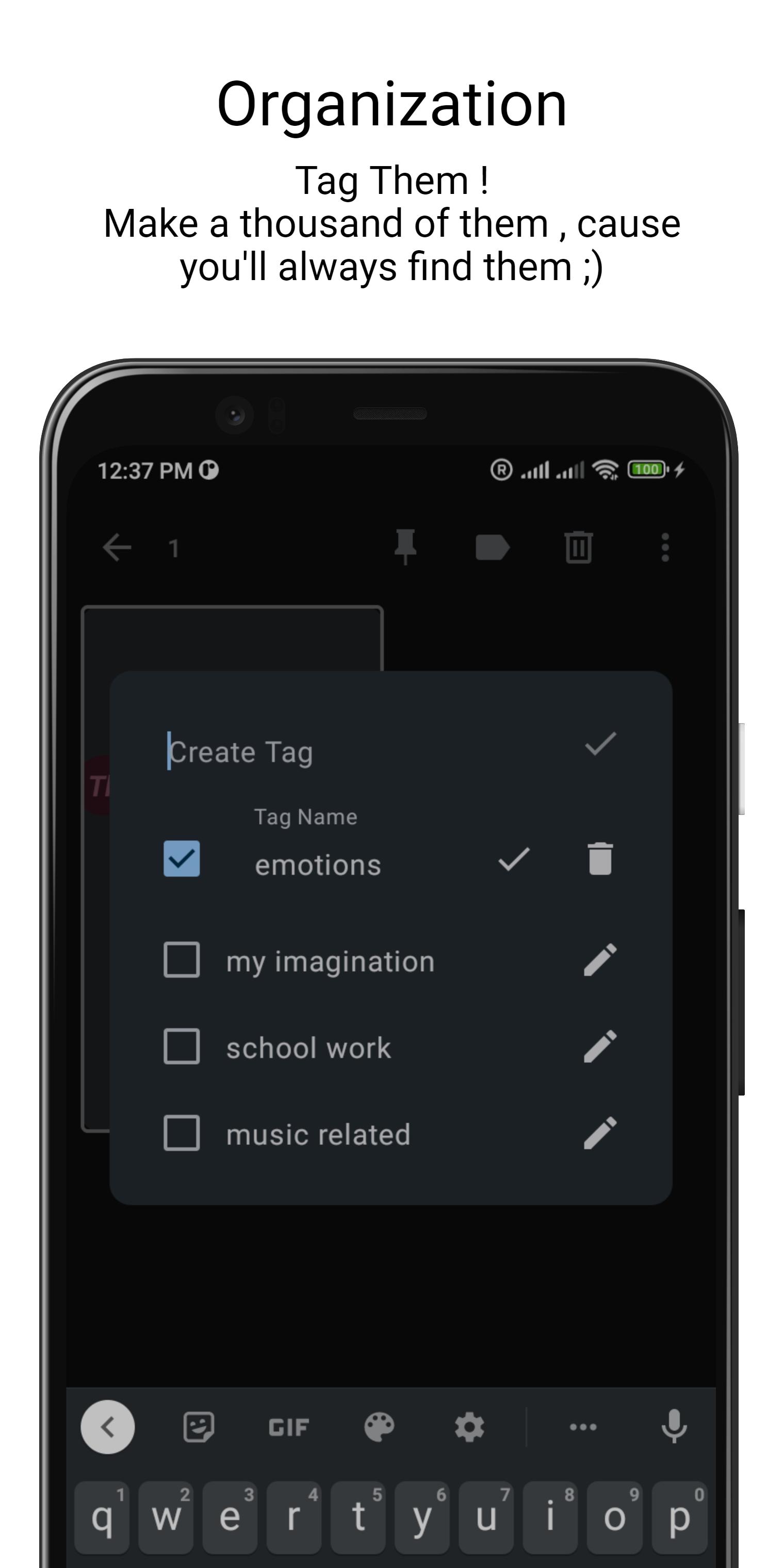
Sketchable's layers support and zoom functionality, which allows users to zoom in and out using multiple fingers, provide users with even more creative control. App's label (tag) system allows users to easily categorize and navigate to their sketches on the main screen.
In addition to its comprehensive set of drawing and painting tools, Sketchable also offers a range of features that enhance the user experience and make it easier to create and organize art. One such feature is the ability to add labels (tags) to sketches, allowing users to easily categorize and find their work. This is particularly useful for users who have a large number of sketches and want to keep them organized.
Another useful feature of Sketchable is the ability to put the app in a multi window state, which allows users to easily drag and drop images into their sketches. This can be especially useful for users who want to incorporate reference images or other elements into their artwork. Additionally, the app's zoom functionality, which allows users to zoom in and out using multiple fingers, makes it easy to focus on specific details or get a wider view of the entire canvas.
Finally, Sketchable's support for layers allows users to work on different elements of their art separately, and then combine them into a cohesive whole. This can be particularly useful for creating complex artwork with many different elements, or for making adjustments to specific parts of a sketch without affecting the rest of the work.
Overall, Sketchable is a powerful and feature-rich app that offers users a wide range of tools and features for creating and organizing digital art on their device. Whether you're a professional artist looking for a new digital medium, or simply someone who enjoys drawing and painting as a hobby, Sketchable has something to offer.
Latest Version
1.0.54Uploaded by
احمد عمر
Requires Android
Android 5.0+
Category
Free Art & Design AppContent Rating
Everyone
Security Report
Check Now
Report
Flag as inappropriateLast updated on Oct 7, 2024
Updates versions




APKPure - A multi-platform app store primarily focused on Android, providing extensive app-related content. Discover the app you want easier, faster, and safer, with quick and efficient downloads and installations.