

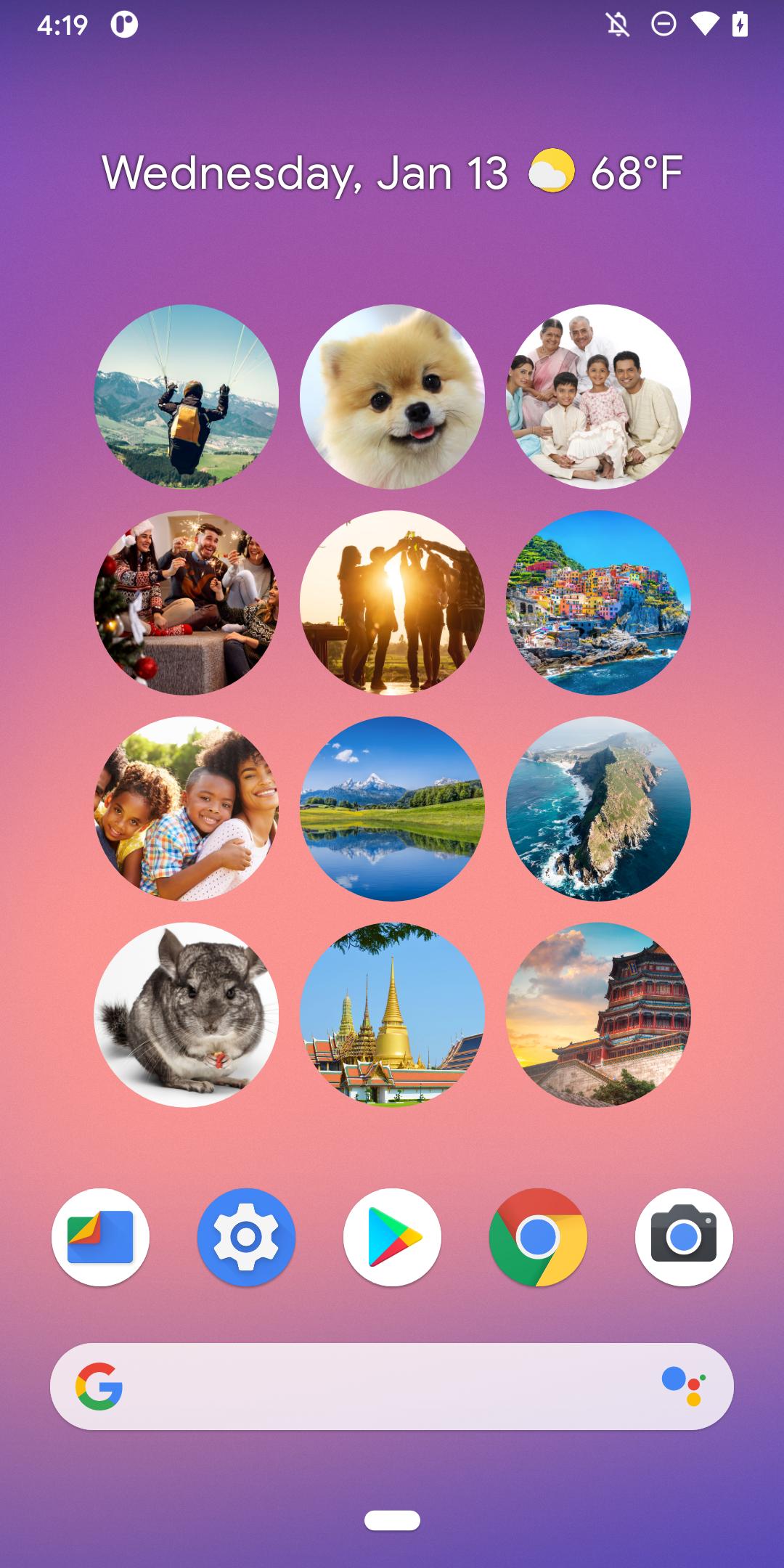
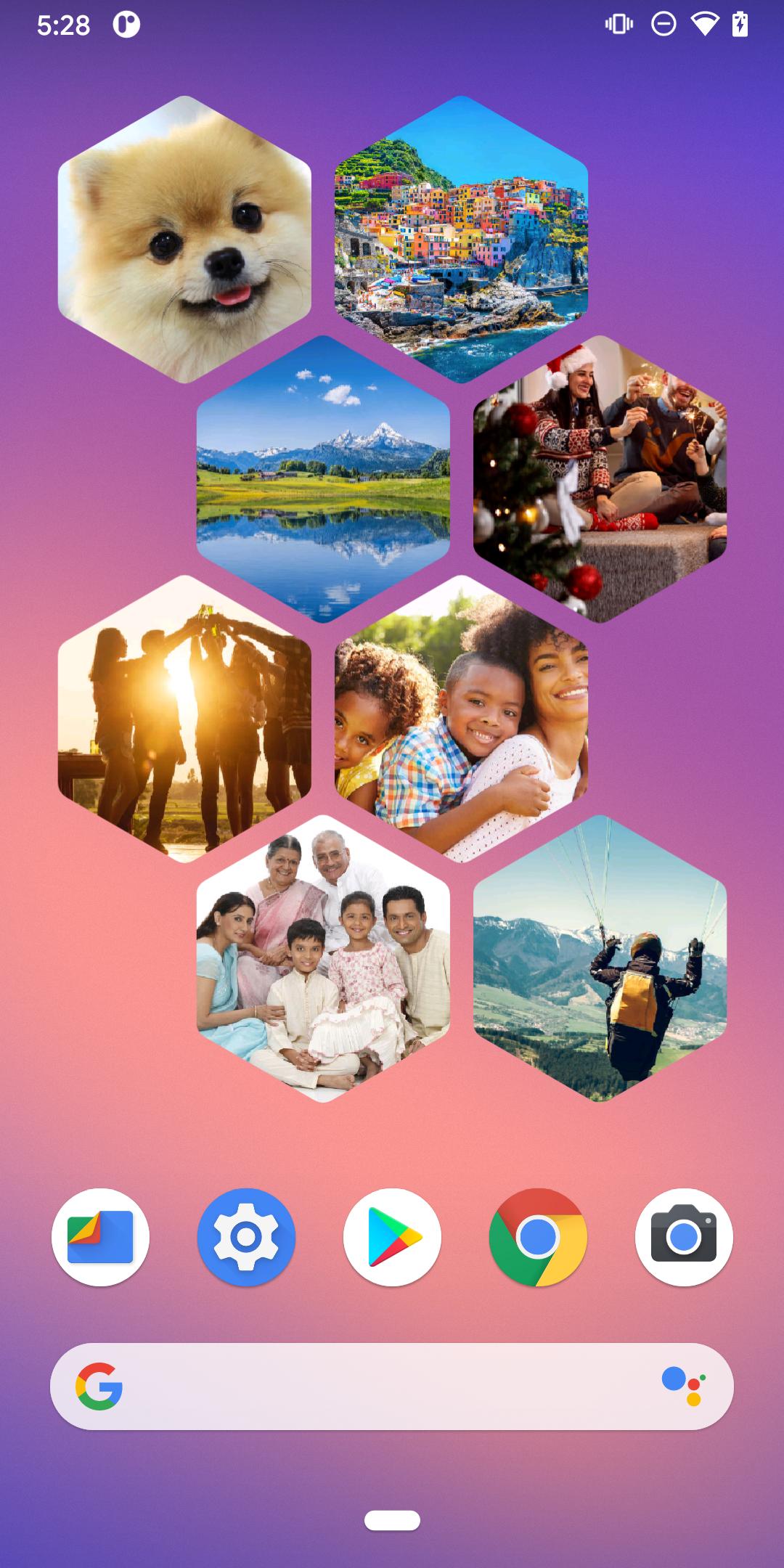
Simple Photo Widget helps you keep favorite images visible without opening your gallery. It suits users who want family photos, travel shots, or notes front and center on the phone. You can also pin a barcode image for quick access at checkout, and switch pages when you want a fresh look. To start, download Simple Photo Widget and choose the photos you like, then place a widget on any screen.
Photo widgets for one or many
You can display one image in a small widget or fill a tile with several photos. Simple Photo Widget lets you pick albums or individual files and match them to the space available. This suits quick highlights and broader collages.
Layout options
Manual or automatic paging
Additionally, set pages to rotate on a timer, or swipe to change when you prefer. Animated transitions make each change easy to follow. This helps you cycle through collections without opening other apps.
Quick barcode access
Finally, pin a saved barcode or QR image to a widget so it is ready when needed. At checkout or entry, show the code from the home screen. This avoids digging through menus while standing in line.
Simple Photo Widget focuses on clear, flexible widgets for photos and saved codes. For the Simple Photo Widget latest version, install the app, select your images, and place widgets where they fit your layout.
Latest Version
1.6.5Uploaded by
Brain Raska
Requires Android
Android 4.4+
Category
Free Productivity AppContent Rating
Everyone
Report
Flag as inappropriateLast updated on Jul 16, 2021
**NEW** Copy widget configuration from existing ones
- Bug fixes





APKPure - A multi-platform app store primarily focused on Android, providing extensive app-related content. Discover the app you want easier, faster, and safer, with quick and efficient downloads and installations.