This app provides navigation but with simplicity. You can simply choose your target location and then let app guide you towards it's direction. You can even search for locations. Once the location is set, app will start calculating the distance and direction.
This app can also work offline.
-->Note:
This app requires GPS services to be enabled on phone, to function.
-->How to Use:
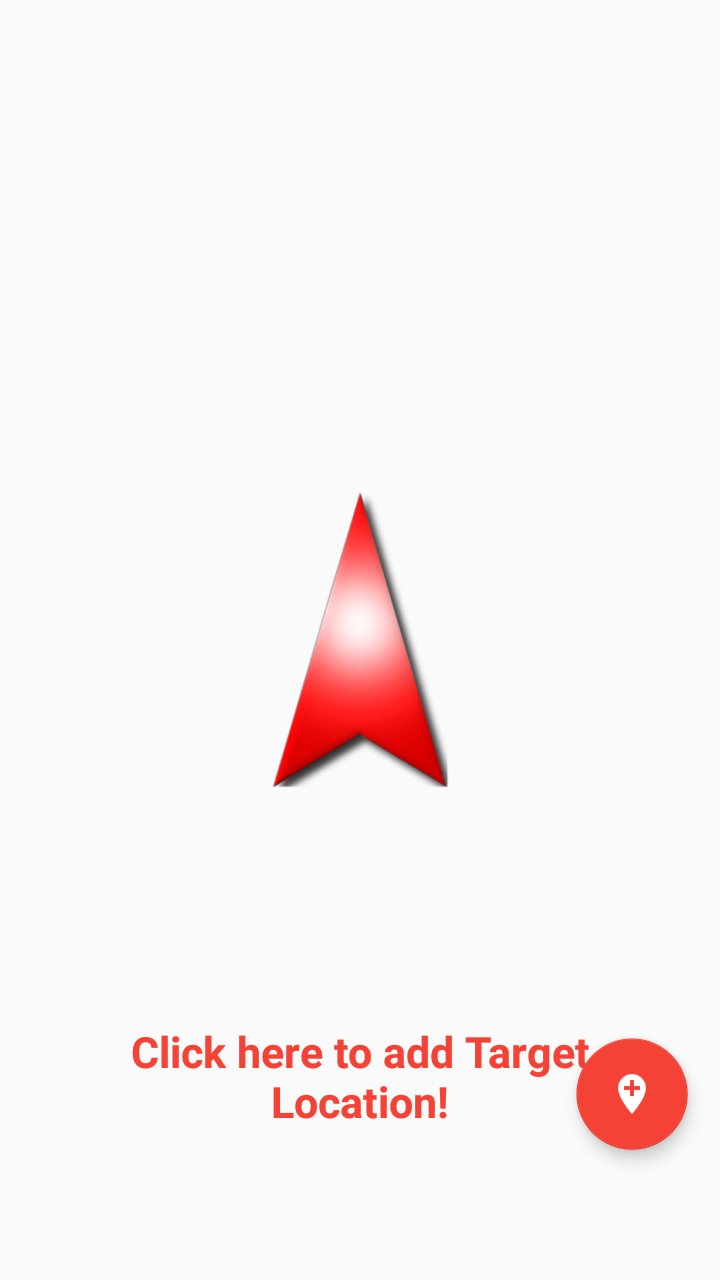
Click on Add location button, located on bottom right corner.
It will open up location picker.
Pick or search a location.
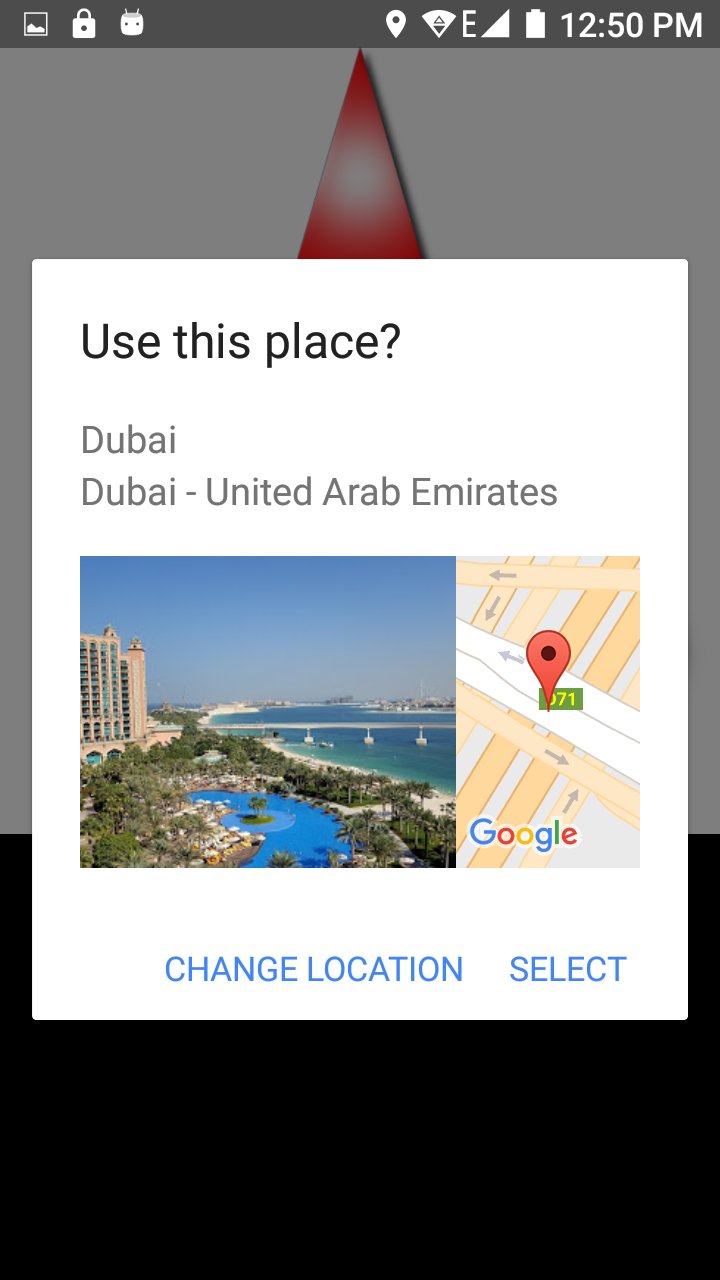
A dialog will appear asking to "Use Location".
Click on "Use Location" option.
App will start calculation distance & direction.
Once done, compass will start pointing towards the target location or destination.
Latest Version
1.0Requires Android
4.0 and up
Category
Free Travel & Local AppContent Rating
Everyone
Report
Flag as inappropriateLast updated on Mar 26, 2017
Minor bug fixes and improvements. Install or update to the newest version to check it out!



APKPure - A multi-platform app store primarily focused on Android, providing extensive app-related content. Discover the app you want easier, faster, and safer, with quick and efficient downloads and installations.