
Simple Control Center App makes it easy to access important settings and features on your phone. With a simple and clean interface, this app helps you manage your phone quickly and easily.
Key Features
1. Customizable Control Center:
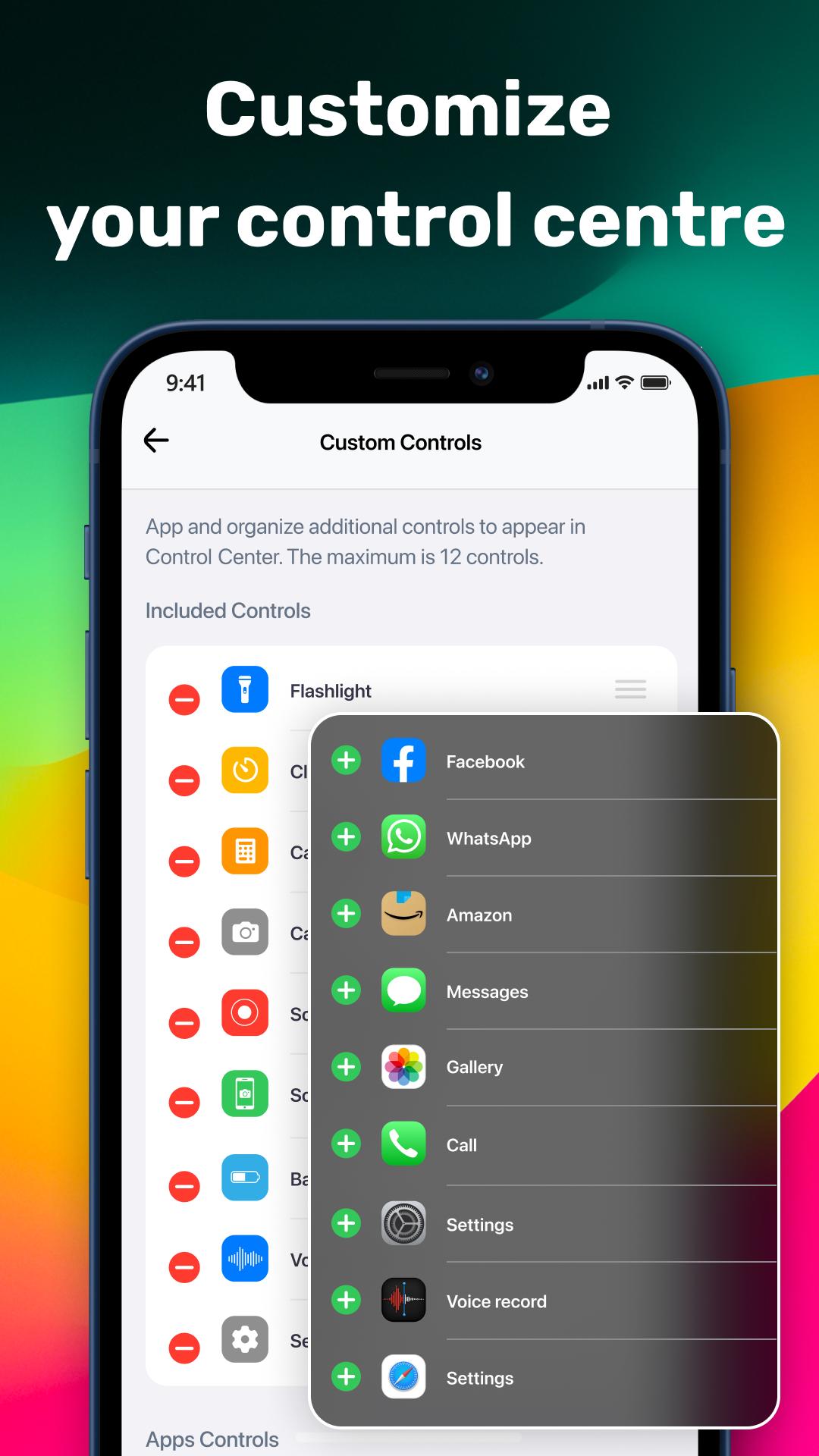
Change the control center to fit your needs. Add or remove shortcuts, move them around, and change how they look.
2. Quick Access to Important Functions:
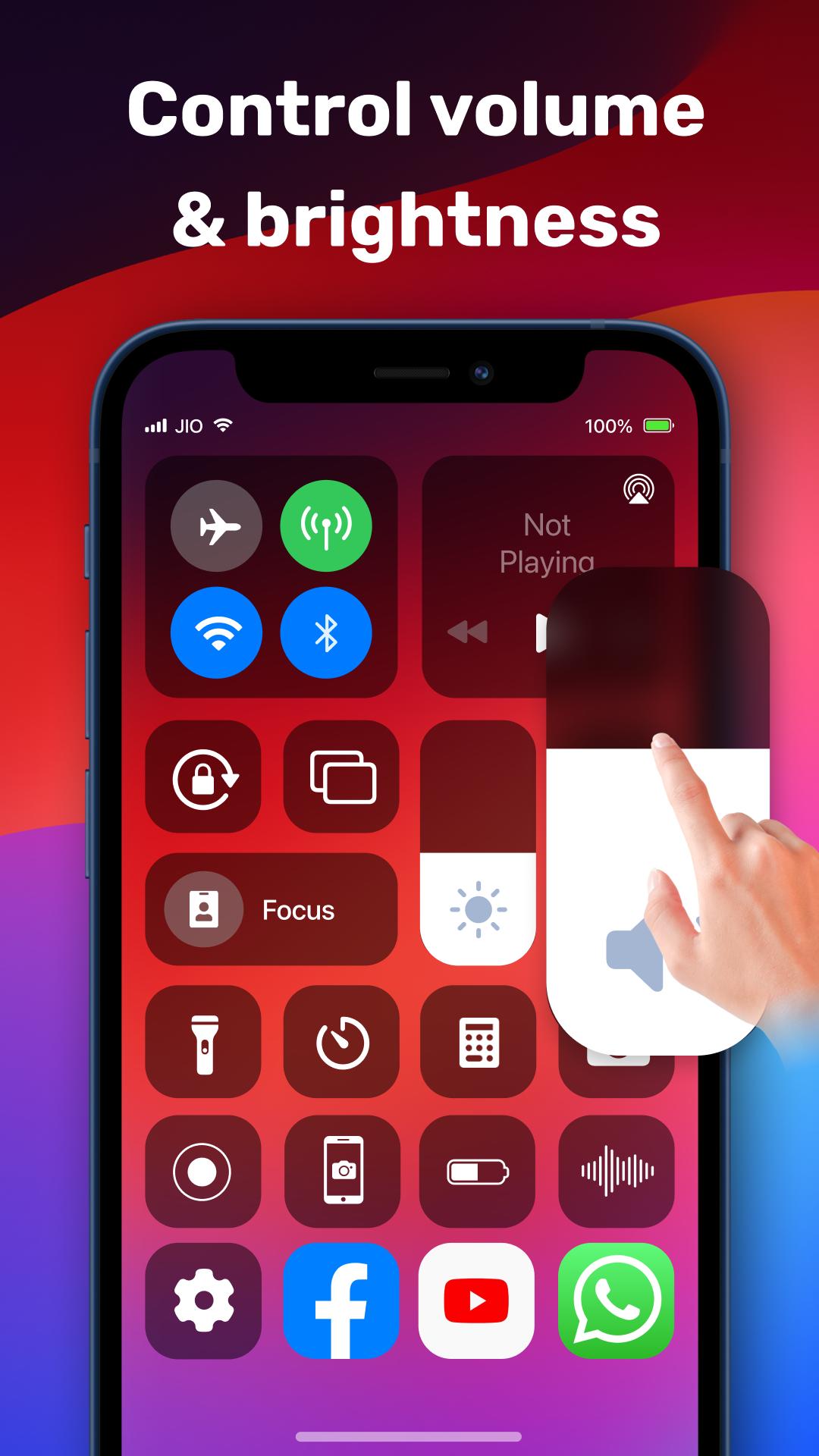
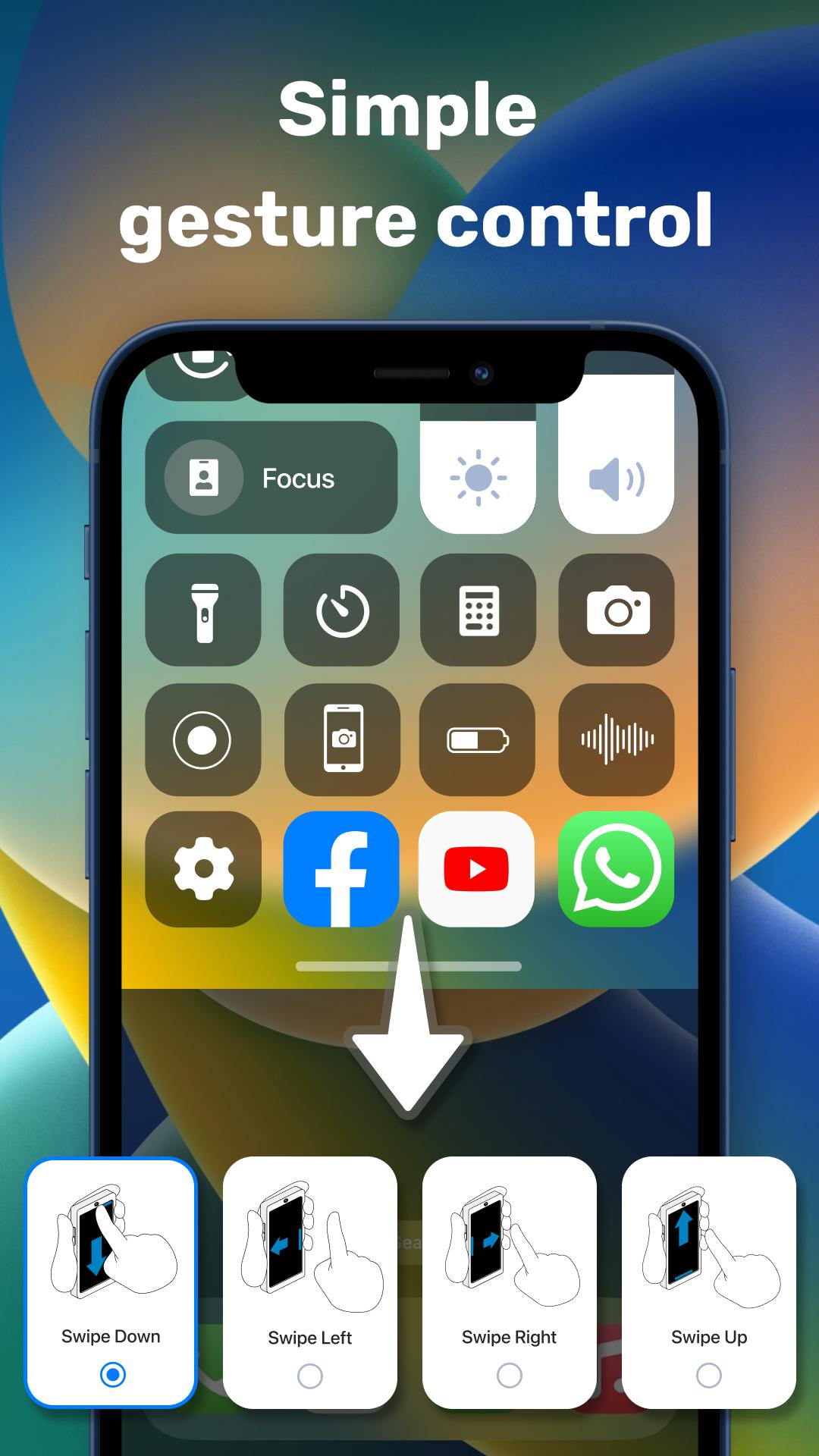
Access settings like Wi-Fi, Bluetooth, screen brightness, volume, and more easily with a single swipe. No need to search through menus.
3. Easy Connectivity Management:
Turn Wi-Fi, Bluetooth, and mobile data on or off quickly. Connect to networks and devices easily.
4. Screen Brightness and Volume Control:
Adjust screen brightness and volume levels smoothly. Perfect for any lighting or sound environment.
5. Flashlight and Camera Access:
Turn on the flashlight or access the camera with one tap. Always be ready to capture moments or see in the dark.
6. Music Control:
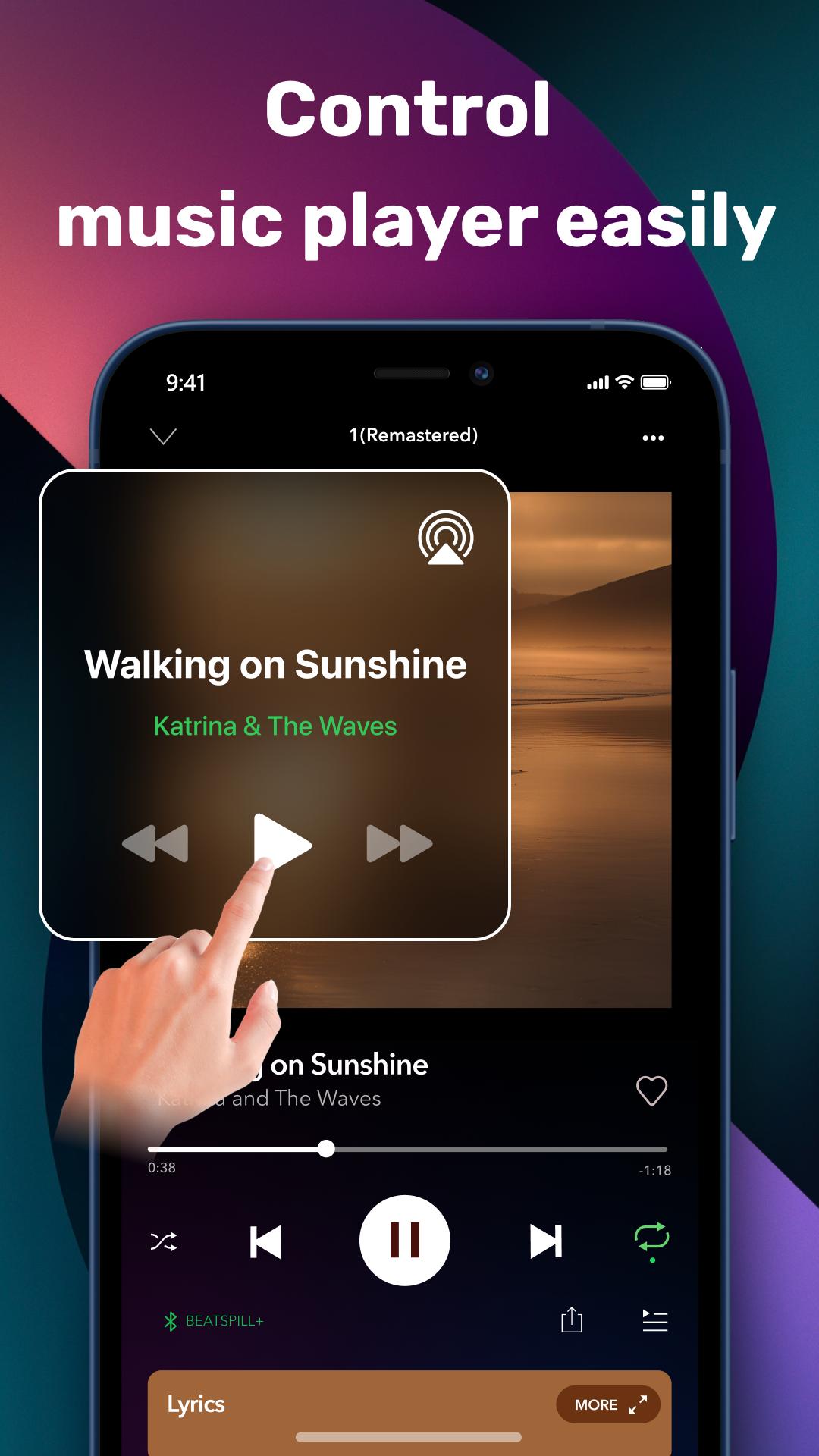
Control your music without unlocking your phone. Play, pause, skip tracks, and adjust the volume easily.
7. Screen Recording and Screenshot:
Record your screen or take screenshots effortlessly. It is ideal for making tutorials or saving important information.
8. Do Not Disturb Mode:
Avoid interruptions by turning on Do Not Disturb mode. Customize it to allow calls from certain people or set it for specific times.
9. Battery Management:
Keep an eye on your battery usage and use power-saving features to make your battery last longer.
10. Accessibility Features:
Includes features like color contrast adjustments, larger text options, and voice commands to make the app easy for everyone to use.
User Experience
Simple Control Center App is easy to use for everyone. The interface is clear and straightforward, making finding and using all the features simple.
Customization Options
You can personalize the app to look and work the way you want. Choose different themes, icons, and layouts to make it your own.
Support and Feedback
We are here to help. If you have any problems or suggestions, our support team is ready to assist you. Your feedback helps us make the app better.
Conclusion
Simple Control Center App is the perfect tool to improve your smartphone experience. With its easy-to-use features, customizable design, and focus on privacy, it helps you take full control of your phone. Download the Simple Control Center App today and see the difference it makes.
Important Note About App Accessibility Services:
This app uses ACCESSIBILITY SERVICES to enhance your device experience. Here is how,
Control Center Display: To seamlessly show the Control Center on your screen, the app needs access to Accessibility Services. This ensures a smooth, integrated experience.
Quick Actions: For features like adjusting volume or controlling music playback directly from the Control Center, Accessibility Services are required.
This application does not disclose any user information in connection with ACCESSIBLE SERVICES and no user data is stored by the application in connection with this access.
Latest Version
1.4Uploaded by
Emanuel Gutierrez
Requires Android
Android 7.0+
Category
Free Productivity AppContent Rating
Everyone
Report
Flag as inappropriateLast updated on Nov 22, 2024
This release includes minor bug fixes and general improvements. Update to the latest version for the best experience.



APKPure - A multi-platform app store primarily focused on Android, providing extensive app-related content. Discover the app you want easier, faster, and safer, with quick and efficient downloads and installations.










