Simple is best!
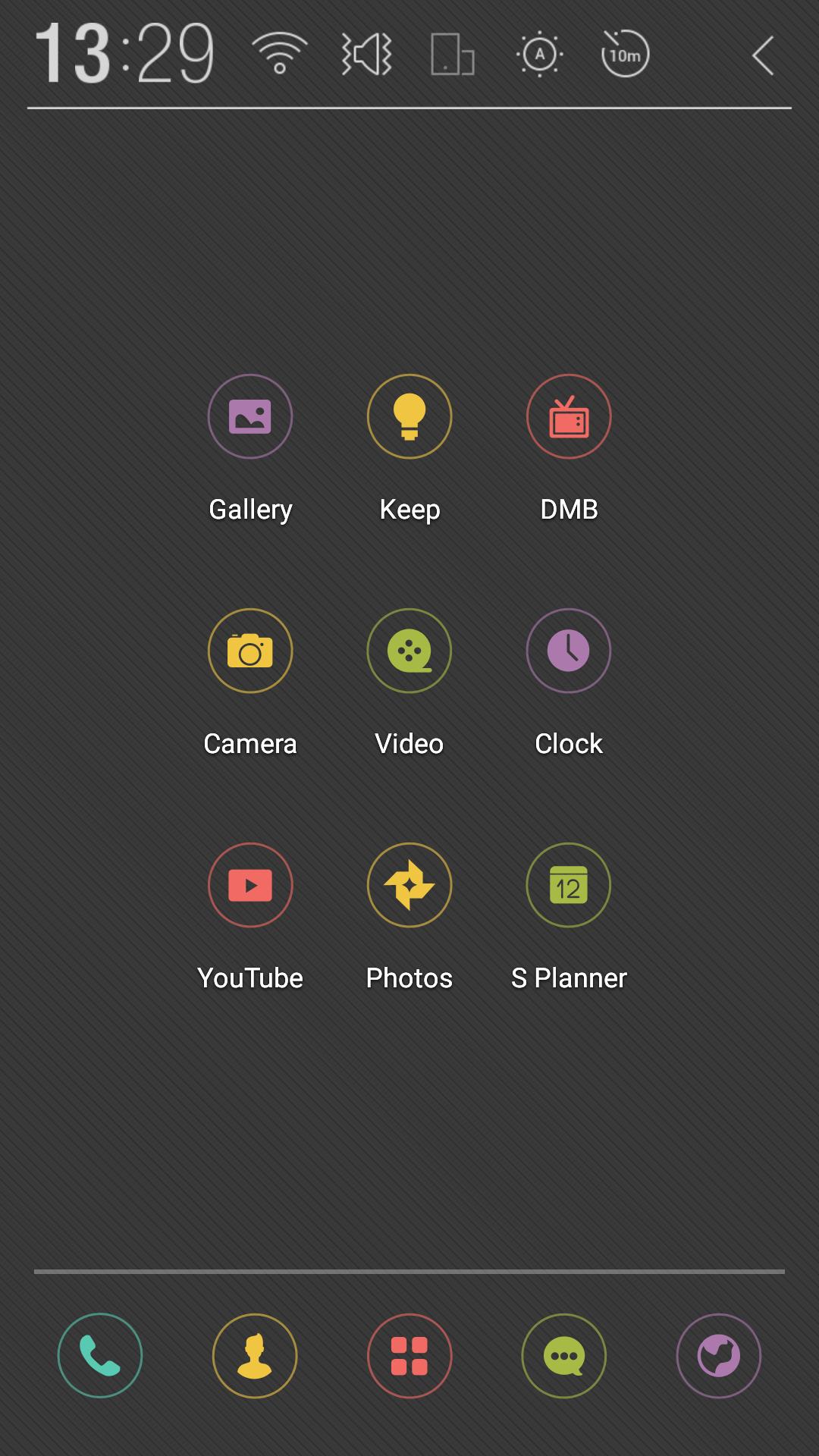
This color theme is simple and easy-on-the-eye, classy.
▶Atom Theme User Guide
1. Press and hold an empty space on the home screen to choose your theme, or press the menu for theme settings
2. Choose and apply the desired theme
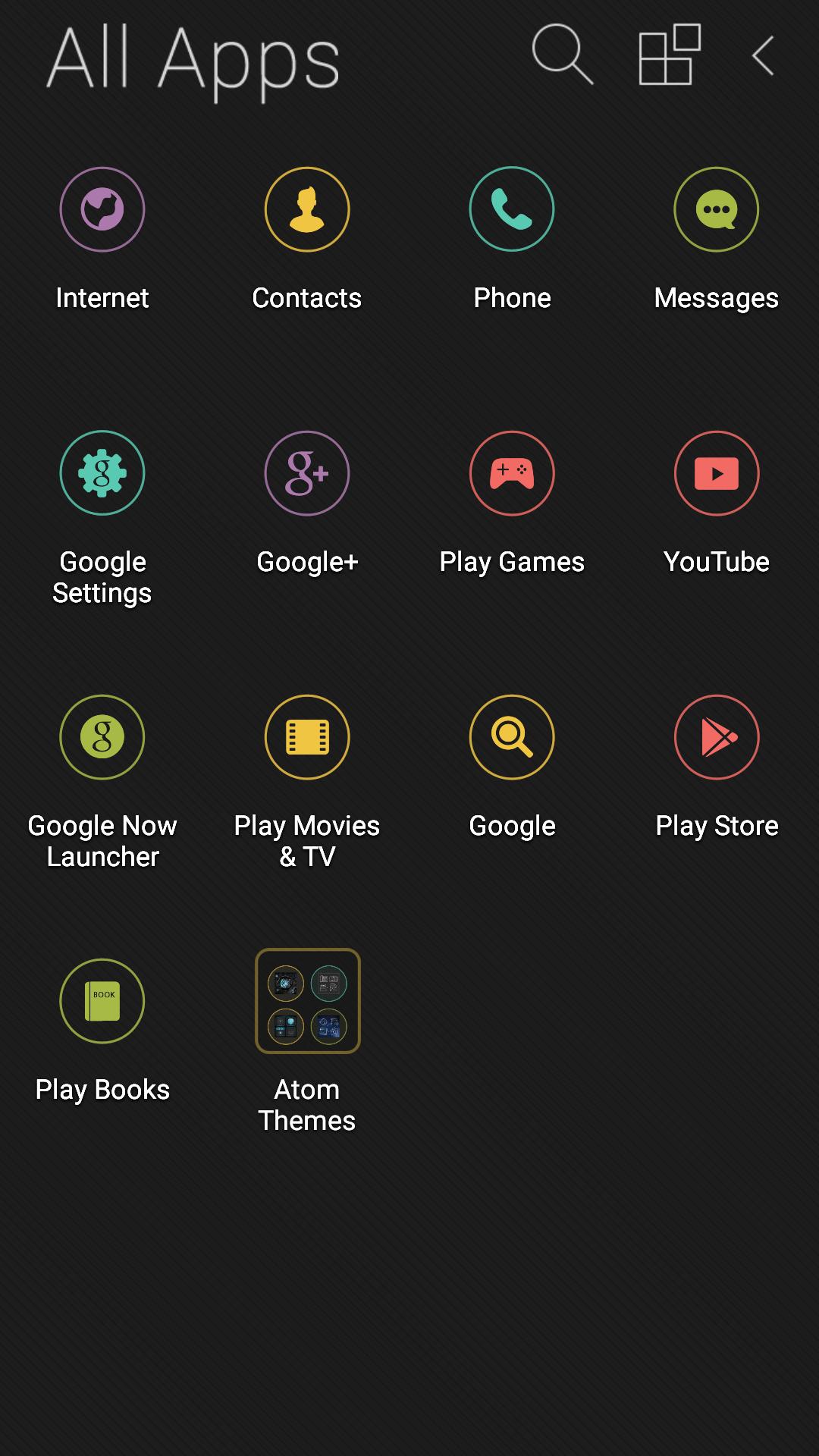
3. Changing icons: able to change every icon (press and hold each icon to change individually).
4. Changing point color: able to change point colors on the top of home and app screens
▶Tips
1. Incorporating photos in the gallery with Atom icons (Menu – Wallpapers - Apply)
2. Changing colors and/or hiding home screen texts to match the theme (Launcher Settings – Home Screen – Icon Text Color)
▶Atom Store
With weekly updated themes, icon packages, and widgets that range from sophisticated, simple themes to artists’ sensuous illustrations, you can decorate your phone’s home screen daily: search Atom Store on the search tab!!
▶Theme Maker
A simple theme creating function that allows you to build your very own themes with the photos in your gallery
1. Press menu on your home screen, or enter through Theme Maker on the upper-right-hand corner of Theme Settings
2. Choose any wallpaper (multi-wallpaper, still photo, etc.)
3. Choose icons and point color and…
4. your very own personal theme!
- You may not edit the theme once it is finished, but you can delete it in Theme Settings and simply create another!
▶Notes
- Available in Android 4.0.2 or higher
- You need at least 20MB in main storage to save theme related resources
- The installed application’s icon will not be visible on the menu to improve usability
- Badges for missed call and unread messages are only available in standard application: functionality may differ from one manufacturer to another
- Optimus View series only supports a select few themes due to resolution (4:3) issues
- Certain manufacturers’ default widgets may not show in Atom Launcher as they are made to use only from their default home screens
▶Customer Service
Please leave reviews (5 stars are like Red Bull to exhausted developers)
If you find any suggestions or inconveniences in using the application, please contact us through email addresses posted below:
- Customer Service mail: cs@dlto.co.kr
- Blog: http://blog.naver.com/atomlauncher
- Facebook: https://www.facebook.com/Atom.Home
Latest Version
1.1Uploaded by
Maha Mustafa
Requires Android
Android 4.0+
Category
Free Personalization AppContent Rating
Everyone
Report
Flag as inappropriateLast updated on Feb 19, 2016
* Added gray background of icons for various wallpaper






APKPure - A multi-platform app store primarily focused on Android, providing extensive app-related content. Discover the app you want easier, faster, and safer, with quick and efficient downloads and installations.