


Package Name:pdfreader.pdfviewer.tool.docreader
SHA-256:1434fc9b58975f0df8cea9d5de1c02e81a00a57e9b2bfa75a8459acdfc9b431a
Show More

The most convenient PDF Reader - PDF Viewer that you need!
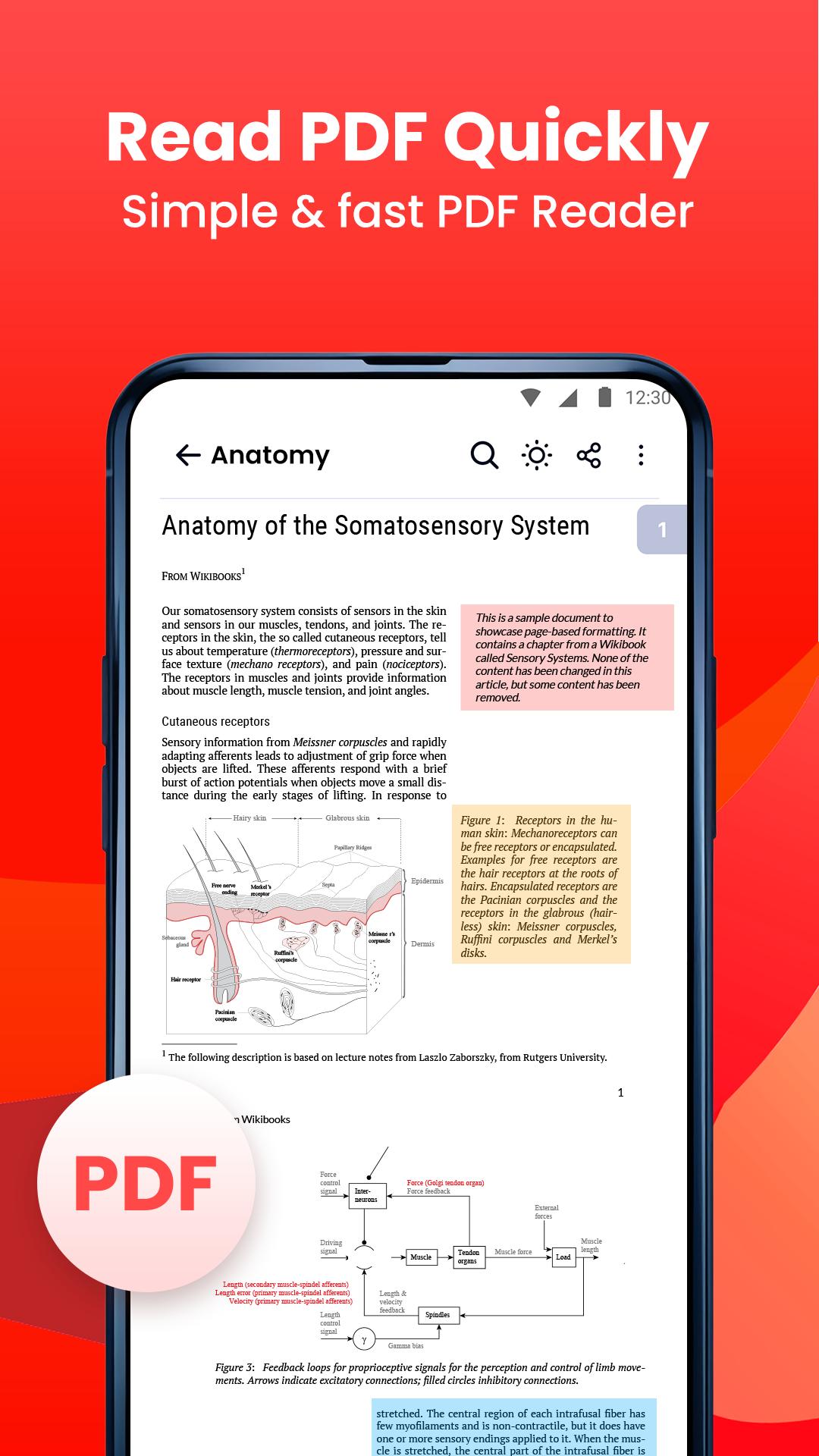
PDF Reader – PDF Viewer is the light weight office app that you can use to read all documents type, the app supports all pdf files even the one with password protection.
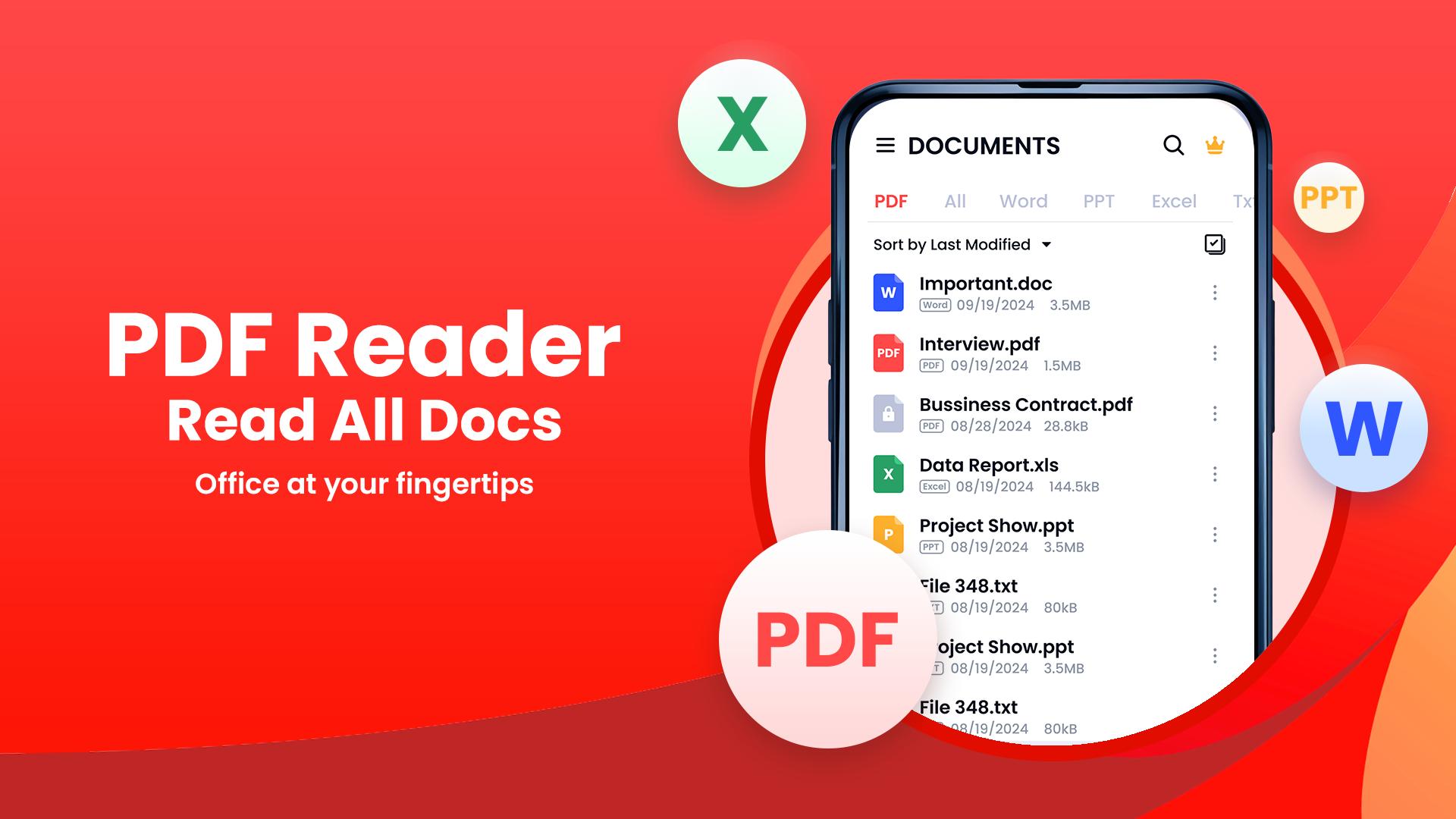
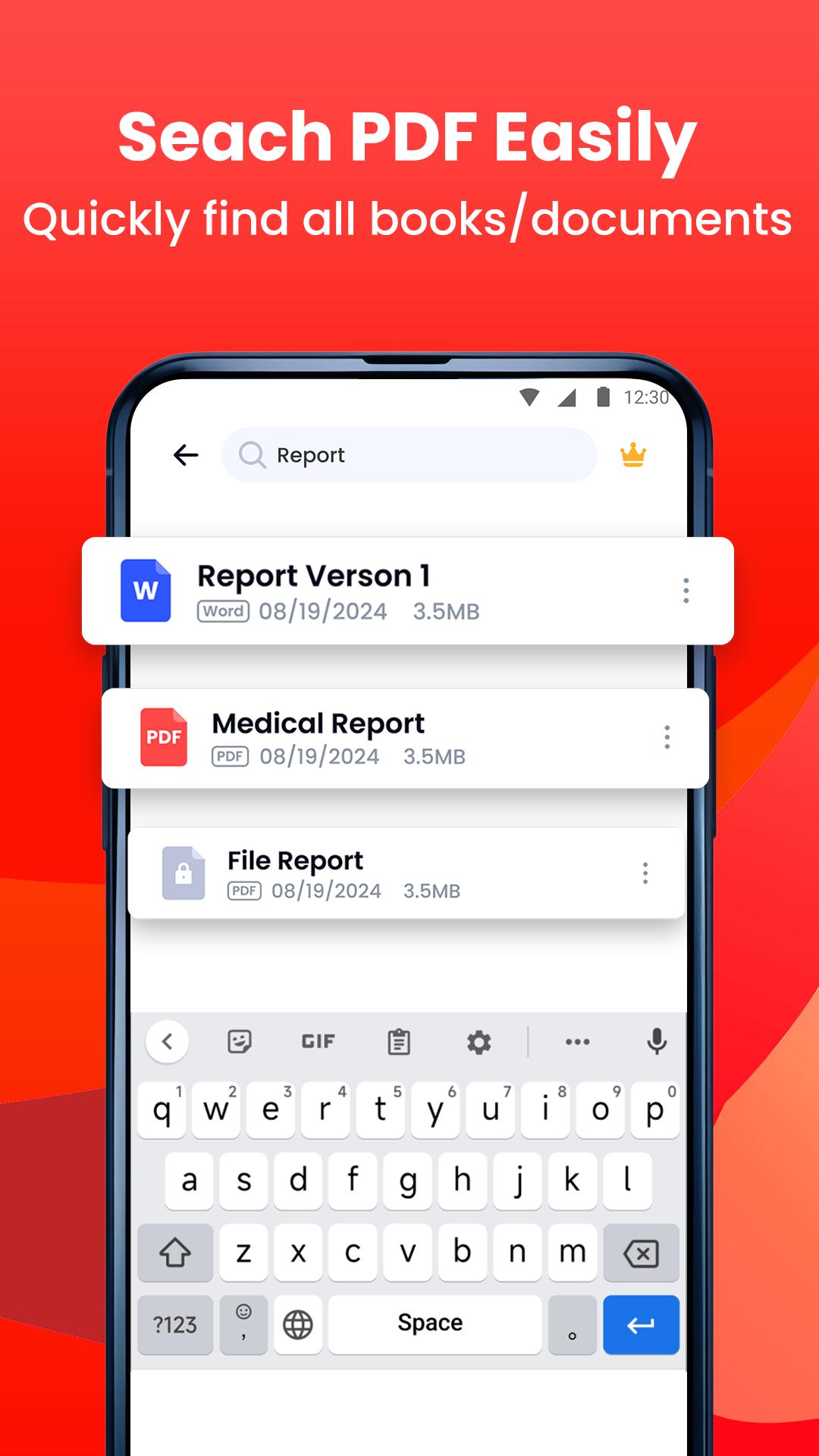
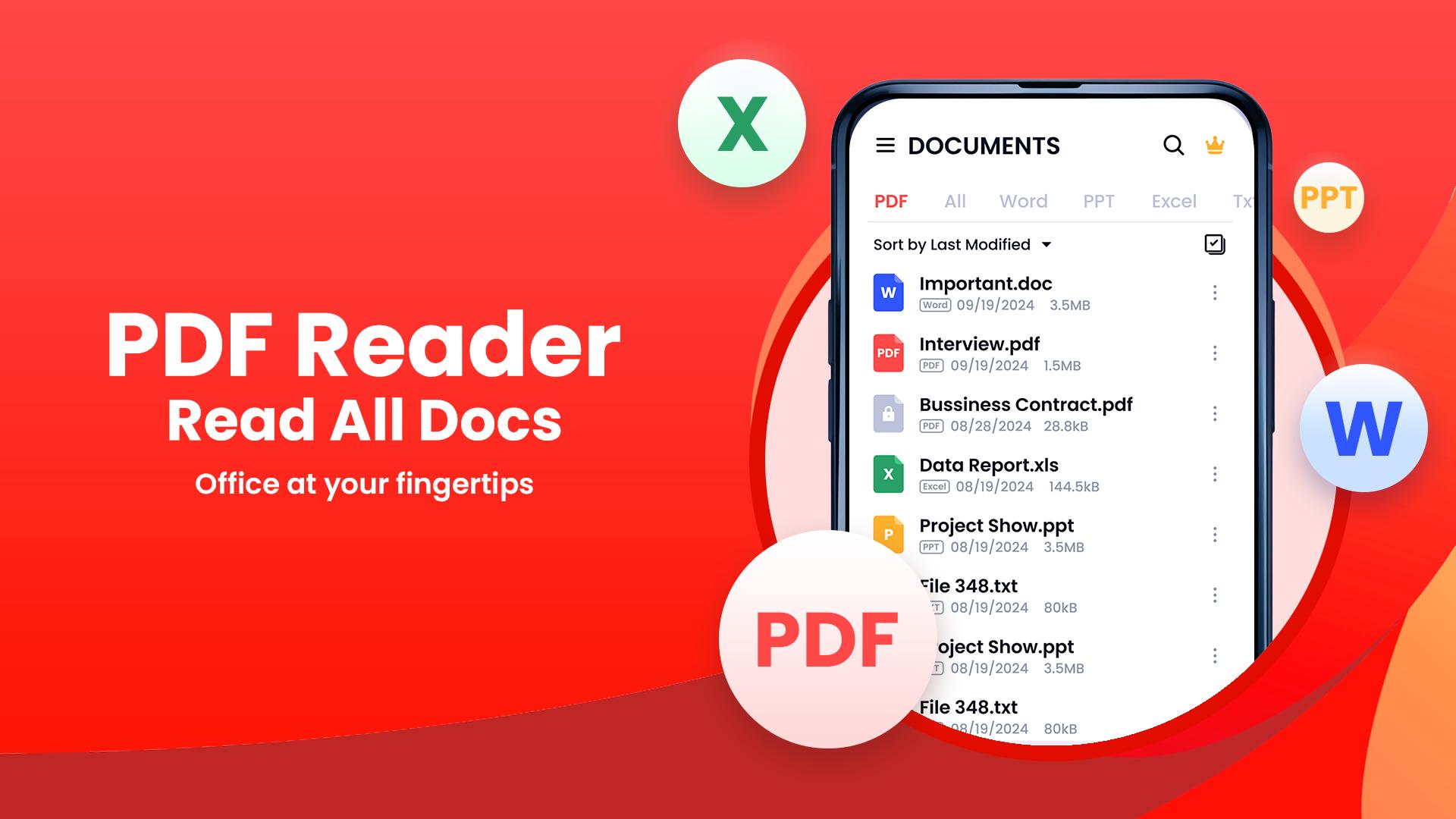
Looking for a simple and easy-to-use document reading app? PDF Reader - PDF Viewer & Tool is exactly what you need! It can auto scan, find, and list all PDF and other various document files (DOC, XLS, PPT, TXT, ..) on your phone, allows you to fast open, read and manage your files in one place conveniently.
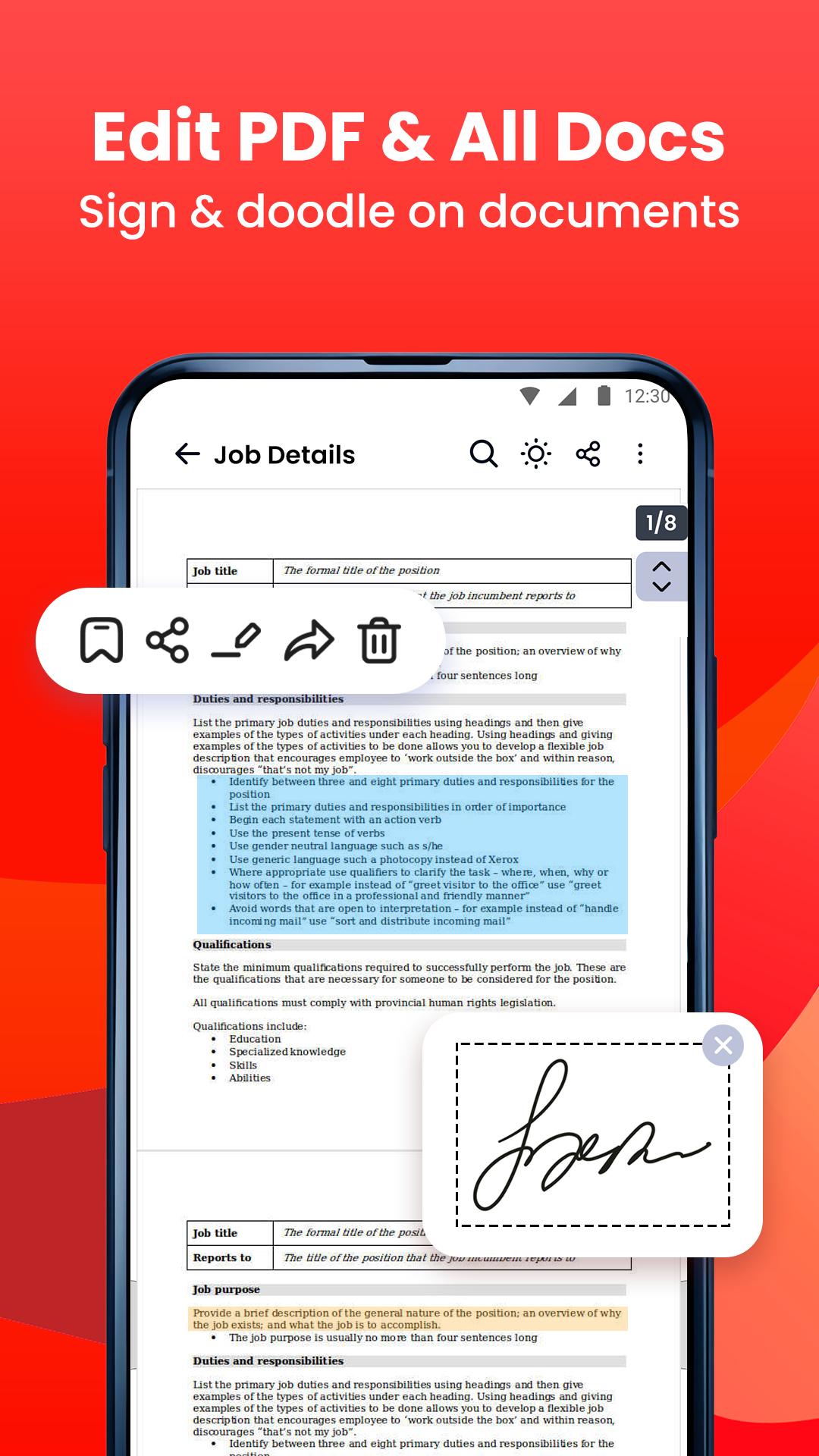
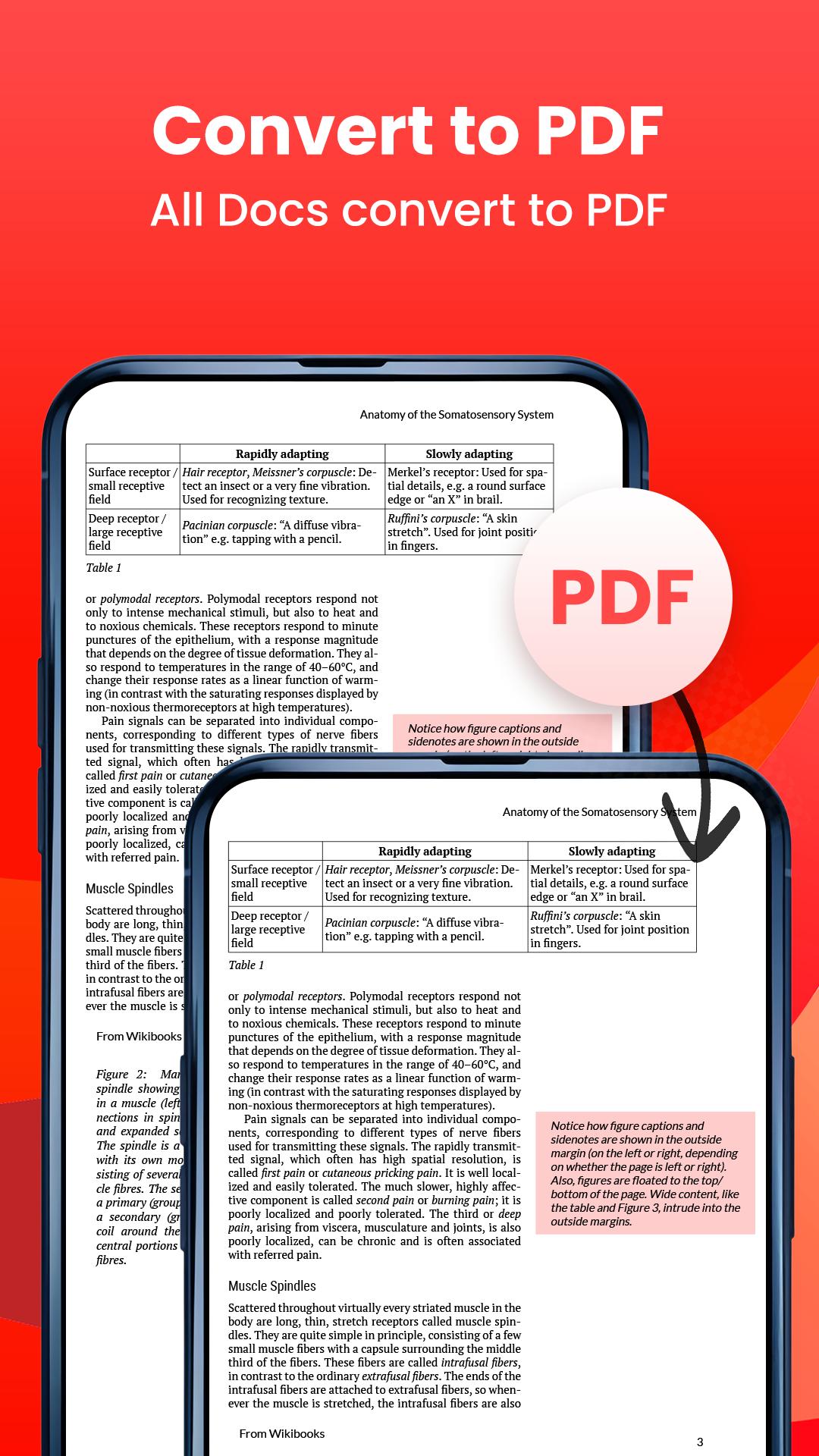
PDF Reader is not only a reading app, you can also use it to highlight text, take notes, add e-signatures, bookmark PDF pages, share PDF files. With powerfull tools, you can also compress, add watermark as well as convert any file types to PDF.
Here are some core features of PDF Reader - PDF Viewer & Tool:
📄 Smart, all-in-one viewer & reader
- Access and read PDFs anywhere, anytime, without an internet connection.
- Automatically search and display all your files: PDF, Word, Excel, PPT
- Simple and clear file lists, easy to manage
- Full-screen mode for the best reading experience
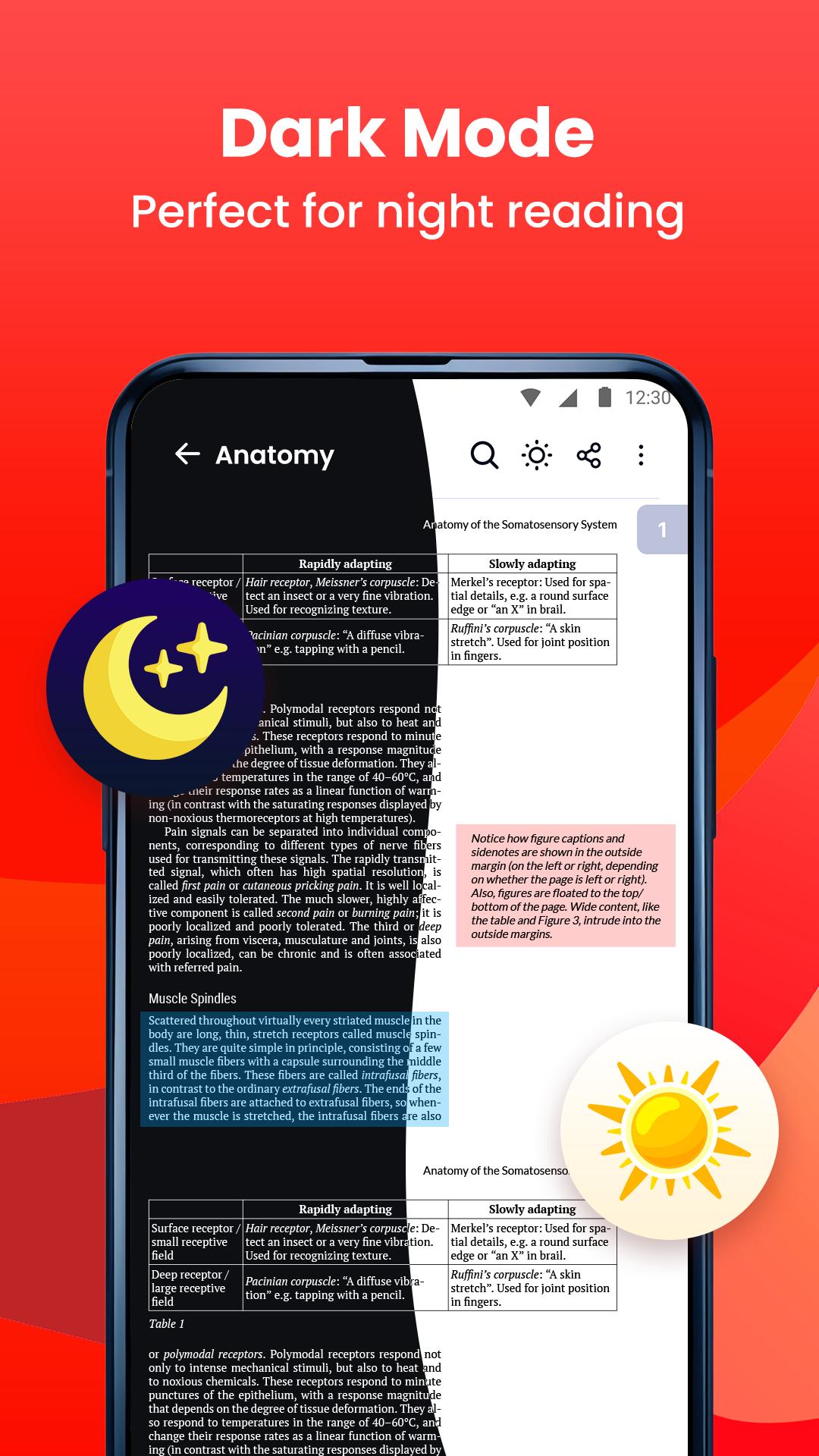
- Dark mode for the best reading experience
- Zoom in and out of pages as needed
- Jump directly to the page by entering the page number
- Search and copy any text in PDF files with ease
- Multiple languages supported
📑 Powerful tool
- All type converters (PDF-> DOC, DOC->PDF, IMG->PDF, EXCEL->PDF, PDF->JPG, ...)
- Merge & split your PDF files
- Set password to protect your documents
- Scan to PDF
- Easily add e-signature
- Compress PDF documents
- Watermark PDF documents
- Printing document files from your device
📂 PDF file management
- Organize and manage your PDF files in one place.
- Keep you notified when there's new document
- Recently opened files in a simple list for quick viewing
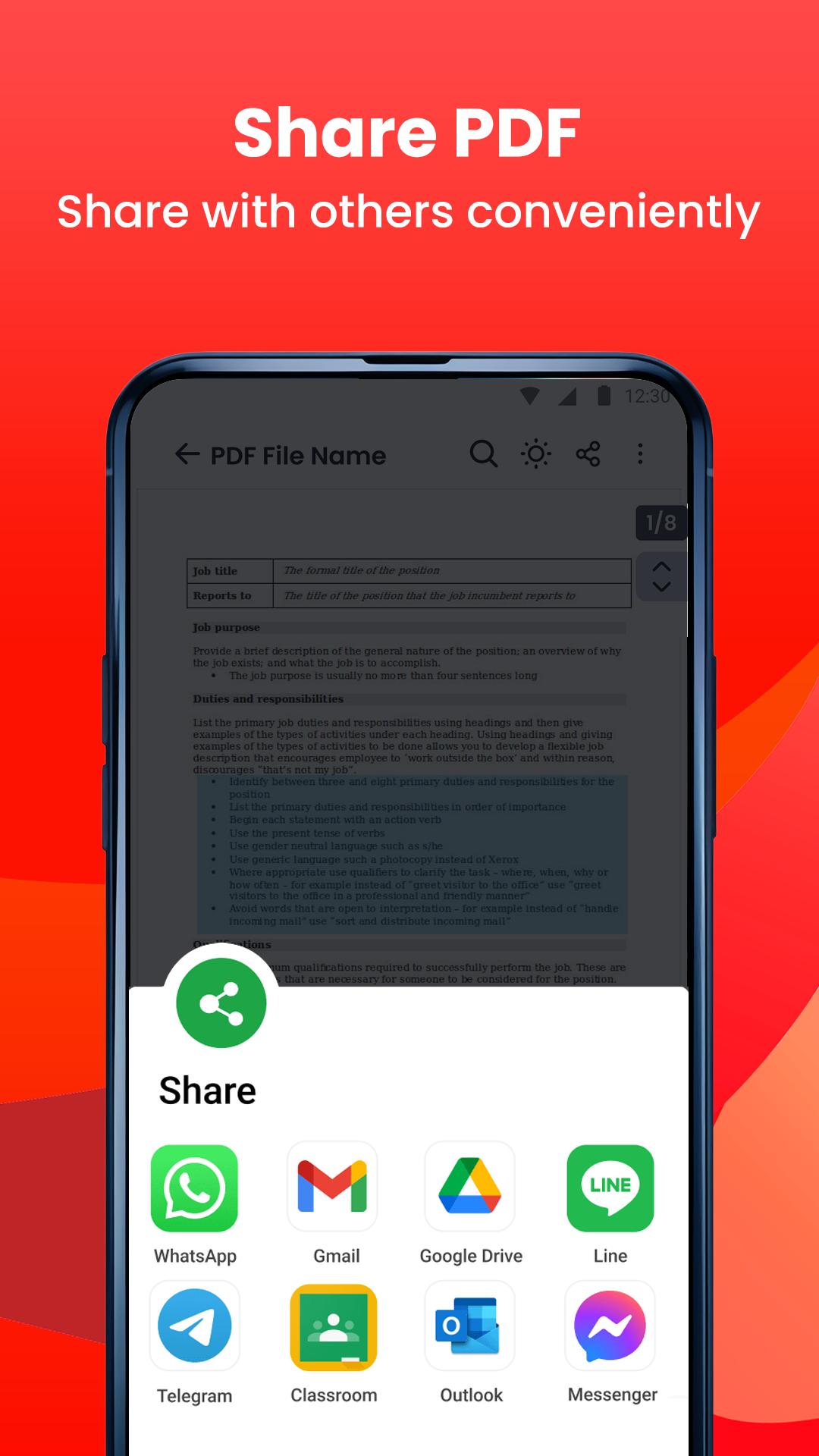
- Share your PDF files via any social media easily
- Rename your PDF files to your liking
- Delete unwanted document
- Add bookmarks to files for future use
- Shortcut creation for frequently used files.
📝 Edit document
- Add note to PDF
- Highlight important information with vibrant colors
- Draw and annotate freely on the PDF pages
- Edit document (e.g: insert, delete texts, update font, size, colours,...) & save your changes (DOC, XLS, PPT)
Download PDF Reader - PDF Viewer today and experience the ultimate app for all your PDF needs! Enjoy your reading with this superior PDF Reader for Android! 🎉🎉
Your comments and suggestions are always appreciated! If you have any questions, please contact us at funshipstudio@gmail.com.
Latest Version
1.0.34Uploaded by
Marcin Dudko
Requires Android
Android 6.0+
Category
Free Productivity AppContent Rating
Everyone
Security Report
Check Now
Report
Flag as inappropriateLast updated on Jan 28, 2026
Minor bug fixes and improvements. Install or update to the newest version to check it out!

APKPure - A multi-platform app store primarily focused on Android, providing extensive app-related content. Discover the app you want easier, faster, and safer, with quick and efficient downloads and installations.













