Scan Date:Dec 22, 2025
Show More
All Document Reader - PDF Viewer and Editor: Powerful office editor app!
This is a smart office file reader application that helps you open office, read PDF and read all documents. The all document viewer app helps you to open all file or view any document on your mobile.
No need to open the computer, only with your mobile, you can manage all files and read all documents in PDF, PPT, XLS, TXT or WORD file format.
❓ Why should you choose our file manager & file viewer app ❓
✔️ Edit your document with just a single click.
✔️ Create document using given template or with your own style
✔️ Scan document with your camera and export.
✔️ No internet required, documents viewer offline.
✔️ Search and sort the file list, manage documents.
✔️ Move your favorite documents to “Bookmark” so you can read them again later.
✔️ All in one document reader: PDF, DOC, DOCX, XLS, PPT, TXT files from internal storage, email, cloud, web and external storage.
✔️ Various tools that support you finish your tasks
📂Main features of Document Reader - PDF Viewer app:
- All files including PDF file, Word, Excel, PowerPoint, txt... are managed and organized in folder structure view.
- Edit all files including PDF, Word, Excel, PowerPoint, txt, ...
- Dark theme
- File Converter, Split PDF, Merge PDF, File Printing..
- Set password to protect your documents
- Compress PDF documents
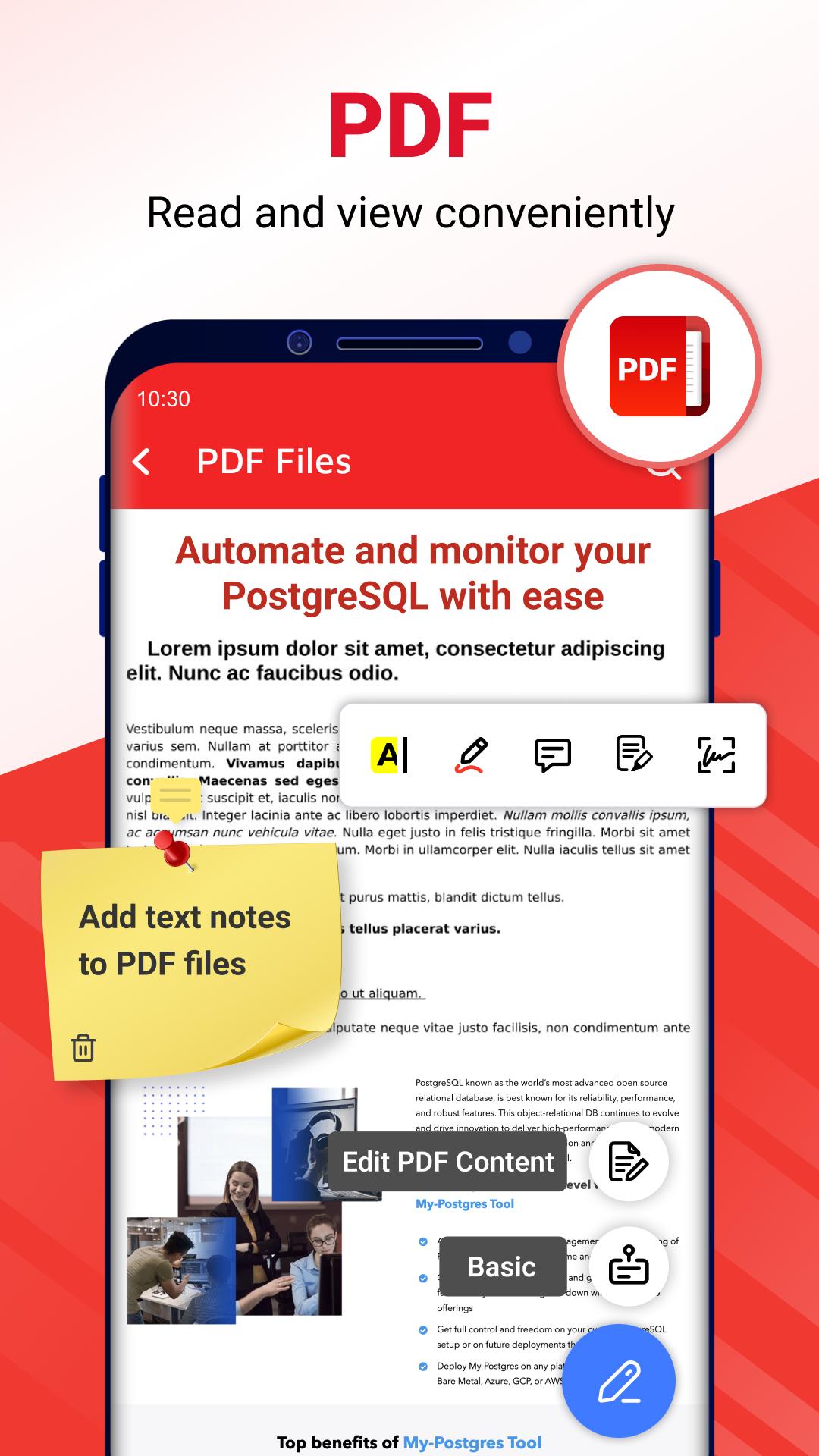
📔 Smart PDF Reader
- Full screen mode for the best reading experience
- Zoom in and out of the pages as needed
- Go to page directly by entering the page number
- Add text, draw over pdf file.
- Rename, save is supported.
⭐️ Document creator & scanner
- Create PDF, Spreadsheet, Word, or PowerPoint using given template.
- Easily scanning & joinning document support.
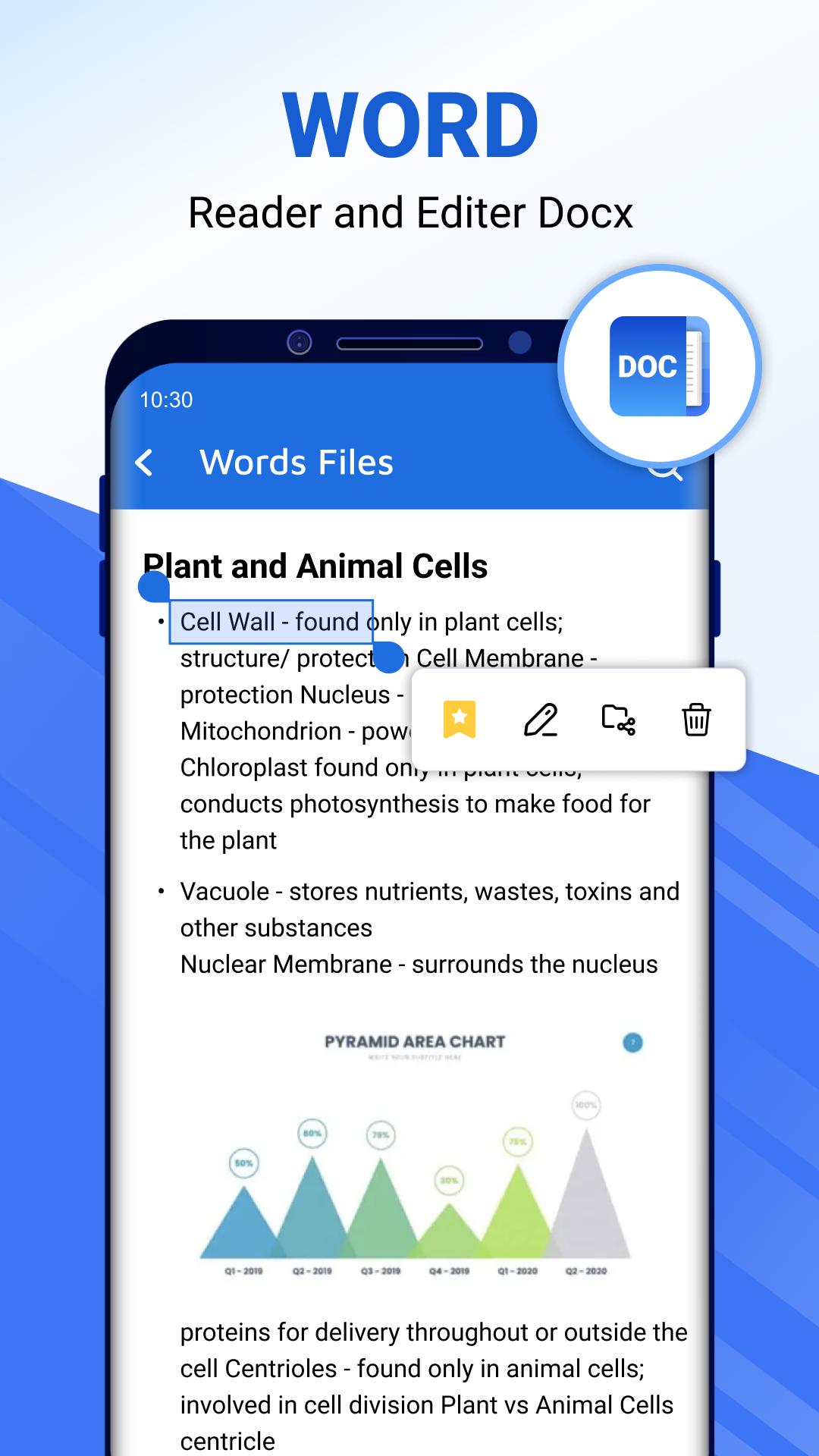
⭐️ Word reader 📘
- Correct word document by insert, delete, replace word within a click.
- Docx viewer, all doc viewers with a simple and elegant reader screen which has the essential controls.
- Quickly find any desired Docx file with the simple search option.
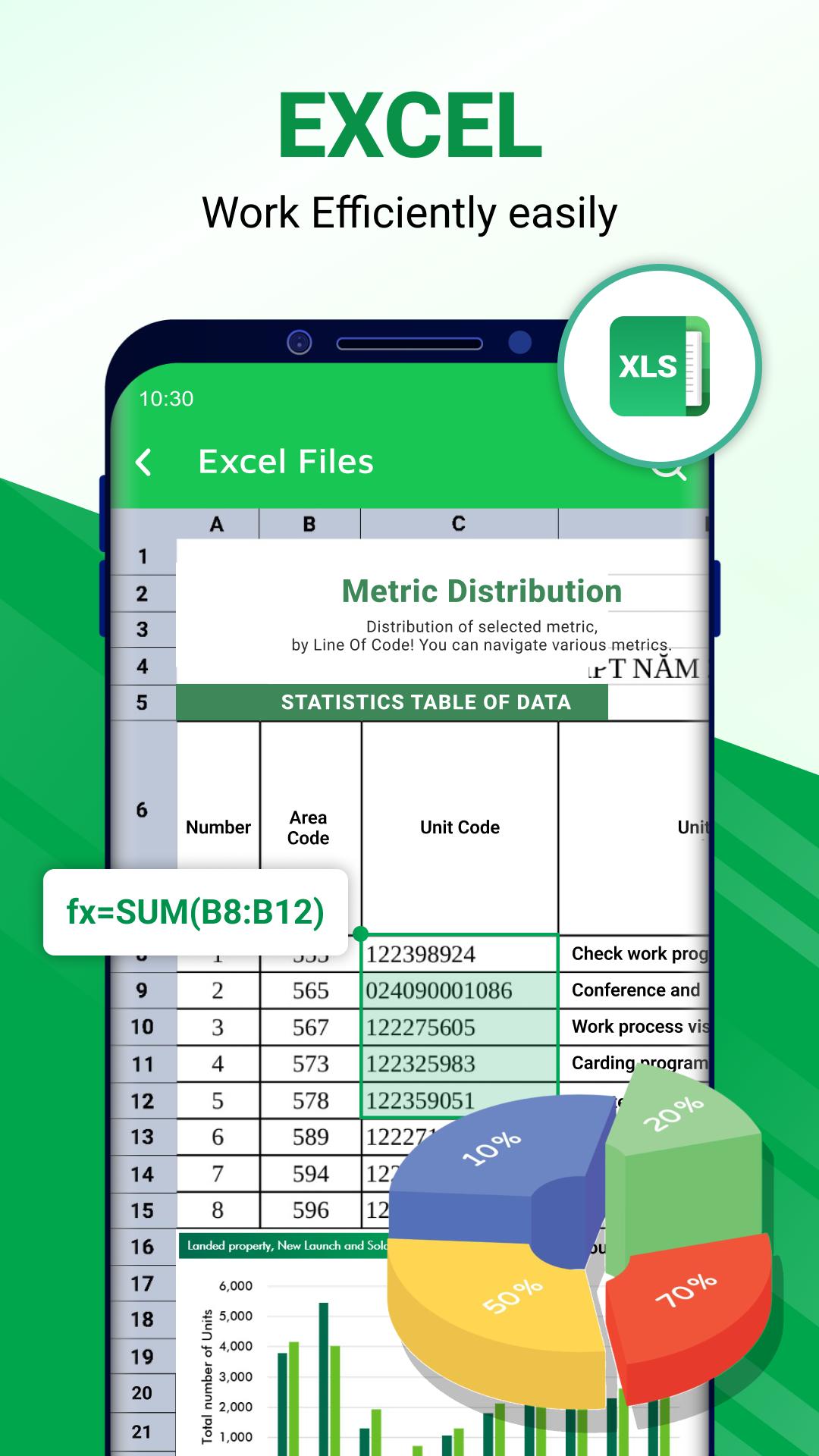
⭐️ Spreadsheet reader, xlsx viewer 📗
- Amazing editor feature: Add new sheet, modify row & column with multiple data type.
- Calculate your sheet using formula.
- Xls reader to view all excel file formats.
- View file xls, xlsx, txt with high quality.
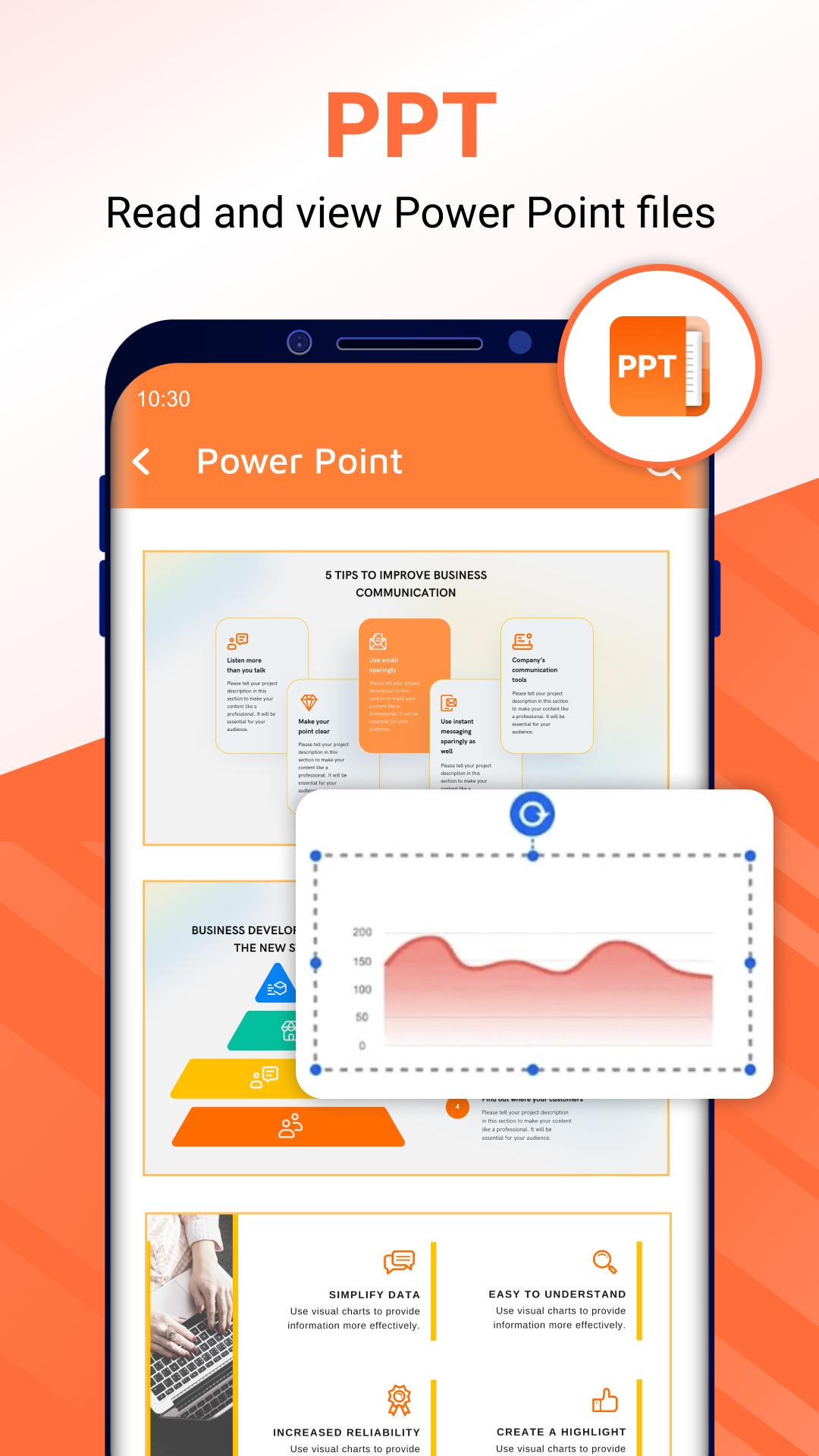
⭐️ PPT files reader 📙
- Edit existing slide or add new slide.
- Support PPT files, pptx reader with high resolution and fast performance.
- Search, delete document files easily.
🔄 Converter: Convert alls type of docs
- Image to PDF: convert images (JPG, JPEG, PNG, BMP, WEBP) into PDFs
- PDF to image: convert PDFs into images (JPG, PNG) and save directly to your album
- Share the converted files with just one click
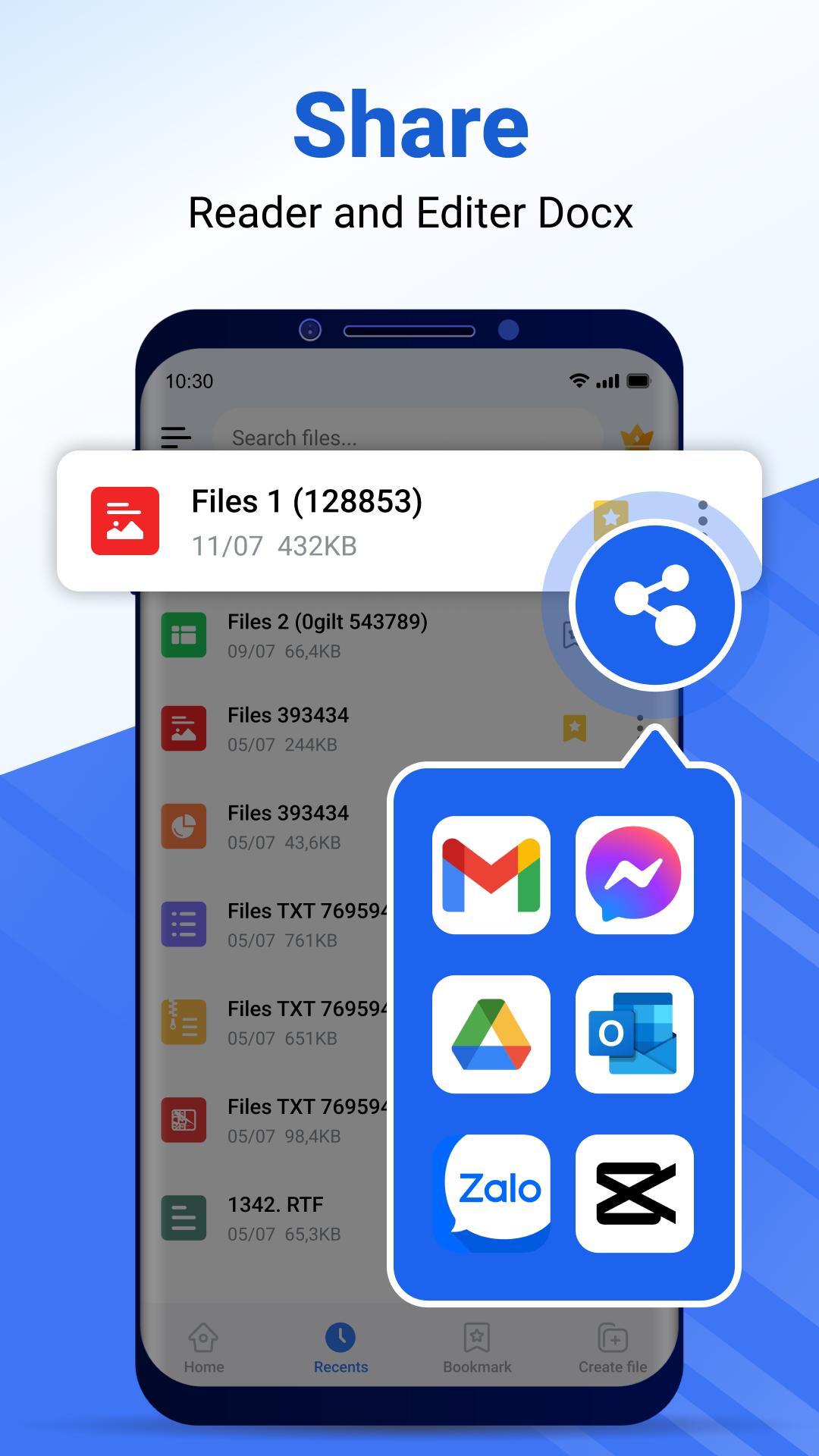
⭐️ Share with 1 touch
- Share your document to others in a single tap.
⭐️ Supported formats, any type file opener
- PDF reader, PDF opener
- Word document: docc, docx, docs
- Excel reader document: xls viewer, xlsx reader
- Slide document: ppt, pps, ppsx, pptx viewer
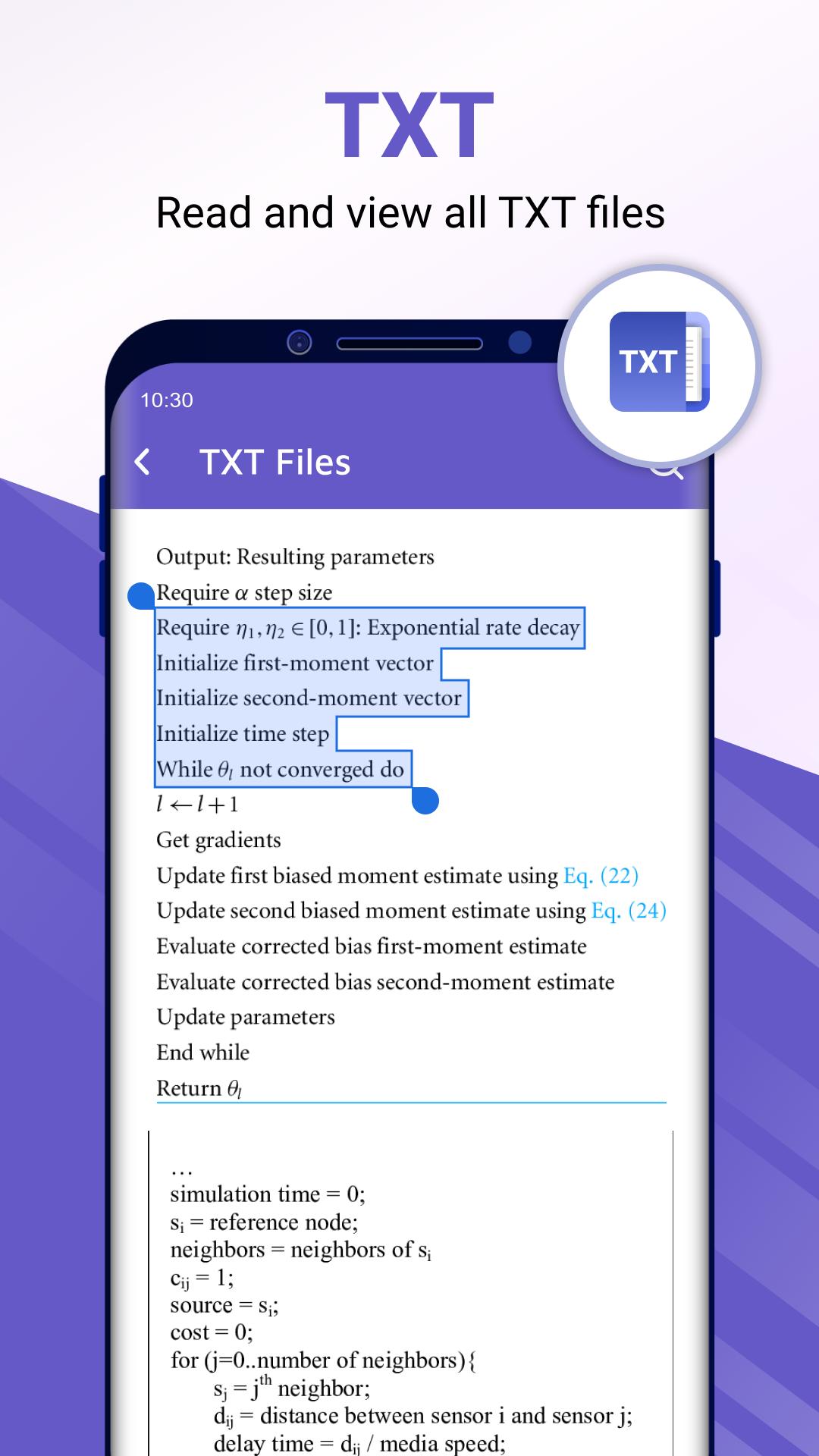
- Other Word office reader and files: txt, odt, zip
This file reader for all format app is definitely an efficient office and productivity tool for reading documents files. Use our all document manager app to read all files with all the functionality. Share all document editor apps today and start collaborating your work with this office reader app.
Thank you for choosing our All Document Reader - PDF Viewer and Editor app.
Latest Version
2.0.34Uploaded by
Noemi Teixeira
Requires Android
Android 5.0+
Category
Free Productivity AppContent Rating
Everyone
Security Report
Report
Flag as inappropriateLast updated on Sep 11, 2025
🌟 Fix converter tools stop working!
🌟 New feature "Sign PDF"
🌟 New feature "Organize PDF"
🌟 New feature "Index PDF"
🌟 New feature "Auto Scroll Document"
🌟 Optimize performance and interaction
🌟 Fix minor bugs
🌟 Improve user experience


APKPure - A multi-platform app store primarily focused on Android, providing extensive app-related content. Discover the app you want easier, faster, and safer, with quick and efficient downloads and installations.