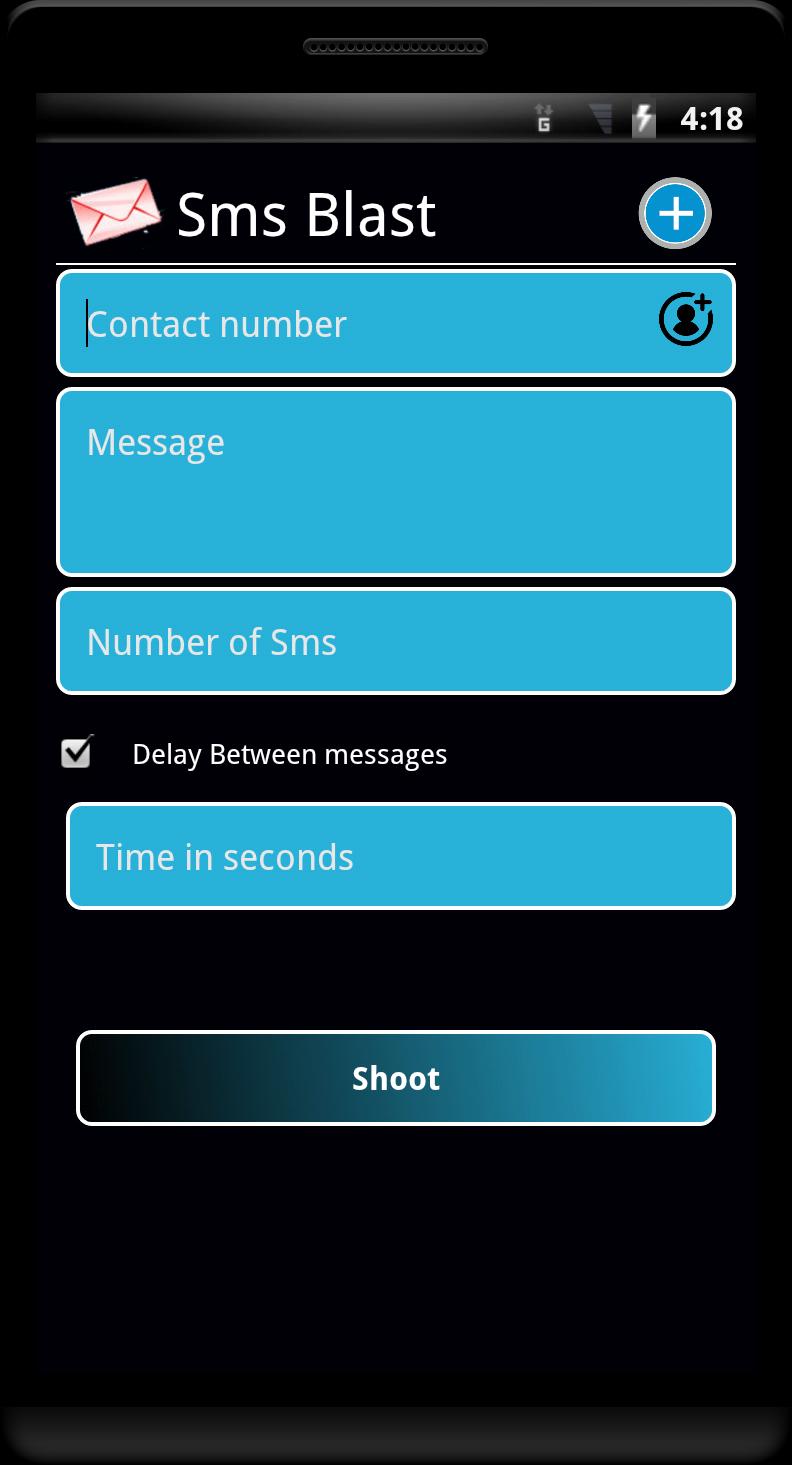
SMS Blast helps when you need quick broadcasts, playful replies, or repeated comments without extra setup. It sends messages through your phone’s SIM plan, so texts go out from your number like normal SMS. As a result, costs are deducted from your main balance or any active SMS pack. For simple sharing and group notifications, it keeps everything on-device and straightforward. Users who prefer a direct tool without external gateways can try the SMS Blast APK as a practical option.
SMS Blast lets you send many SMS at once using your existing network provider. Messages are billed by your carrier, so charges come from your main balance or active SMS pack. Because it works from your number, recipients see a familiar sender rather than a third-party shortcode. This keeps delivery simple and avoids extra credits or online gateways.
Text Repeater with emoji supportYou can repeat any line instantly for social posts or message threads. Add emojis to make replies playful or expressive, then choose how many times to repeat. This works well for friendly banter or emphasis in group chats. The tool keeps inputs clear, so you can focus on the text instead of complex settings.
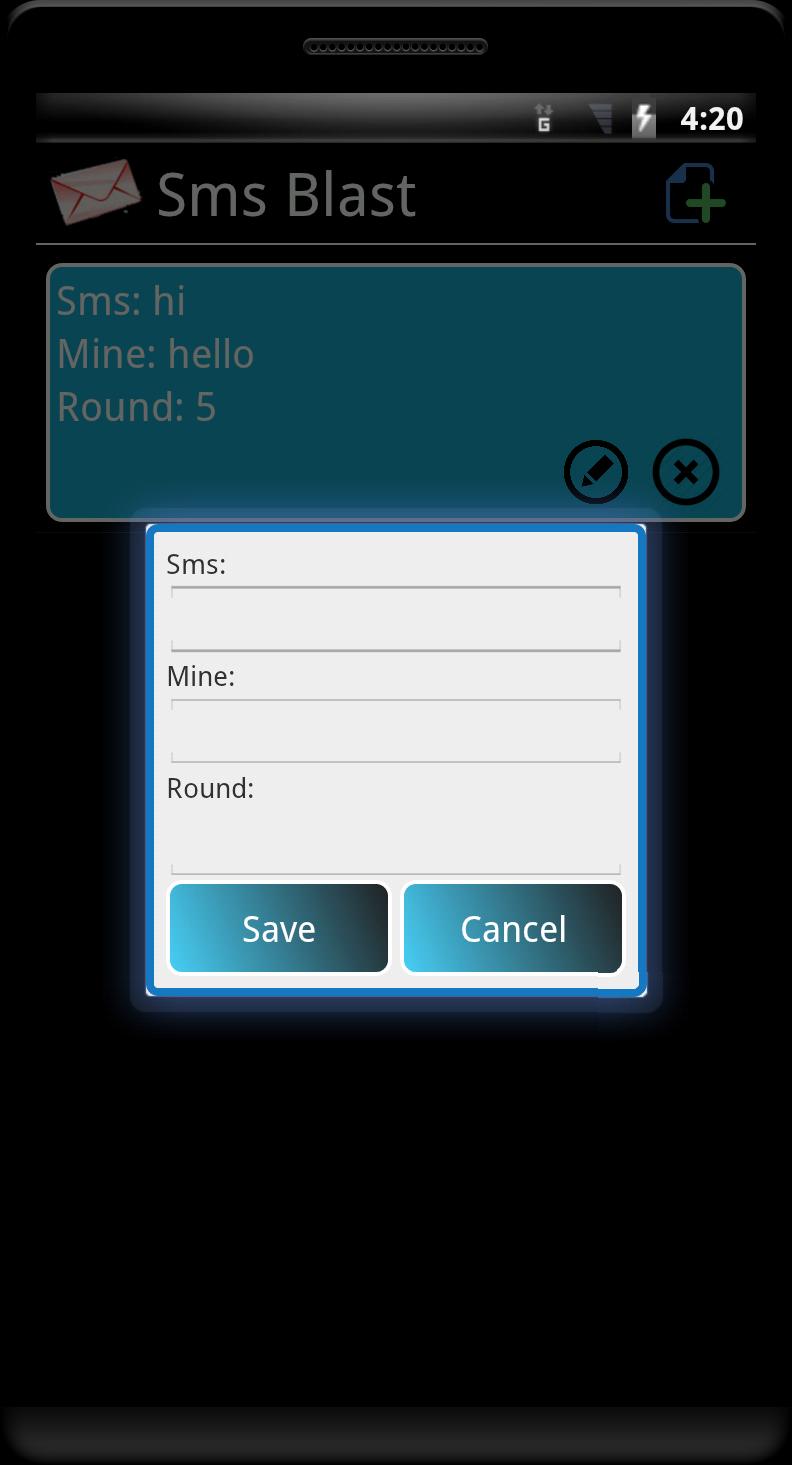
Keyword-based auto-replies (SMS Mine)SMS Mine lets you set a keyword, a reply text, a reply count, and a delay between replies. For example, you can respond “hello” more than 100 times when an incoming message contains “hi,” with a short pause between each send. This helps automate playful responses or quick acknowledgments. Use it thoughtfully to avoid unwanted messages.
Spreadsheet-powered bulk sends (SMS Machine)SMS Machine supports template-based messages from a simple Excel sheet. Upload a file that has exactly two headers: “Number” and “Name.” Then write a message template, and SMS Blast will merge the correct name into each send. This creates a personal feel for bulk texts without complicated imports.
Personalized templates and simple designWith name merging, messages read more human and less generic. The screens are clean, so setup is quick for broadcasts or pranks that stay harmless. Since everything runs from your SIM, you do not need third-party credits or an online gateway. This keeps the process direct from start to finish.
Messages are delivered via your SIM, and billing follows your carrier’s rates. Check your balance or SMS pack before starting a large run. Some phones may not support SMS Blast due to device-specific limits, and work is ongoing to improve compatibility. If delivery seems inconsistent, try shorter batches or review your keyword and template settings.
Avoid spam, harassment, and any misuse. Follow local laws, carrier rules, and platform policies at all times. Keep auto-replies respectful, and do not send repeated messages to people who did not consent. Reserve prank features for friendly contexts where everyone is comfortable.
Getting started is straightforward on an Android phone. After installation, open the app and grant SMS permissions so it can send from your number. If you plan to download SMS Blast for quick broadcasts, follow these steps to set up a run.
SMS Blast offers bulk SMS, repeated text, keyword auto-replies, and simple personalization through your SIM plan. To begin, install the app and choose the tool that matches your task. For stable performance and fixes, use the SMS Blast latest version.
For support and updates, visit the official links below.
Latest Version
1.46Uploaded by
Sweet apps
Requires Android
Android 4.0+
Category
Free Entertainment AppContent Rating
Teen
Report
Flag as inappropriateLast updated on Dec 8, 2024
Minor bug fixes and improvements. Install or update to the newest version to check it out!






APKPure - A multi-platform app store primarily focused on Android, providing extensive app-related content. Discover the app you want easier, faster, and safer, with quick and efficient downloads and installations.