This is not for regular users.
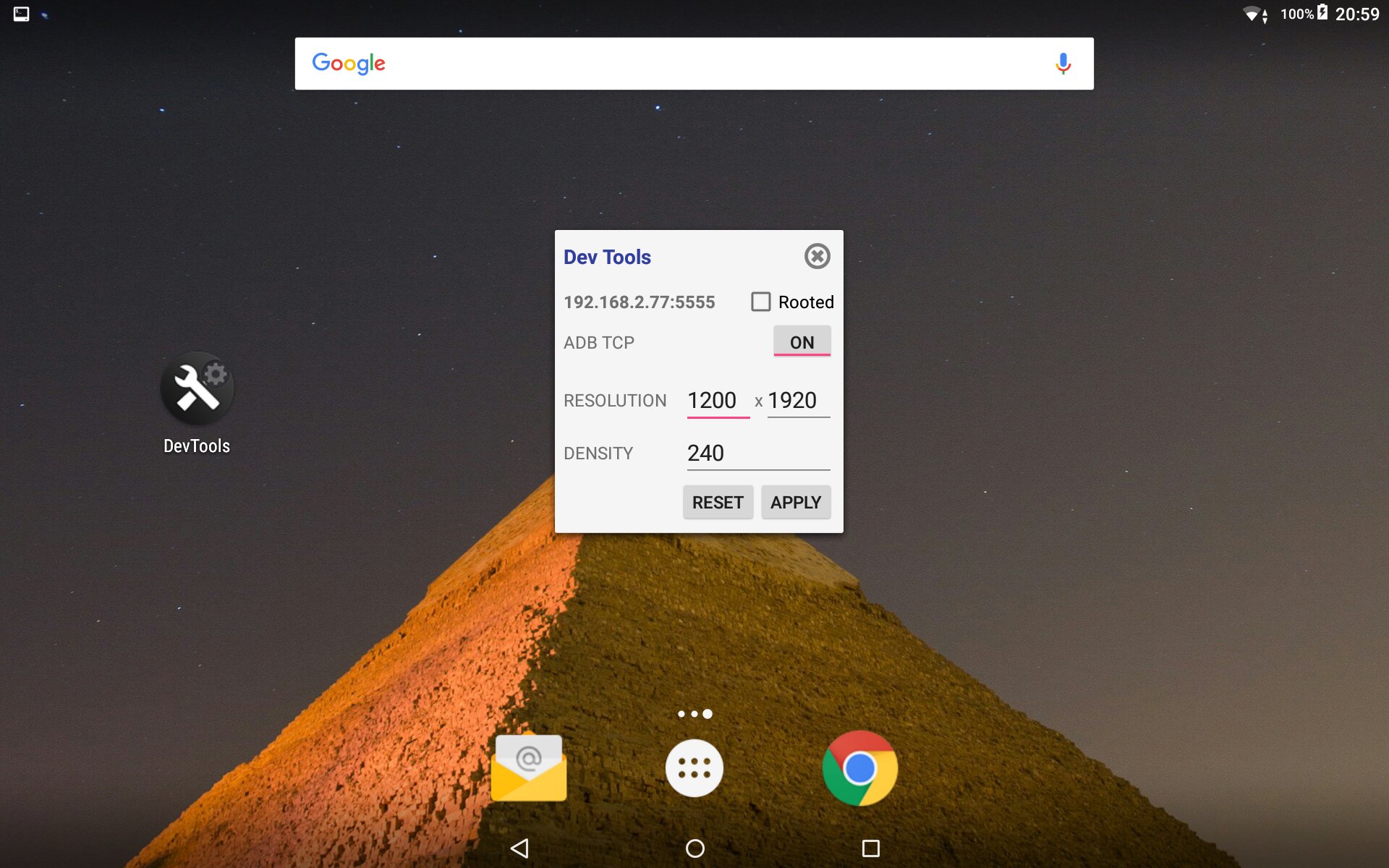
- You can change screen and density resolution (good to take some more juice on games and test how a different screen will handle your app);
- You can connect your device adb via wifi using ADB TCP port 5555 (therefore you can work without usb cable);
For security and safety reasons some firmwares require root permission. In order to it work you should have a rooted device or a firmware that let you change this settings OR you have to connect adb your device in a regular way (usb) and call adb 'adb shell pm grant com.webdefault.devtools android.permission.WRITE_SECURE_SETTINGS'.
The source code is hosted on github at https://github.com/orlleite/android-devtools. You're welcome to make improves.
Latest Version
1.0Uploaded by
محمد حازم
Requires Android
Android 4.2+
Category
Free Productivity AppContent Rating
Everyone
Report
Flag as inappropriateLast updated on Jul 3, 2017
This release includes minor bug fixes and general improvements. Update to the latest version for the best experience.



APKPure - A multi-platform app store primarily focused on Android, providing extensive app-related content. Discover the app you want easier, faster, and safer, with quick and efficient downloads and installations.