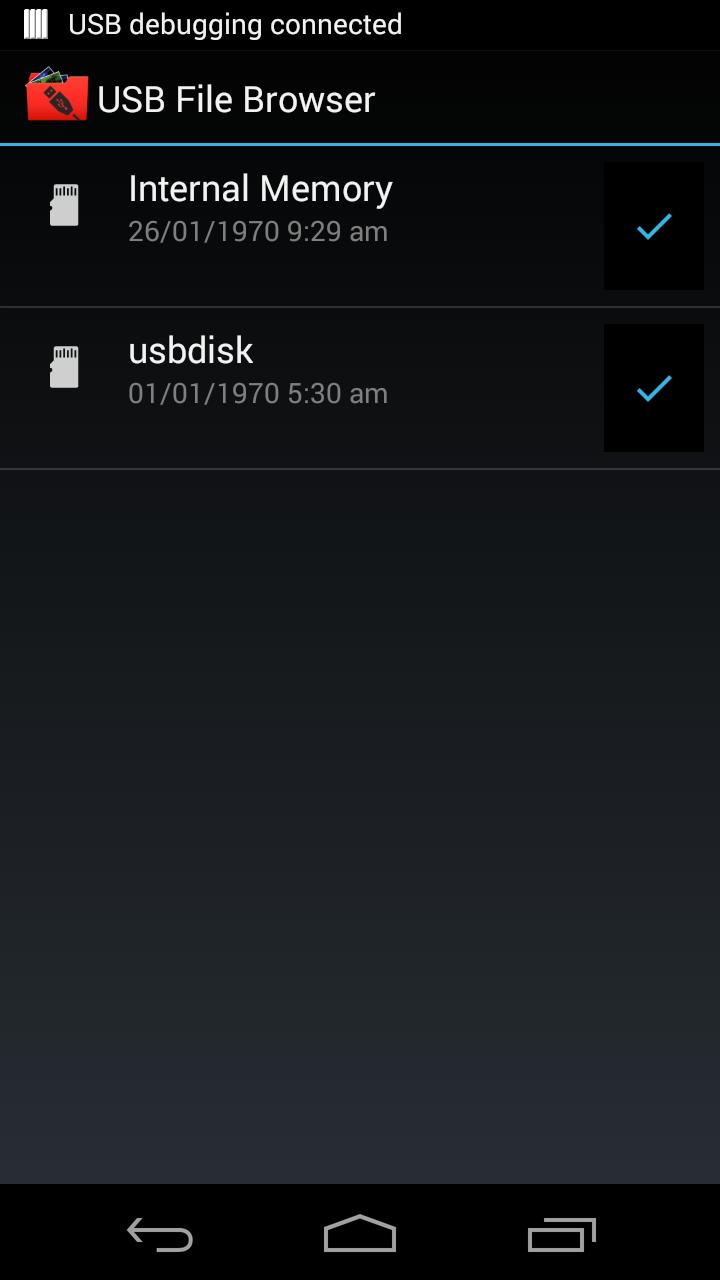
USB File Browser is a Unique and Innovate application which allows you to connect your USB Flash drives or USB Pen drives directly into your andrioid phones and Do basic operations on USB Files like copying, Moving, Deleting etc on Your USB Drive files.
Now there is no need to find PC for backup your important files pesent in your phone. You can back up by directly connecting pen drive to your phone and copy the contents.
Features:
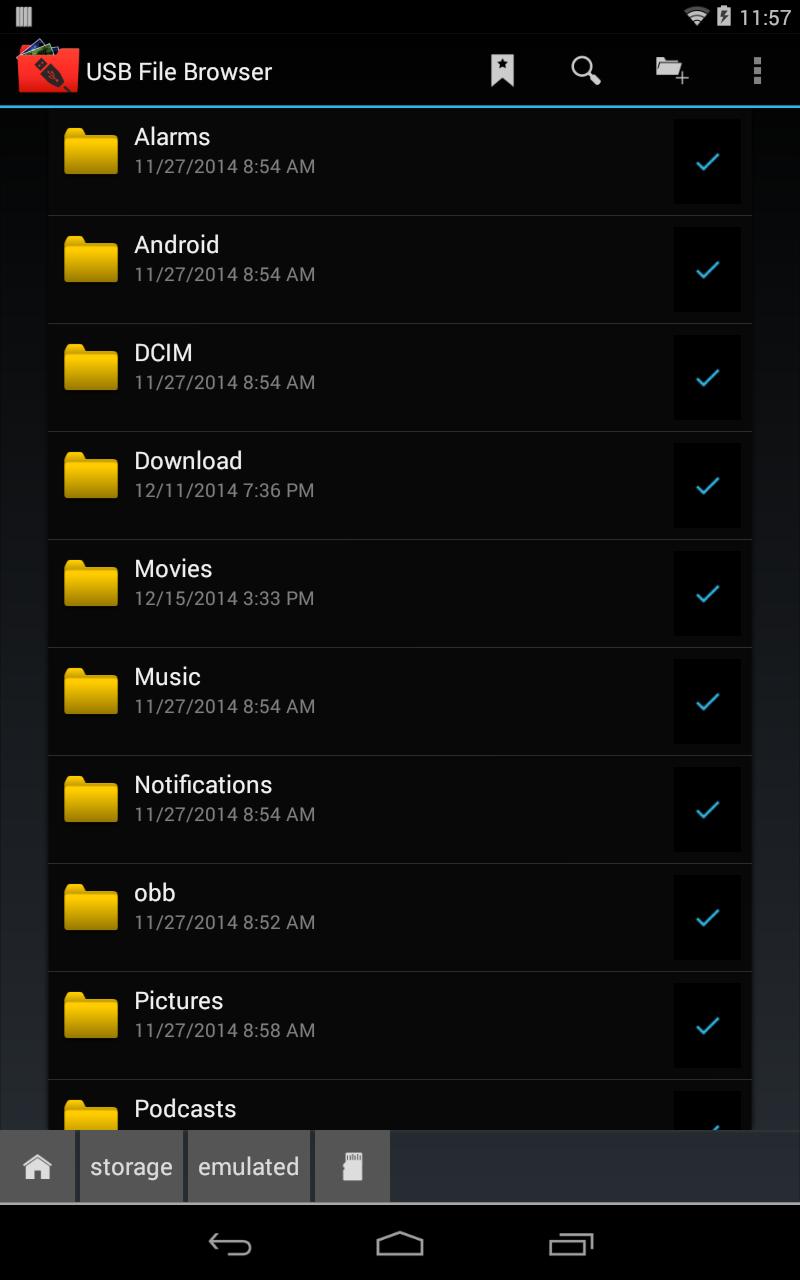
1. Browse USB Drives or USB Flash drives.
2. Copy the contents from USB Drive to Phone SD card or Phone Memory or Viceversa.
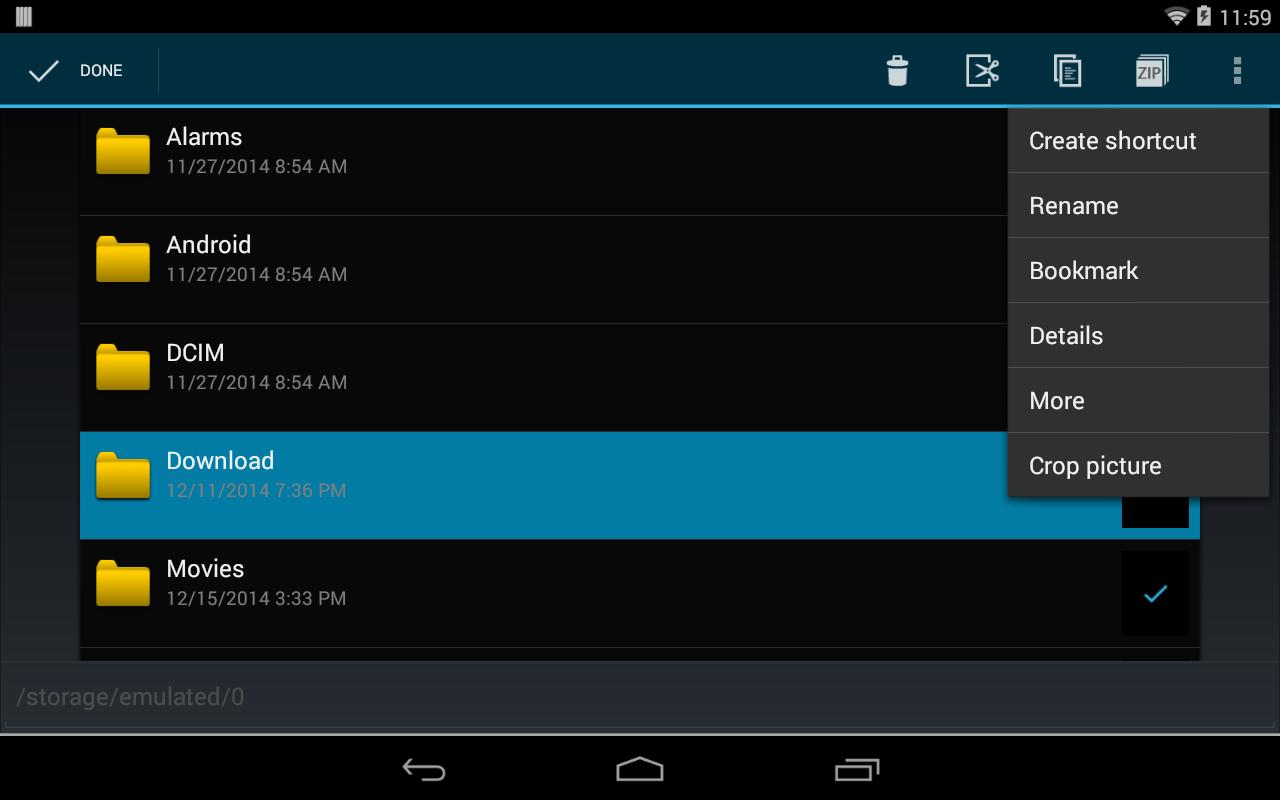
3. Move, Delete, Copy, View files present in USB Falsh drives.
4. View the Photos, Videos, Songs present in USB Falsh drive directly without copying it to your Phone.
Latest Version
1.0Uploaded by
نواف المالكي
Requires Android
Android 3.1+
Category
Free Productivity AppContent Rating
Everyone
Report
Flag as inappropriateLast updated on Jul 12, 2015
Minor bug fixes and improvements. Install or update to the newest version to check it out!



APKPure - A multi-platform app store primarily focused on Android, providing extensive app-related content. Discover the app you want easier, faster, and safer, with quick and efficient downloads and installations.















