Scan Date:Sep 8, 2025
Show More

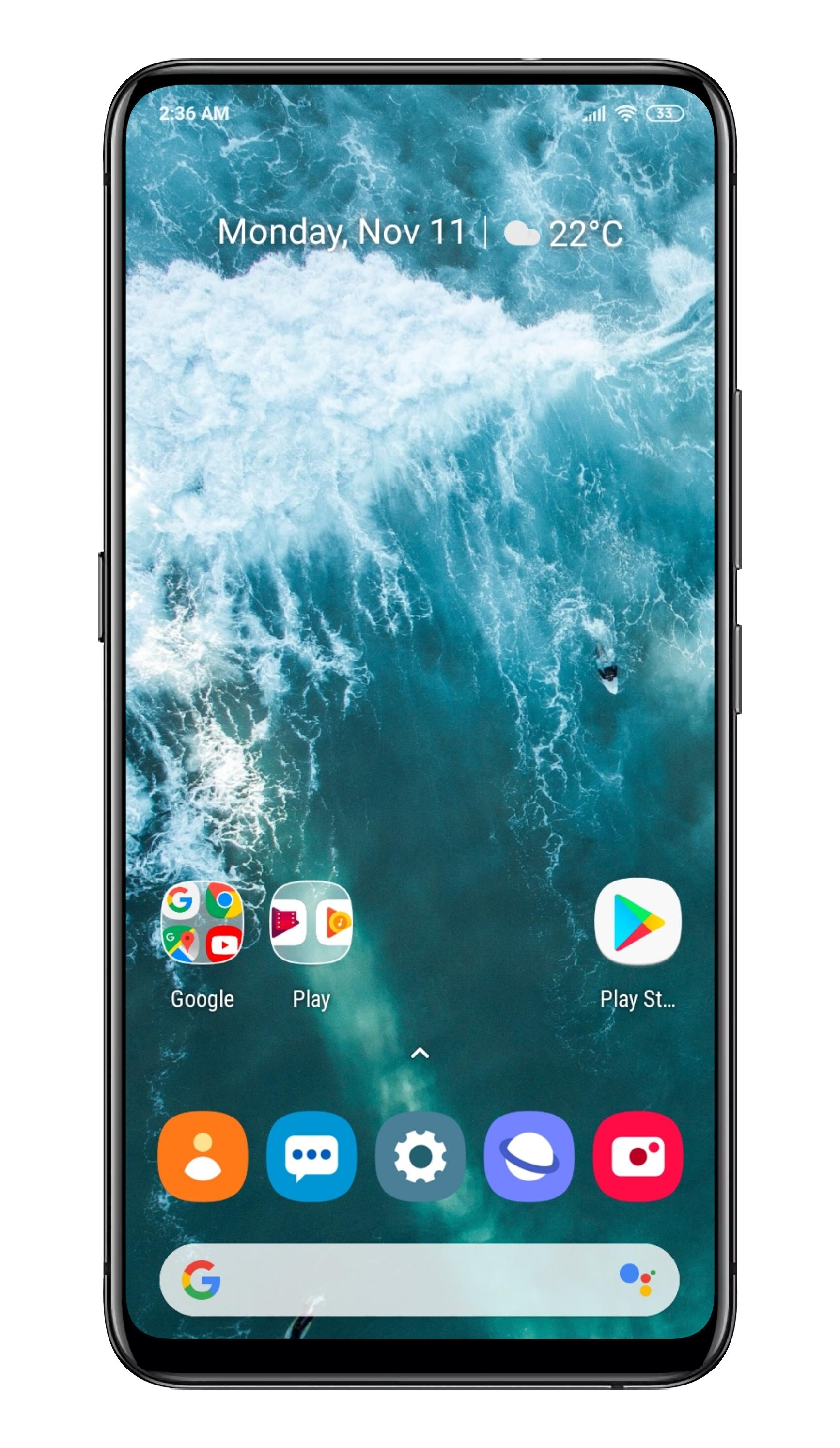
• Folders in app drawer.
• Choose your drawer style (vertical, paged, sections).
• Swipe up actions for shortcuts.
• Google now integration with Pear now companion. Option to show it as overlay also.
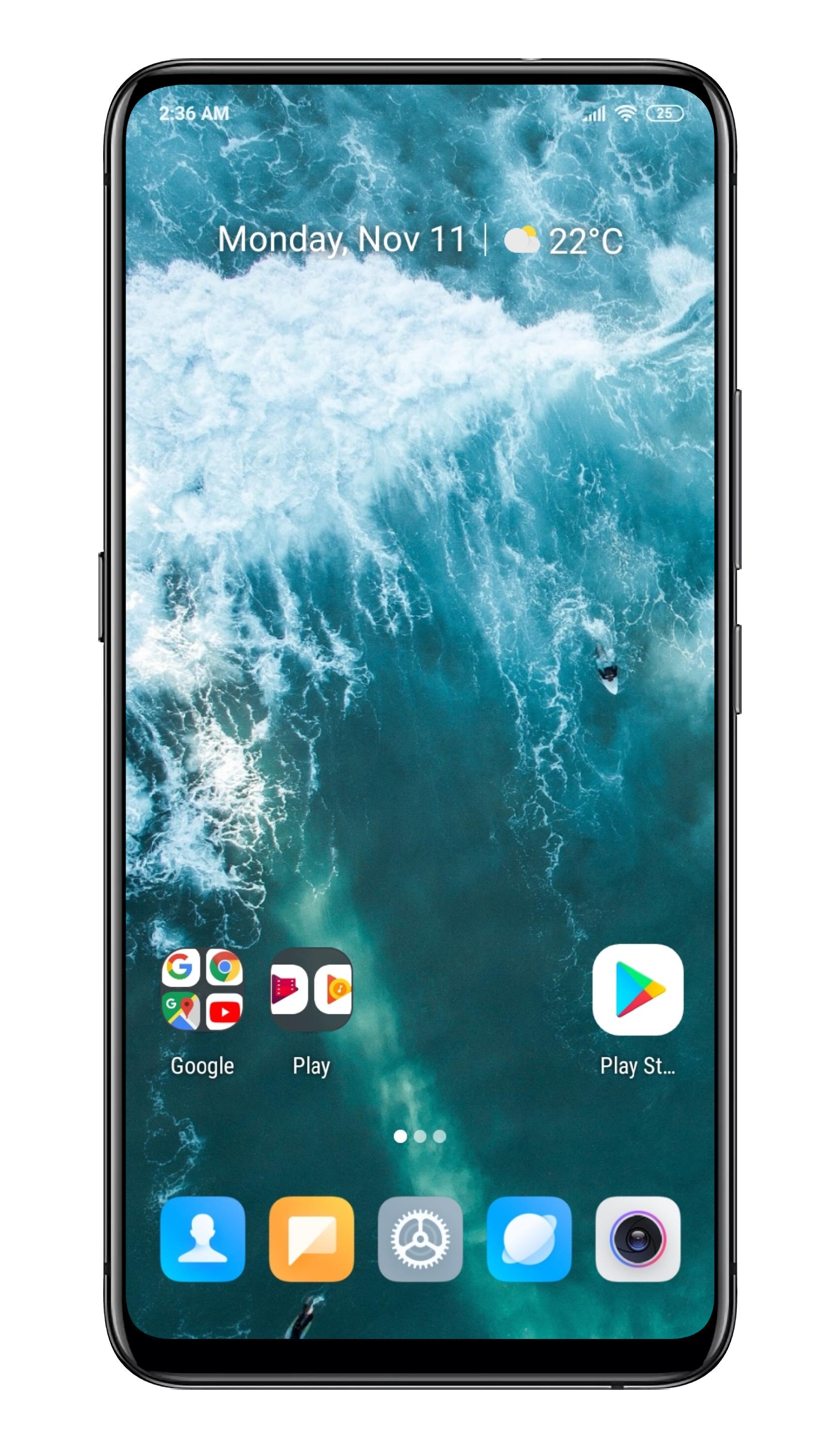
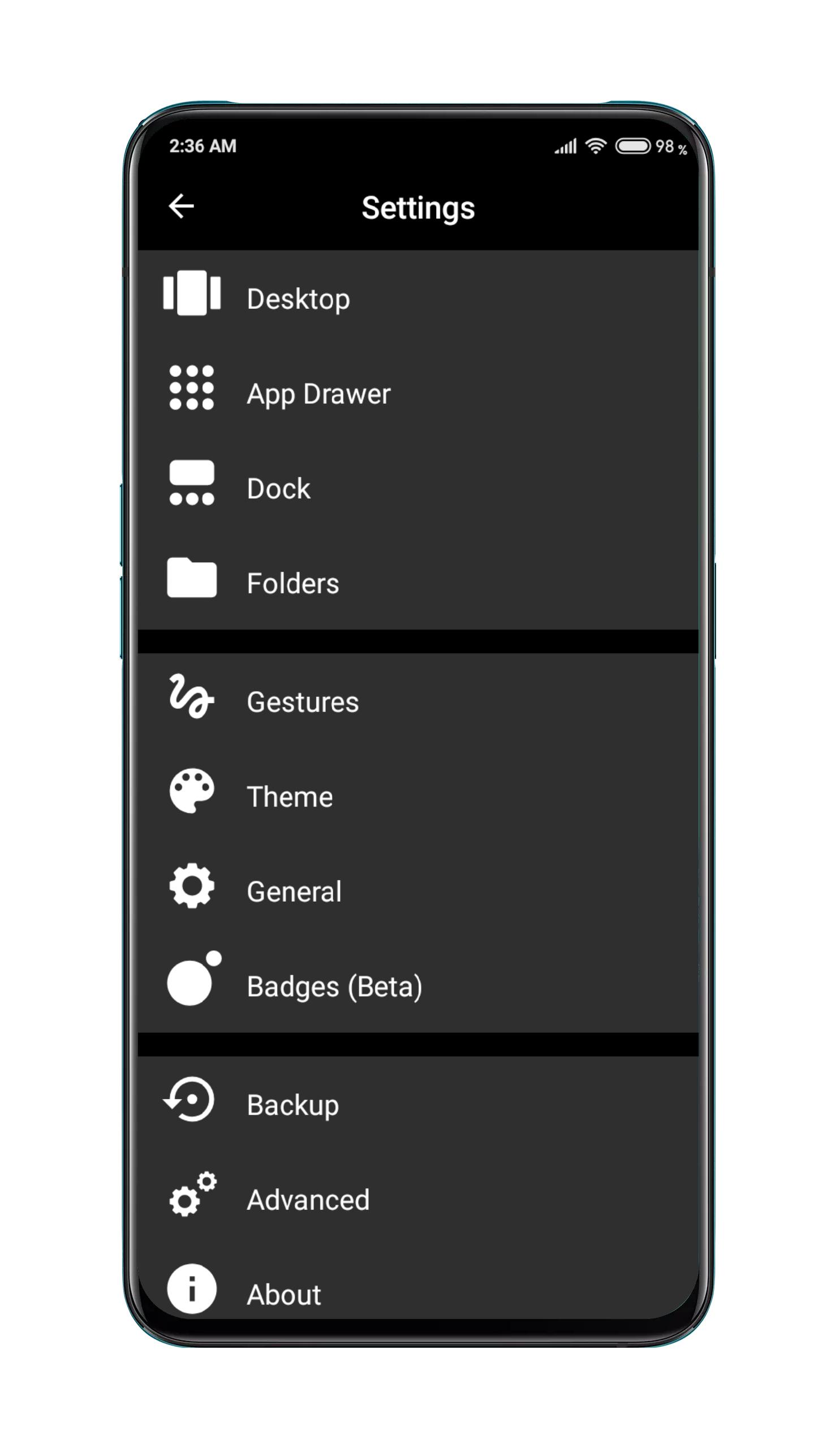
• Customisable desktop. choose your indicators style, grid size, icon labels customization, lock desktop, top shadow, scroll wallpaper and margin.
• Drawer Customisations Card background grid size, sort mode(alphabetical or install time), show search bar, predicted apps, accent color ,direct scroll , Pull dock to open and much more.
• Dock . You can enable labels for dock, change number of icons , disable dock change its background.
• Hide your apps.
• App shortcuts backport
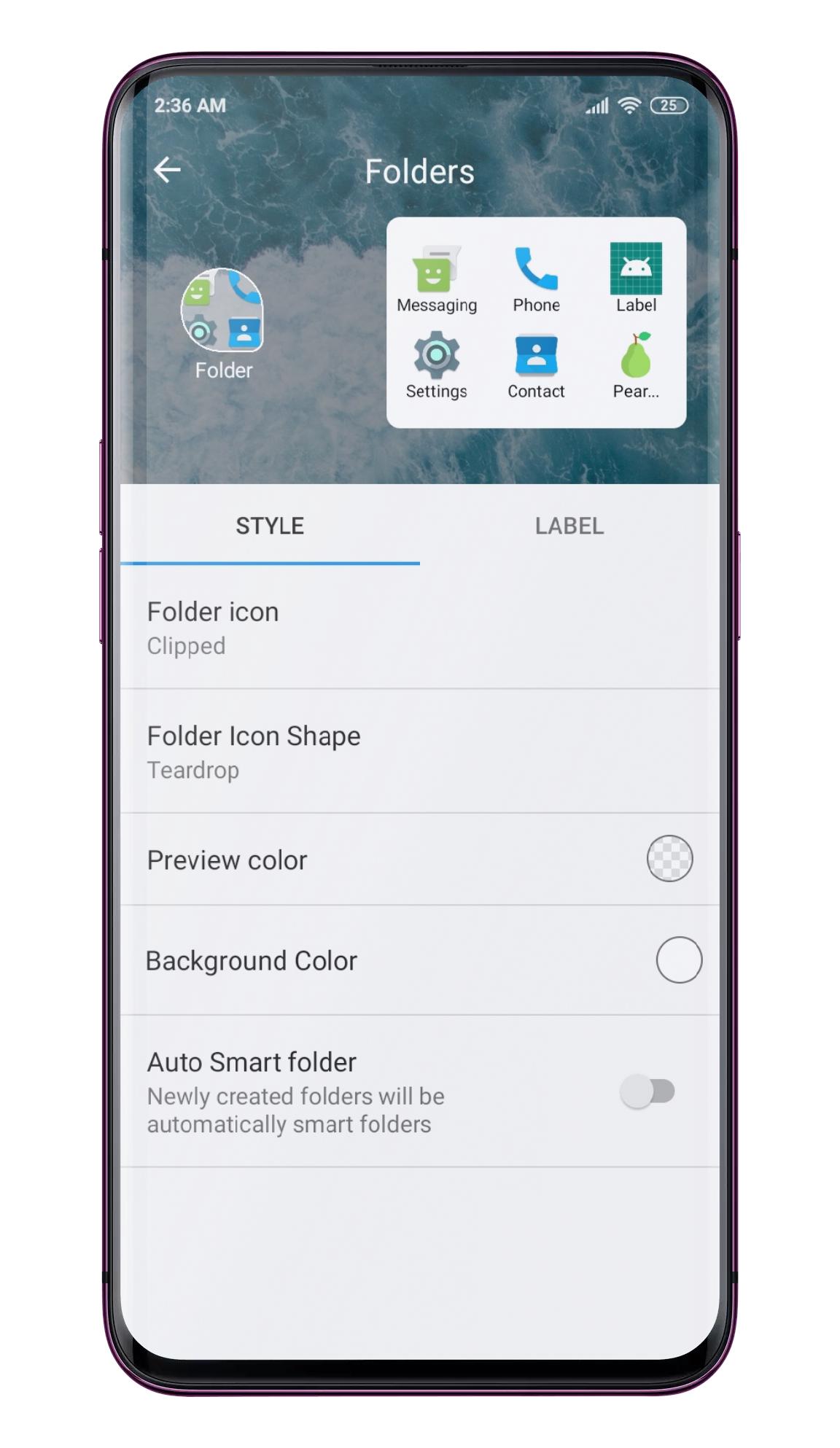
• Customise the layout of folders, colors of preview, background ,labels, folder opening animation
• Support for per folder smart folders(Swipe to open, click to open first app). Smart folders are shown with a badge. Added option in settings for auto smart folders which can be used to create every new folder as smart folder.
• Icon Packs - Find thousands of icon packs for Pear Launcher on the Play Store.
• Dark mode option for all parts of the launcher.
• Icon normalization - It will resize your icon shape to match other icons.
• Allowing blurring many elements of the user interface.
• Option to show searchbar in dock (above or below dock)
• Animated clock icon
• Change font style, hide notification bar, change its color , change app opening animation , orientation.
• Backup & Restore - Backup & Restore allows you to backup your layout and pear settings
• Gestures - Swipe up , swipe down , double tap,. swipe to right on first page, swipe to left on last page button actions choose what to do when you press home on default screen or on any screen. Many actions to choose from including opening notification bar, quick settings, apps, drawer etc.
• Quickstep support for Android 9.
This app can be optionally given device administrator privileges to lock the phone (using Pear Launcher’s gestures or pear action).
Pear Launcher can be optionally given accessibility services access to open notification panel, quick settings, recent apps or to lock screen on android 9 and above. No data is collected or accessed through accessibility services.
You can unlock following features by purchasing Pear Launcher Pro
To have more than 10 apps in drawer folders
App drawer groups
Extract badge color from app icon
Swipe up two fingers, Swipe down two fingers gestures
Proximity and shake gestures
Latest Version
3.8.2Uploaded by
Sharon Oliver
Requires Android
Android 5.0+
Category
Free Personalization AppContent Rating
Everyone
Security Report
Report
Flag as inappropriateLast updated on Sep 1, 2025
• Added Big Grid folder icon style
• Added Turkish language support
Bug fixes
• Fix predictive apps updates
• Fixed freezes caused by predictive apps and widget loading
• Fixed crashes





APKPure - A multi-platform app store primarily focused on Android, providing extensive app-related content. Discover the app you want easier, faster, and safer, with quick and efficient downloads and installations.