
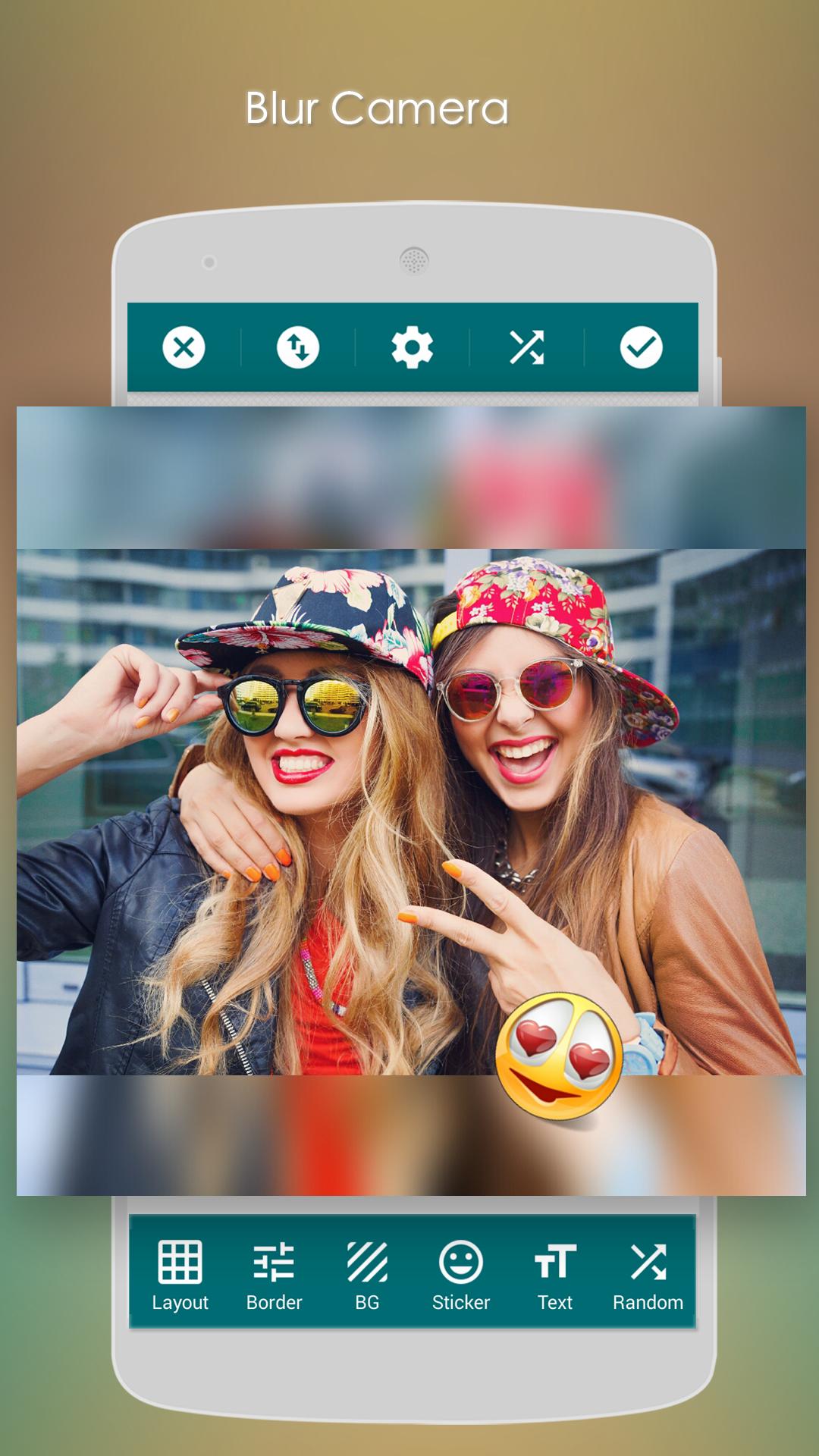
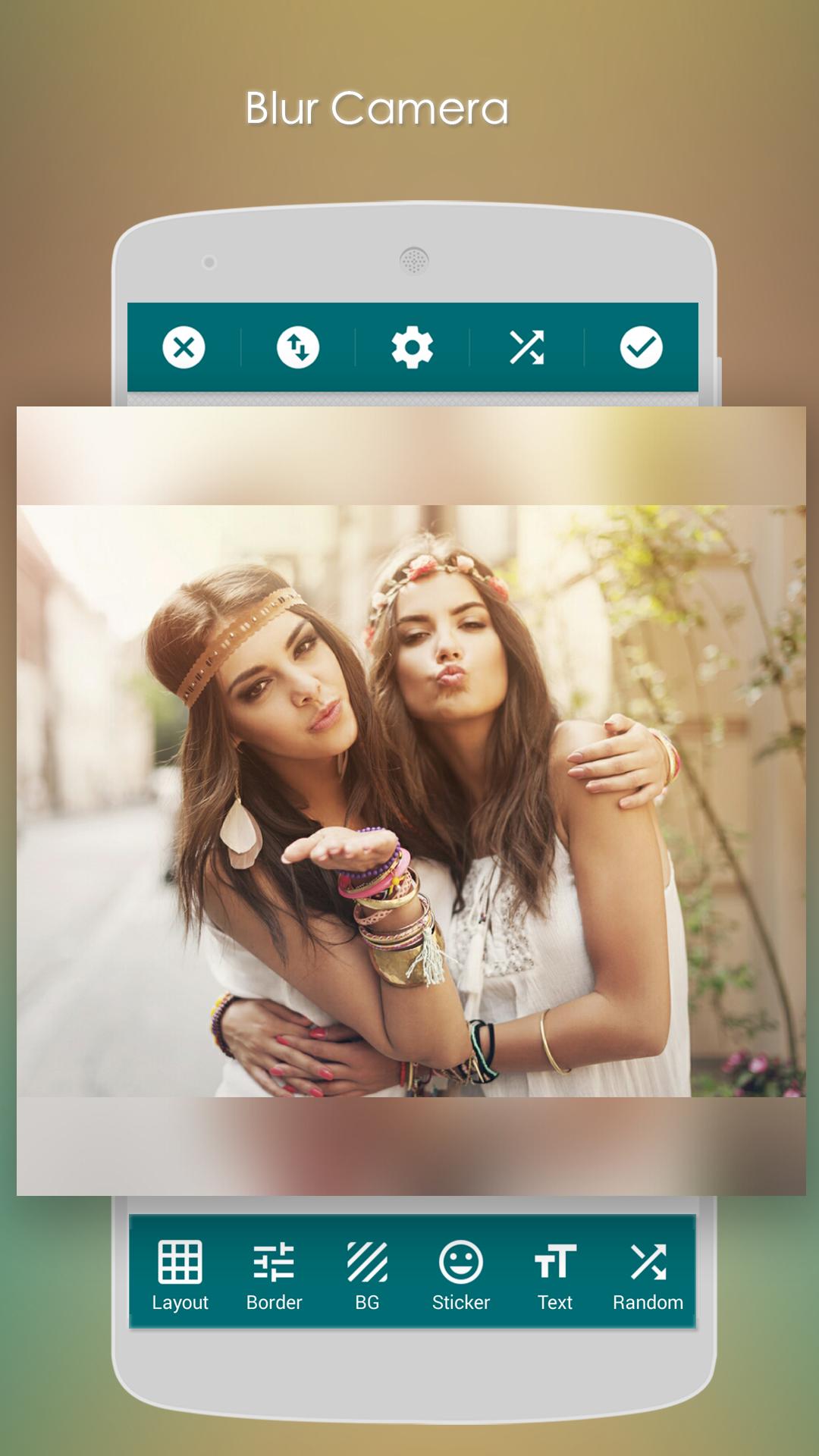
Blur Camera captures photo with blur background, combine with filters and shapes.
Blur Camera features:
1) Capture photo with real time blur camera.
*) Change the different shapes to mark the area as blur effect.
*) Apply the photo filters to the blur area.
*) Adjust the blur level.
2) Edit the existing photo with blur effect.
*) Choose different shapes to mark the blur area.
*) Choose the different effect to apply on the photo.
3) Edit the photo with basic photo editing function
*) Adjust the vignette.
*) Adjust the balance color.
*) Adjust the brightness.
4) Share the phosto on Instagram, What's app, Facebook...
Latest Version
1.3Uploaded by
ออโต้ครับ ออโต้
Requires Android
Android 4.1+
Category
Free Photography AppContent Rating
Everyone
Report
Flag as inappropriateLast updated on Sep 14, 2019
Minor bug fixes and improvements. Install or update to the newest version to check it out!





APKPure - A multi-platform app store primarily focused on Android, providing extensive app-related content. Discover the app you want easier, faster, and safer, with quick and efficient downloads and installations.












