

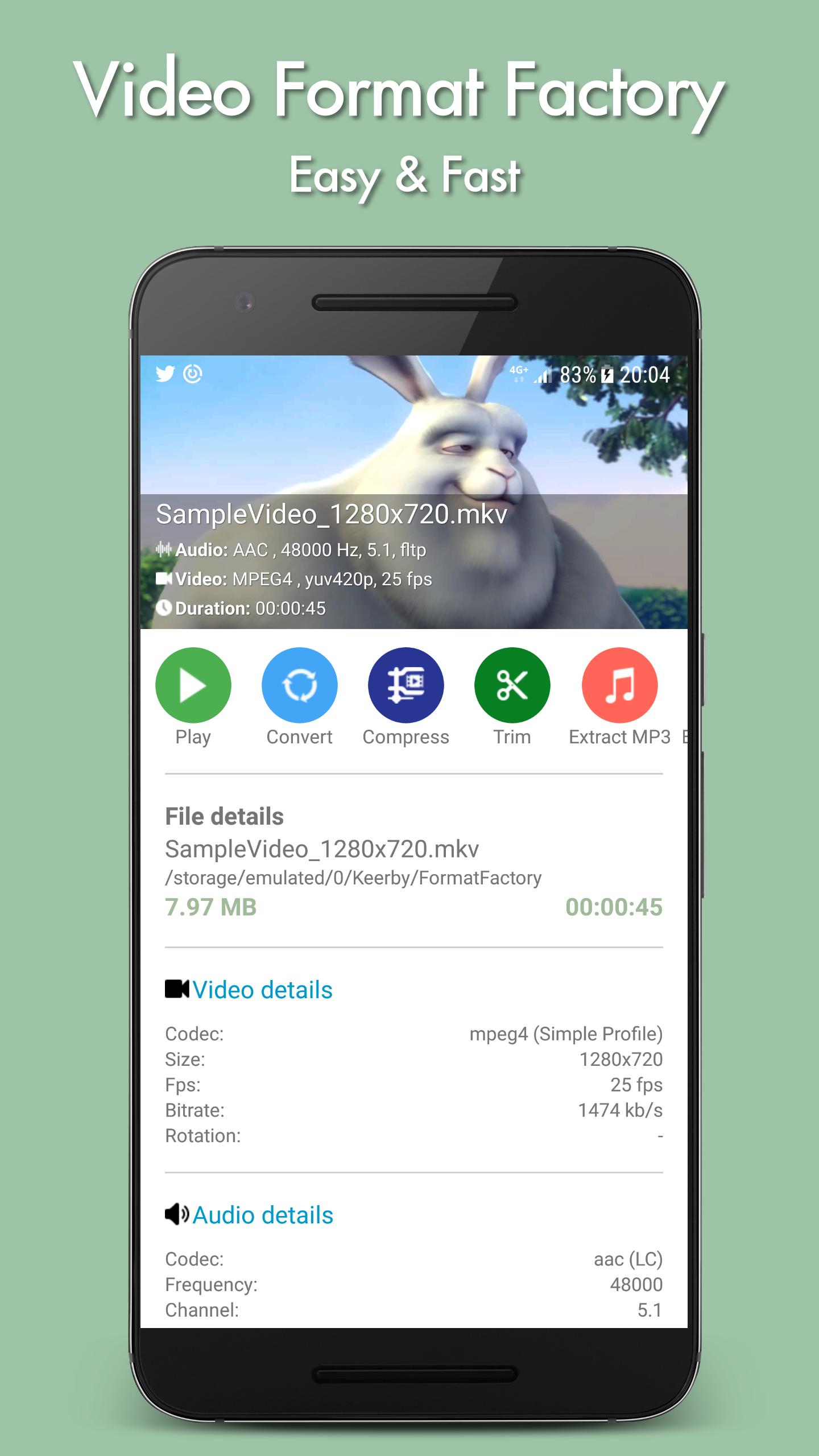
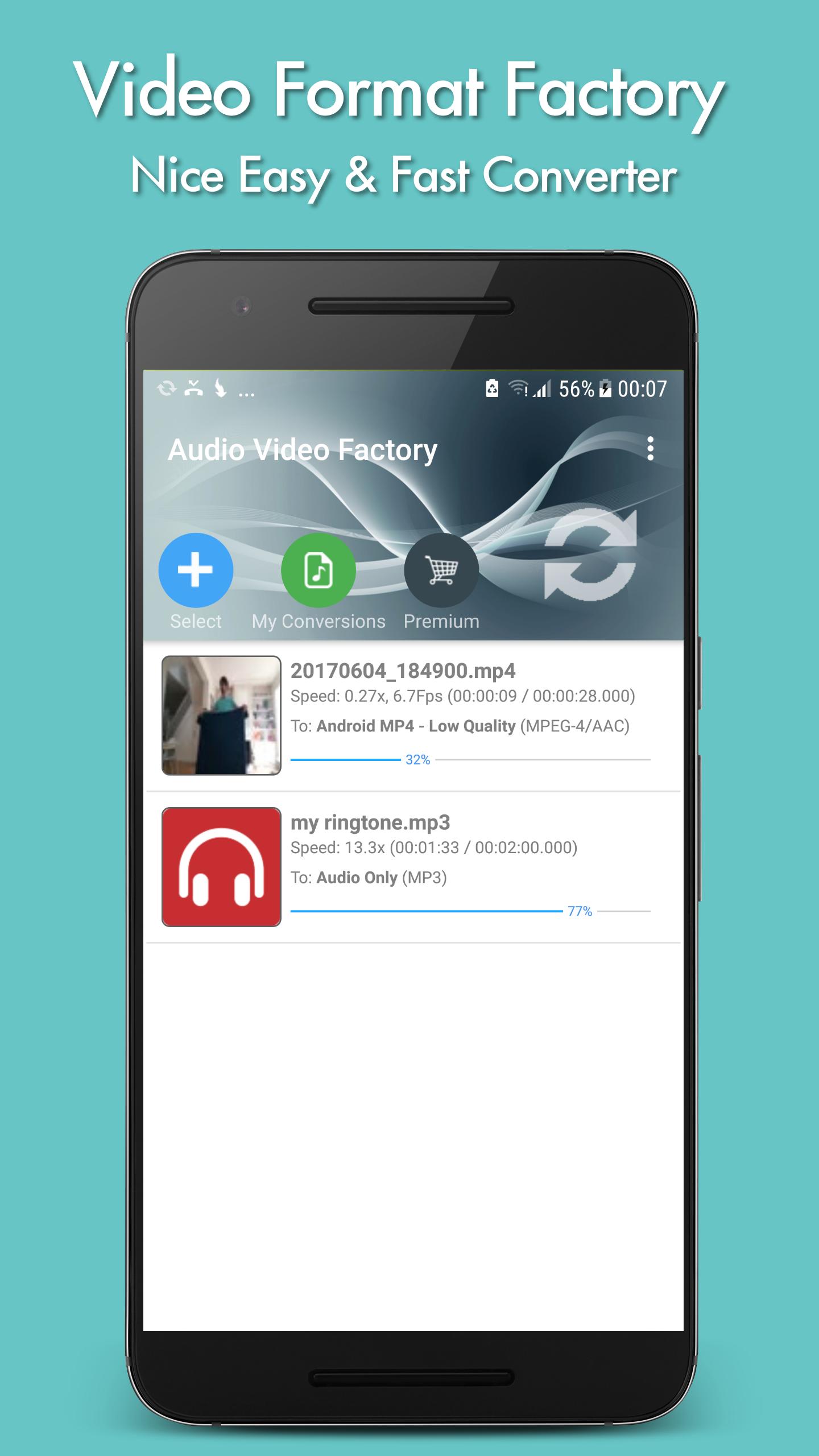
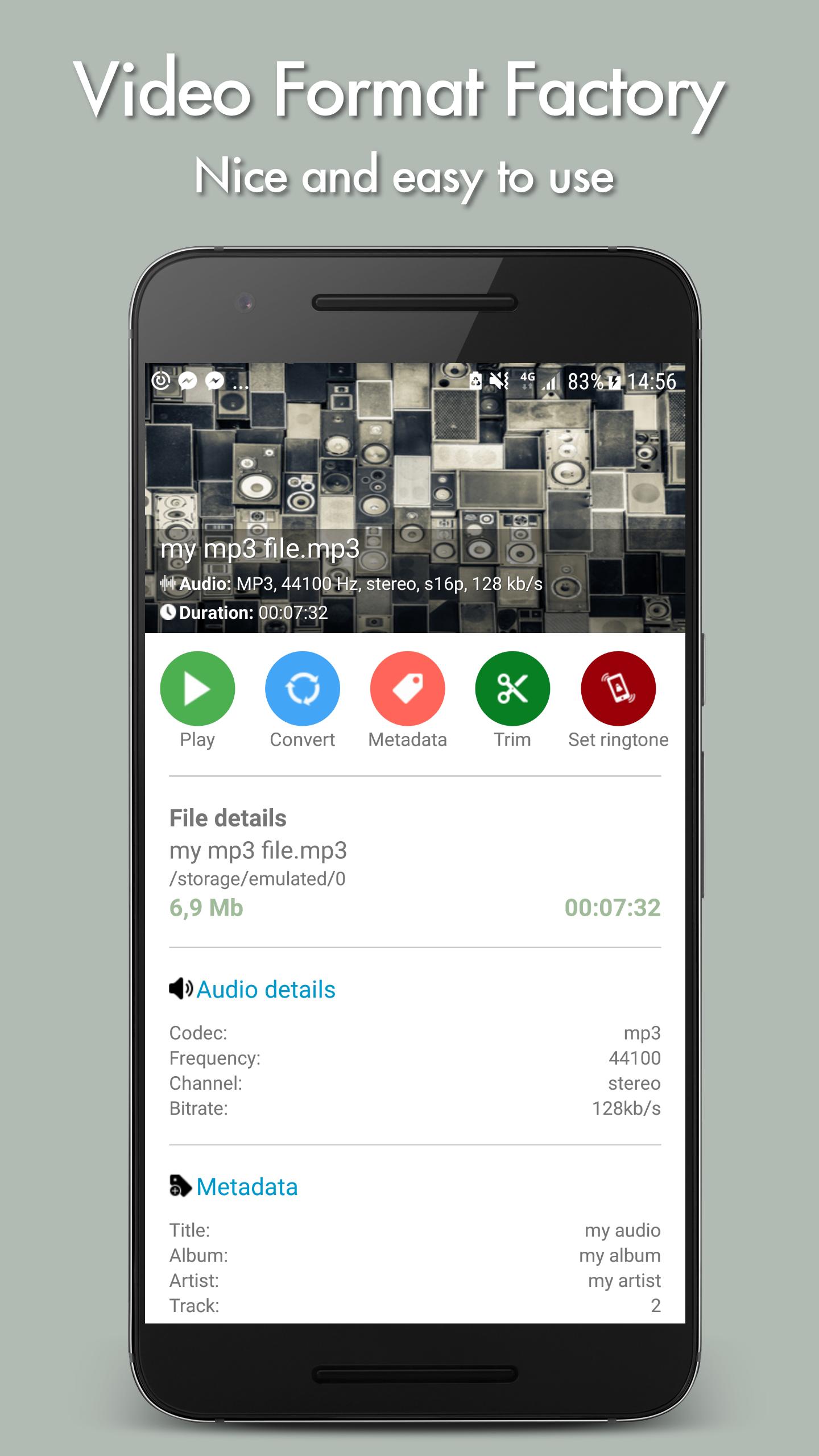
Video Format Factory helps users who need to change video or audio formats, reduce file size, or get a clip ready for sharing. It works with common media types and keeps tasks simple, so you can start a conversion in a few steps. The app focuses on practical results for everyday use, whether saving storage or sending files over limited data. You can find the Video Format Factory APK for easy installation. Setup is straightforward and does not require extra equipment.
Convert and compress across formats
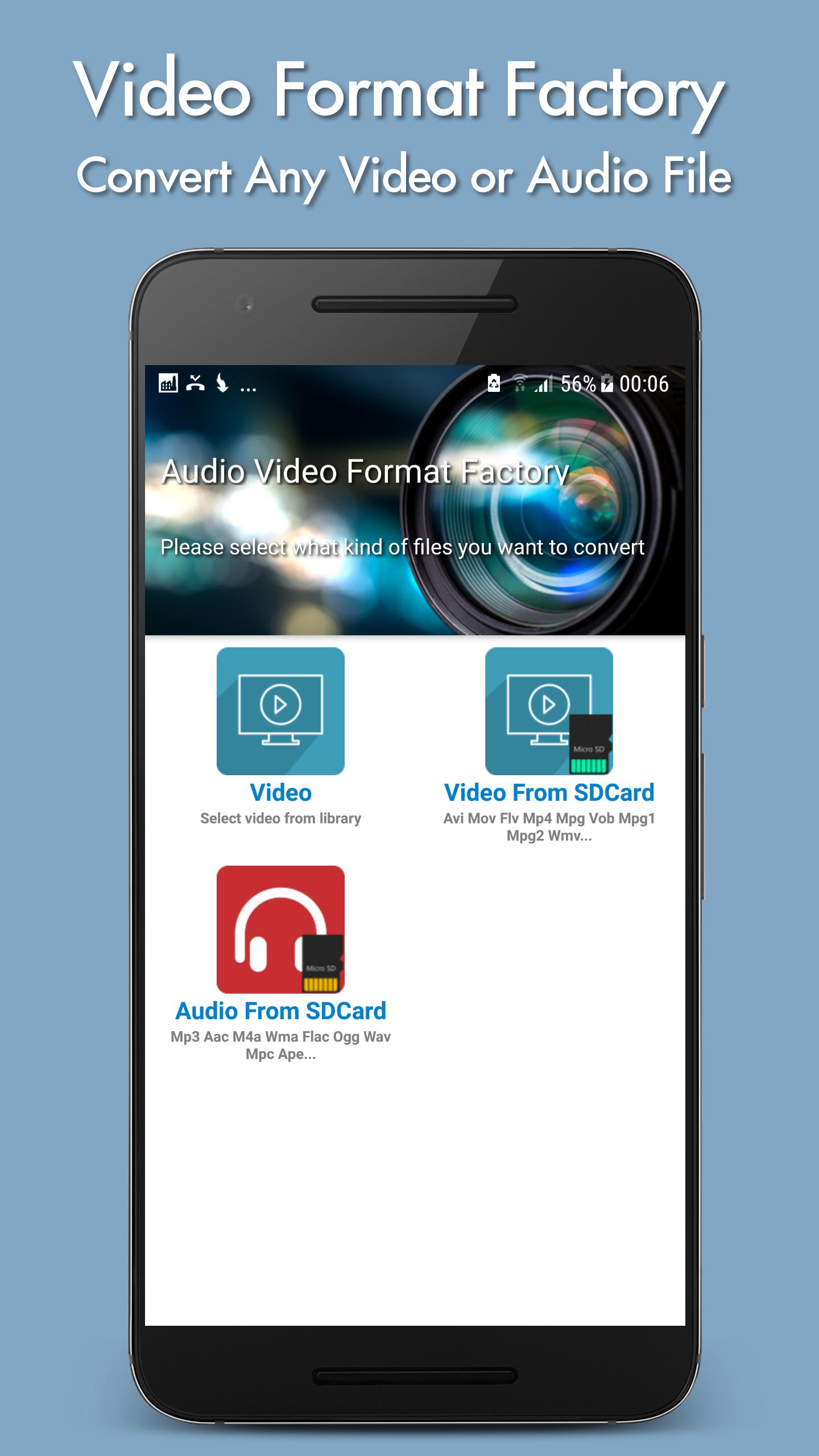
First, Video Format Factory supports common video and audio types including Mp4, Flv, WebM, Avi, Mkv, Mp3, Flac, Wma, Ogg, M4a, and Wav. You can convert files between these formats and compress videos to save storage or share over limited bandwidth. Typical conversions include Mp3 to Aac and Avi to Mp4.
Control output details
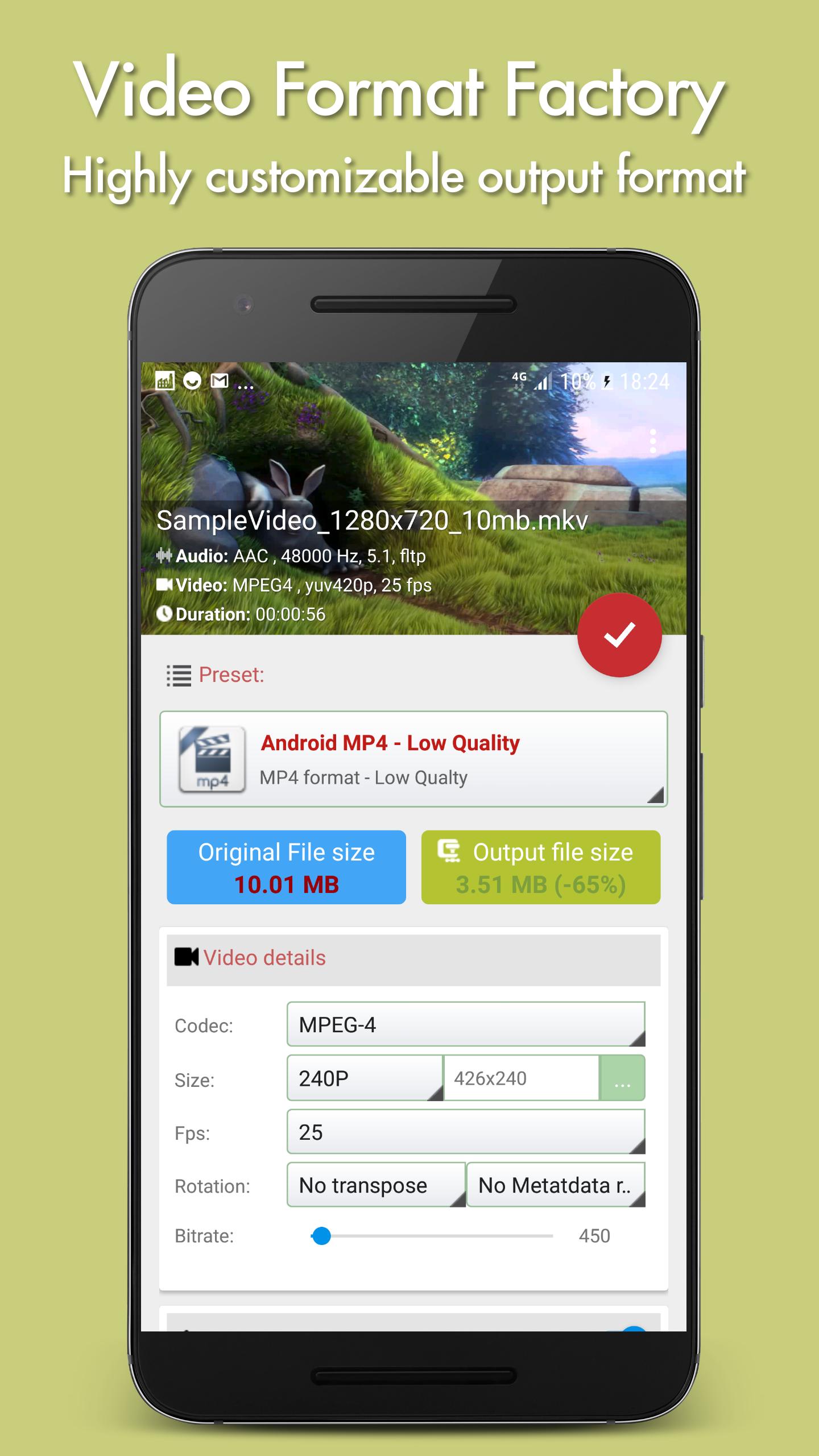
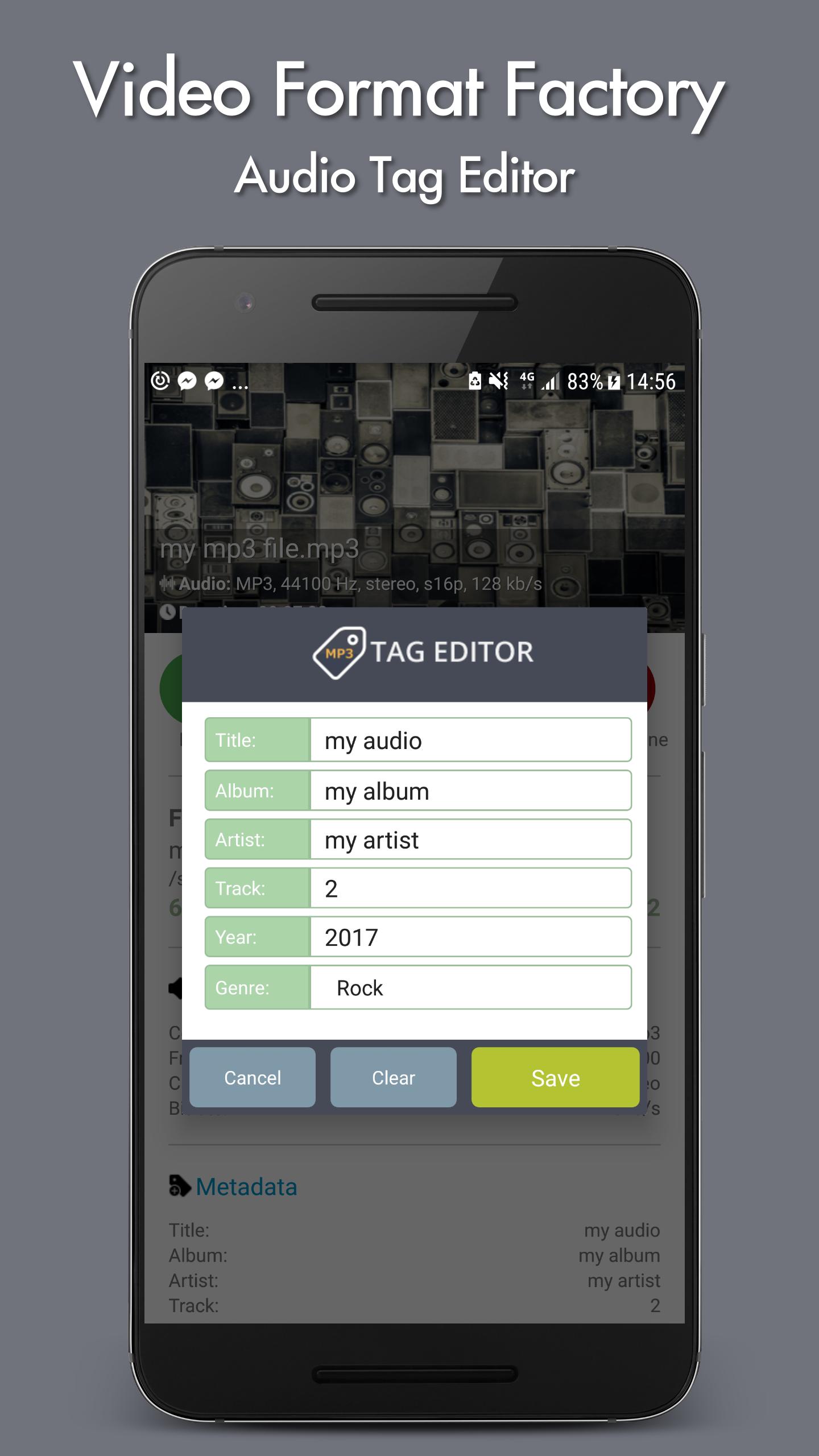
For control over results, you can customize the output format with:
Editing and extraction tools
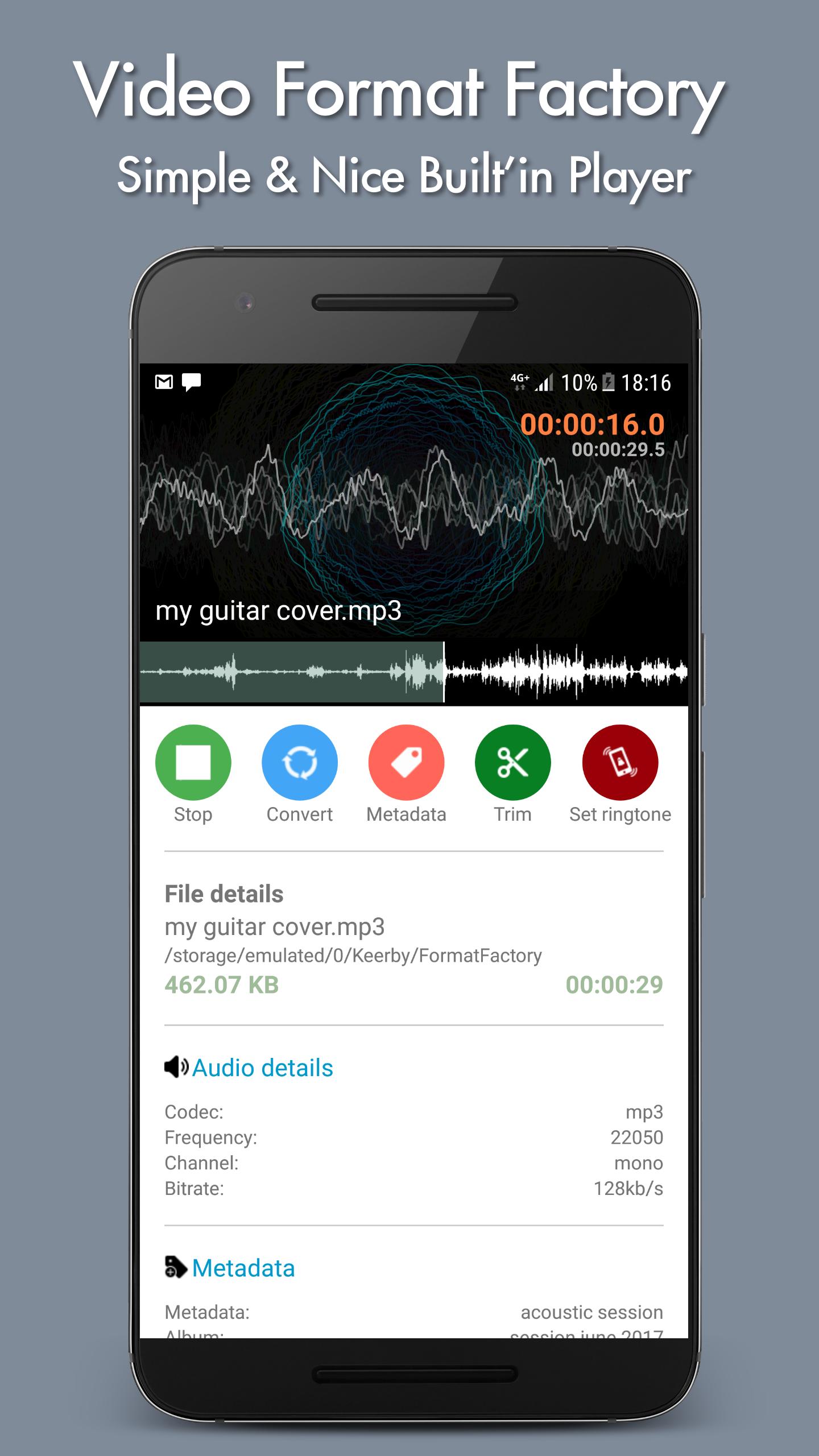
When you need quick edits, tools let you prepare clips for sharing:
Presets, sharing, and performance
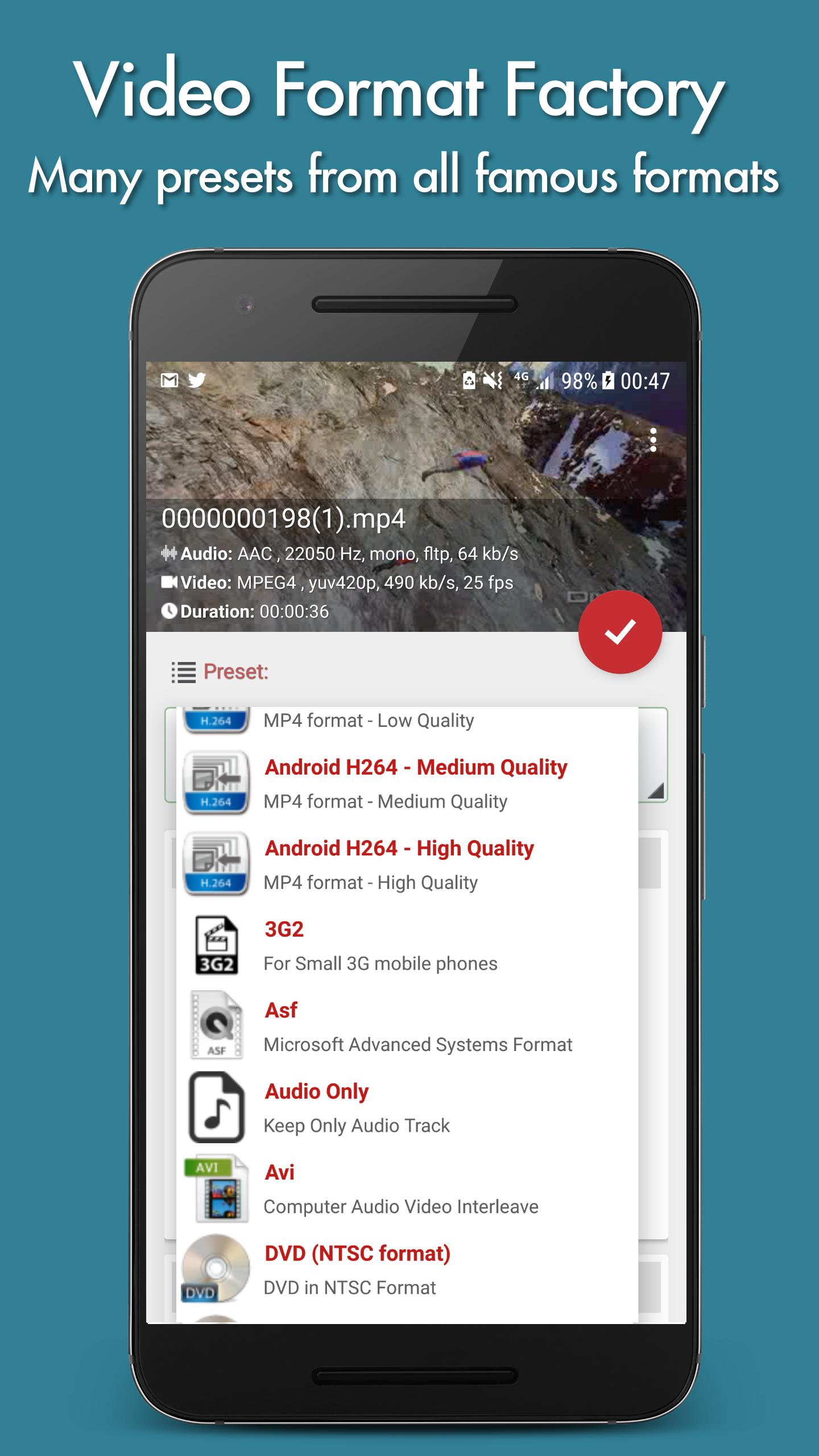
To simplify setup, preset profiles cover Android MP4, Audio Only, Avi, DVD NTSC and PAL, Flv, iPad, Mp4, Mpeg2, WebM, and Wmv. You can share converted, compressed, or trimmed clips directly to social apps. Conversion speed varies by device specifications. The encoding process uses FFMPEG. An in app purchase unlocks the highest quality profiles.
This app suits everyday format changes, size reduction, and basic edits without complex steps. Users can download Video Format Factory and begin with presets or fine tune outputs as needed. Check device capacity when working with large files or long videos.
Latest Version
5.58Uploaded by
Cảnh Chính
Requires Android
Android 8.0+
Category
Free Tools AppContent Rating
Everyone
Report
Flag as inappropriateLast updated on Jan 5, 2024
++ Updated SDK

APKPure - A multi-platform app store primarily focused on Android, providing extensive app-related content. Discover the app you want easier, faster, and safer, with quick and efficient downloads and installations.