
JP Injector suits players who want a fresh look without touching game balance or performance. It focuses on visual tweaks that are visible only to you, so matches remain fair for everyone. The app keeps the process simple, letting you explore options and refresh your style whenever you like. Because it centers on cosmetic changes, you can experiment safely and switch visuals as your taste changes. If you prefer a clear and direct setup, JP Injector APK provides an accessible way to customize visuals on Android.
Complete skin config access
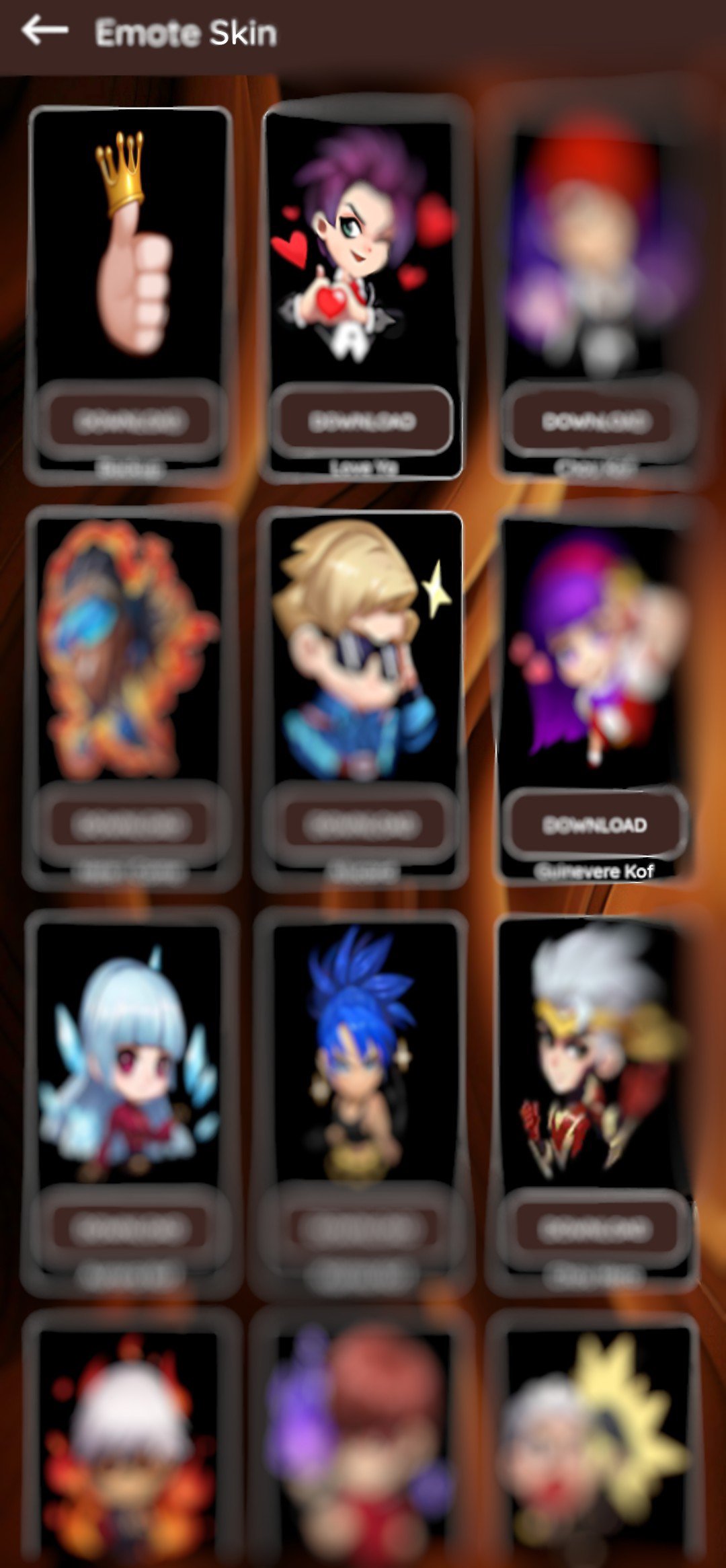
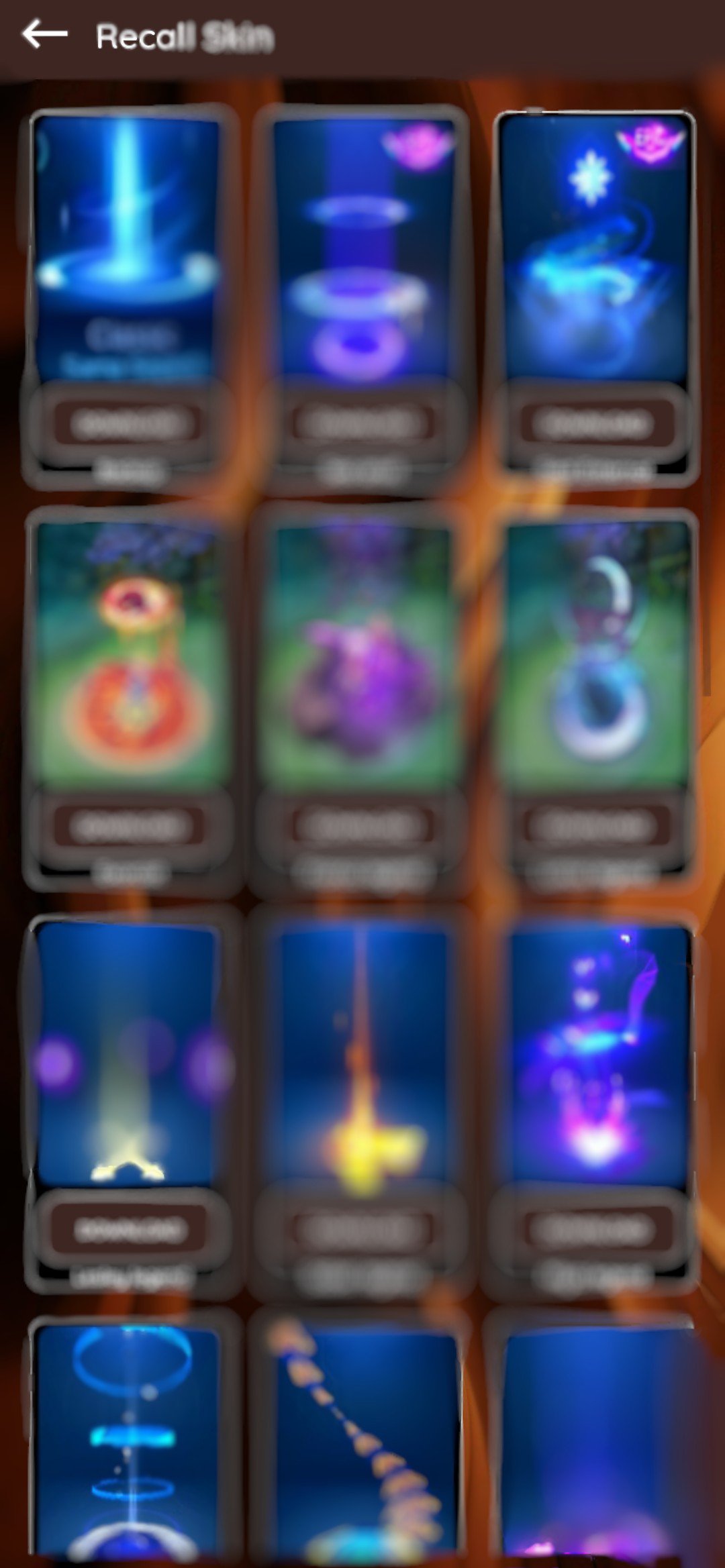
JP Injector brings a wide collection of MOD SKINs and skin configs into one place. You can browse categories and find looks that match your style without searching across multiple sources. This unified library helps you compare options and decide quickly. As a result, personalizing visuals feels straightforward from the first launch.
Direct download and install in app
You can download and install chosen skins inside JP Injector with a few taps. There is no need to jump to other tools since the process happens in one flow. This reduces setup time and keeps everything organized. Once installed, you return to your game to view the new look.
Regular content additions with notifications
JP Injector sends notifications when new MOD SKINs or configs are added. You do not need to reinstall the app to see the latest options. This approach helps you keep visuals current and discover fresh styles as they arrive. You can open the app from a notification and apply new items right away.
Lightweight design for low RAM devices
The app is built to run smoothly on phones with limited memory. JP Injector loads quickly and keeps navigation simple, which supports older or entry level devices. This lets more users explore skins without worrying about resource strain. It also makes switching between the app and your games faster.
Cosmetic only changes and clear non affiliation
All modifications in JP Injector are cosmetic and visible only to you. The app does not alter gameplay, match rules, or other players’ experiences. It is not affiliated with any game and aims to respect copyrights. This focused scope keeps customization limited to visuals so you can personalize responsibly.
Common user questions involve fairness and the risk of penalties. JP Injector applies visual changes locally, and those changes do not affect gameplay or other players. Policies and enforcement can differ by game, so you should always consider the rules of each title you play. Use the tool for cosmetic purposes only and avoid making claims toward advantages or performance changes.
Some users compare JP Injector with IQ Injector, QUEEN Injector, Neon Injector, NIX Injector old version, HC Injector, GS Injector, All Injector, and similar tools. The strength of JP Injector is the organized skin config library alongside simple in app installs and ongoing additions. If you are exploring options, focus on content breadth, ease of applying skins, and clarity around cosmetic only use. This helps you choose a tool that matches your expectations without affecting gameplay.
Getting started is quick, and you can apply your first visual change in a few minutes. For the initial setup, download JP Injector on your phone, then follow the steps below. After that, you can open your game to view the new look.
JP Injector focuses on easy visual personalization with cosmetic only MOD SKINs and skin configs. It keeps changes local to your device and avoids gameplay impact while offering a lightweight experience. To stay current, you can look for the JP Injector latest version and install updates when available.
Latest Version
1.4Uploaded by
Kamal Kumar
Requires Android
Android 5.0+
Category
Free Entertainment AppContent Rating
Everyone
Report
Flag as inappropriateLast updated on Oct 23, 2025
New UI and FAB Feature



APKPure - A multi-platform app store primarily focused on Android, providing extensive app-related content. Discover the app you want easier, faster, and safer, with quick and efficient downloads and installations.








