


Scan Date:Apr 16, 2026
Show More

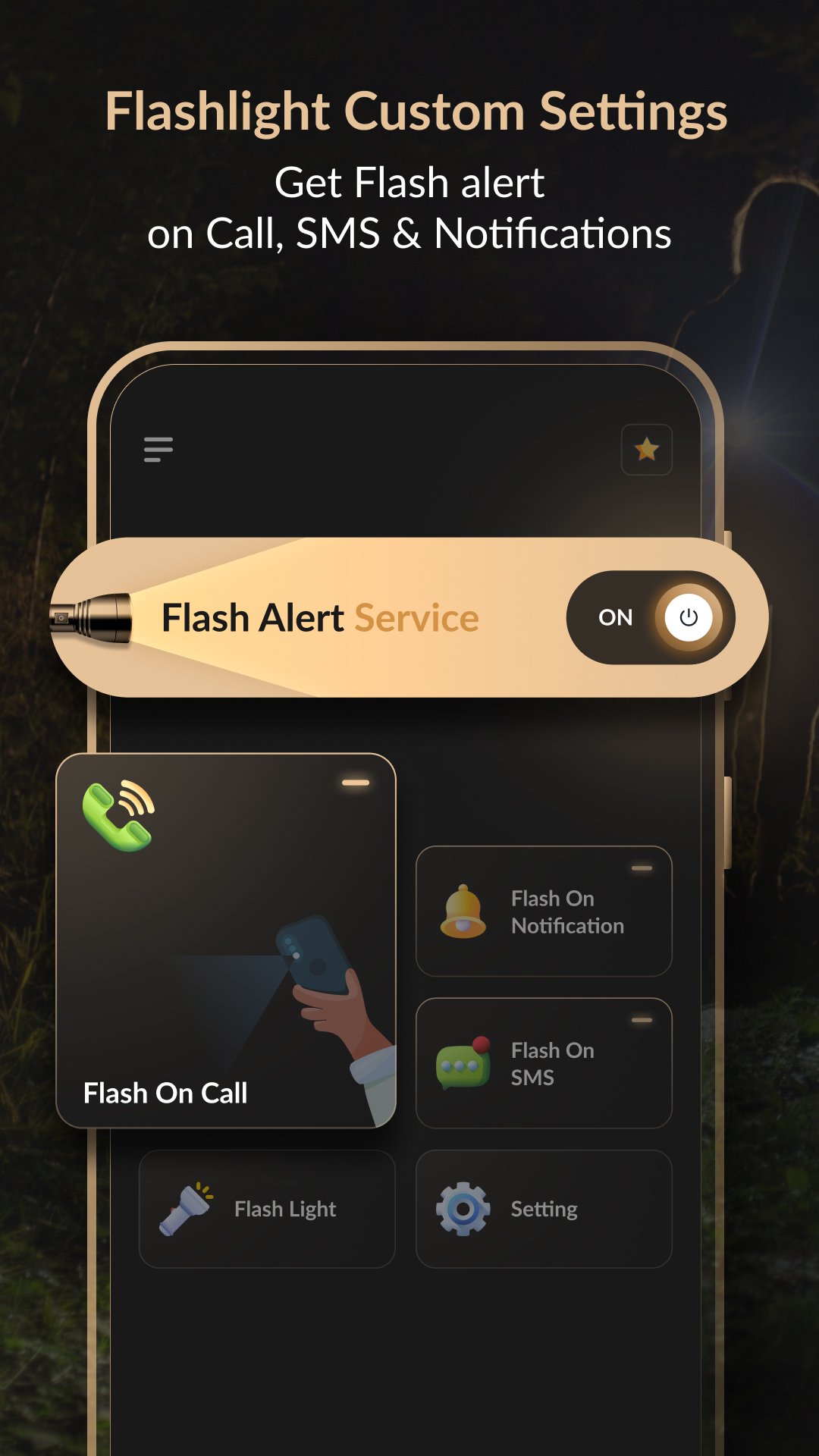
Get a handy flashlight, notification alerts and an LED display, all with customizable settings to meet your needs.
Features:
1. Flash on Call:
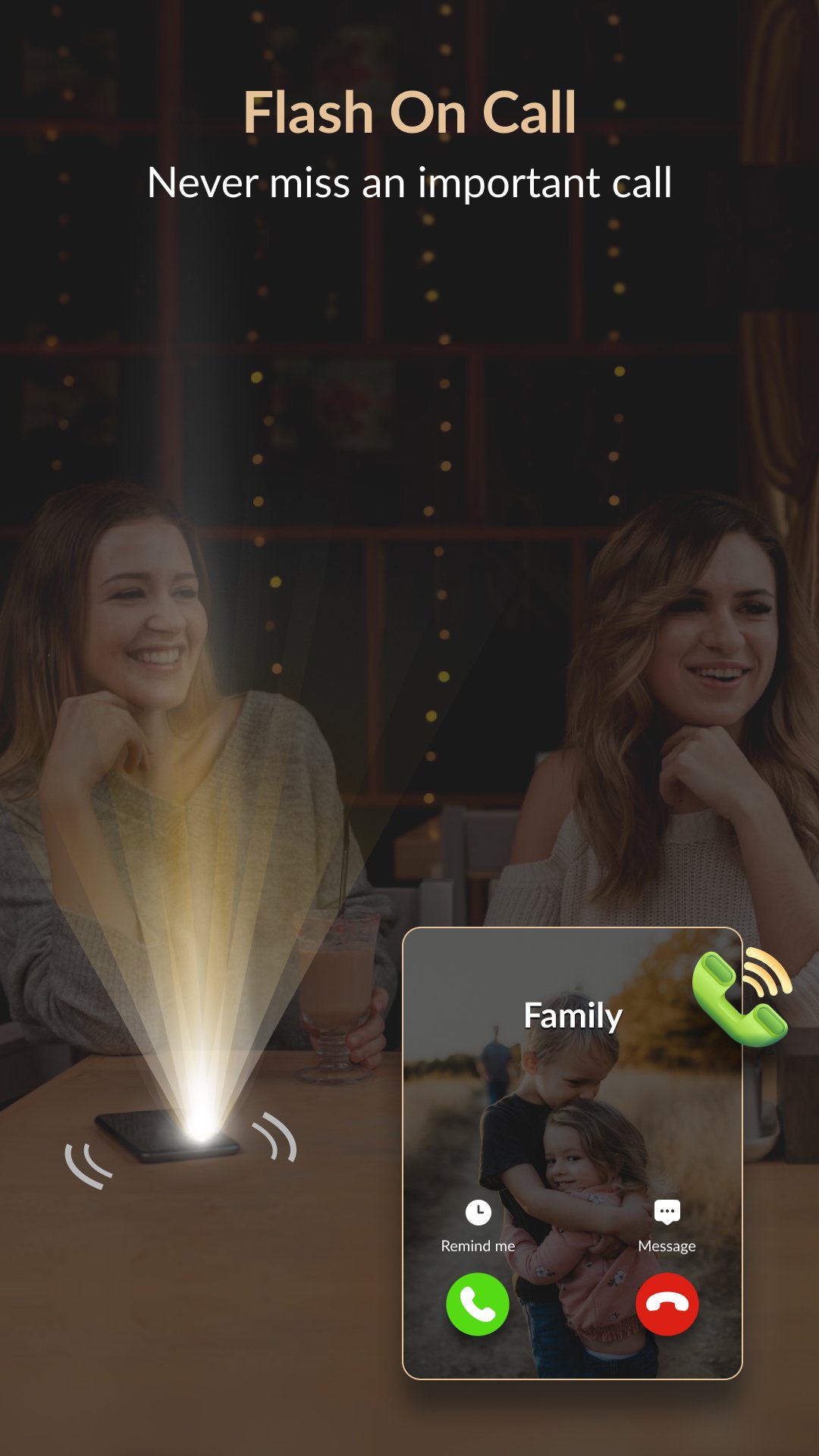
• Functionality: Activate the flash for incoming calls.
• Flashing Type: Choose between Continuous or SOS flashing.
• Customization: Adjust the flash on/off duration and test the flash settings.
• Modes: Select from Normal, Vibrate, or Silent modes to suit your environment.
2. Flash on Notification:
• Functionality: Get flash alerts for incoming notifications.
• Flashing Type: Choose between Continuous or SOS flashing.
• Customization: Adjust the flash on/off duration and test the flash settings.
• Modes: Select from Normal, Vibrate, or Silent modes.
• App Selection: Choose specific apps for which the flash will blink, ensuring you never miss important notifications.
3. Flash on SMS:
• Functionality: Activate the flash for incoming SMS messages.
• Flashing Type: Choose between Continuous or SOS flashing.
• Customization: Adjust the flash on/off duration and test the flash settings.
• Modes: Select from Normal, Vibrate, or Silent modes.
4. Flashlight:
• Functionality: Utilize a reliable flashlight for any situation.
• Flash Types: Select from SOS or DJ flash modes for additional utility.
• Ease of Use: Simple on/off switch for quick access.
5. LED Display:
• Customization: Type any text and customize it with various styles, sizes, and colors.
• Background Color: Choose the background color to match your preference.
• Scroll Direction: Select the scroll direction (left, center stop, or right).
• Scroll Speed: Adjust the scrolling speed to your liking.
• Full Screen Mode: Display messages in full screen, ideal for emergencies, fun times, special occasions, or any creative use you can imagine.
Settings:
1. To Stop Flash:
• Oscillate Stop Flash: Shake the phone to stop the flash. Toggle this feature on/off as needed.
2. For No Flash:
• Screen Flash: Disable flash while using the phone. Toggle this feature on/off as needed.
• Battery Level: Set a battery level threshold to disable the flash when power is low.
3. Do Not Disturb:
• Schedule Flash Off: Set a timer to disable the flash during specific hours (e.g., from 10:00 PM to 7:00 AM). Customize this schedule according to your preferences.
Permission:
1.Phone State Permission: We require this permission to allow user to get flash alert for incoming calls.
2.Notification Permission :We require this permission to allow user to get flash alerts for notifications.
Download app now and customize your phone's flash functionalities with unmatched precision!
Latest Version
1.0.0Uploaded by
Byron James Suico
Requires Android
Android 6.0+
Category
Free Tools AppContent Rating
Everyone
Security Report
Report
Flag as inappropriateLast updated on Jul 23, 2024
Minor bug fixes and improvements. Install or update to the newest version to check it out!



APKPure - A multi-platform app store primarily focused on Android, providing extensive app-related content. Discover the app you want easier, faster, and safer, with quick and efficient downloads and installations.










