Package Name:com.devhard.calljoke
SHA-256:3b23deea3268b550862c6a16e75ac1a6399947bded07e1766692adff5d9e56b3
Show More

Fake Call gives you a realistic fake incoming call whenever you need one. Prank your friends, or slip out of a boring meeting, an awkward date or a conversation that won't end. The call rings, vibrates and fills the screen just like a real one, even when your phone is locked.
📞 LOOKS AND RINGS LIKE A REAL CALL
• Full-screen incoming call that shows over the lock screen
• Uses your ringtone and vibration, and follows your ring volume and silent mode
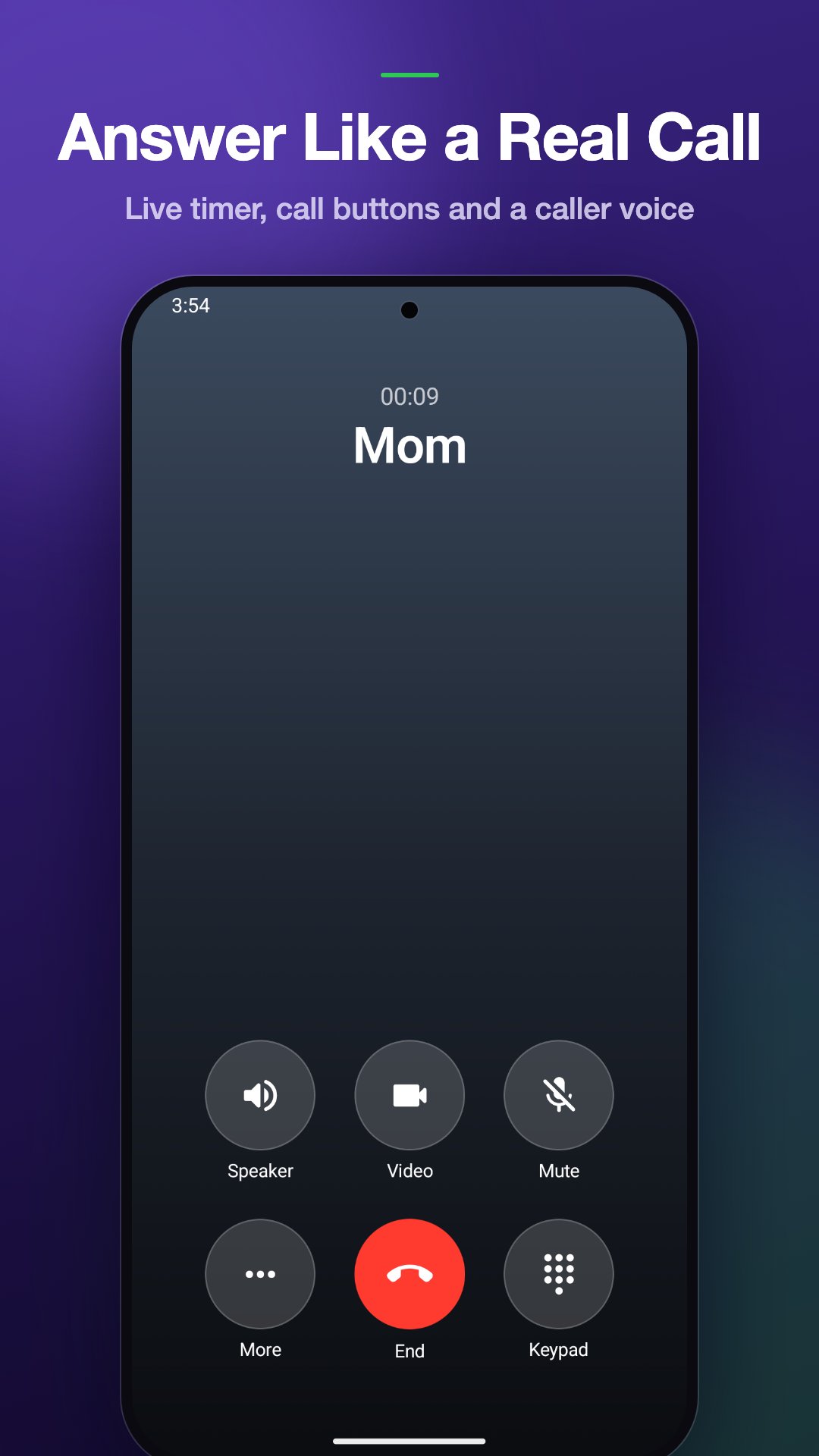
• Answer or decline, then see a live call timer with speaker, mute and keypad buttons
• Don't answer and it turns into a missed call, just like a real one
📱 5 CALL SCREEN STYLES
Pick the call screen that matches the phone in your hand:
• Pixel style (Android 16)
• Samsung style (One UI 8)
• iPhone style (iOS 26)
• Xiaomi style (HyperOS 2)
• OPPO style (ColorOS 15)
Fake Call picks the style that matches your phone on first launch. Switch to a video call and it rings as an incoming video call.
👤 ANY CALLER YOU WANT
• Type any name and phone number
• Add a caller photo from your gallery
• Or pick someone from your contacts – Android only shares the one contact you choose
• Preview the call screen before you schedule it
⏰ SCHEDULE THE PERFECT MOMENT
• Ring in 5 seconds, 30 seconds, 1 minute, 5 minutes or up to an hour
• Or pick an exact time
• Lock your phone and put it away – the call still rings on time
• Scheduled calls survive a restart
🎙️ CALLER VOICE
Choose any recording from your phone. It plays through the earpiece when you answer, and the caller hangs up when it ends. Record a friend, a "boss" or a voice note in advance.
🕘 CALL HISTORY
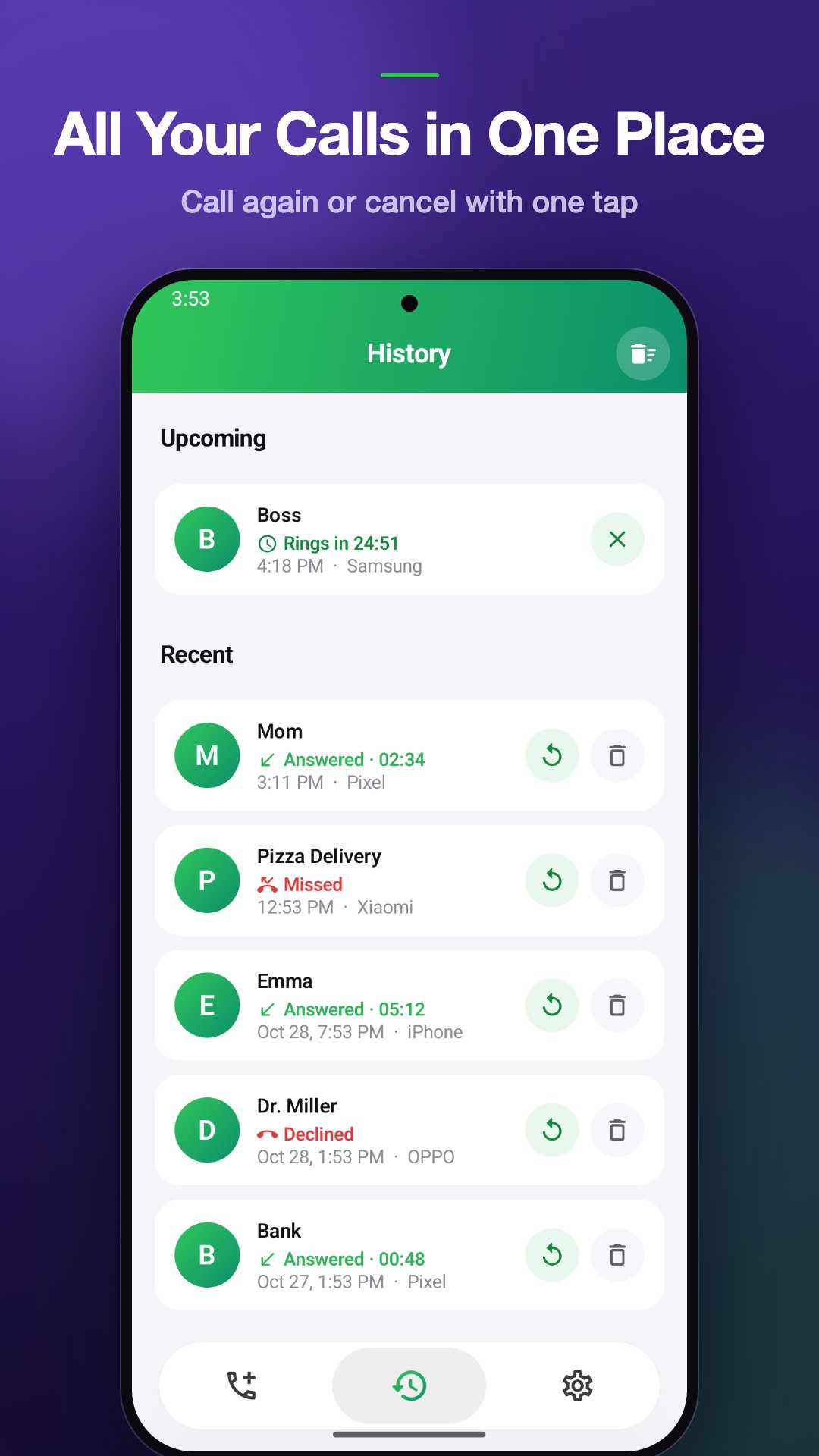
• Upcoming and recent calls in one place
• Call again with one tap, or cancel a call before it rings
🎯 PERFECT FOR
• Escaping a boring meeting, a bad date or a long phone call
• A polite excuse to leave a party or an awkward conversation
• Pranking friends and family with a "call" from anyone
• Practising how you answer calls
🔒 SIMPLE AND PRIVATE
• No sign-up and no account
• Your fake calls and caller photos stay on your phone
• Works offline
• Light and dark mode
• 11 languages: English, Türkçe, Deutsch, Español, Français, Português, العربية, हिन्दी, Bahasa Indonesia, Bahasa Melayu and Afrikaans
HOW IT WORKS
1. Enter a name or pick a contact
2. Choose a call screen and when it should ring
3. Tap Schedule call – your phone rings right on time
TIP: For calls that pop up on time over the lock screen, allow the permissions the app asks for on first use. On Xiaomi phones, also turn on "Show on lock screen" and "Display pop-up windows while running in the background".
PLEASE NOTE
Fake Call never places a real phone call, never calls anyone and never costs you call credit. It is made for fun and for getting out of awkward moments – please prank responsibly. Pixel, Samsung, iPhone, Xiaomi and OPPO are trademarks of their respective owners. Fake Call is an independent app and is not affiliated with or endorsed by them.
Questions or ideas? Email cemapp1452@gmail.com – we read every message.
Latest Version
1.0.6Uploaded by
ธนวัฒน์ ทองวิญญา
Requires Android
Android 7.0+
Category
Free Entertainment AppContent Rating
Everyone
Security Report
Check Now
Report
Flag as inappropriateLast updated on Nov 9, 2026
This release includes minor bug fixes and general improvements. Update to the latest version for the best experience.





APKPure - A multi-platform app store primarily focused on Android, providing extensive app-related content. Discover the app you want easier, faster, and safer, with quick and efficient downloads and installations.