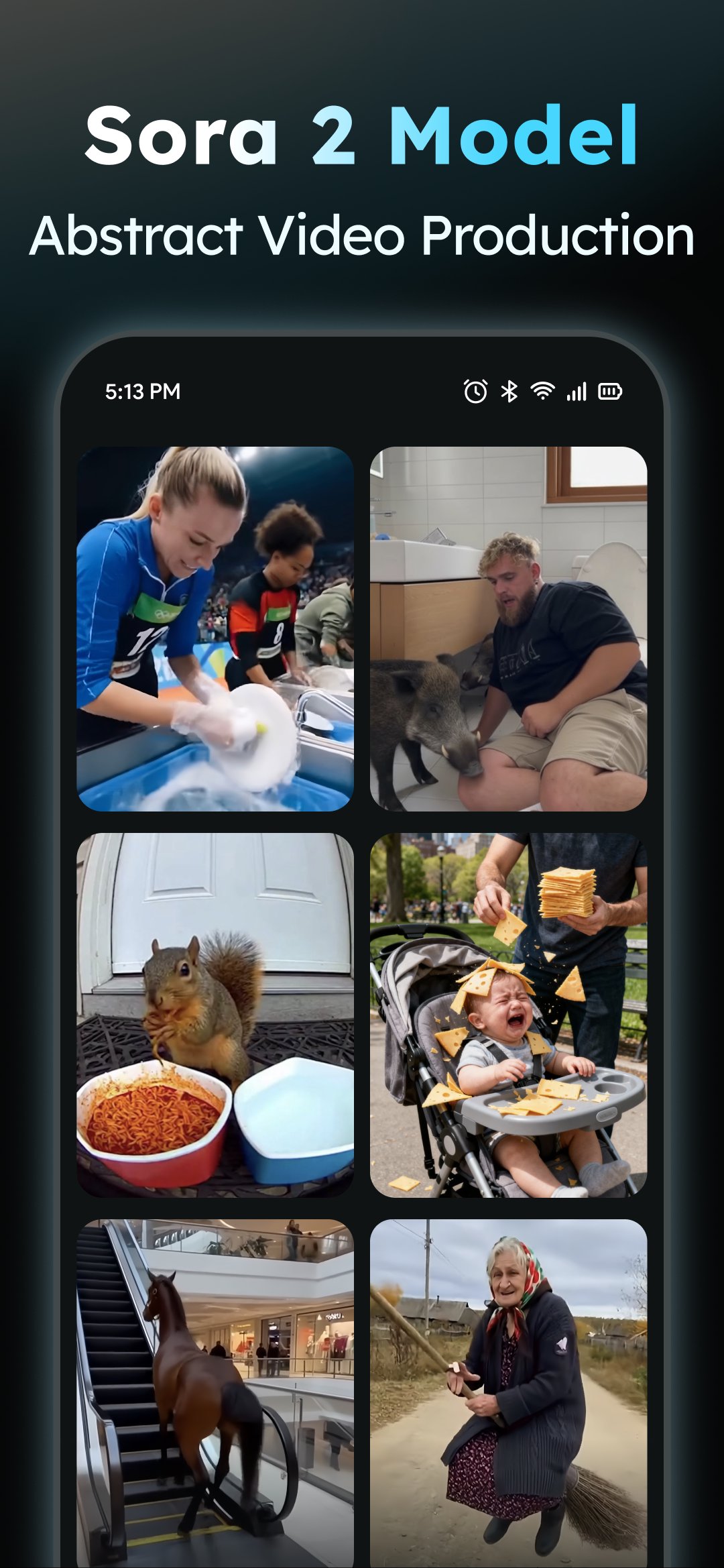
AIReel helps users who need quick, polished clips for social posts, ads, or presentations. It turns simple inputs into full videos with scenes and music, so beginners can finish a draft fast. You also get clear steps and privacy options on supported devices. If you prefer low effort and practical results, download AIReel to get started.
AIReel Features
Text to video
Enter a short description, and AIReel builds a clip with scenes and music. You can preview the result and save a short video for quick sharing. This suits updates, event invites, and quick tutorials.
Photo to video
Upload a JPG or PNG. AIReel animates real people, anime art, or pets to add motion. This is useful when a still image needs a dynamic look. Results fit profiles, product shots, and pet clips.
Prompt assistant
When an idea is rough, the prompt assistant suggests clearer wording. It reduces guesswork and helps you get closer to the outcome you want. You adjust ideas step by step until the prompt matches your target.
Templates, export ratios, and safety
AIReel supports ready formats for common short videos, so sharing is straightforward. It also offers options that help protect privacy and keep content in check.
- Ready templates for popular short formats, updated daily.
- Export in 9:16, 16:9, or 1:1 for different platforms.
- On compatible devices, processing can be local for privacy.
- Report inappropriate content in the app for human review.
- AIReel APK offers these options for a consistent workflow.
Start creating with AIReel
AIReel brings text to video and photo to video into a simple process. Pick a template, refine a prompt, and export in the ratio you need. For new features and fixes, install the AIReel latest version.