Package Name:chat.ocr
SHA-256:9701f5807b2ae3a57afa0458f39f0a9b715de40708074abe433105c288320a60
Show More
OCR.chat is a document scanner with OCR for Android. Scan paper to text, take a photo of a page, or import images and PDFs, and get text you can copy, search, export and ask questions about. Text recognition starts on your phone right away, and a full read on ocr.chat adds multi-page PDFs and many more languages.
HOW IT WORKS
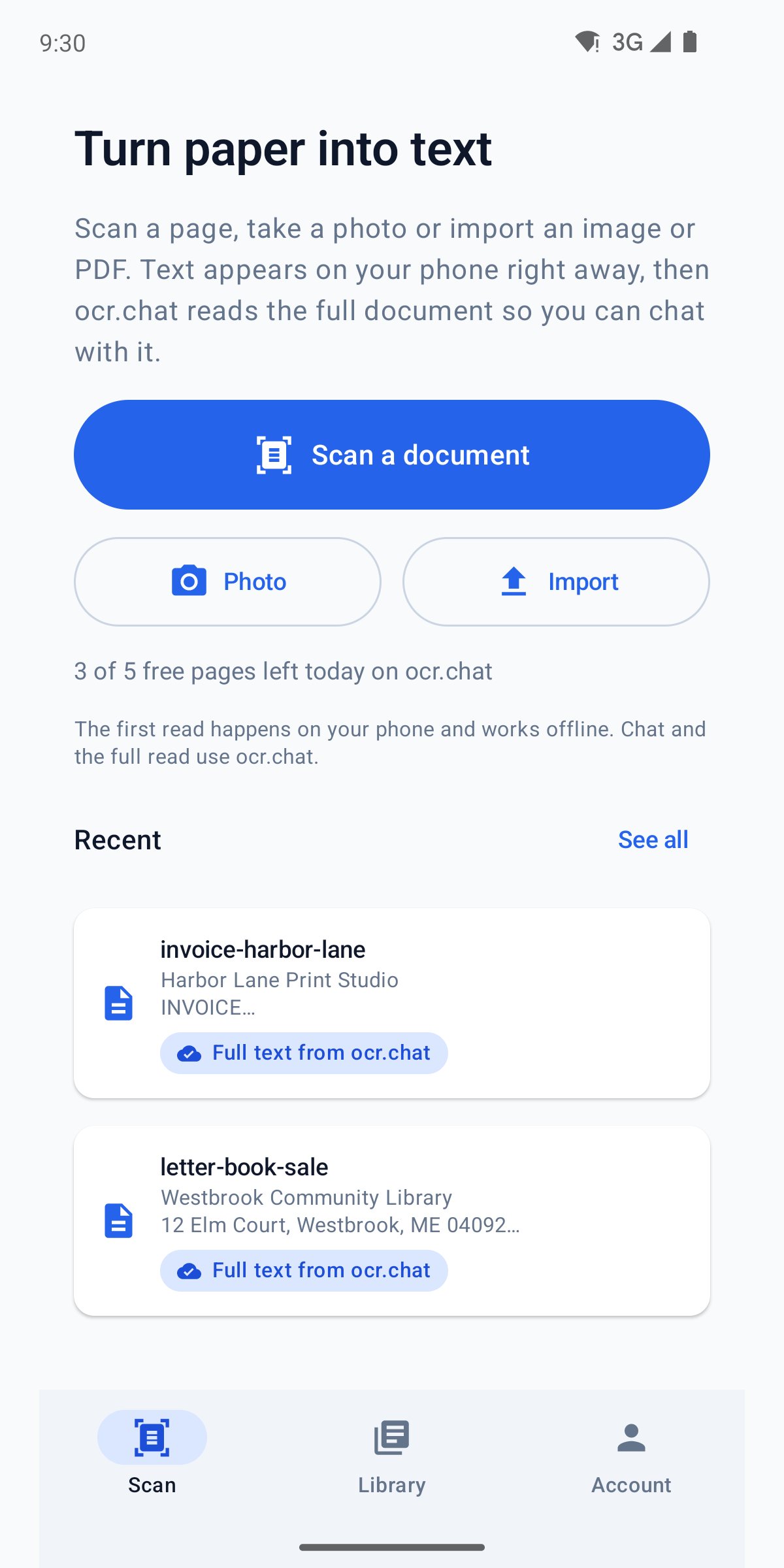
Scan or import a page. Text appears on your phone within moments. If you are online, the document is then read in full on ocr.chat, and Chat opens so you can ask about it. Everything is kept in your library on the phone.
DOCUMENT SCANNER
• Scan a document with automatic edge detection and cropping, up to 20 pages at a time.
• Take a photo with the in-app camera when you only need one page.
• Import images and PDFs from your phone, up to 10 at once, or share them in from any other app.
IMAGE TO TEXT ON YOUR PHONE
The first read happens on your phone, so text from printed pages in Latin-script languages appears right away, even with no connection.
PDF TO TEXT AND FULL OCR
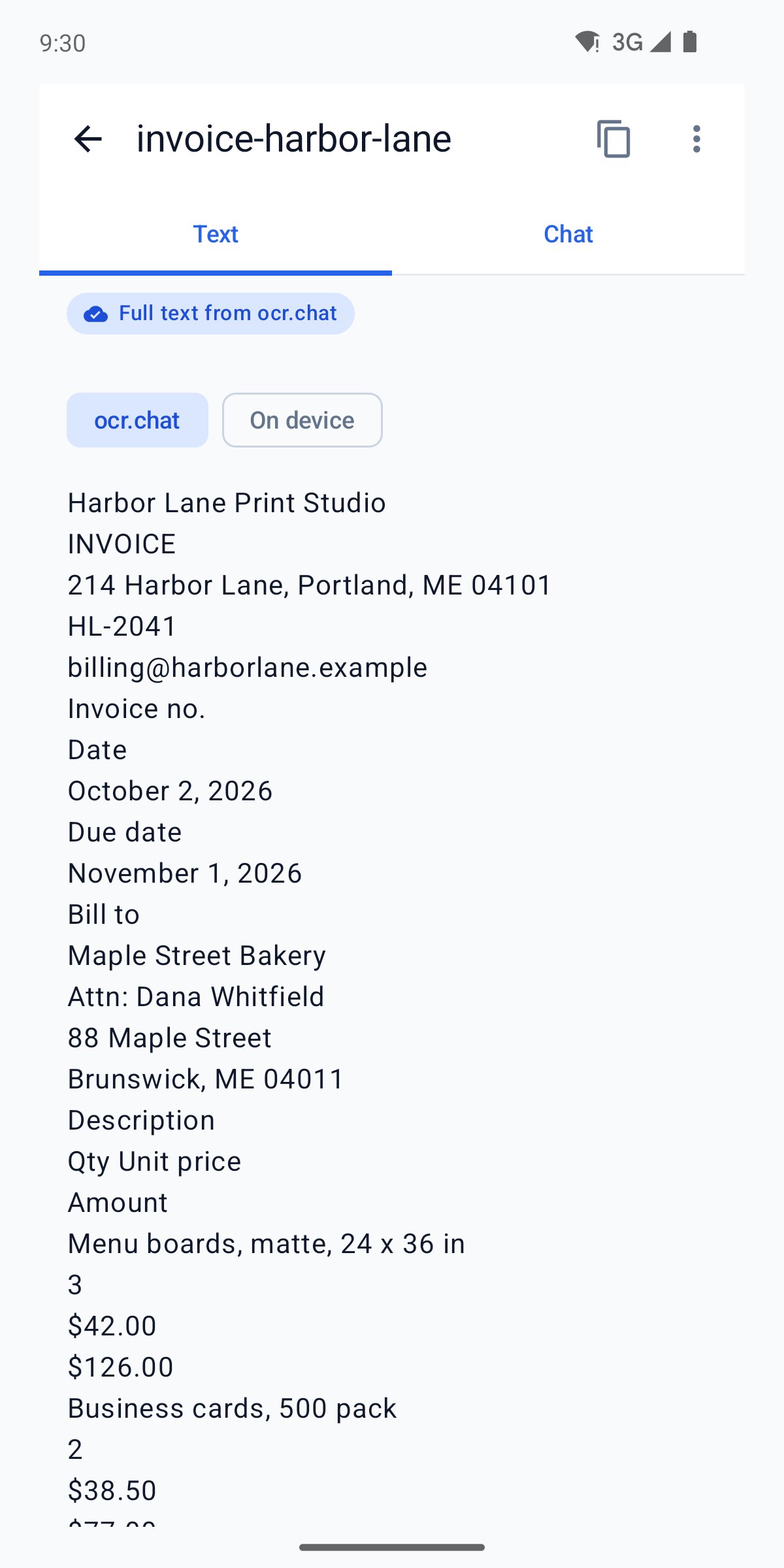
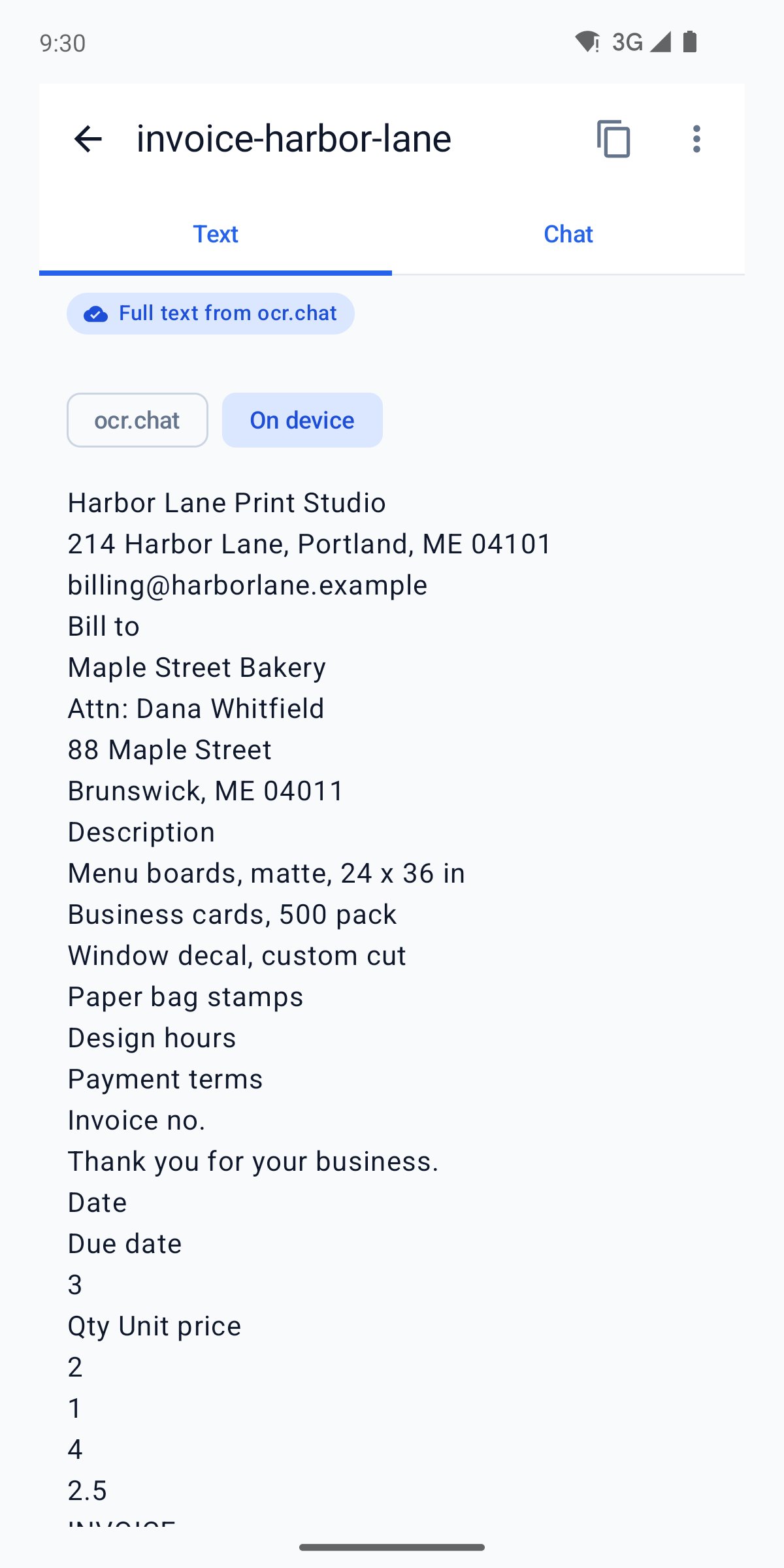
When you are online, OCR.chat sends the document to ocr.chat for a full read that covers multi-page PDFs and many more languages and scripts. The result replaces the on-device text, and you can switch between the two. A notification tells you when a long document is ready.
CHAT WITH YOUR DOCUMENTS
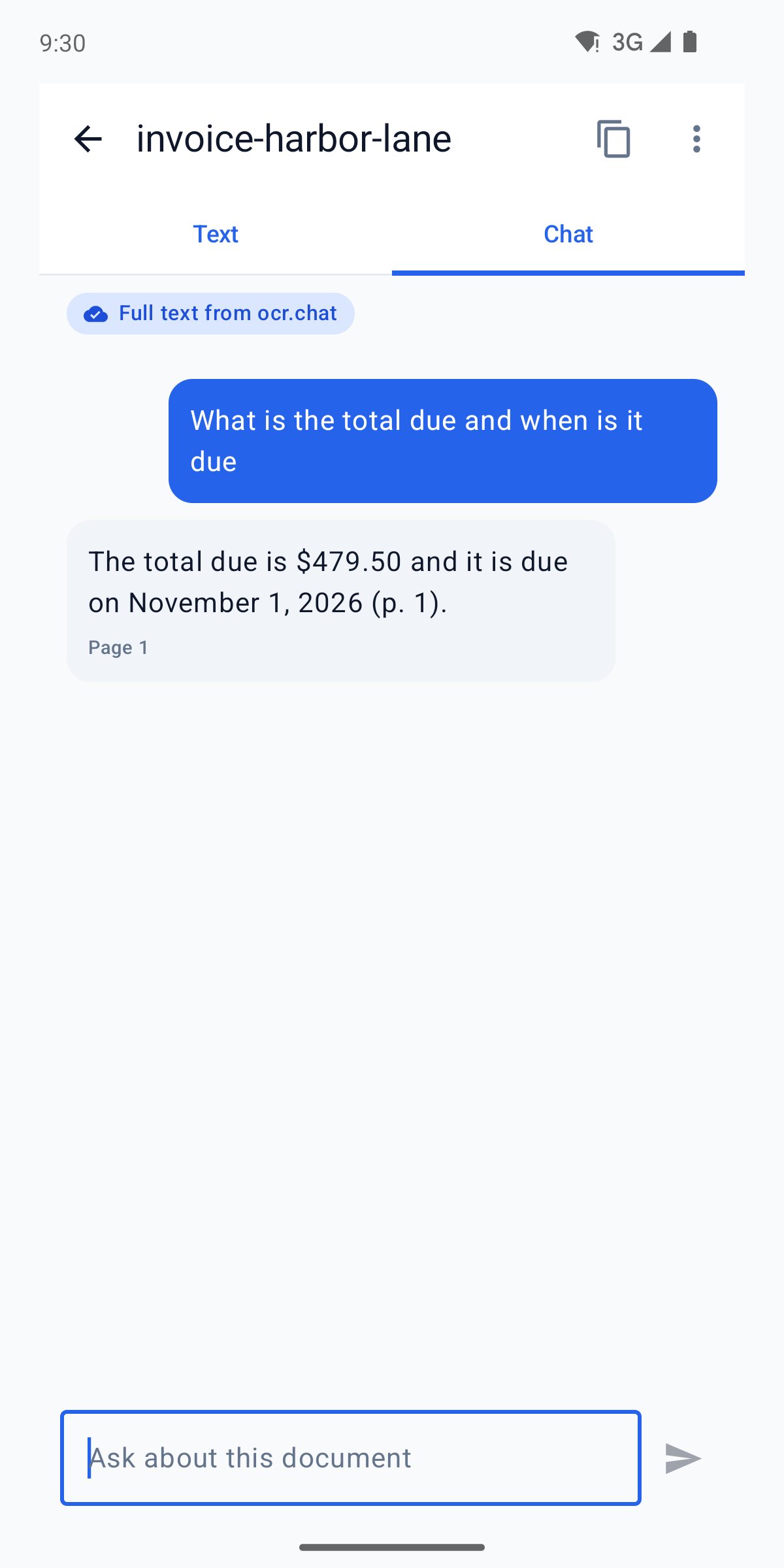
Open Chat and ask about what you scanned: the total on an invoice, a date in a letter, a clause in a contract, a short summary of a long report. Answers are based on the document and point to the page they come from. Every AI answer has a Report button, so you can flag one that is wrong or harmful.
COPY, SHARE AND EXPORT
• Copy the text in one tap, or share it to any app.
• Export as a .txt file or as a text PDF built on your phone.
• Rename and delete documents.
YOUR DOCUMENT LIBRARY
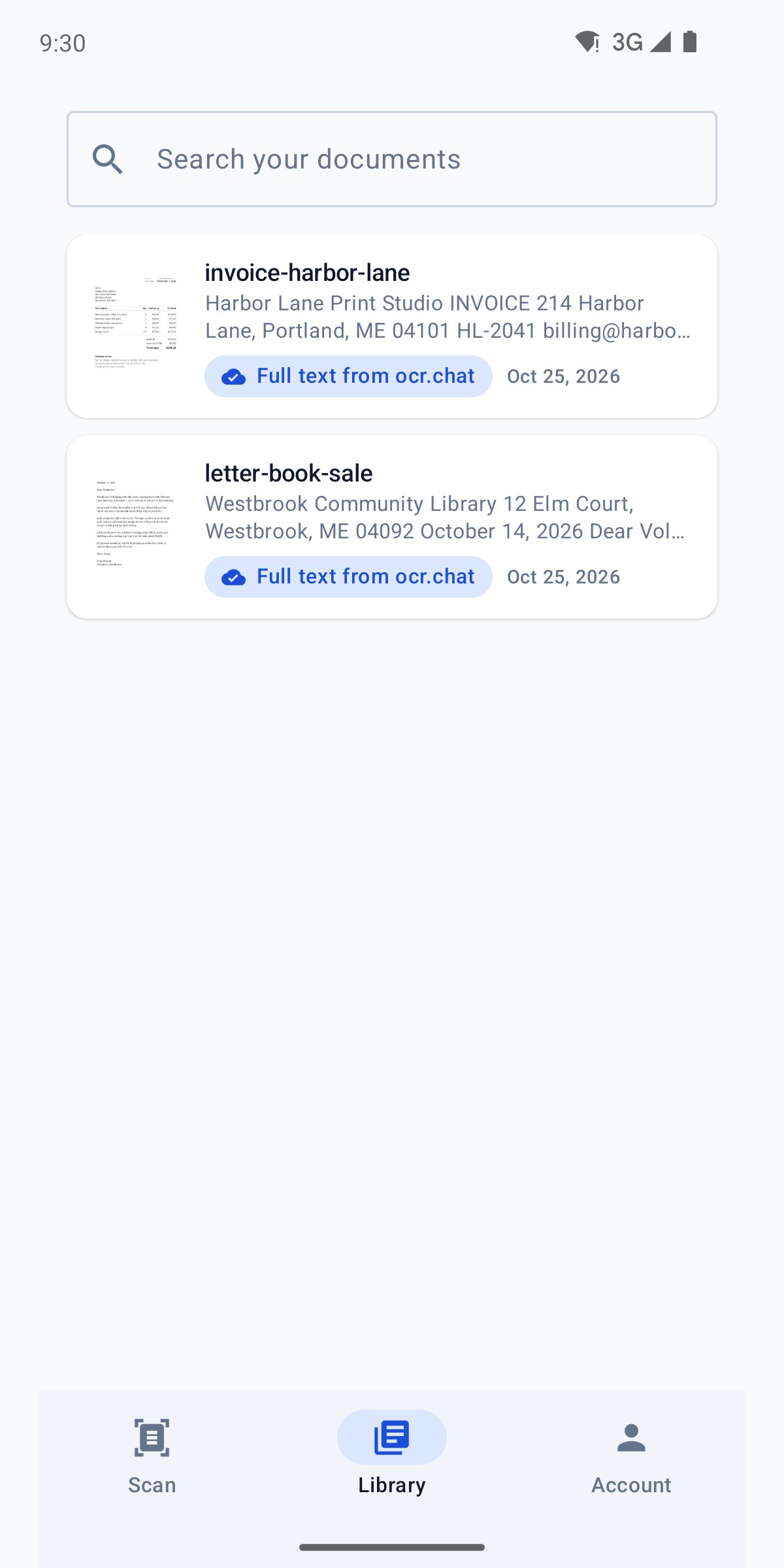
• Every document is saved on your phone with its text and its chat.
• Search across all your documents by the words inside them, even offline.
• Each document shows where its text came from: on device or ocr.chat.
WORKS OFFLINE, SENDS WHEN YOU ARE BACK
Scan with no connection and the on-device text is ready at once. Documents waiting for the full read are sent automatically when you are online again.
USEFUL FOR
Receipts and invoices, letters and contracts, book pages and printed notes, forms, menus and signs, homework and handouts, and any paper you want as editable text.
PRIVACY
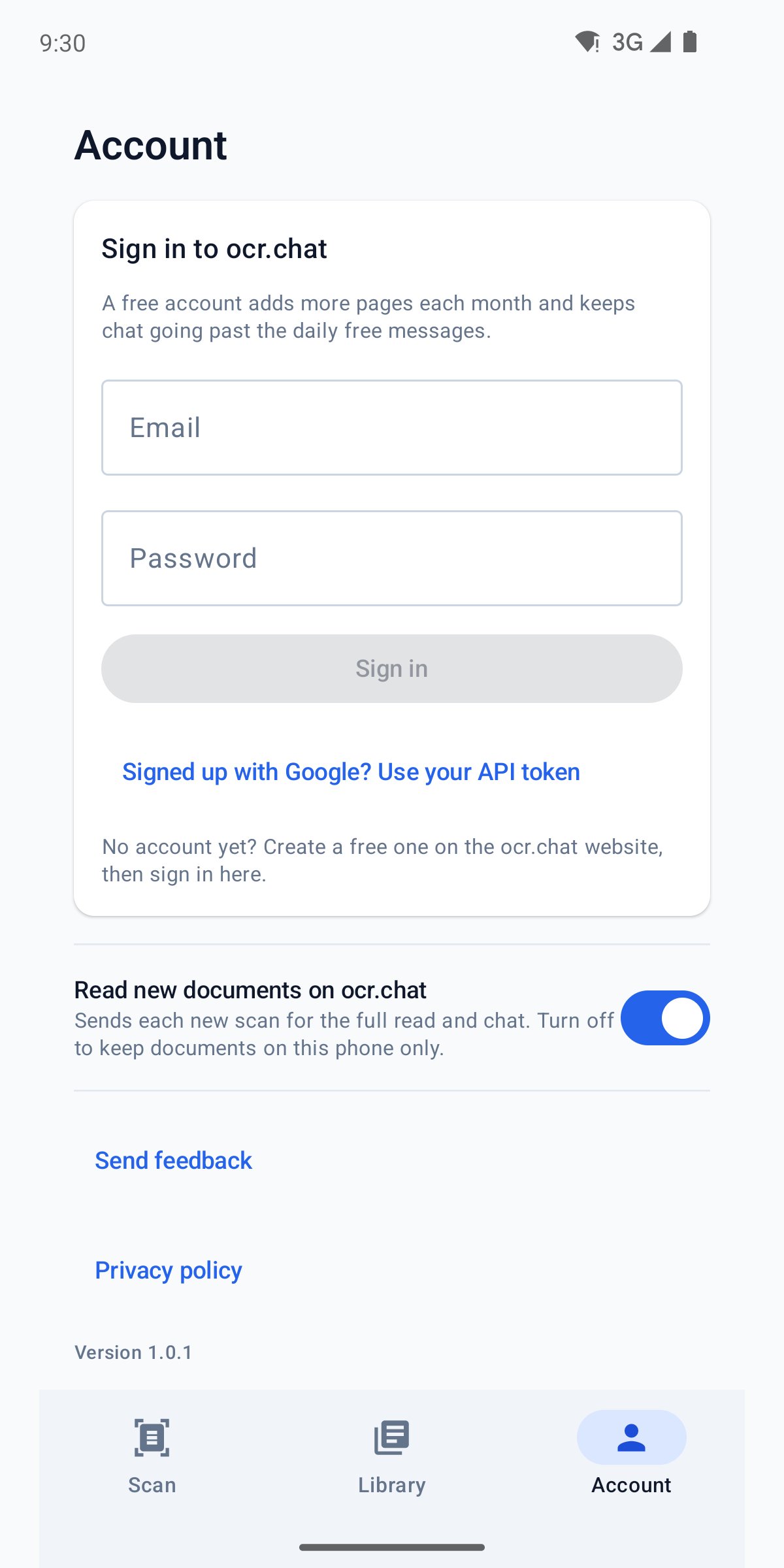
• Turn off the option to read new documents on ocr.chat, and documents stay on your phone only.
• The app has no tracking or analytics SDKs.
• Sign in with an existing ocr.chat account, and delete that account from inside the app.
LIMITS AND PLANS
Without an account, ocr.chat reads 5 pages a day and answers 3 chat questions a day. Signed in to a free ocr.chat account, you get 30 pages and 30 chat messages a month. The app shows what you have left, and the on-device text always stays available.
Need more? Starter, Pro and Business plans add pages every month, billed monthly or yearly through Google Play. One-time page packs are a single payment, and their pages never expire. Purchases are added to your ocr.chat account, can be restored, and plans are managed or cancelled in Google Play.
Questions or ideas? Send us feedback from the Account tab.
Latest Version
1.2.0Uploaded by
Hamko Jan
Requires Android
Android 8.0+
Category
Free Productivity AppContent Rating
Everyone
Security Report
Check Now
Report
Flag as inappropriateLast updated on Oct 29, 2026
Easier to rate the app and send feedback.



APKPure - A multi-platform app store primarily focused on Android, providing extensive app-related content. Discover the app you want easier, faster, and safer, with quick and efficient downloads and installations.