Package Name:com.jivubaa.signaturescreenlocker
SHA-256:07f882d49401c6fa9c0649ee7177b220787227bd9bde54c303750870abc8fc80
Show More
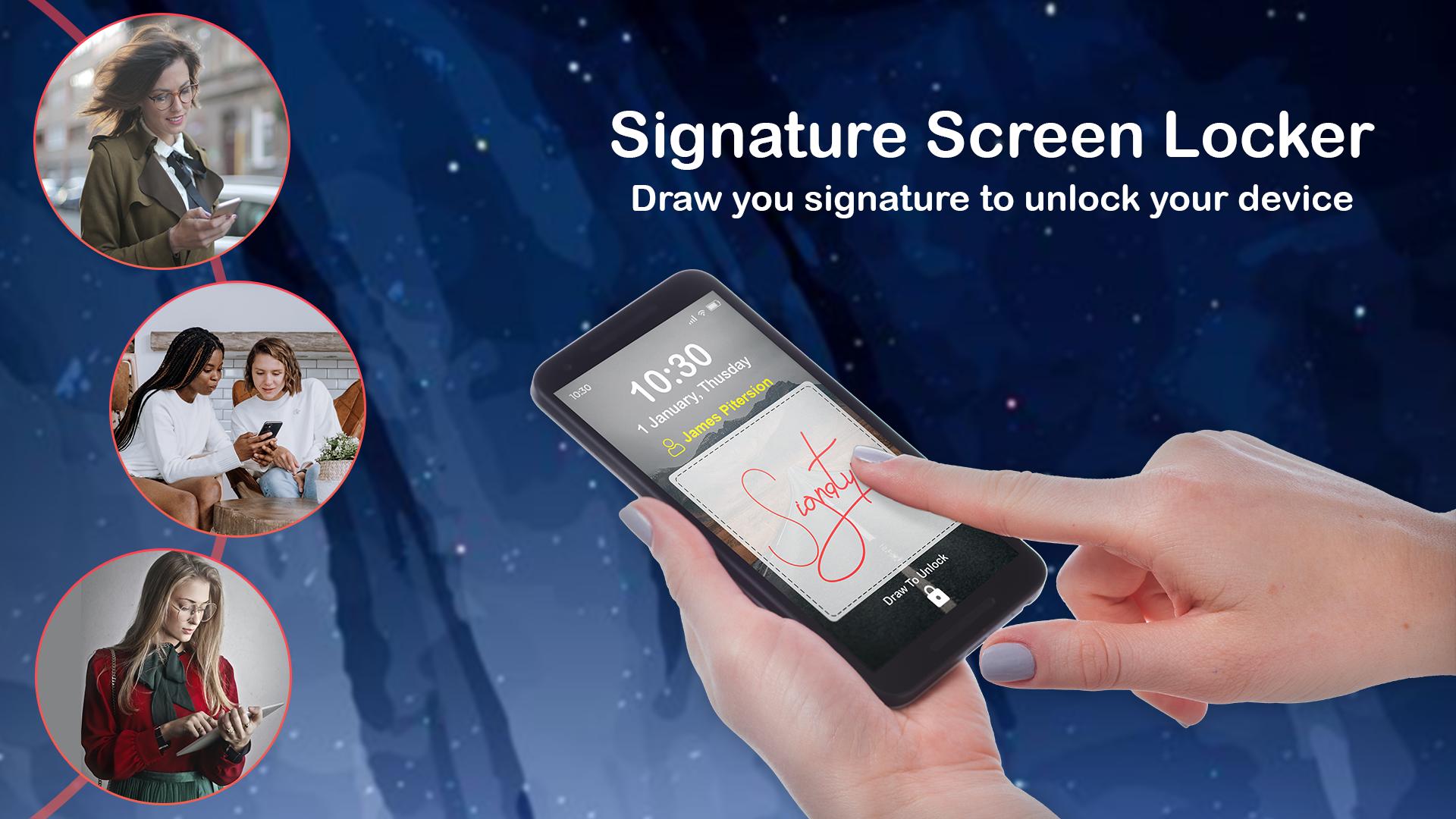
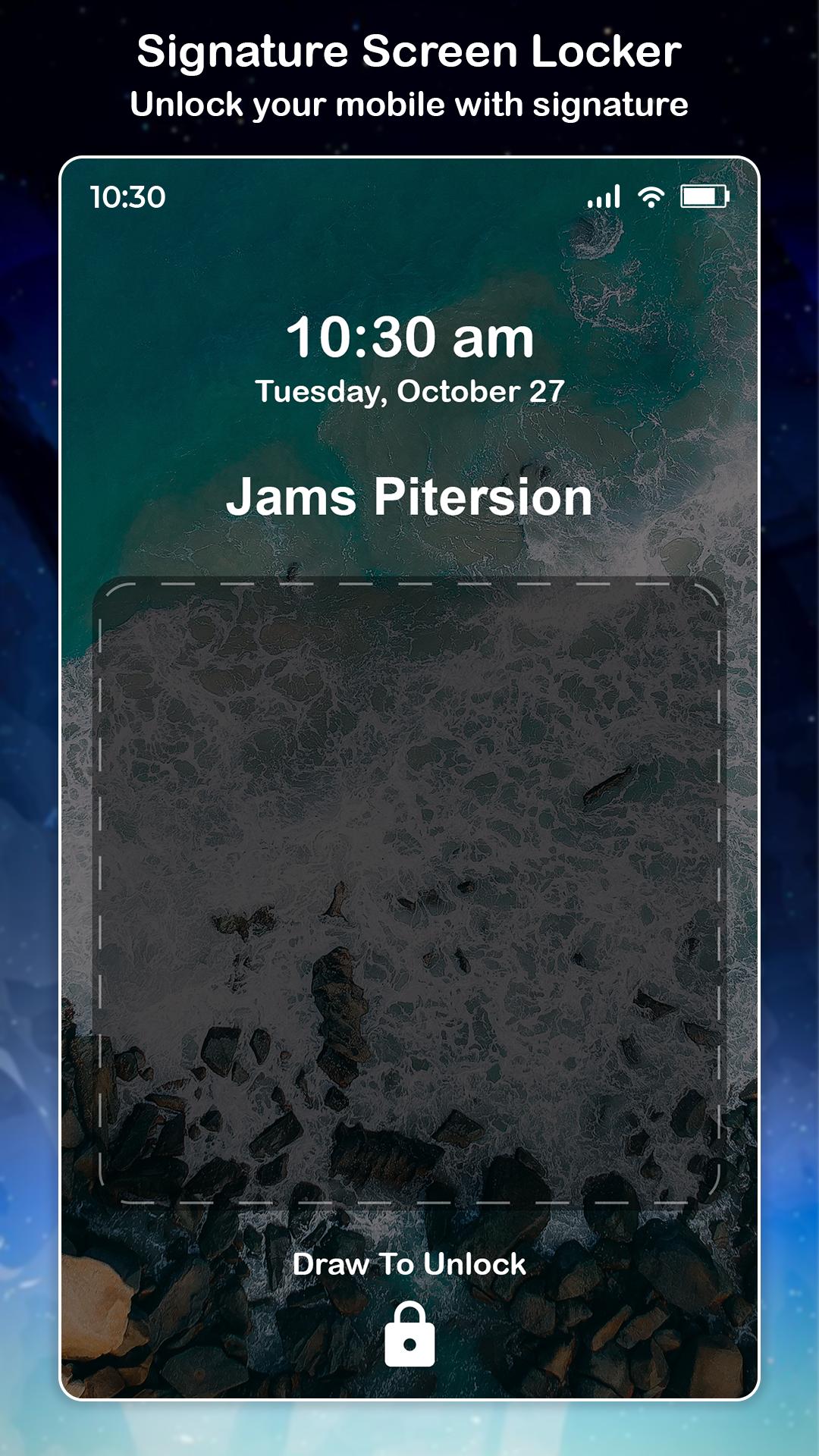
Signature Screen Locker is a unique gesture lock screen For android Mobile.
If you want something different to lock or unlock your phone and tried using old pattern locks try our brand new and unique gesture lock screen app.
Tired of the old patterns and password lock to lock your mobile gesture lock screen is the solution.
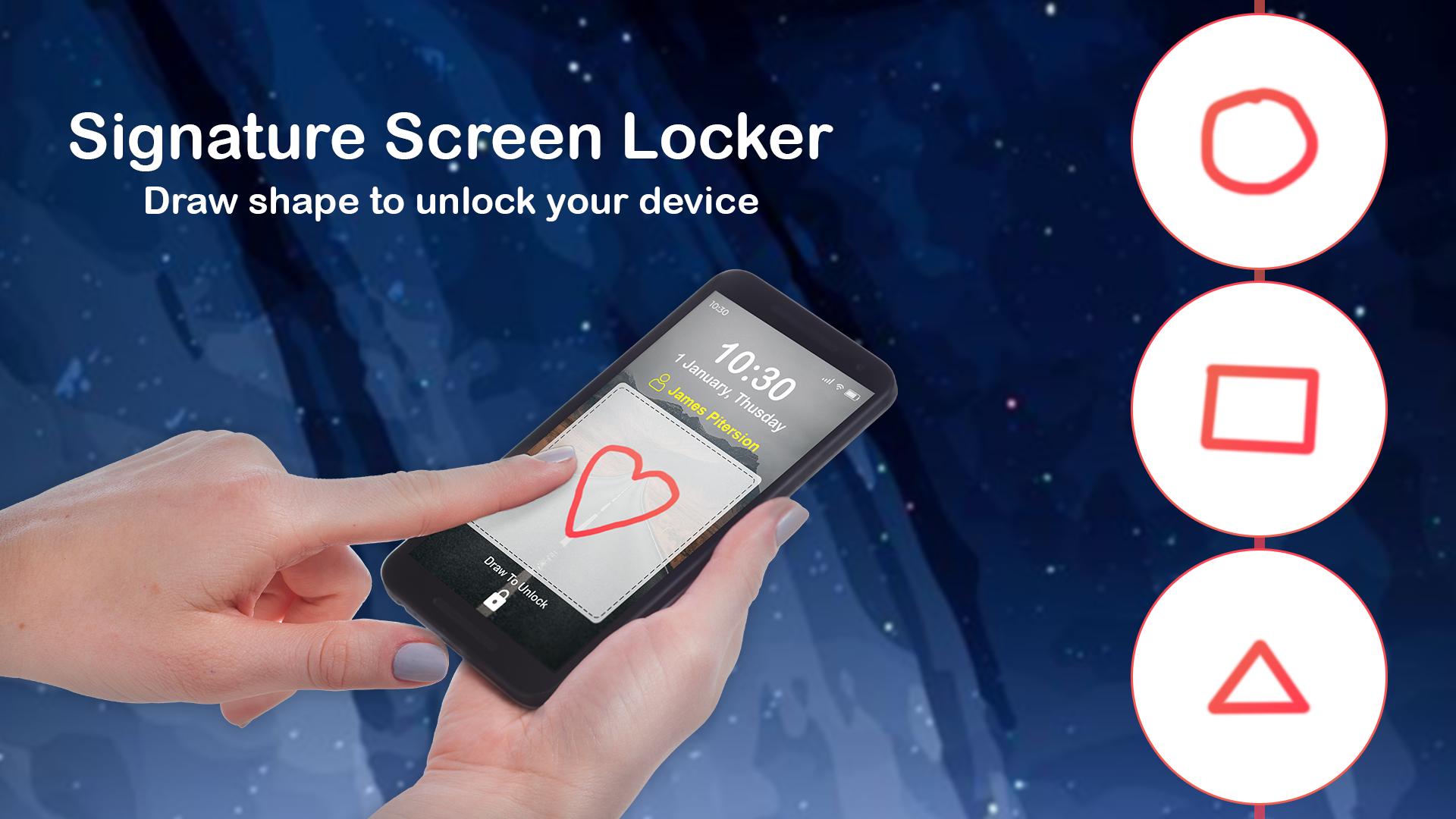
Draw letters, draw numbers, draw shapes, draw signatures and draw contextual gesture to unlock.
Signature lock screen you get more security because nobody can use your phone without your signature.
This is the best way to secure your data and your phone with gesture or password.
This app is wonderful lock screen app for android phones, download free gesture lock screen and secure phone using gesture or signature.
Features of Signature Screen Locker:
★ Simple user interface and easy to use application.
★ enter recovery password or backup password to unlock (key lock) in tricky lock screen.
★ enter the password to change gesture in this gusters screen lock.
★ More Language supported
★ Easy and simple to use
★ hide gesture stops when drawing
★ supports both single stroke (one touch) and a plurality of stops
★ unlock draw gesture
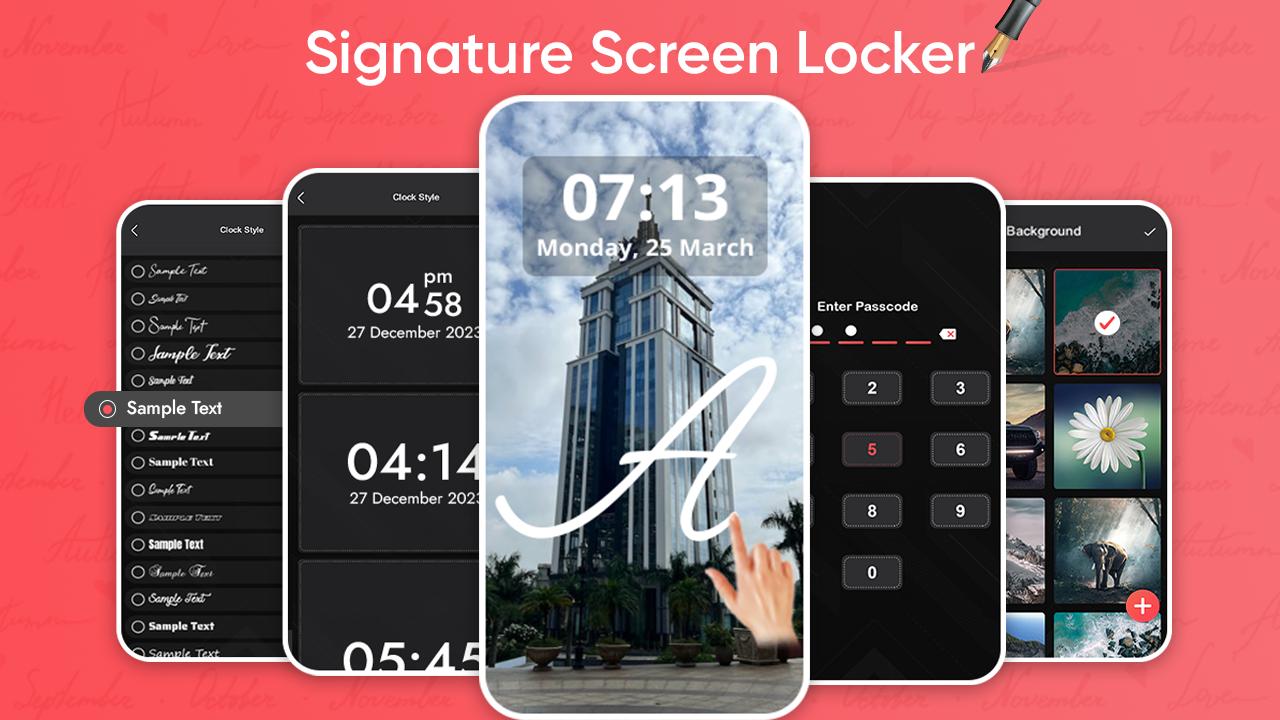
★ lock set default or background from mobile gallery on your screen.
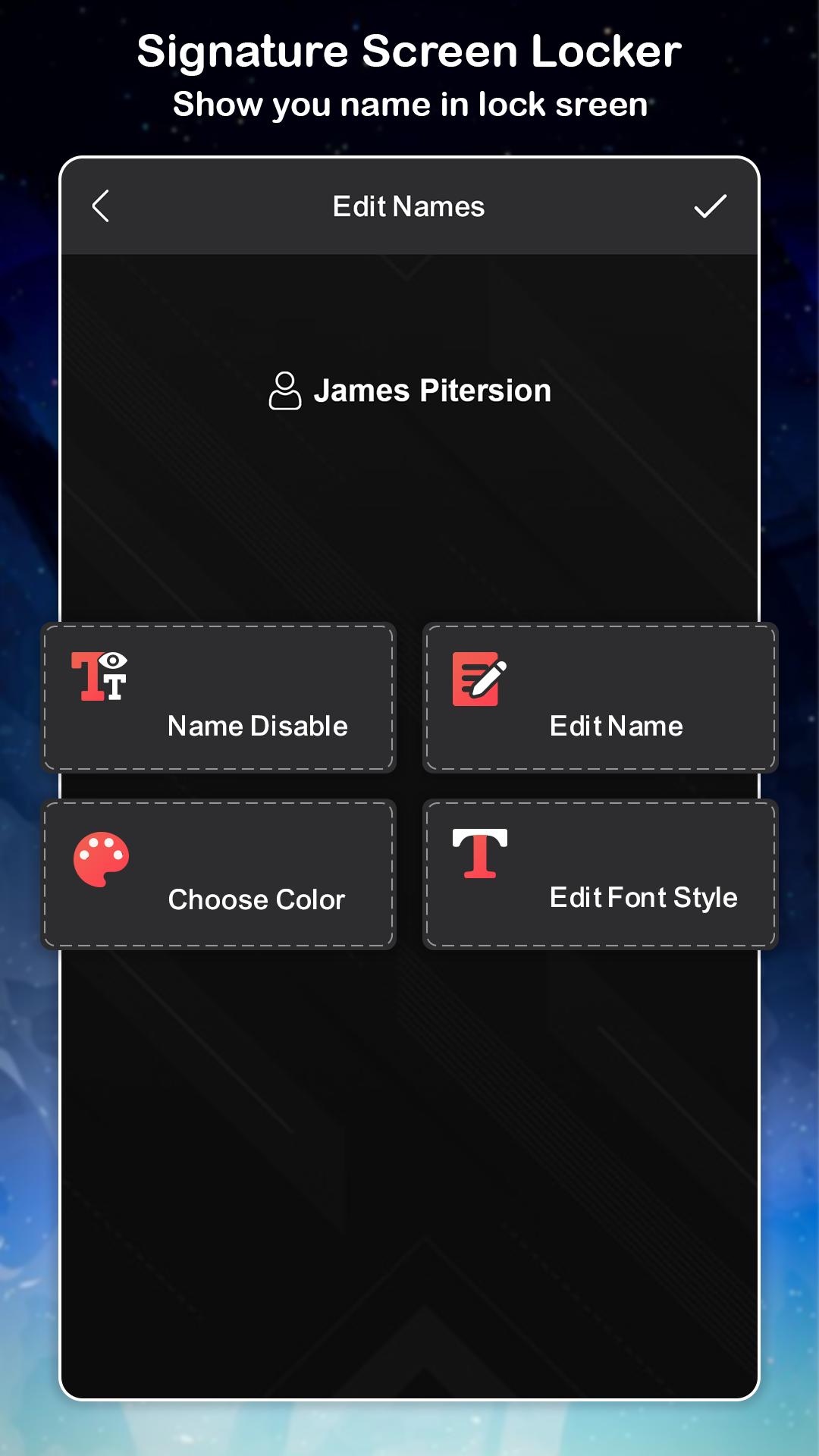
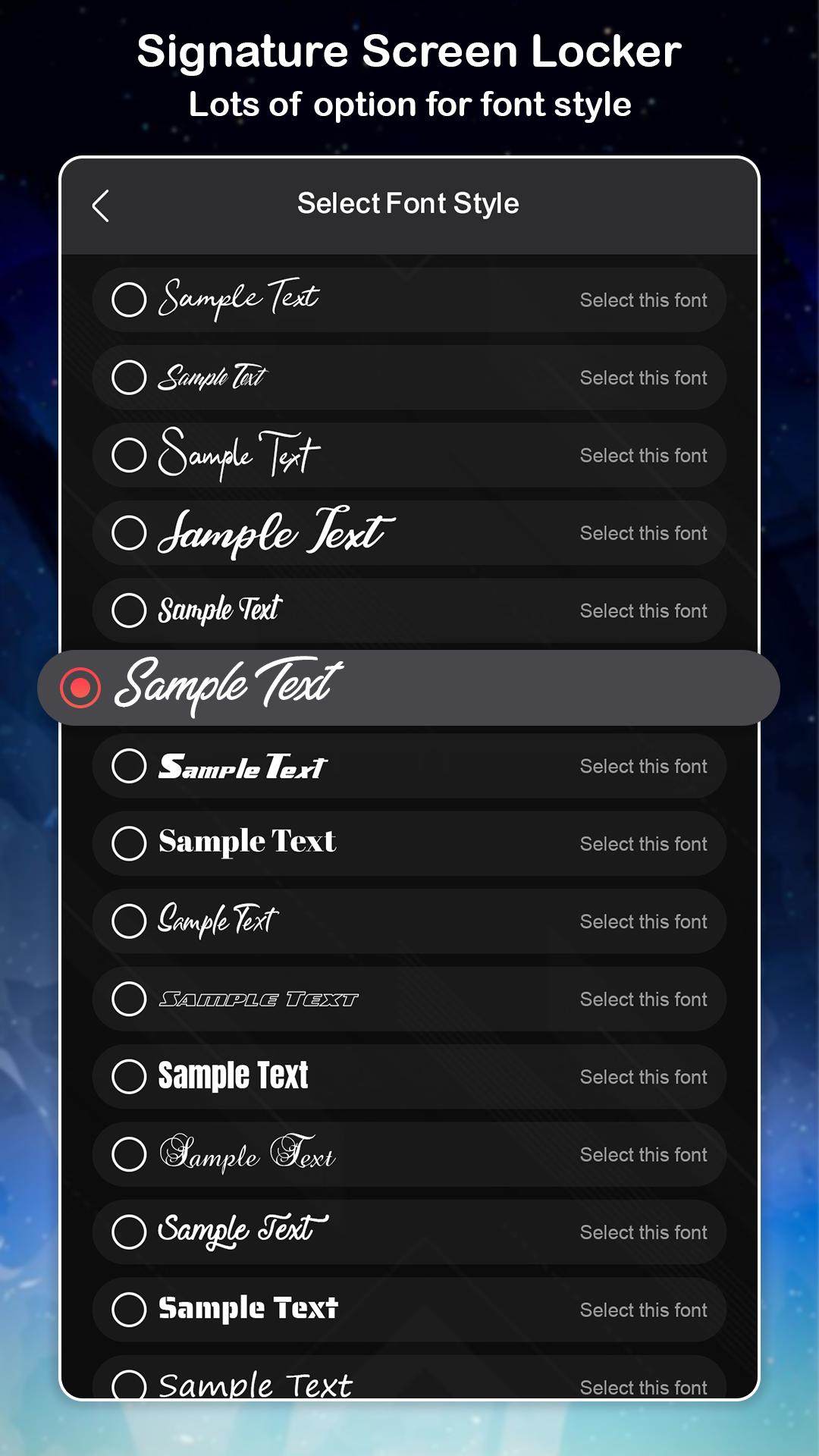
★ set lock your own text name with font and color adjustment on screen.
★ draw gesture or enter recovery password to turn locker in geture lock.
★ custom recovery password
★ edit * draw gesture on password
★ Launch your application in new way by drawing gesture on screen
★ Create your own gesture to unlock the apps
★ Free to write any symbol, shapes, alphanumeric, signature etc. and dedicate it to your lettar lock Screen.
★ Change or alter the dedicated gesture
★ Master password for security purpose
★ individual gesture colors
★ password create any shape, letters, numbers, signature, etc. provided that. in single stroke without picking up your finger or stylus
★ use as your lock screen password your stored gestures or signatures.
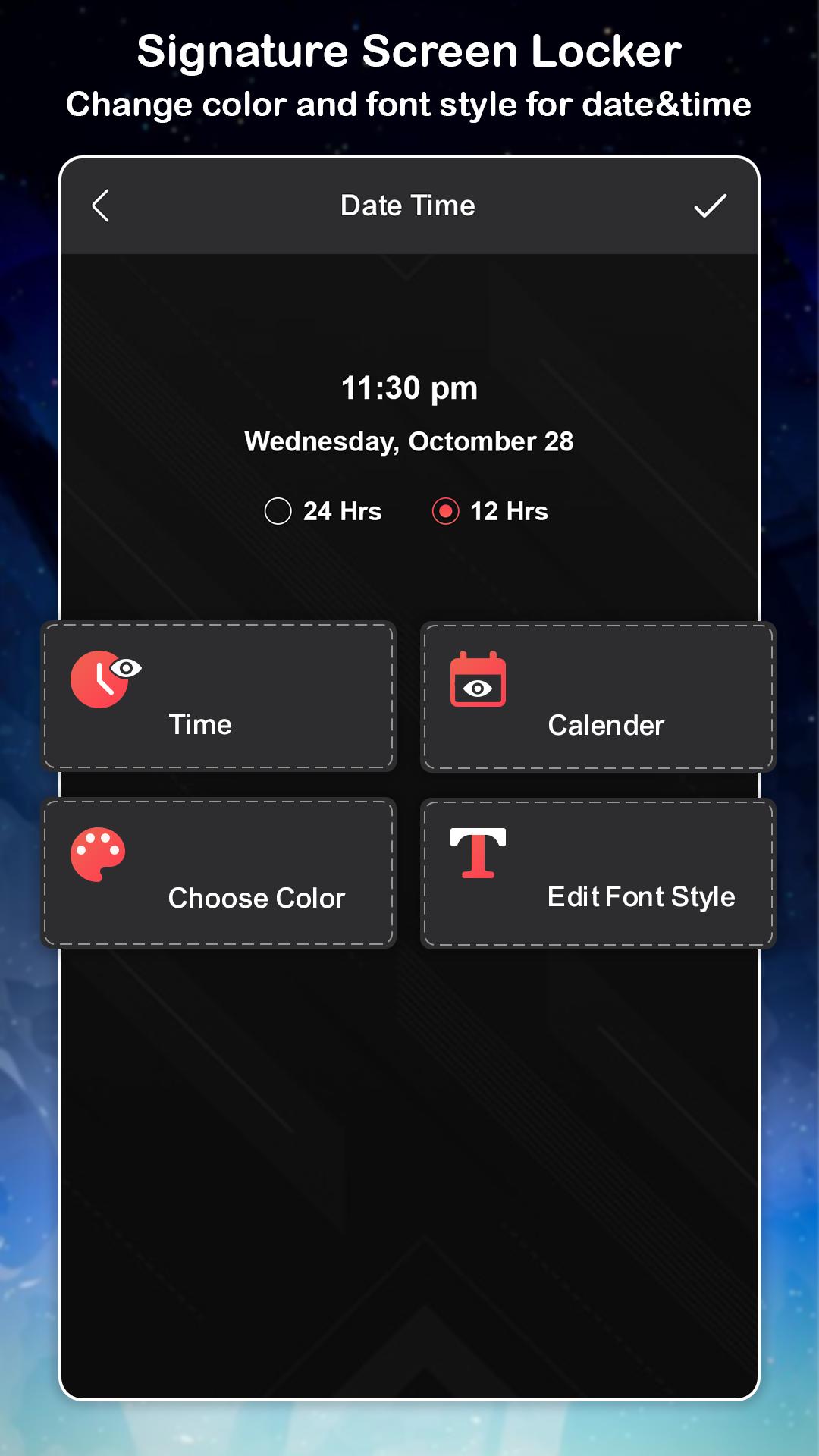
★ display the date and time on lock screen lock with the font and color adjustment on screen.
★ add , edit , delete gesture in gastar lock screen
This is small Effort From our Team and still you have any suggestion then you can contact us anytime on jivubaadeveloper@gmail.com and if you like our work then surely tell you friend and share with them so that they all can also enjoy.
Latest Version
4.0Uploaded by
Mỹ Linh
Requires Android
Android 6.0+
Category
Free Tools AppContent Rating
Everyone
Security Report
Check Now
Report
Flag as inappropriateLast updated on Jul 4, 2024
Minor bug fixes and improvements. Install or update to the newest version to check it out!


APKPure - A multi-platform app store primarily focused on Android, providing extensive app-related content. Discover the app you want easier, faster, and safer, with quick and efficient downloads and installations.