Scan Date:Apr 8, 2026
Show More

Now you can quickly scan your handwritten Name Signature using our Signature Scanner app
Signature Scanner and Name Signature is the identity of every person, and many times we need to save the signatures and use them in different documents. That’s why we develop this Super Signature Scanner app.
Using Signature Scanner, you can quickly scan the Digital Name Signature and save it into your gallery with transparent background removing the background and making it transparent and you can reuse it in future. By removing the background, you can get a clean and clear Signature in Digital form with the help of Signature Scanner.
You can quickly scan Name Signature from papers. After scanning the Name Signatures, you can easily change the color of that Scanned Signatures and save it to your mobile phone gallery. Then you can easily share scanned Digital Signatures to all social media platforms.
So How Does Signature Scanner works
Disclaimer
Signature Scanner app is entirely safe and secure. All the scanned Name Signatures are saved in your mobile storage. Scan Digital Signature didn't use any server.
Applications Hub develops signature Scanner and Name Signature application IF you have any query or suggestions regarding Sigantrue Scanner, you can email us at appshub42@gamil.com
All Suggestions are welcome
Applications Hub.
Latest Version
14.8Uploaded by
Fachmi Sari
Requires Android
Android 7.0+
Category
Free Productivity AppContent Rating
Everyone
Security Report
Report
Flag as inappropriateLast updated on Apr 8, 2026
🌐 Multilingual support added
🎨 UI and theme improvements
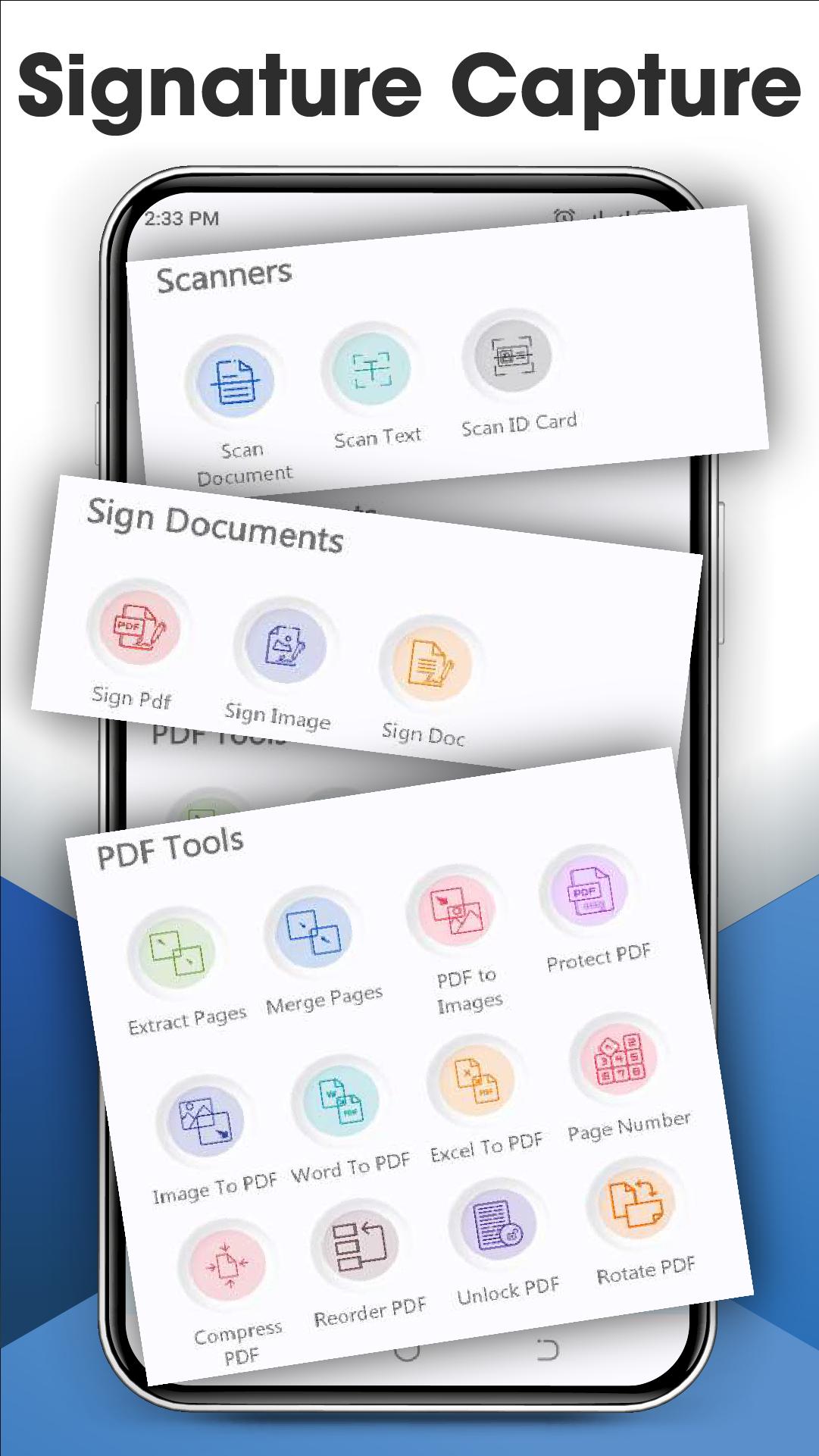
🗄️ Enhanced PDF tools and protection
📇 Business card scanner added
🖊️ Auto and handwritten signatures
✍️ Improved signing on PDFs and images
📷 Better signature scanning
🐛 Bug fixes and performance improvements




APKPure - A multi-platform app store primarily focused on Android, providing extensive app-related content. Discover the app you want easier, faster, and safer, with quick and efficient downloads and installations.