Package Name:eu.chainfire.tv.sideloadlauncher
SHA-256:0a386fce16714e1860b713f67419b38373ac45bab64805cb3e42b99d7d6e7bef
Show More


Sideload Launcher helps users who sideload apps on Android TV and cannot find them on the TV home screen. Many apps can run after sideloading, however their icons stay hidden on Android TV. This tool shows the same launcher icons you see on a phone or tablet so you can reach them on a TV. It is intended for newer Android TV devices like ADT 1 and Nexus Player. To solve missing icons quickly, download Sideload Launcher and open your installed apps.
See hidden app icons on Android TV
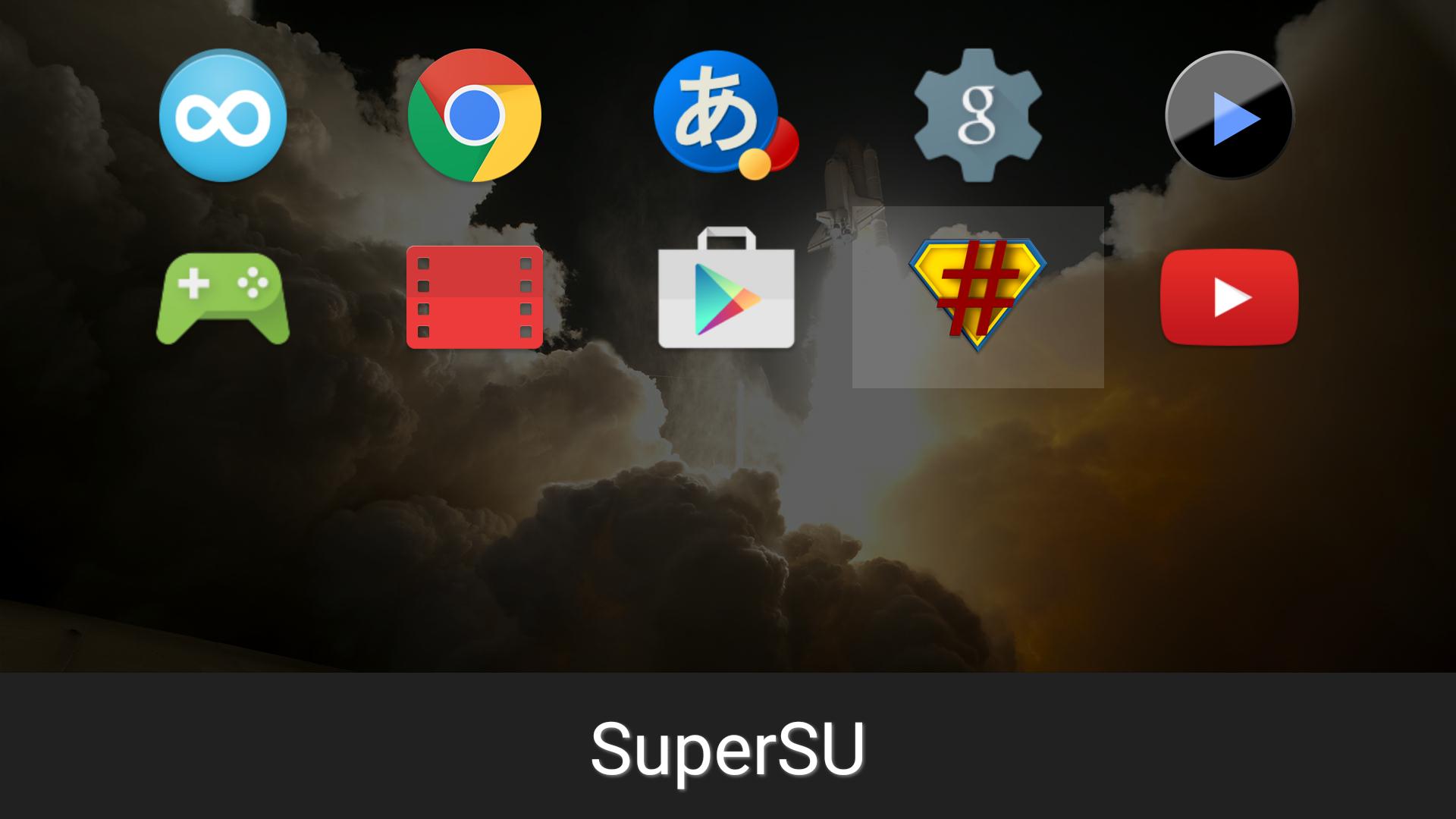
Sideload Launcher displays the normal app icons that phones and tablets show. These icons are often hidden on Android TV, so you get a clear list of all installed apps including ones added by sideloading.
Open sideloaded apps directly
You can launch installed apps from inside Sideload Launcher without extra setup. This is useful when an app does not appear on the Android TV home screen. It keeps access simple through one place.
Designed for newer Android TV devices
Sideload Launcher targets devices like ADT 1 and Nexus Player. It is not useful on phones, tablets, or other non TV devices. For best results, confirm your device is a supported Android TV model before installing the Sideload Launcher latest version.
Sideload Launcher provides a simple way to find and open apps that do not show on the Android TV home screen. Install the Sideload Launcher APK on a supported device to reach those apps quickly. Check that your device is an Android TV model before use.
Latest Version
1.05Uploaded by
Fernando Manente
Requires Android
Android 4.4W+
Category
Free Tools AppContent Rating
Everyone
Security Report
Check Now
Report
Flag as inappropriateLast updated on Jul 28, 2015
Fixed some improperly localized apps not showing up


APKPure - A multi-platform app store primarily focused on Android, providing extensive app-related content. Discover the app you want easier, faster, and safer, with quick and efficient downloads and installations.


![[root] FlashFire APK](https://image.winudf.com/v2/image/ZXUuY2hhaW5maXJlLmZsYXNoX2ljb25fMTUwNTk5MjE1OV8wODU/icon.png?w=102&fakeurl=1)
![[root] LiveBoot APK](https://image.winudf.com/v2/image1/ZXUuY2hhaW5maXJlLmxpdmVib290X2ljb25fMTU2Njk5NzcwN18wNDY/icon.png?w=102&fakeurl=1)
![[root] StickMount APK](https://image.winudf.com/v2/image1/ZXUuY2hhaW5maXJlLnN0aWNrbW91bnRfaWNvbl8xNTY2OTk2NTA5XzA3Mw/icon.png?w=102&fakeurl=1)

![[root] Pry-Fi APK](https://image.winudf.com/v2/image1/ZXUuY2hhaW5maXJlLnByeWZpX2ljb25fMTU2Njk5NjM0OF8wNzA/icon.png?w=102&fakeurl=1)