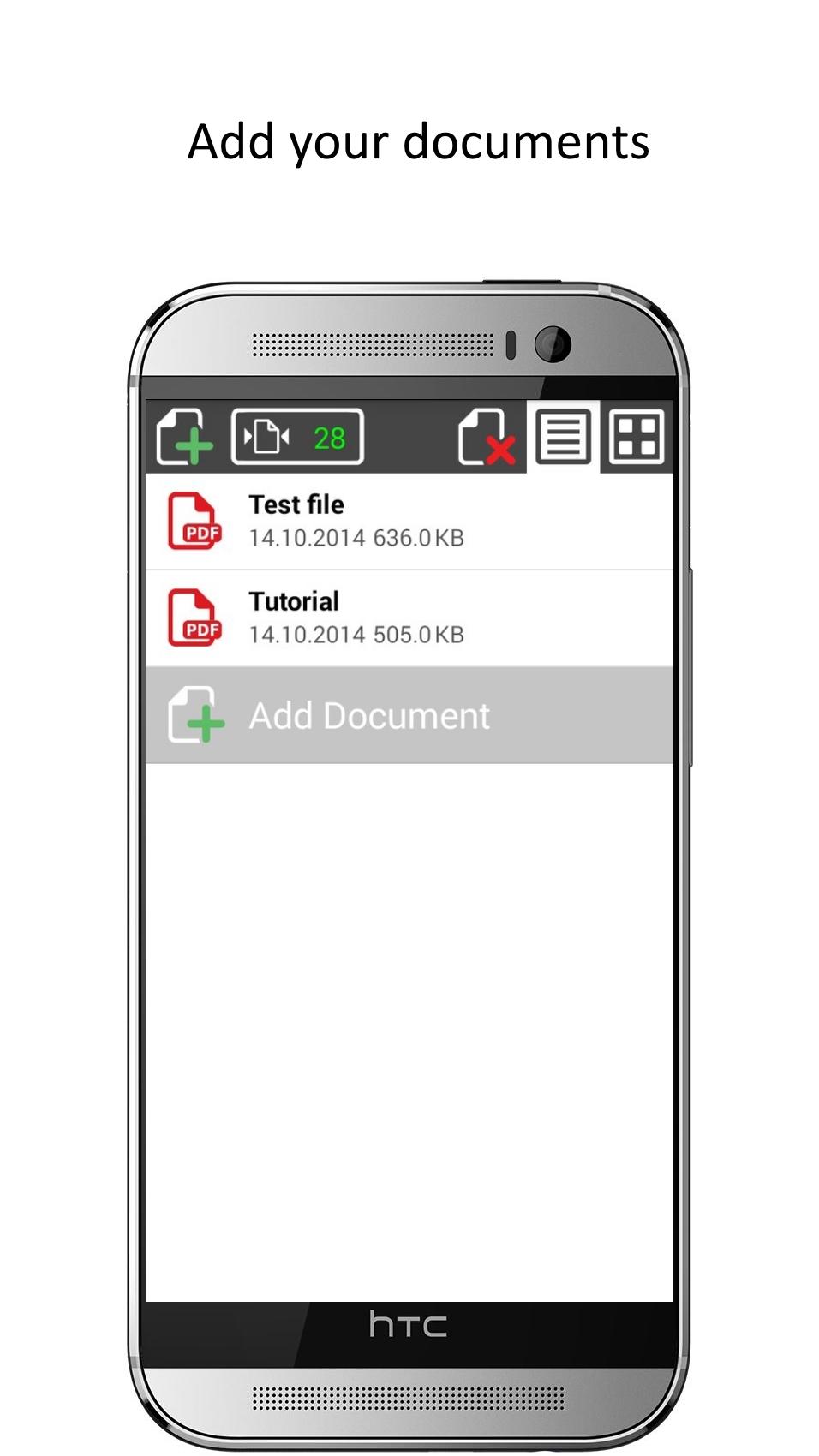
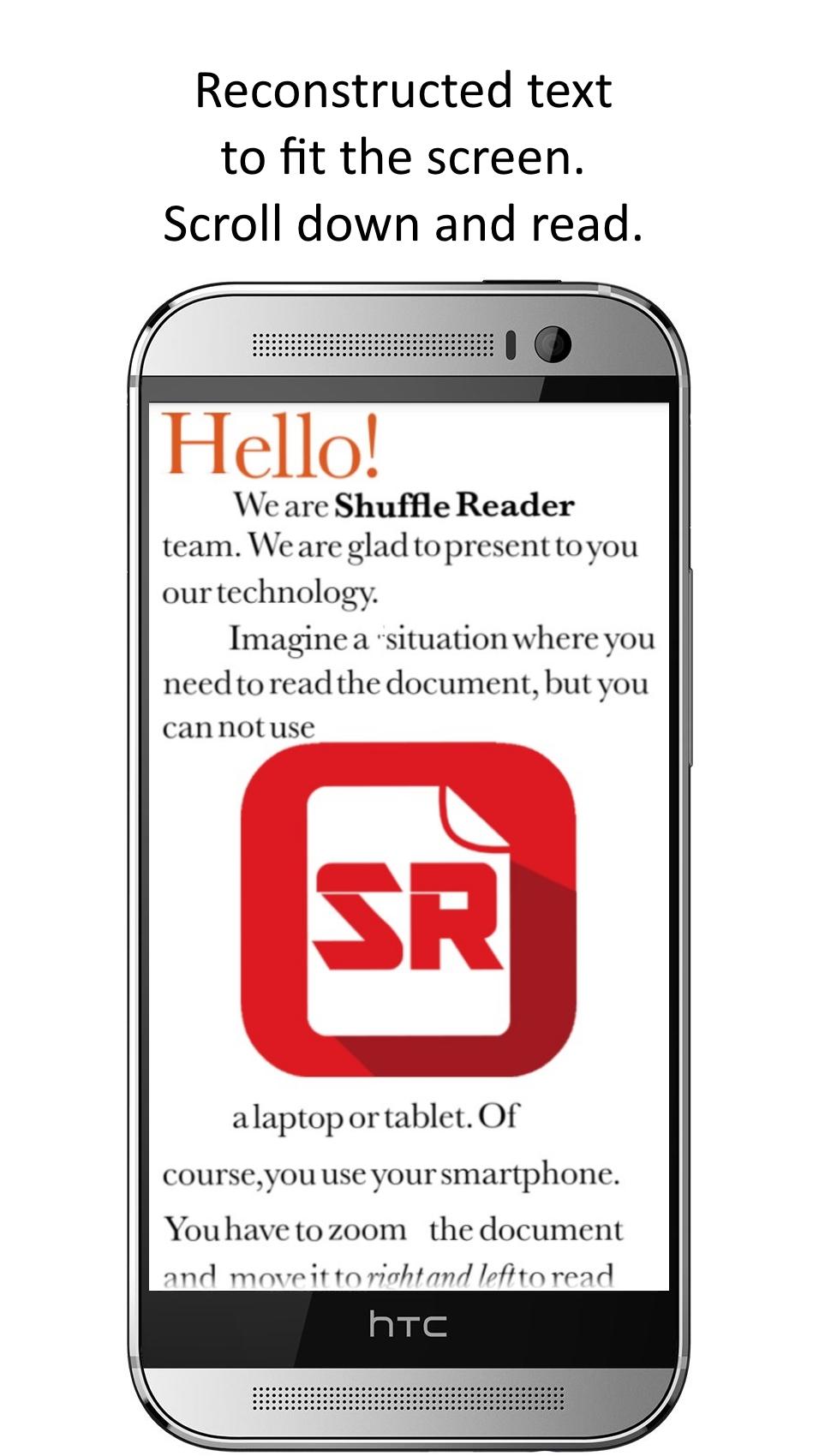
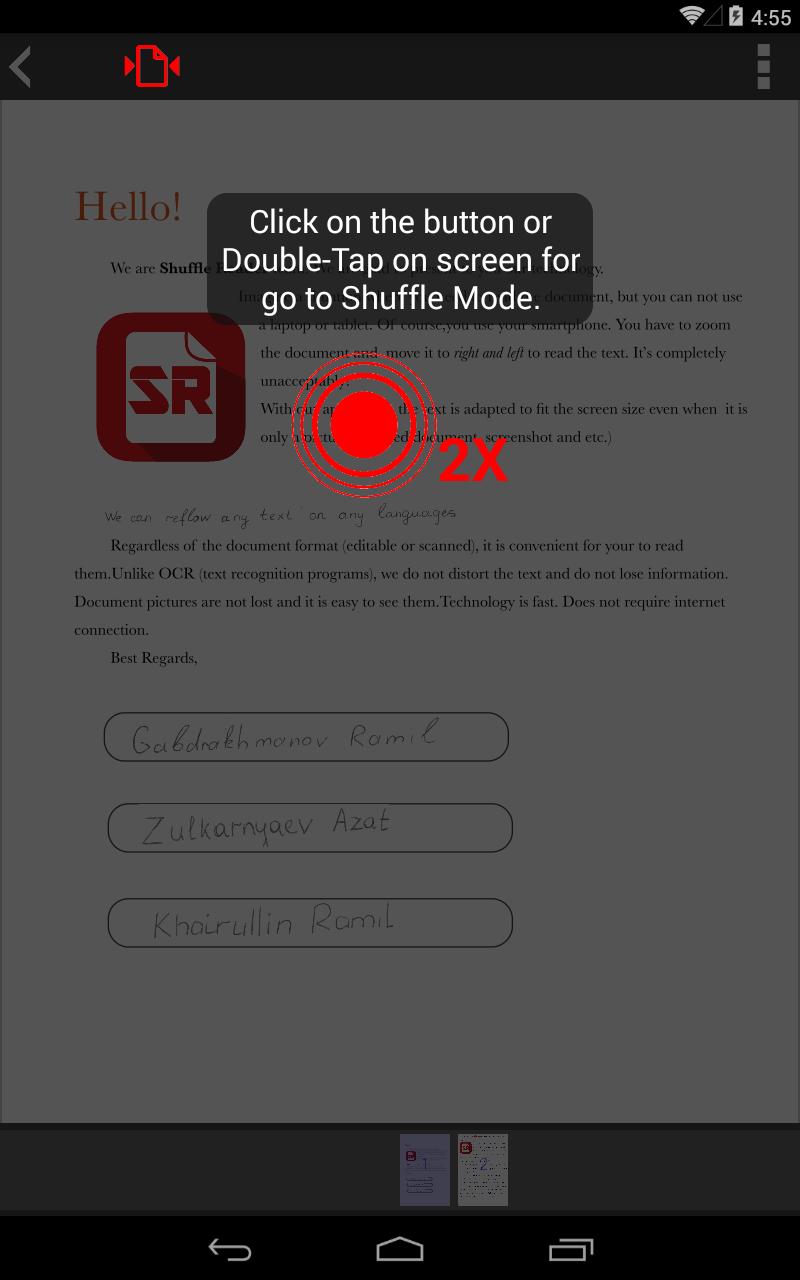
Application for reading PDF files without a text layer. The main feature - a restructuring of a PDF document to the width of the screen, regardless of the format of the document (with a text layer or not).
Unlike Adobe Reader, PDF Viewer, EBookDroid, PDF Reader and others, we have a unique technology of Image Shuffle, which can handle PDF without the text layer. This is similar to Reflow, but much more convenient.
Shuffle Reader has a unique feature that allows you to read scanned documents. Now, no need to drive across the screen from left to right trying to catch the words after zoom. Just scroll down, we are all done for you.
Shuffle Reader - is an application for a comfortable reading a document on your smartphone.
Our competitive advantages:
1) No matter what document you will open (scanned or edited), reading will comfortably.
2) In contrast to the OCR (Optical Character Recognition), we do not distort the text and do not lose information.
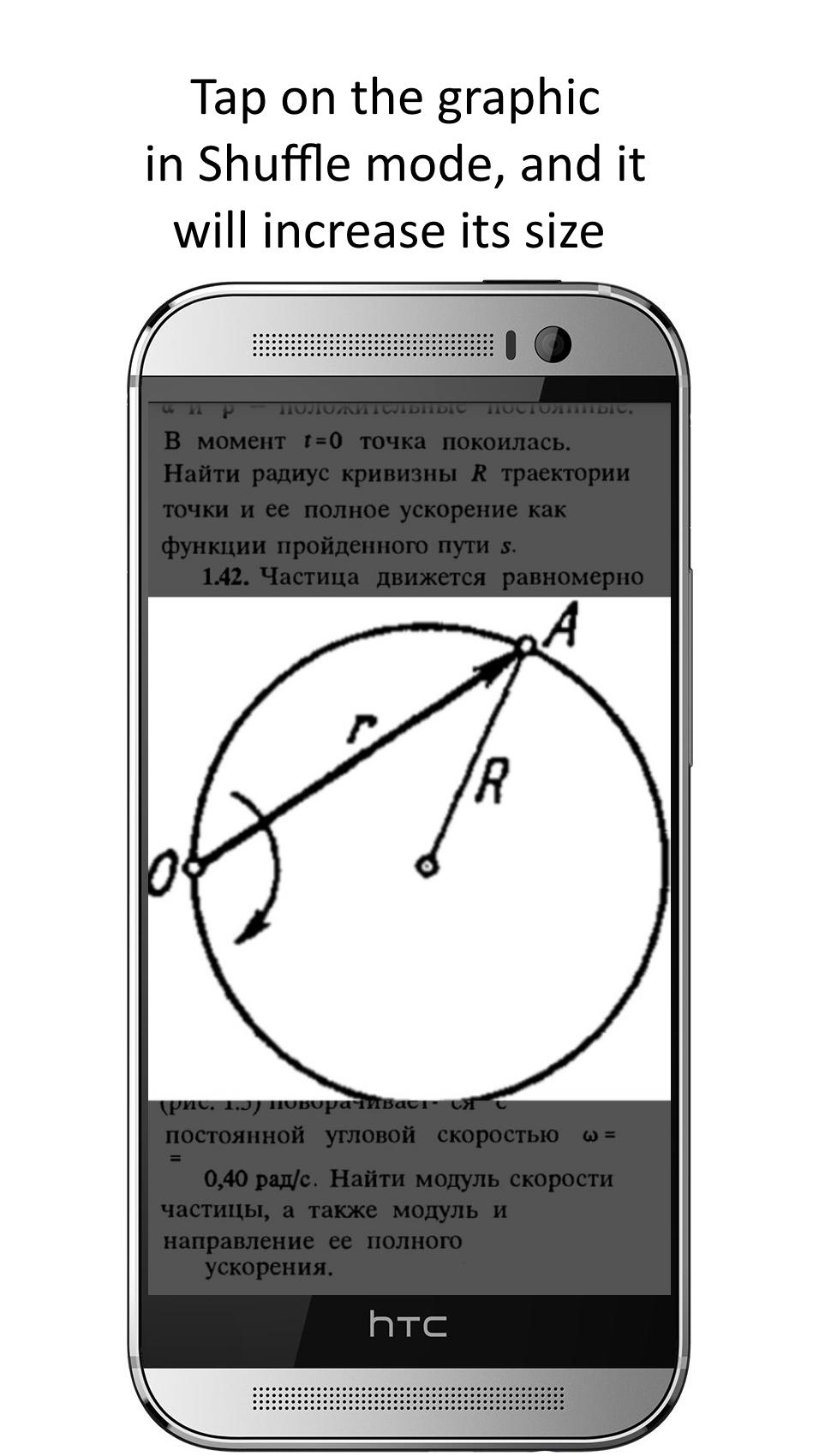
3) The images in the document are not lost.
4) The technology works quickly.
5) For the technology does not require an internet connection.
Our website:
shufflereader.com
Latest Version
0.9.5Uploaded by
Karah Rodney
Requires Android
Android 3.2+
Category
Free Productivity AppContent Rating
Everyone
Report
Flag as inappropriateLast updated on Sep 17, 2015
0.9.5
• Working with documents containing multiple columns.
• Automatically saving the page where you stop reading.
• Bug fixes.
• Restore "Premium".




APKPure - A multi-platform app store primarily focused on Android, providing extensive app-related content. Discover the app you want easier, faster, and safer, with quick and efficient downloads and installations.