

Scan Date:Nov 6, 2026
Show More

Senix helps when you want to manage yard tools without walking back and forth. It brings controls for supported Senix Smart devices into one app, whether you are near the shed or inside the house. The connection works over WiFi or Bluetooth, and basic routines with status views reduce guesswork during busy days. Installing the Senix APK offers a straightforward way to connect, prepare, and stay on top of everyday garden upkeep.
Remote control from your phone
After setup, you can start or stop equipment and switch working modes without visiting the site. Commands operate over WiFi or Bluetooth for quick adjustments. This helps when weather changes or a short pause is required.
Real time status and alerts
For visibility, Senix shows remaining power, work progress, and abnormal alarms in a clear view. You can check conditions before making changes and respond promptly if an issue appears.
Custom schedules
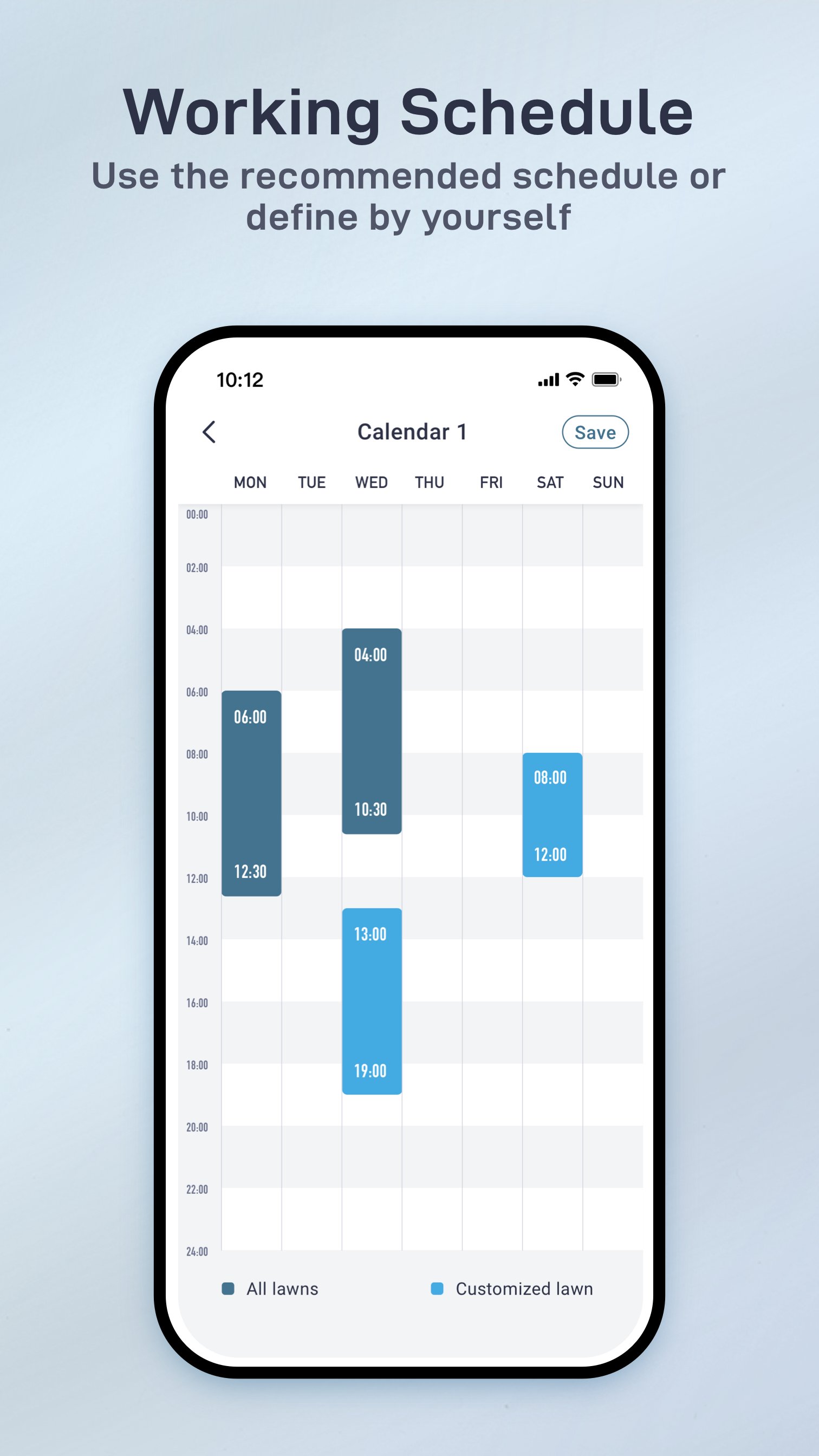
To plan ahead, you can create schedules that repeat by day, week, or month. Choose time windows that fit your routine and local quiet hours. Once saved, supported equipment follows the plan without manual steps.
Work history records
Senix keeps work logs such as mowing time and working area. Reviewing these entries helps you understand usage patterns and plan maintenance. Records remain accessible in the app whenever you need them.
This app centralizes controls, status checks, schedules, and records for compatible devices in one place. To begin, download Senix and pair your equipment over WiFi or Bluetooth following the on screen guidance.
Latest Version
4.14.65Uploaded by
Hassane Kadi
Requires Android
Android 7.0+
Category
Free Lifestyle AppContent Rating
Everyone
Security Report
Report
Flag as inappropriateLast updated on Nov 6, 2026
* Fixed known bugs
* Optimized user experience





APKPure - A multi-platform app store primarily focused on Android, providing extensive app-related content. Discover the app you want easier, faster, and safer, with quick and efficient downloads and installations.