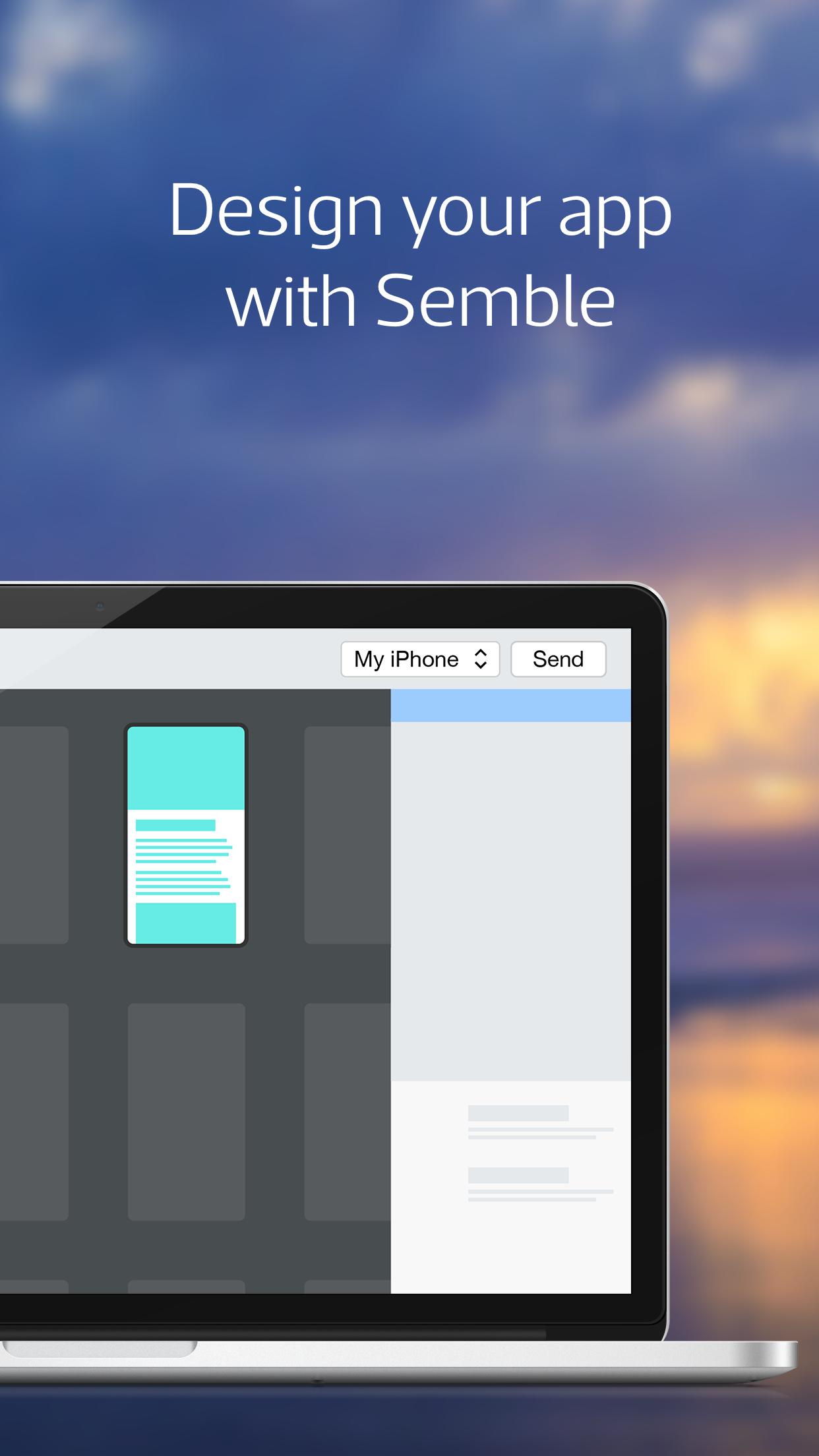
Mag+ Semble is for anyone who easily wants to design their own app. After installing Mag+ Semble on your computer, you’ll be able to pair your devices via WiFi and review your app designs by pushing them from your computer to your device.
- Install Mag+ Semble on your computer.
- Connect your mobile device to your computer using WiFi.
- Start the Semble app on your mobile device.
- Start Semble on your computer, select your device in the device dropdown menu and click “Send”. Anything you design on Mag+ Semble you'll now be able to review on your device.
Latest Version
1.0.6Uploaded by
Mahmoud Morsy
Requires Android
Android 4.4+
Category
Free Business AppContent Rating
Everyone
Report
Flag as inappropriateLast updated on Sep 14, 2016
- Support for feeding content from a Google sheet (through the RSS-block).
- Support for embedding HTML straight into the app.



APKPure - A multi-platform app store primarily focused on Android, providing extensive app-related content. Discover the app you want easier, faster, and safer, with quick and efficient downloads and installations.