
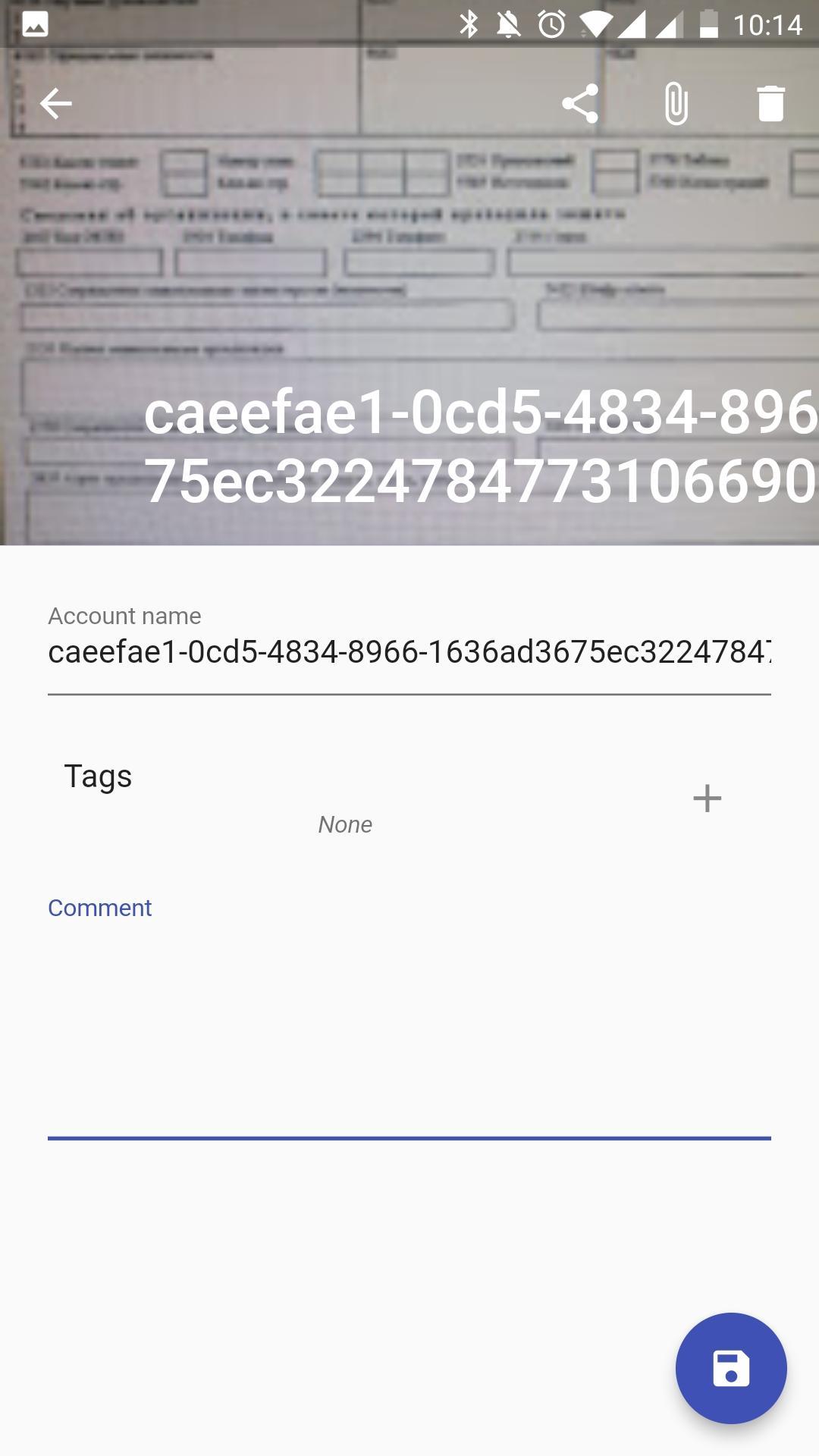
Secure drive allows you to store passwords, keys, credentials, access codes, photos of the documents and other important images in a protected cloud. Add tags and comment for every data item. You have access to them from any mobile device with your account and this application through synchronization. You can copy a secured data to clipboard by long press and share a secured images. You can copy a secured data to clipboard by long press and share a secured image.
Data is stored in the Google Drive application and nothing is stored in local memory. Except mobile application you can only clean up application data through Google Drive settings. Any other application can't read them.
Latest Version
1.0.0Uploaded by
Lư Ngọc Quang
Requires Android
Android 4.4+
Category
Free Tools AppContent Rating
Everyone
Report
Flag as inappropriateLast updated on Feb 26, 2019
First release




APKPure - A multi-platform app store primarily focused on Android, providing extensive app-related content. Discover the app you want easier, faster, and safer, with quick and efficient downloads and installations.