

Secret Camera Recorder suits situations where you want to keep filming while using your phone normally. It focuses on keeping recordings going quietly so multitasking stays smooth and interruptions are avoided. Saved videos remain on your device for easy access, with simple playback available inside the app. Basic controls are straightforward, so you can start or stop recording without digging through menus. If this matches your routine, download Secret Camera Recorder and set it up before your next event.
Record in the background
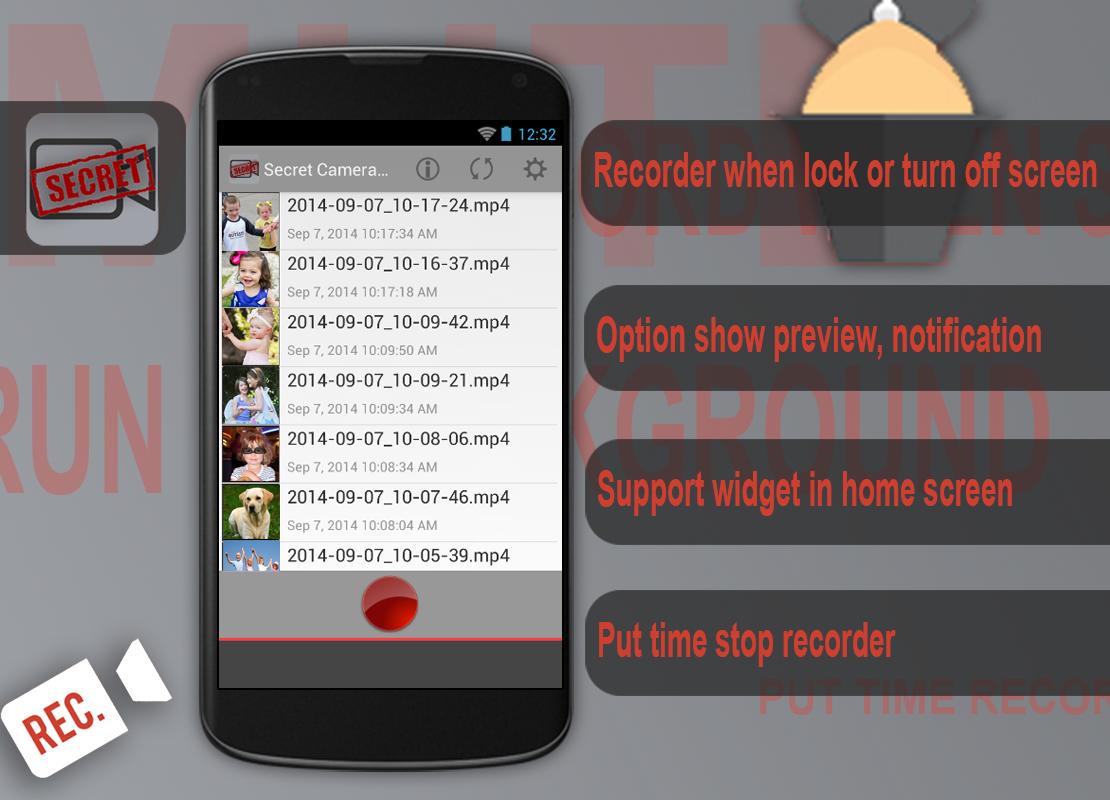
Secret Camera Recorder keeps capturing video when the screen turns off, the device is locked, or other apps are running. This allows recording to continue without keeping the camera app open.
Optional on-screen preview
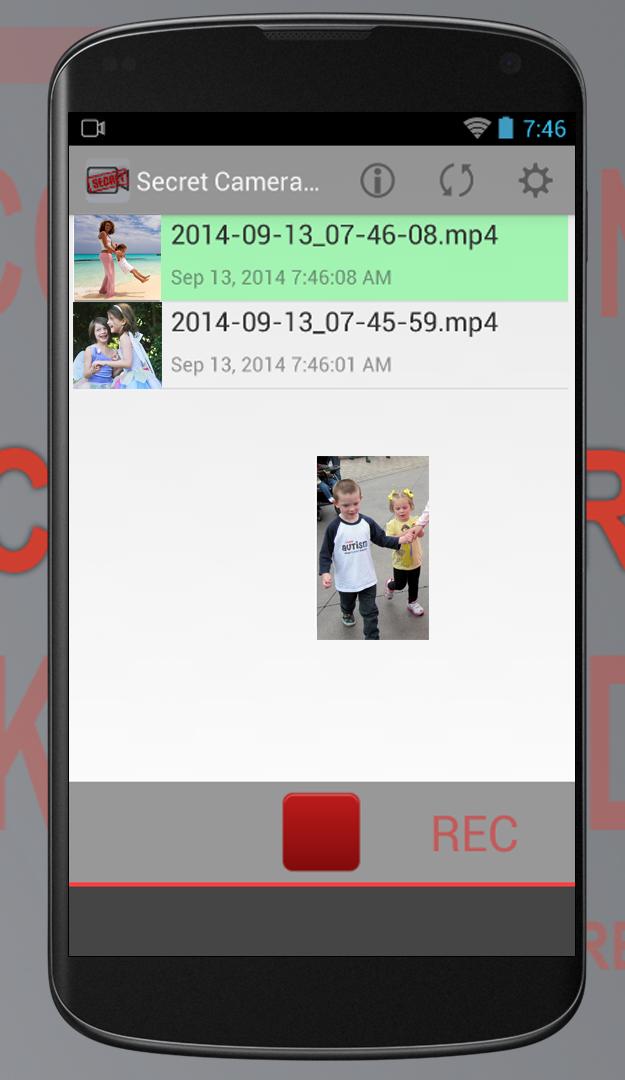
After installing the Secret Camera Recorder APK, you can show or hide a small camera preview on top of other screens. This provides quick visual feedback while you multitask.
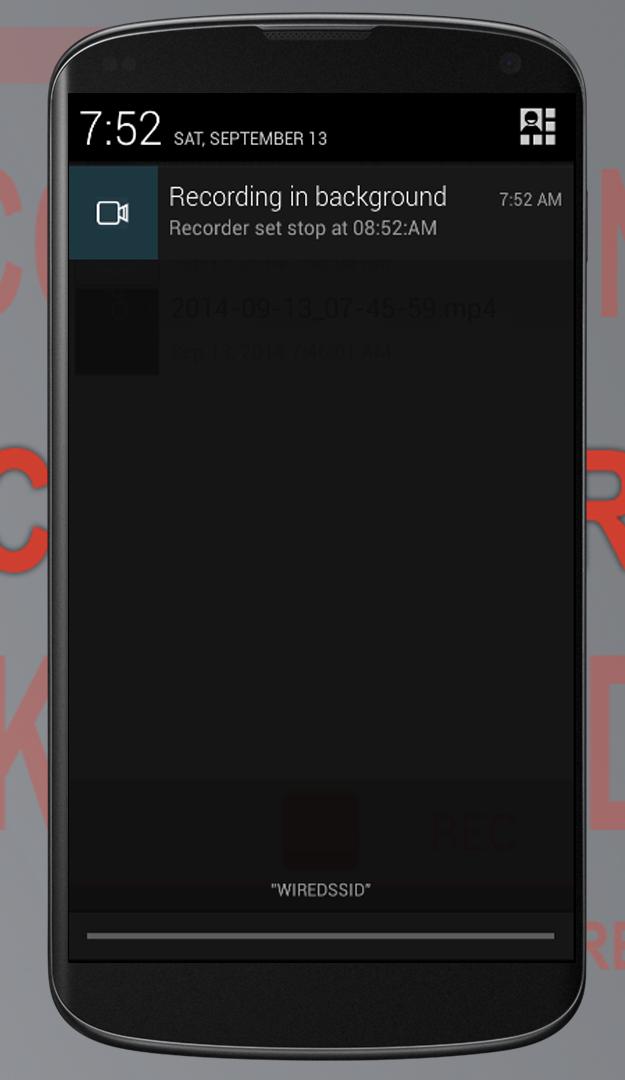
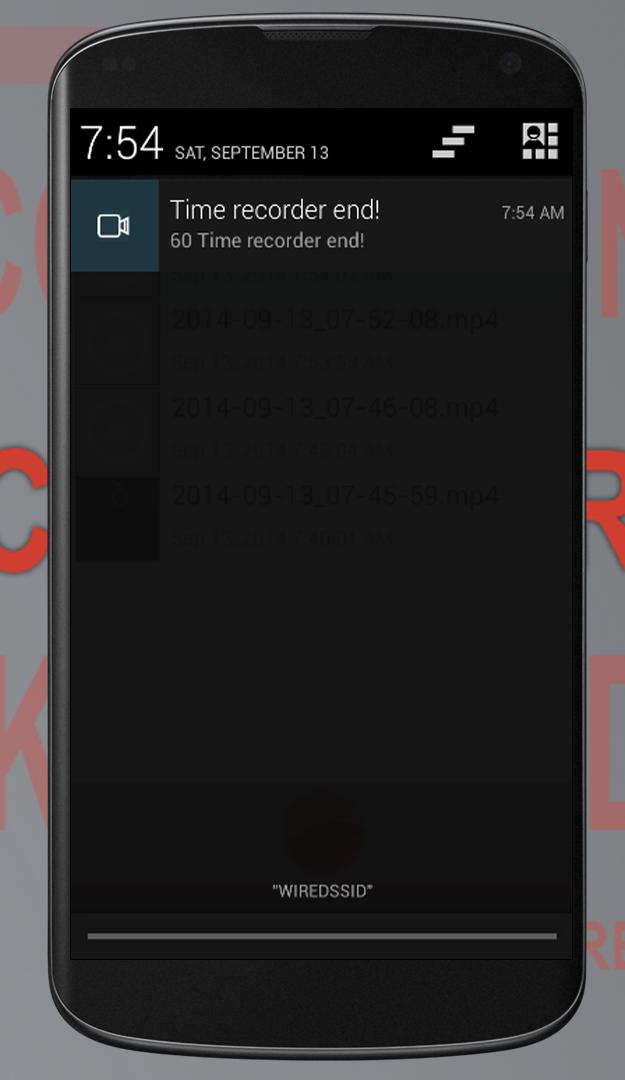
Notification bar status
You can enable an icon in the notification bar while recording. It acts as a simple reminder that capture is active.
Quick start and playback
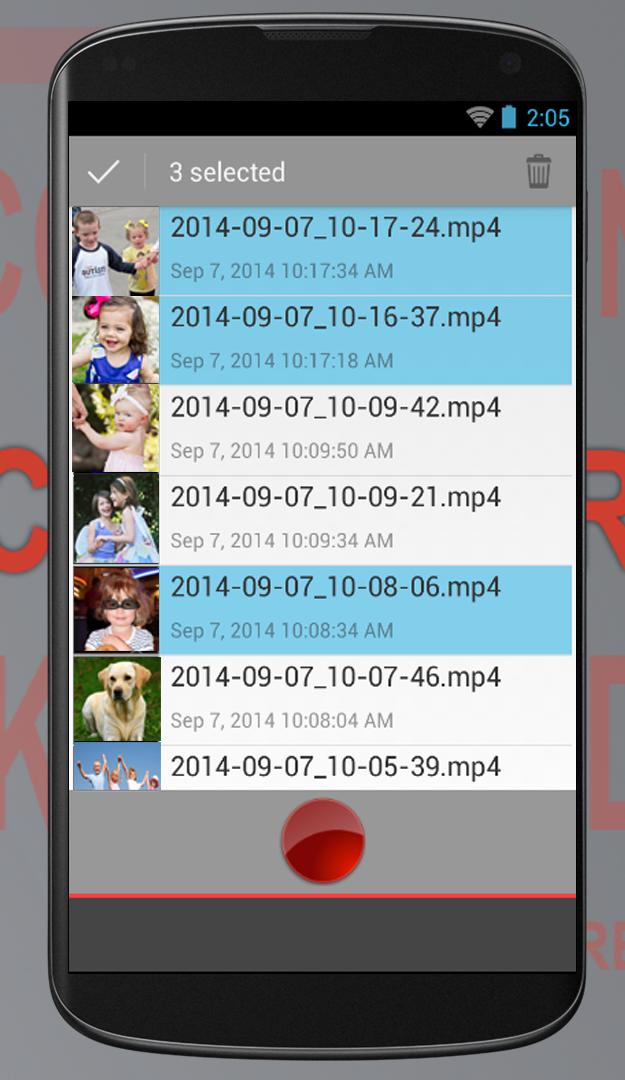
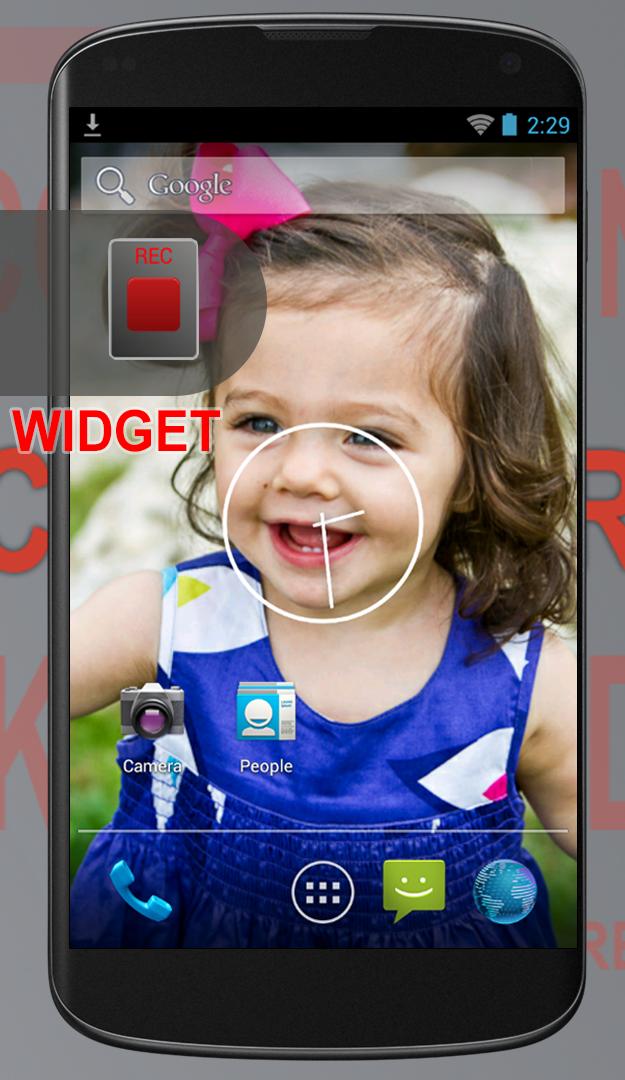
A home screen widget lets you start recording quickly. Videos can be saved to the SD card, and the included player lets you watch recordings inside the app.
Secret Camera Recorder focuses on background video capture with clear controls, optional preview, and quick access. Before recording in public or private spaces, follow local laws and respect privacy. Users can try the Secret Camera Recorder latest version to see current features and set up the recorder for daily use.
Latest Version
3.0.8Uploaded by
Minh Quân
Requires Android
Android 2.3.4+
Category
Free Tools AppContent Rating
Everyone
Report
Flag as inappropriateLast updated on Nov 29, 2017
Minor bugs fixed


APKPure - A multi-platform app store primarily focused on Android, providing extensive app-related content. Discover the app you want easier, faster, and safer, with quick and efficient downloads and installations.