
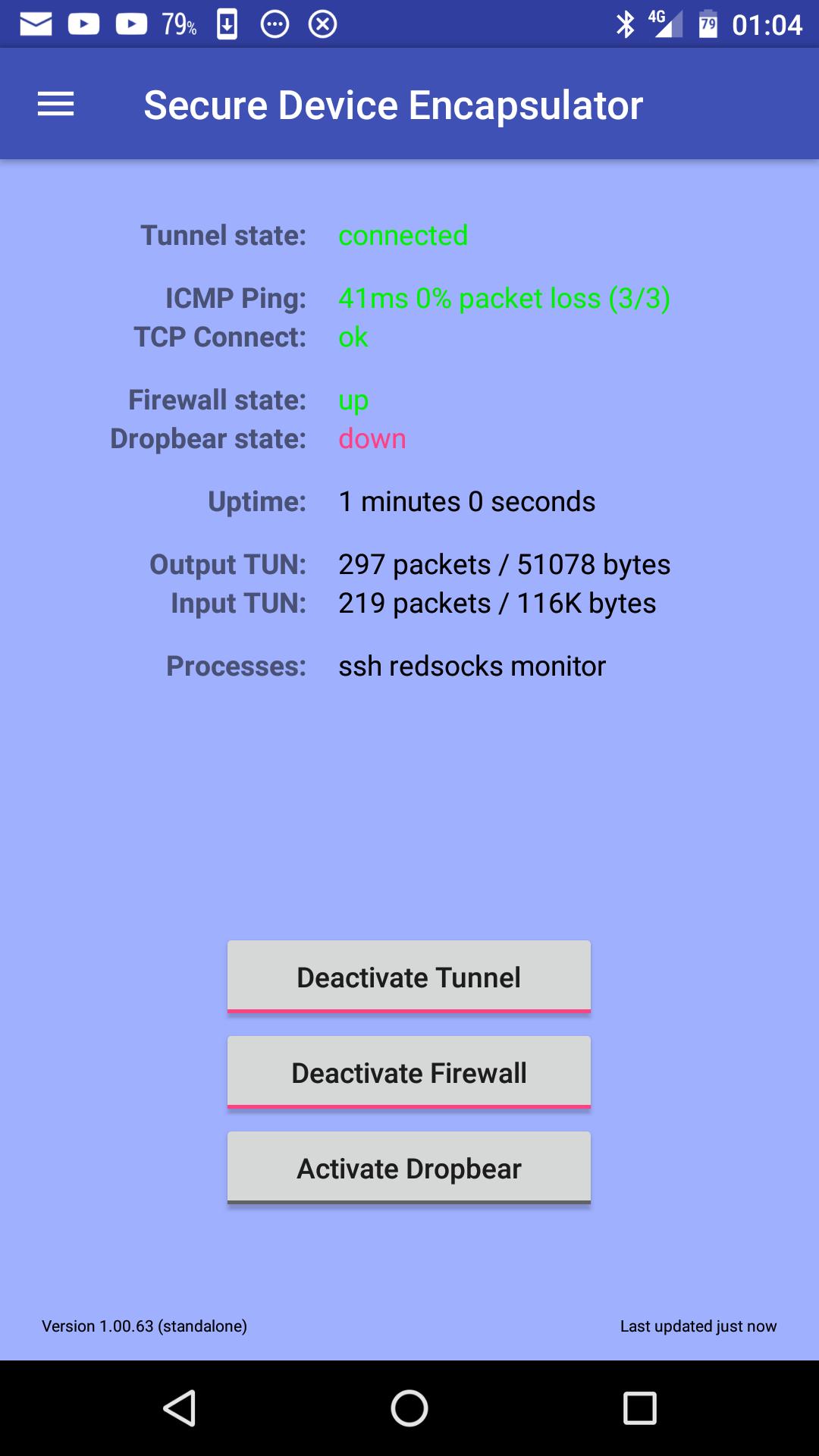
The Secure Device Encapsulator (SDE) allows you to tunnel the full network traffic of your Android device using the tunnel device forwarding feature of OpenSSH while securing your device with a firewall.
A Redsocks interception proxy allows you to intercept and forward all network traffic through the OpenSSH tunnel to an optional HTTP or Socks4/5 proxy server on the other side of the tunnel, allowing you to track and log or mix and anonymize all traffic from your mobile device on your own proxy server.
SDE uses the Android UNIX system's iptables to implement a firewall on all interfaces and allows the user to add additional rules to the input and output chains of these interfaces.
SDE also contains a Dropbear SSH server to allow optional remote logins to the Android device if activated.
Features:
- Friendly and intuitive user interface
- OpenSSH Tunnel with layer 3 device forwarding (tun device)
- Redsocks Interception Proxy
- DropBear SSH Server (optional)
- IPTable based Firewall (optional)
- Link Monitoring using TCP Ping and ICMP Ping Link Checks
- Automatic reconnect when disconnected
- Automatic disconnect when idle
- Periodic reconnect while idle
- Command line tools are fully functional and can be used separately (openssh, redsocks dropbear, socat)
- Tunnel, Server and Firewall can be controlled using the shell
- Optional Quick Settings Tile controlling the tunnel and showing it's state
- Optional connected and disconnected notifications
Embedded native tools:
- OpenSSH 7.5p1-android-arm
- RedSocks-20170522-android-arm
- DropBear 2017.75-android-arm
- Socat 1.7.3.2-android-arm
Note:
This application needs a rooted mobile device to function properly! We test stock Android with SuperSU and LineageOS with root enabled.
Note:
This application depends on native compiled binaries (OpenSSH, OpenSSL, RedSocks, Socat, Dropbear compiled with the Google NDK). These embedded tools currently only support ARM devices.
Note:
You need a SSH server and an account on that SSH server to be able to use this application. Furthermore you have to have a configured tun device for the user on that SSH server (talk to your system administrator, he can create it) or you have to login as user root (which is bad idea).
Change Log: https://app.datacore.ch/apk/SDE/ChangeLog
Contact Email: google+sde@datacore.ch
Latest Version
1.02.00Uploaded by
Erdi Bulica
Requires Android
Android 5.0+
Category
Free Communication AppContent Rating
Everyone
Report
Flag as inappropriateLast updated on Nov 27, 2018
New features:
- Fixed user uid detection on old Android 5 Slim ROM.
- Implemented checks for timeout -k or -t flags and using them accordingly.
- Improved IP configuration (delete before add).
- Improved layouts for devices with large screens.




APKPure - A multi-platform app store primarily focused on Android, providing extensive app-related content. Discover the app you want easier, faster, and safer, with quick and efficient downloads and installations.









