Scan Date:Sep 25, 2025
Show More
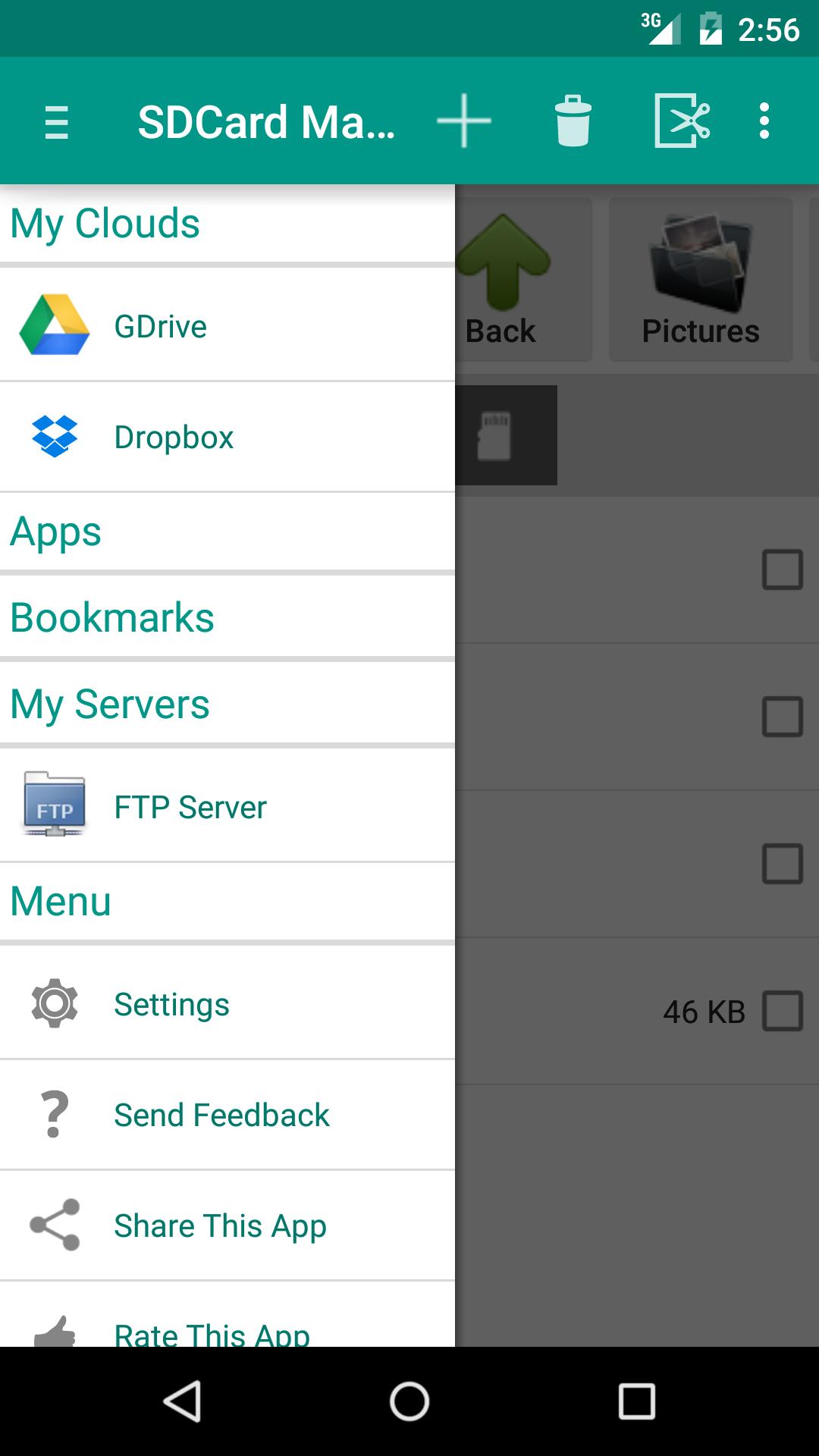
SD Card manager (File Manager) is a free tool which helps you to easily manage files and folder in SD card.Access system files and folders. Full root access for copy, delete, move and rename. SD Card manager also supports Google Drive and Dropbox.
Features:
* High Performance.
* Browse files and folders
* Cut,copy and paste files and folders
* Create,rename and delete files
* Free space and used space information
* Install .apk application from sdcard
* Sorting of files and folders in list view.bl
* Compress and Extract
* upload photos to FACEBOOK
* Share Photos, Videos, Music, Documents, Apps with your Friends and Family over Bluetooth
* Back up Application and Share Apk via Bluetooth
* Browse system folders and files.
* Search Files and Folders.
* Install Folders short cuts on Home screen.
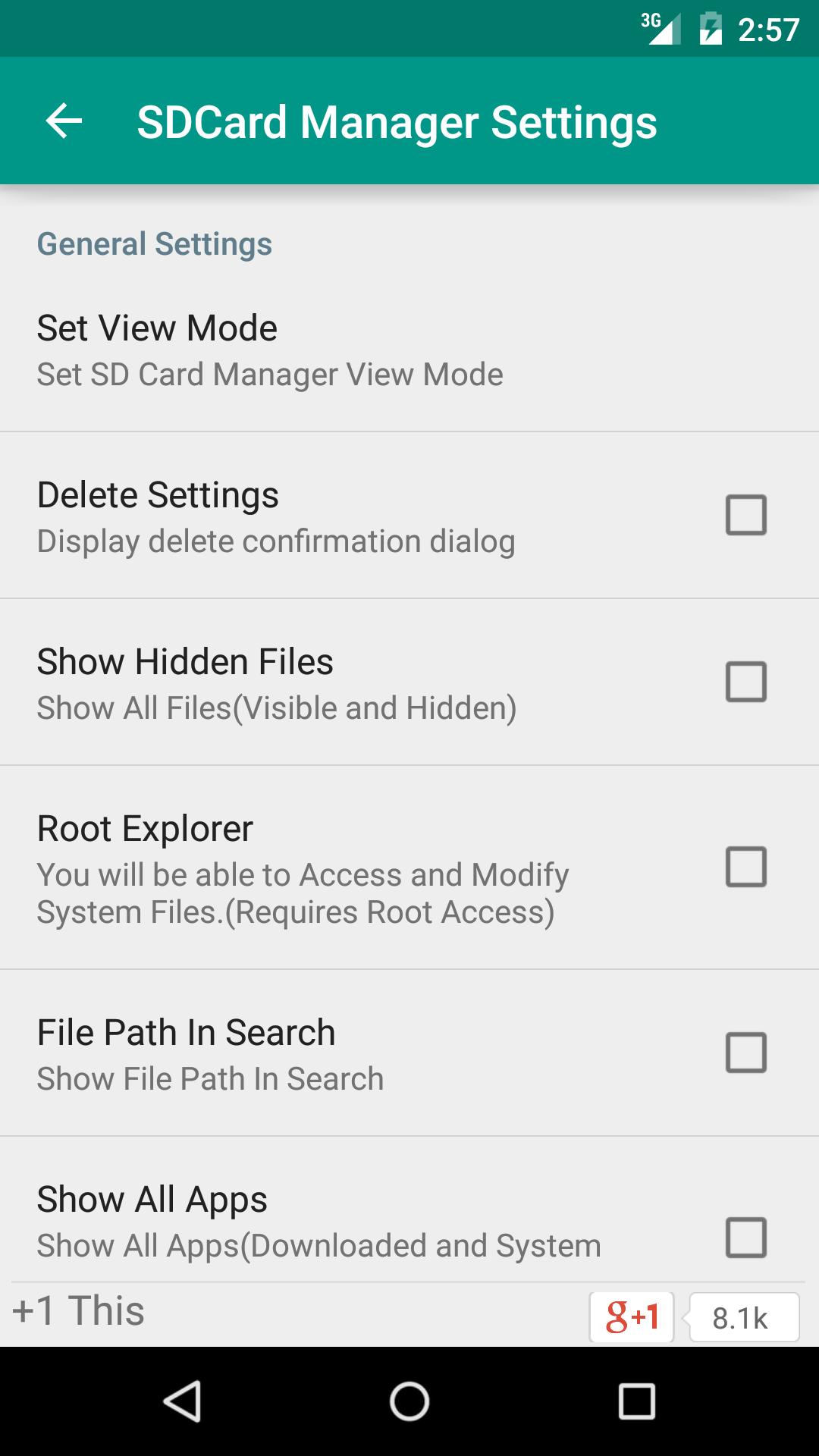
* Supports Both List View as well Grid View and configuration from Settings.
* List Installed Applications
* Back Up Applications(.apk) in the SD Card.
* Explore and manage system files and folders. Full root access for copy, delete, move and rename.
* Root Explorer requires Rooted Phone. This feature will not root your phone/tablet. If you do not have root access, then this feature is useless.
Enable/Disable this feature from Settings. Its Completely Free Feature.
Language Support:
English
German
Spanish
Russian
DUTCH
Italian
Japanese
KOREAN
Hindi
Goal is to make easy, light weight and free tool which easily manage files SD Card.Simple File manager for all types of users(Root and Normal).
Comments and suggestions for this application are welcome.
Google Plus Community: https://plus.google.com/u/0/communities/105521765486959658078
★★★★★
✓ If you're having trouble with the app, PLEASE contact the developer via email or fan page. NEGATIVE COMMENTS can't help the developer solve the problems!
*Update 1.4.6*
FTPS Support(Explicit over TLS/SSL).
*Update 1.4.0*
users can now compress multiple files and folders together in one zip/tar from options menu
*Update 1.2.7*
Send File using FTP.User can now upload files to FTP Server
*Update 1.2.0*
Search Files and Folders.
*Update 1.1.9*
Browse system folders and files.
*Update 1.1.8*
Fixed minor bug.
Latest Version
10.2.8Uploaded by
Avdhesh Yadav
Requires Android
Android 8.1+
Category
Free Productivity AppContent Rating
Everyone
Security Report
Report
Flag as inappropriateLast updated on Mar 17, 2025
Removed Ads, Bug Fixes and Improvements





APKPure - A multi-platform app store primarily focused on Android, providing extensive app-related content. Discover the app you want easier, faster, and safer, with quick and efficient downloads and installations.