


Scan Date:Apr 8, 2026
Show More

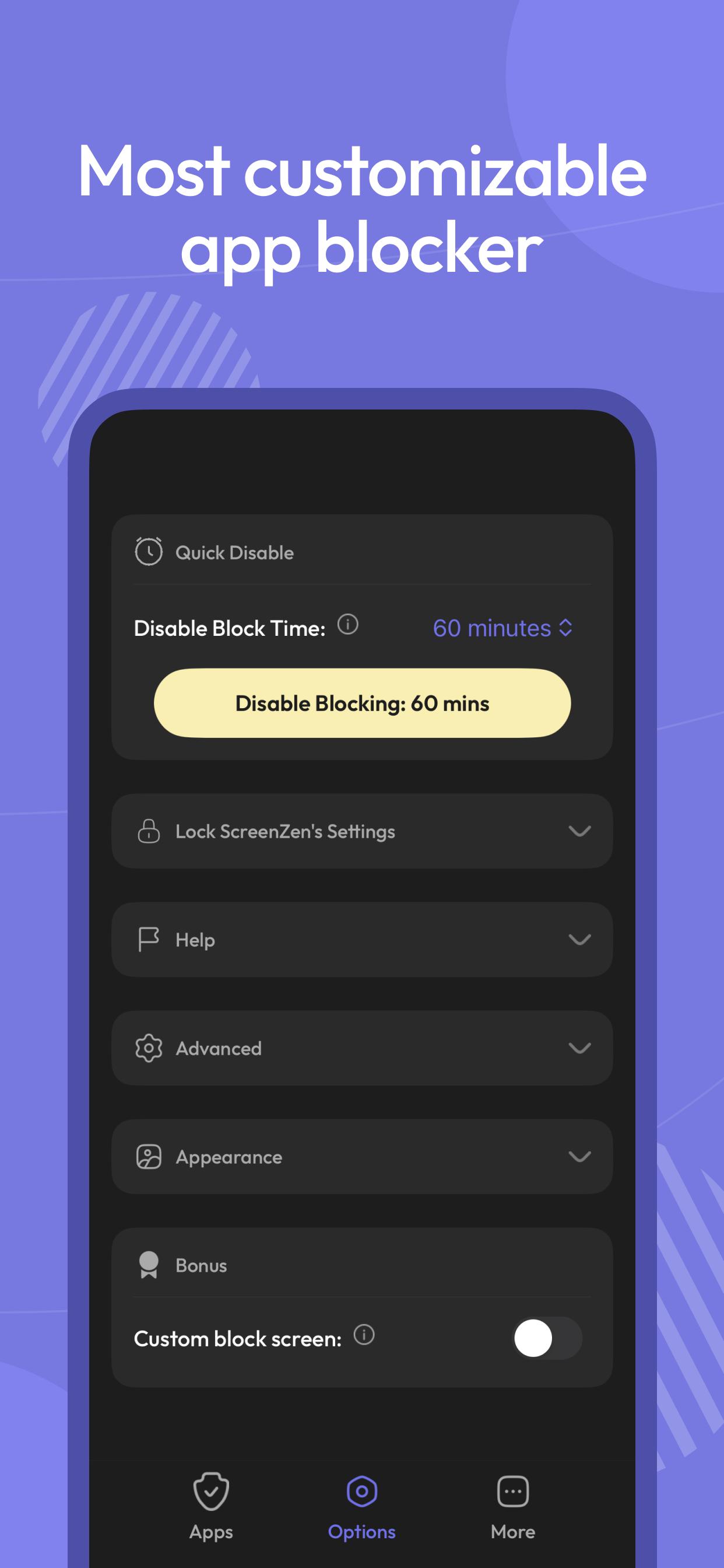
Multiple strategies to control your screen time, block apps and websites, and stay focused. Regain your freedom.
Pause before opening apps or websites:
Take a moment before launching a distracting app. The wait time can increase with each use, helping you build intention — a technique also seen in apps like Opal.
Interrupt your scrolling:
Limit your time on distracting apps to short bursts so you don’t get pulled in. If you’ve tried tools like Opal, this approach will feel familiar.
Set usage goals:
Define daily limits per app — and optionally block access when you hit your target.
Customize by day and time:
Flexible settings for different days of the week and hours of the day, tailored per app.
Mindful prompts before opening apps:
Messages like “Is this important?” encourage reflection — a small but powerful habit, also appreciated by users of focus-first apps like Opal.
See only the screen time that matters:
Track your time on distracting apps only. Productive tools like Google Maps won’t distort your stats.
ScreenZen uses Accessibility permissions to block websites.
Latest Version
2.5.7Uploaded by
Ramandeep Sidhu Sidhu
Requires Android
Android 8.0+
Category
Free Productivity AppContent Rating
Everyone
Security Report
Report
Flag as inappropriateLast updated on Apr 8, 2026
**What’s New**
🦊 Fix: Site blocking issue on latest Firefox versions
🐞 Faster Bug Reporting
✨ Improved Halo onboarding & UI
🔐 New Halo locks: Passcode & Timer
📡 Halo BLE Off mode added
🛠️ Halo diagnostic report added
📱 Fix: Instagram Reels blocking issue (Stories & Profile affected)
🔋 Improved Halo battery optimization
🌐 Added browser support: Waterfox, DuckDuckGo & Adblocker Browser
Update now for a better Halo experience!



APKPure - A multi-platform app store primarily focused on Android, providing extensive app-related content. Discover the app you want easier, faster, and safer, with quick and efficient downloads and installations.















