Screenshot Easy lets you take screenshots on your tablet, phone or other Android device the easy way! Capture full screen scroll pages, with the scrolling screenshot functionality. Use the easiest screenshot app to not only take snapshots but also view, edit or share them directly.
Use the easiest screenshot app to not only take snapshots but also view, edit or share them directly.
✎How to take screenshot?
Application provides many easy method to take screenshot without physical button, so you can take screenshot even while physical button is damaged
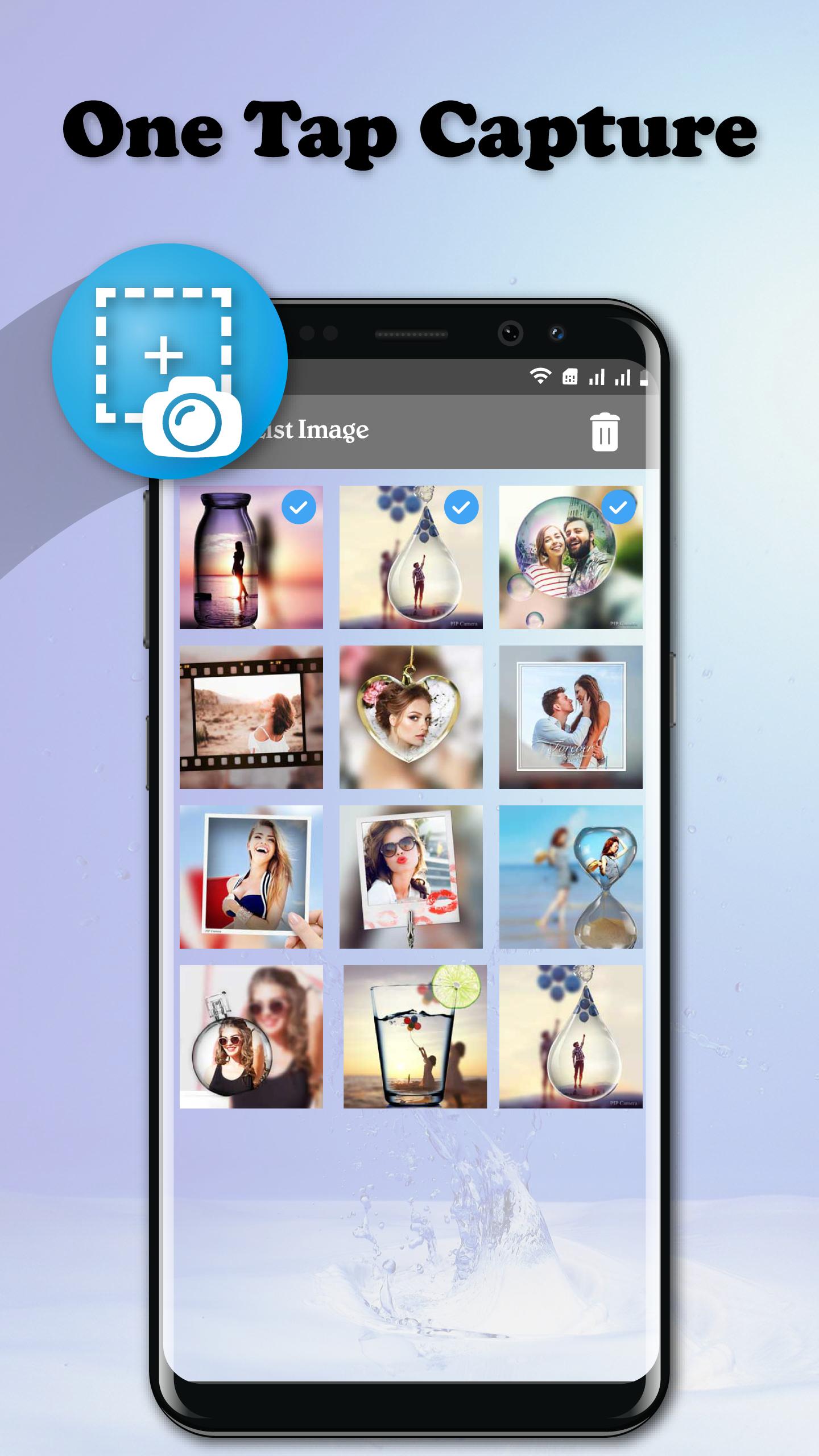
✓ Floating button: Easy to capture button that is displayed on top of everything, just one-click to take a screenshot
✓ Shaking device: Shaking your device to take a screenshot
✓ Notification: Drag down status bar, then click on notification to take a screenshot.
✓ Camera button: Click on camera button to take a screenshot (if your device have camera button)
★ Basic features
✓ Capture by touch (Notification area, overlay icon, shaking the device)
✓ Photo viewer
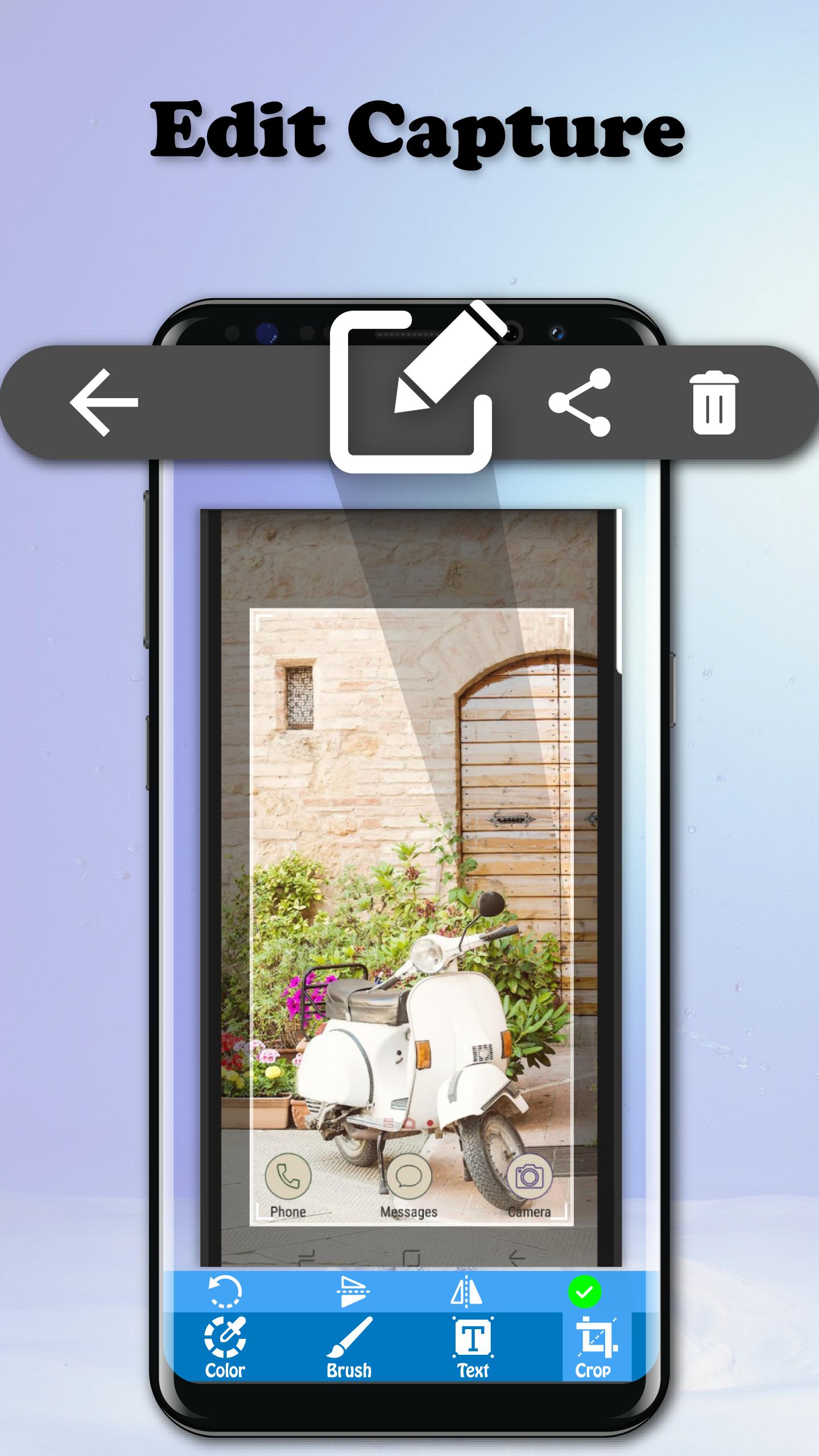
✓ Image cropper (Crop ratio, rotate)
✓ Drawing on captured image (Pen, Text, Rectangle, Circle, Stamp, Opacity and so on)
✓ Sharing screenshot images to other installed apps (user controlled)
★ Applicition following functions:
✓ Overlay icon
✓ Notification icon click
✓ Shake
✓ Camera hardware button
✓ Long click search hardware button
✓ Custom shortcut
✓ Widget
✓ Locale, Tasker plugin support
✓ Power connect/disconnect
✎Note: SCREENSHOT EASY – CAPTURE SCREEN FREE is only available for devices running android 5.0 or above.
Latest Version
1.1Uploaded by
Arda Sahan
Requires Android
Android 5.0+
Category
Free Tools AppContent Rating
Everyone
Report
Flag as inappropriateLast updated on Jul 10, 2019
The best way to get screenshot, capture screen easy and quick only by one touch



APKPure - A multi-platform app store primarily focused on Android, providing extensive app-related content. Discover the app you want easier, faster, and safer, with quick and efficient downloads and installations.











