Package Name:com.agsr.screen.recording
SHA-256:7a766c1c75284b407ae25ea62a5ff44bf70f0f1c04fb31f9cde816e98340a900
Show More

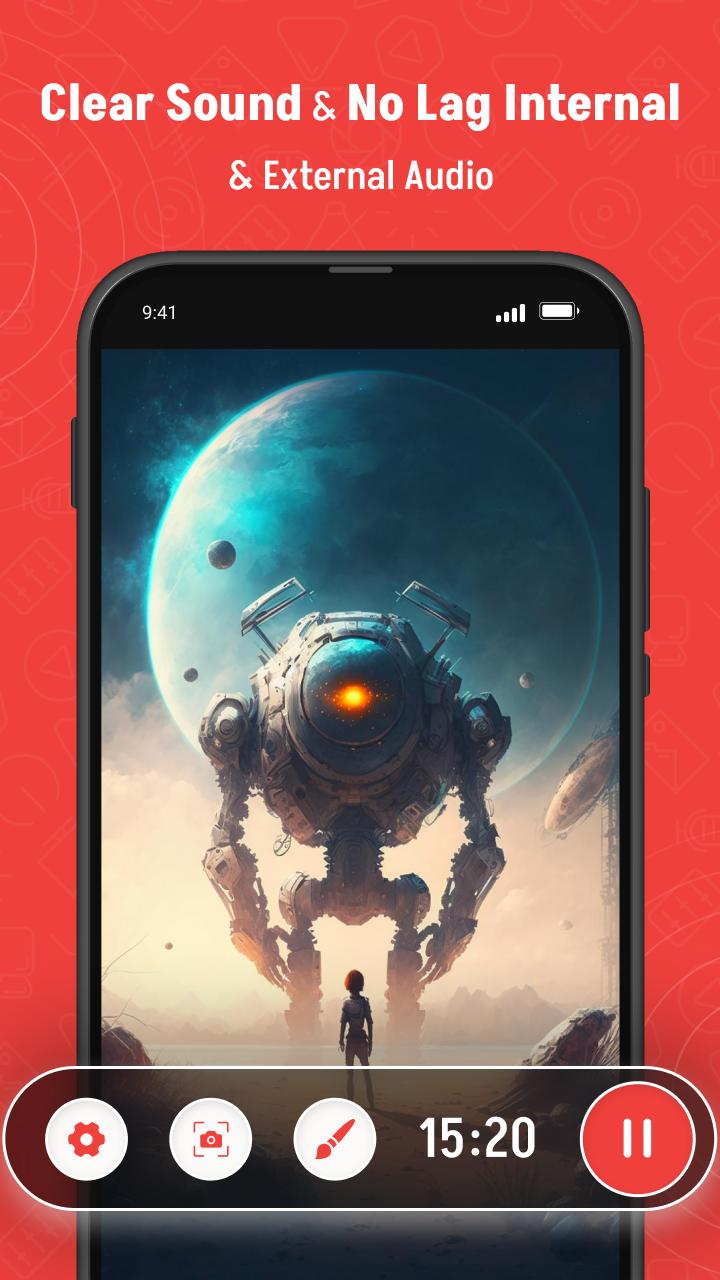
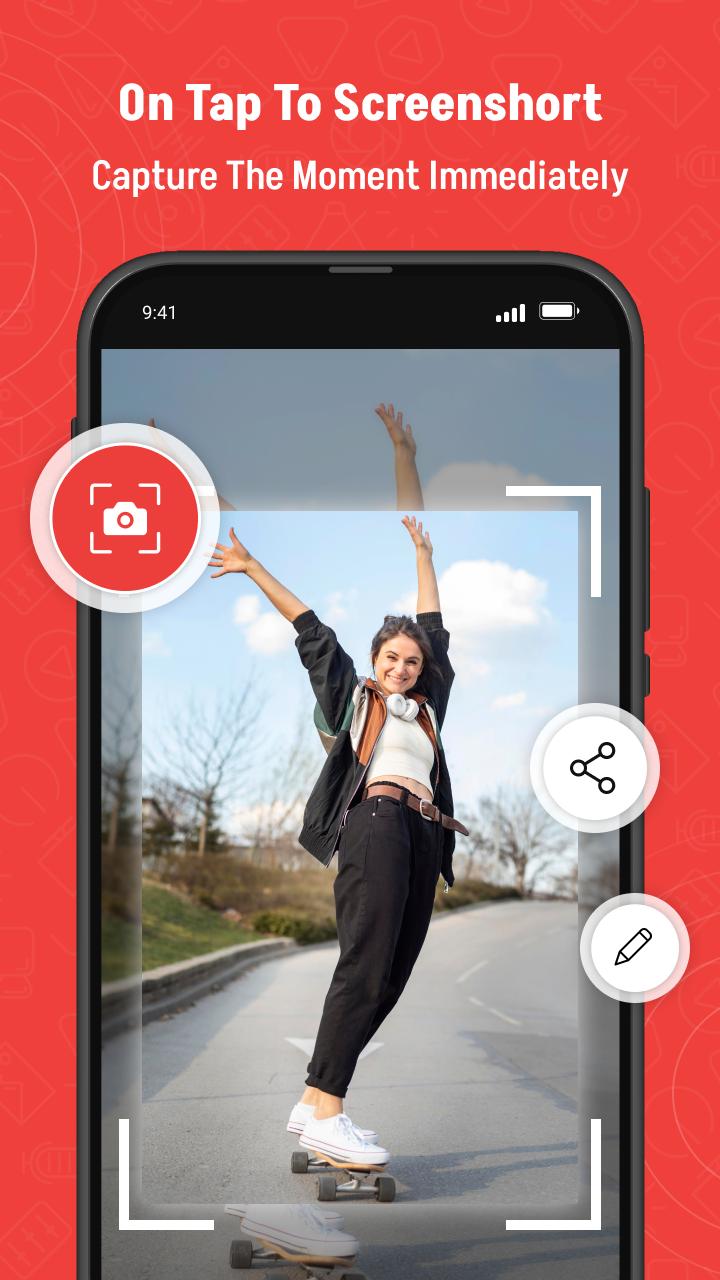
Screen Recorder helps you capture smooth & clear screen videos, screenshots in the easiest way. Use XRecorder to record videos with No recording time limits & No root needed! Just with a tap on the floating window, you can record HD video tutorials, video calls and videos that can not be downloaded even. No watermark & No lag when recording! And you will never miss live game shows, and important moments anymore.
Download XRecorder to capture anything as you like!
🏅TOP FEATURES:
● Capture screen to take a clear Screenshot
● Record Gameplay on your phone
● Internal audio recording without noise (ONLY Android 10 or above)
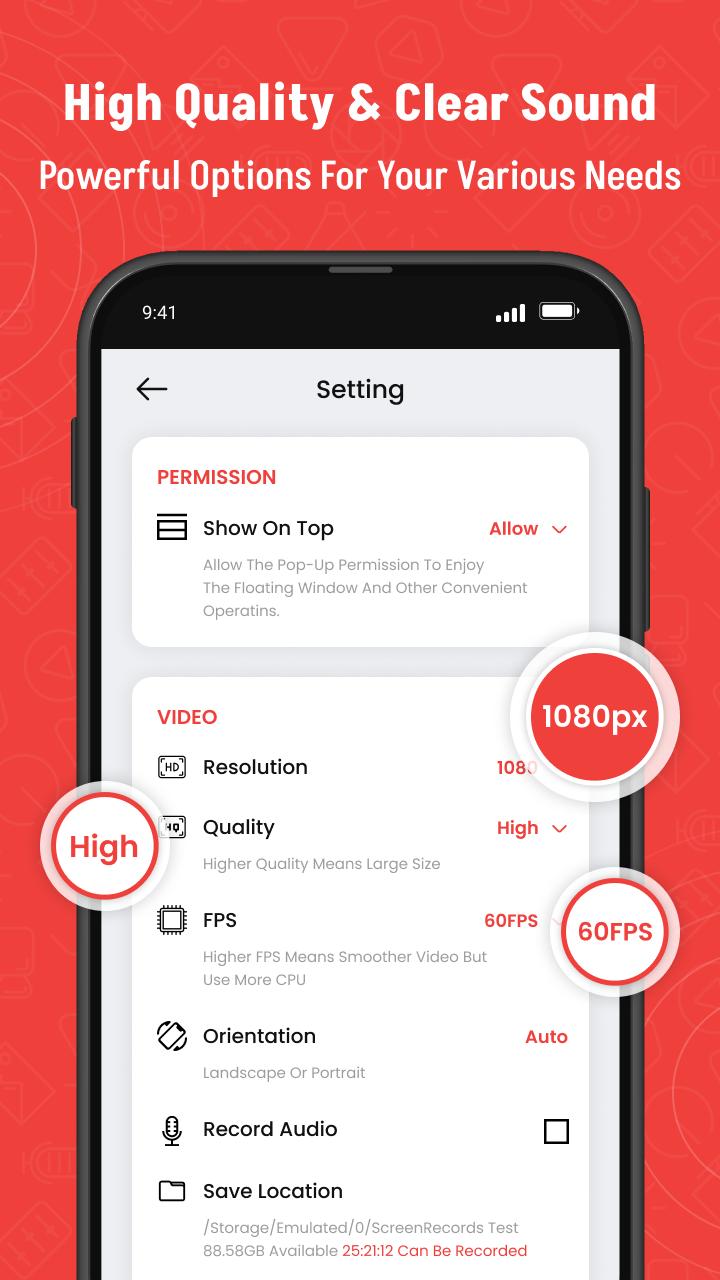
● Export Full HD video with custom settings: 240p to 1080p, 60FPS, 12Mbps
● No watermark: record a clean video & screenshot
● No recording time limits & No root needed
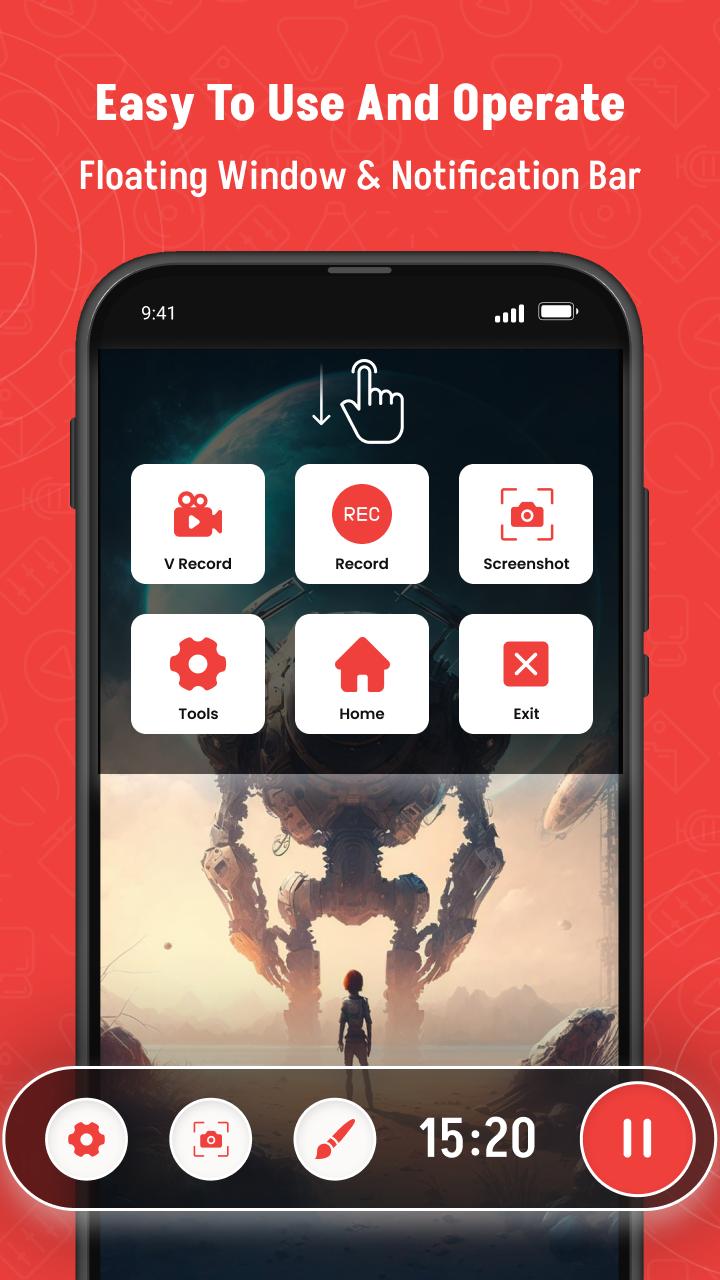
● Floating window: One touch to snap the exact moment or hide it when it’s not needed
● Countdown timer: to be a fully prepared recorder
● Easy to pause/resume recording, rotate screen
🎥 Screen recorder with audio
Since you can record screen and audio, this screen recorder app is suitable for many purposes such as to be a video call recording app or a game screen recorder.
🎧 Screen recorder with internal audio
Since Android 10, this screen video recorder also supports internal audio. Specifically, you can record screen with the original sound of any game or app. Because of that, this screen recorder with internal audio can be used as a live recorder or simply as an internal audio recorder.
🏆 Best screen recorder for gaming
This screen recording app can be used as a game recorder because it supports many resolutions from HD, FullHD, 2K to 4K (4K screen recorder is only available to some users and devices). In addition, this screen video recorder app also supports different frame-rates: 24fps, 30fps, 60fps…
🎉 Video call recorder
This screen video recorder helps you keep important and memorable video calls with family, friends and colleagues.
If you want to use screen recorder no ads or just simply like our free screen record app, please upgrade to support this video software development.
Thanks for downloading this video screen recorder. We are striving to the best screen recorder for Android. If you have any feedback, bug reports or suggestions, please contact us at our mailID.
Latest Version
1.0.1Uploaded by
Kim Marais
Requires Android
Android 8.0+
Category
Free Tools AppContent Rating
Everyone
Security Report
Check Now
Report
Flag as inappropriateLast updated on Oct 15, 2025
Thank you for using our app.
- Crash bug fixed
- Small bug fixed
- Speed Improvement


APKPure - A multi-platform app store primarily focused on Android, providing extensive app-related content. Discover the app you want easier, faster, and safer, with quick and efficient downloads and installations.