
Screen recorder-video recorder: Capture Every Moment in HD!
Discover the ultimate tool for capturing every moment on your screen. Game recorder provides a seamless, high-quality audio and video capture experience for gameplay, tutorials, and video calls. Record video with user-friendly features like screen recording with facecam, floating controls, and quick screenshots, you can create professional-quality videos up to 720P at 90 fps.
Top Features:
• Screen video recorder with internal audio (ONLY Android 10 or above)
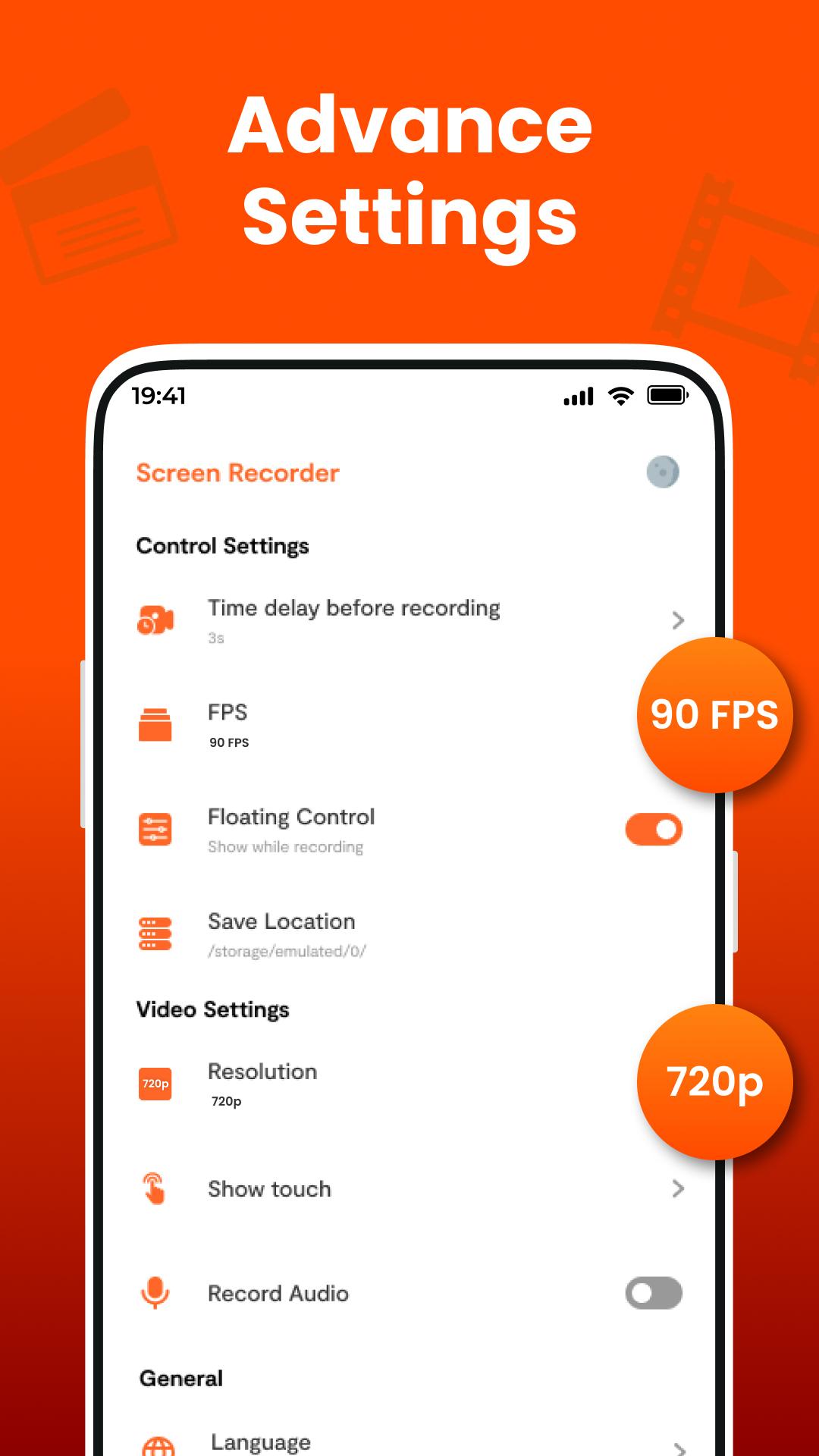
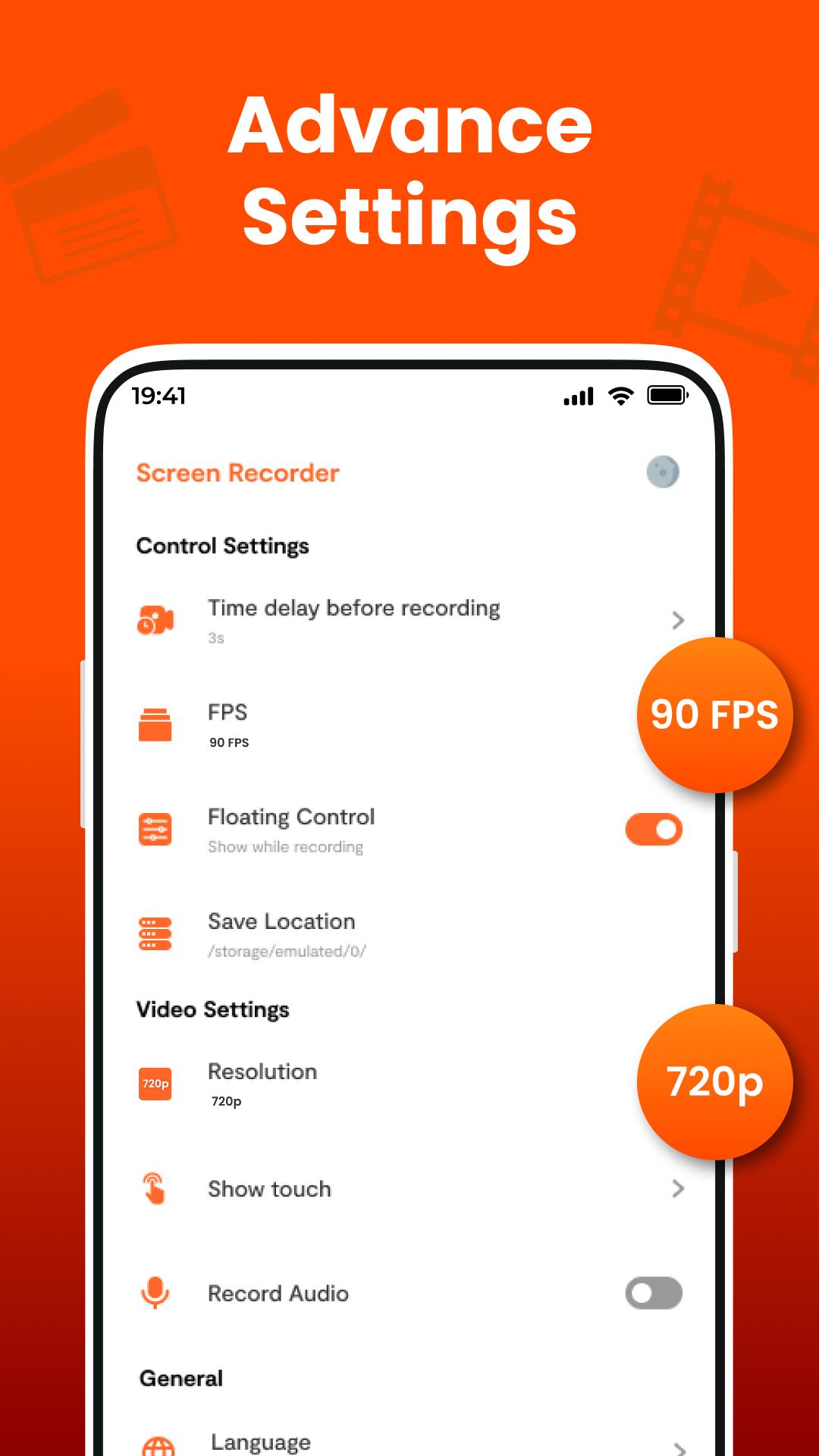
• Select custom recording quality: 360p to 720p at 90FPS
• Record gameplay on your phone
• No watermark
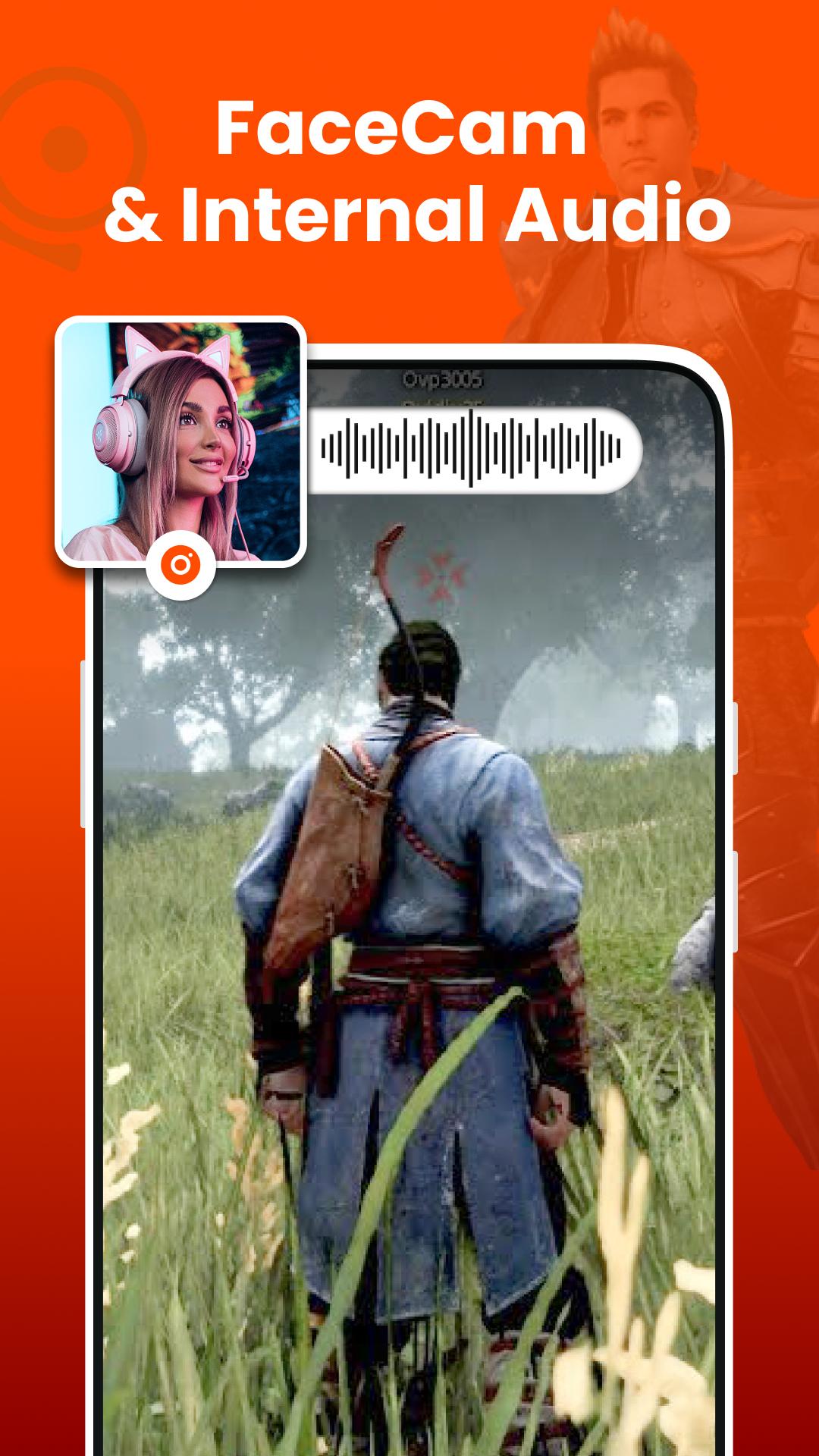
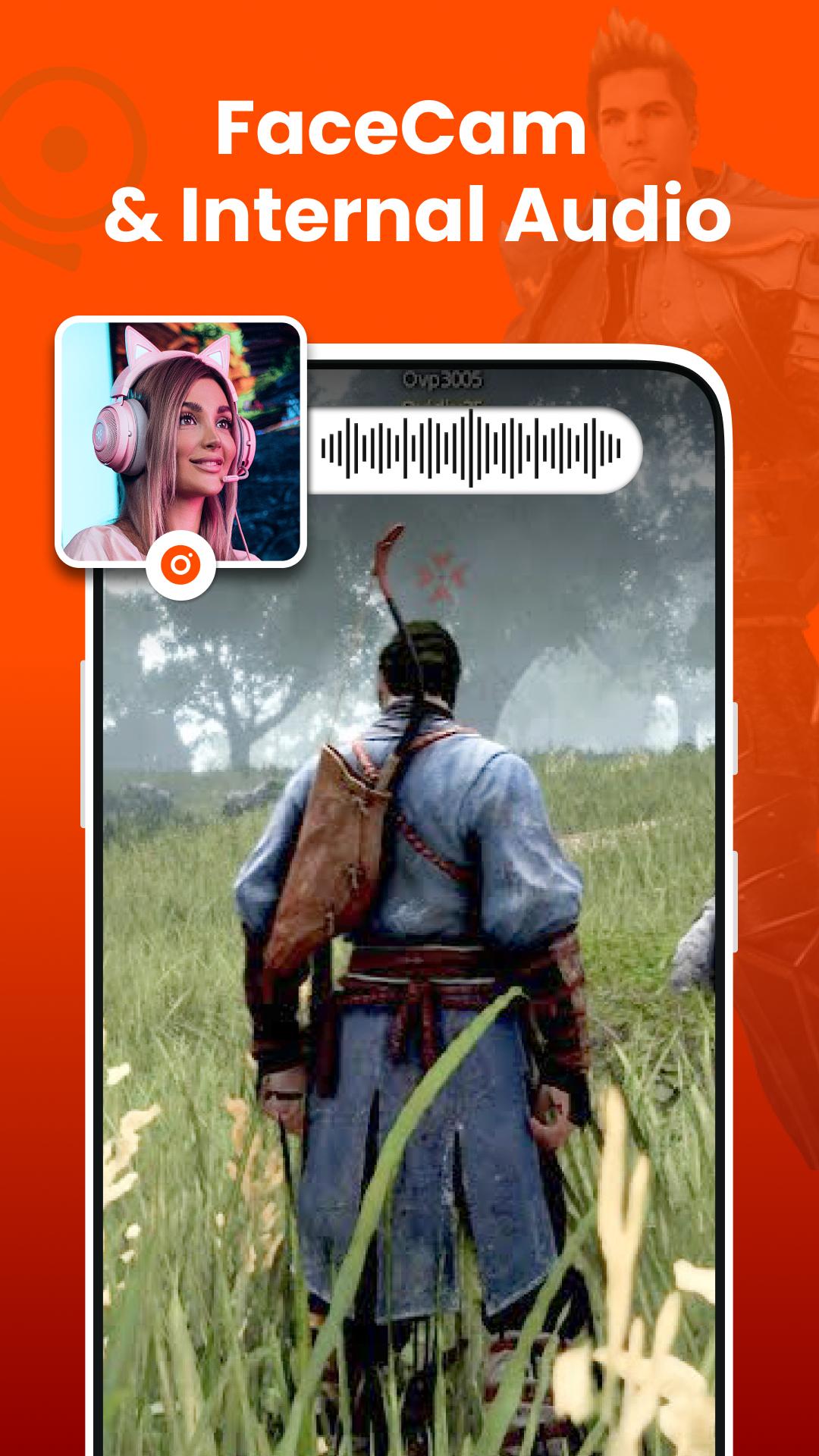
• Record screen with facecam
• Unlimited recording without time limit
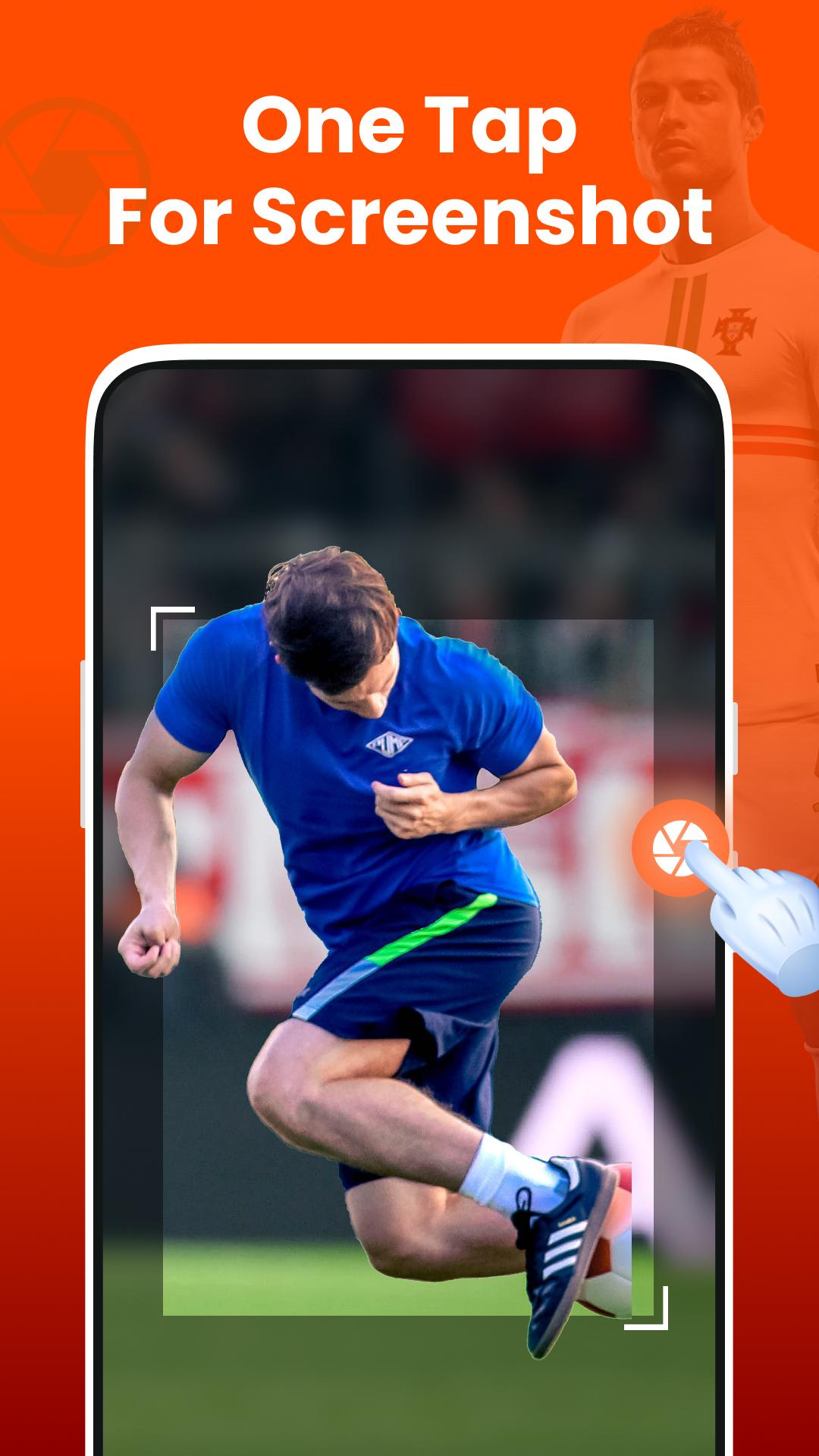
• Quick screenshot & screen capture
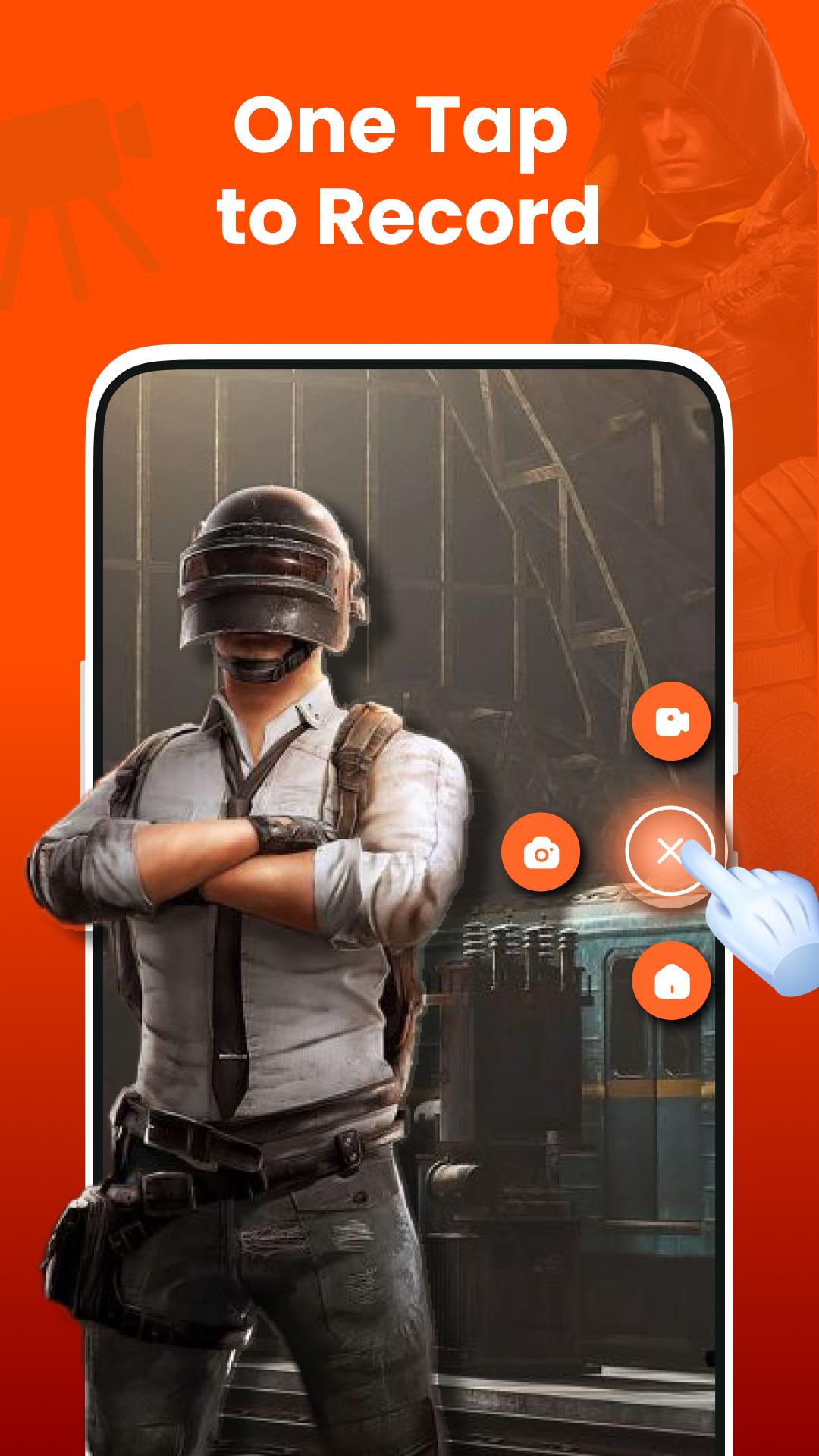
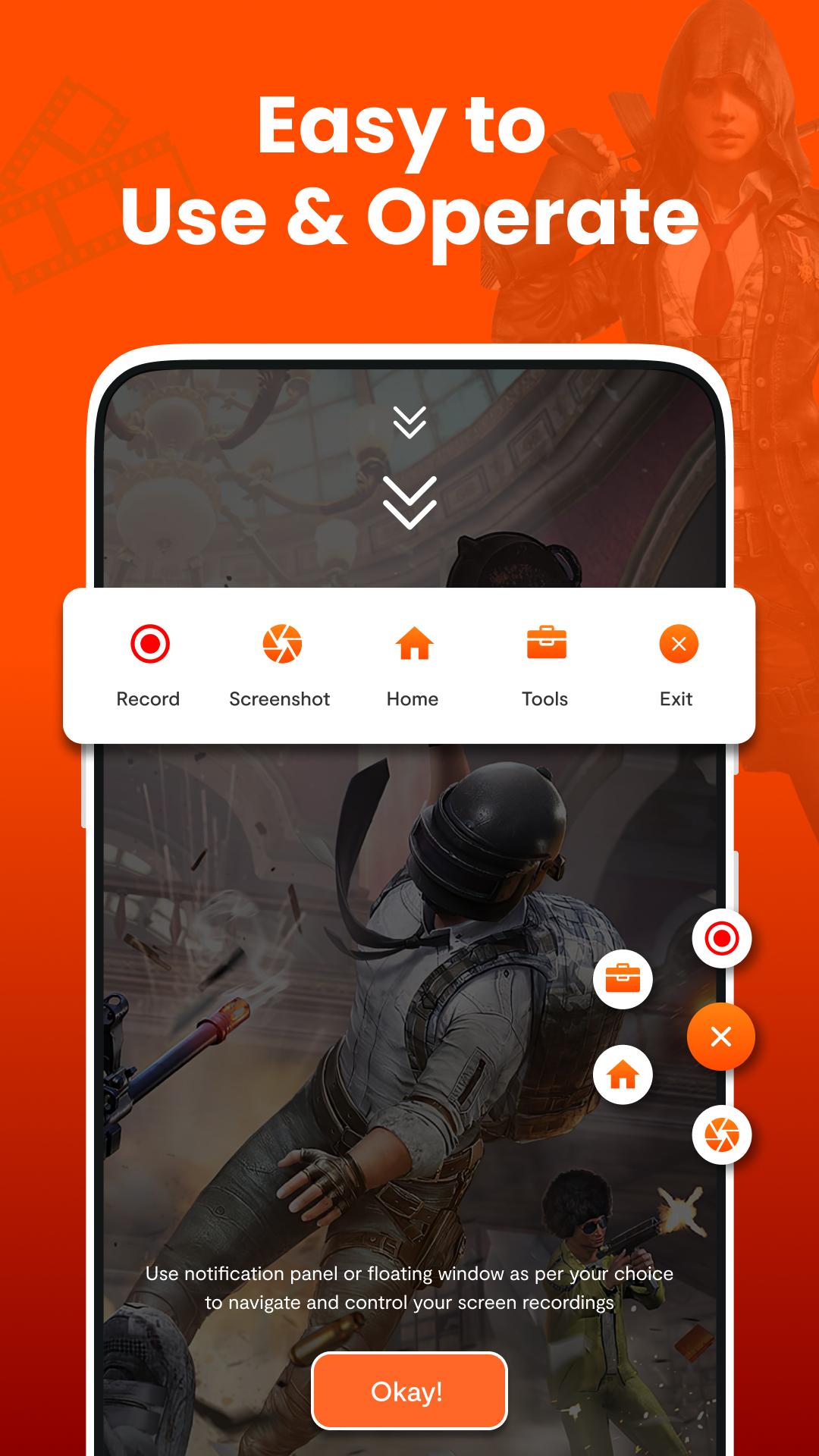
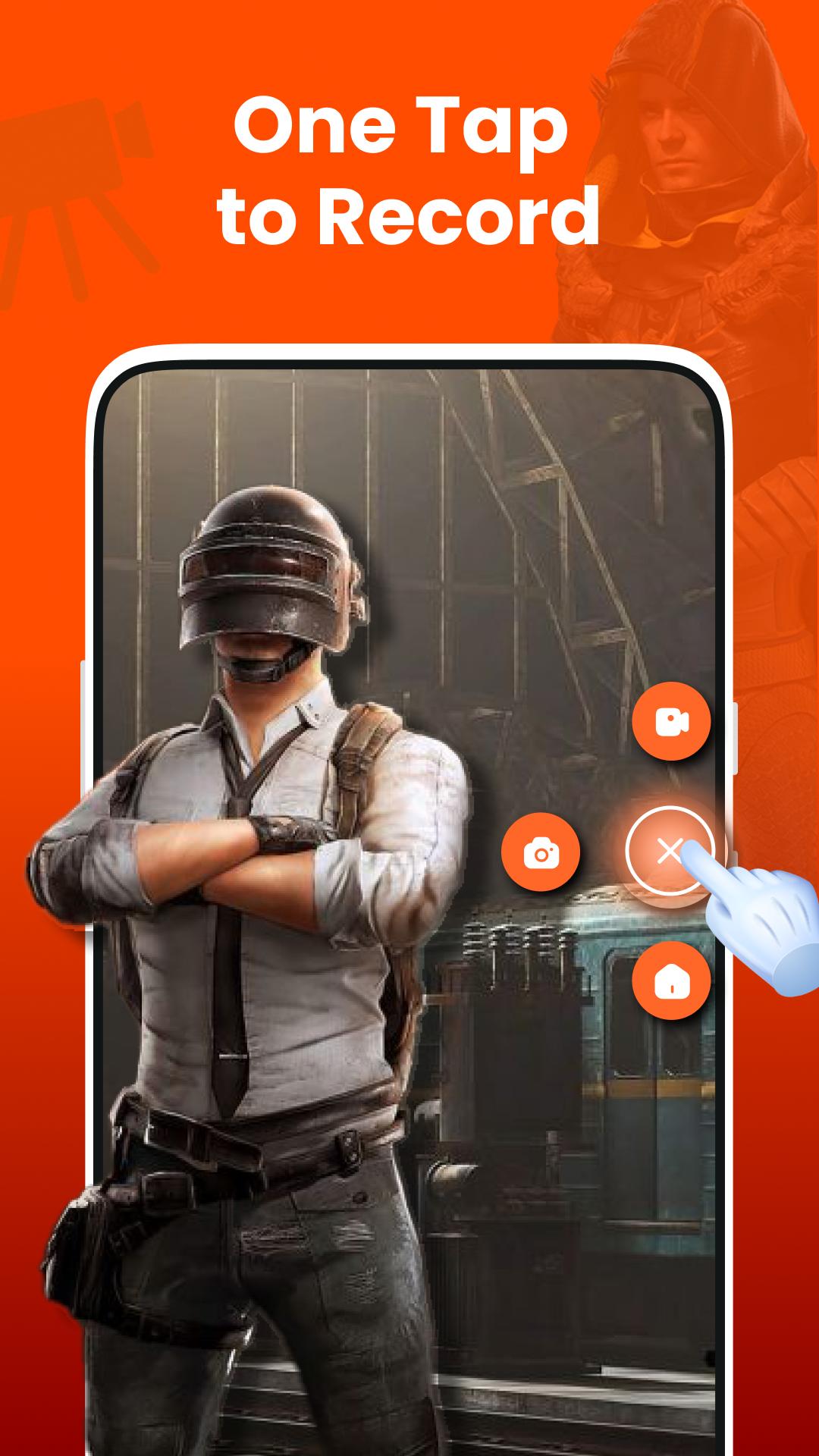
• One touch to record/snap or hide it when not required
• Trim videos with video trimmer
• Countdown timer
• Easy to start/pause/resume recording, rotate screen
Screen Recorder with Audio - Video Capture
With screen capture, capturing your screen has never been easier. Record screen activities in high definition, ensuring every moment is documented clearly. Whether you need a video recorder for tutorials or a game recorder with internal audio to record game, facecam recorder covers all your needs. Record video with facecam for a more personalized touch.
High-Quality Video Recording
Ease your recording experience with advanced features. Screen recorder-video recorder supports HD video recording up to 720p at 90 fps, perfect for creating crisp, high-quality videos. The floating control icon allows easy access to recording controls without interrupting your activity. Use our game sound recorder to record every sound detail to ensure your gameplay recordings are complete.
Record Screen in multiple languages
Video capture is designed for worldwide users, offering multi-lingual support to record video & screen capture needs. Whether you're using the game recorder with internal audio to record game, it ensures a smooth and hassle-free experience.
Facecam Screen Recorder with Internal Audio
Video capture app also features a game recorder with internal audio and facecam, allowing you to record game sessions, tutorials, and more. Enjoy the convenience of game sound recorder to record screen in high-definition. Whether you need a screen capture for personal or professional use, record video app provides versatile solutions to meet your requirements.
Download screen recorder-video recorder today and take your screen recording to the next level!
For any question and feedback, feel free to contact us at appsdevtechteam@gmail.com.
Latest Version
1.7.96Uploaded by
Nguyễn Hoàng
Requires Android
Android 10.0+
Category
Free Productivity AppContent Rating
Everyone
Report
Flag as inappropriateLast updated on May 1, 2026
Thanks for using Screen Recorder! Here’s what’s new:
🎥 Improved recording performance for smoother videos
⚡ Faster and more reliable app experience
🧩 Bug fixes and stability improvements
🎛️ Minor UI enhancements for better usability
Update now to enjoy a smoother and more reliable recording experience! 🚀


APKPure - A multi-platform app store primarily focused on Android, providing extensive app-related content. Discover the app you want easier, faster, and safer, with quick and efficient downloads and installations.