
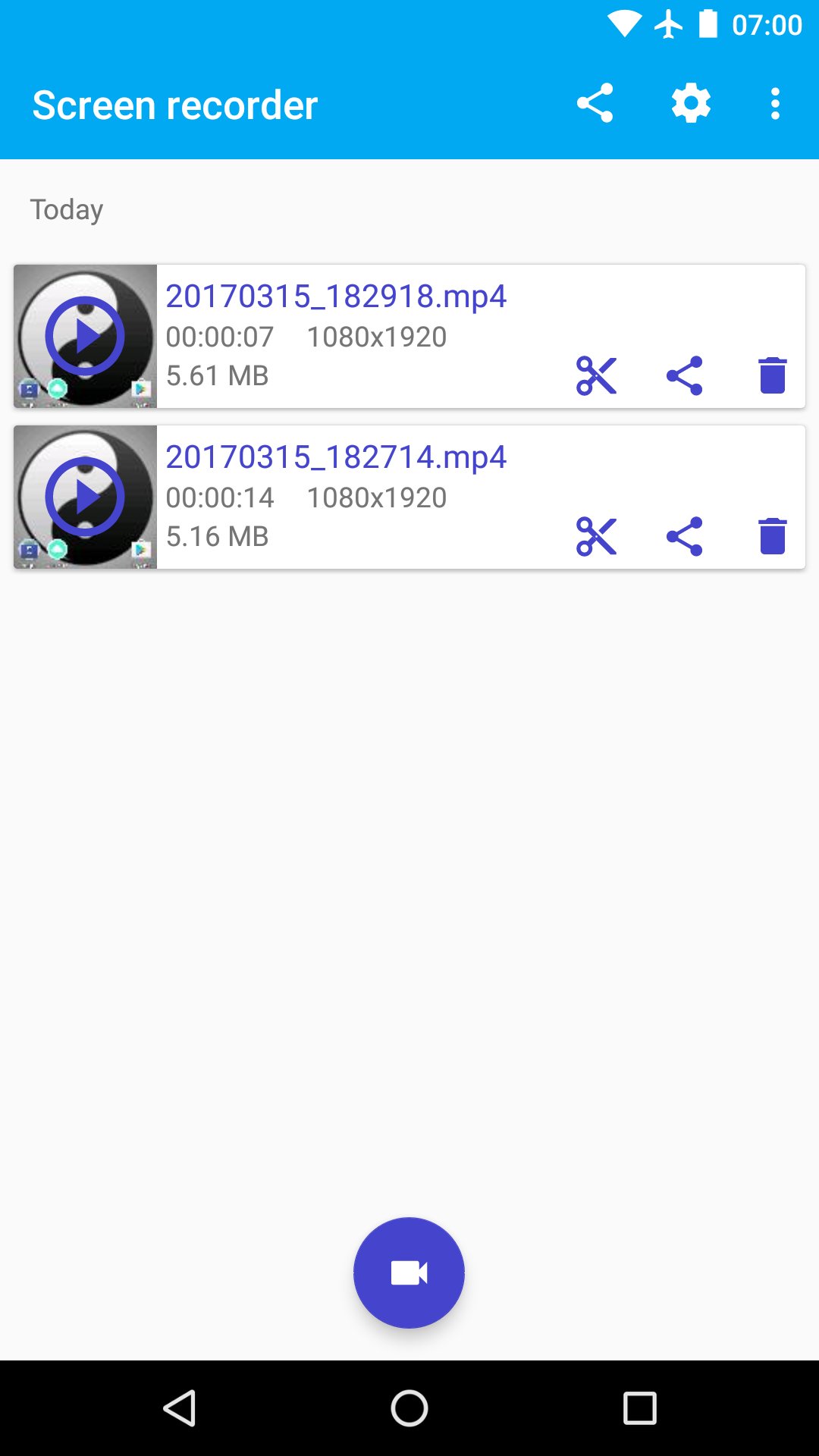
👍 Screen recorder is a free, stable, high-quality screen recorder for Android that helps you record smooth and clear screen videos. With a variety of features such as audio recorder, video recorder, video editor, FTP Sharing and no rooting needed, Screen recorder provides an easy way to record screen videos, like game videos, video calls, live shows, and more - making everything simple!
• Advantages:
♥ Totally FREE, WITHOUT any in-app purchase
♥ SMALL screen recorder: less than 1.7MB
♥ NO ads, NO root needed, NO recording time limit
♥ HIGH-QUALITY video: 1080p+, 12Mbps, 60FPS
♥ Trim video after screen or any video has format MP4 available on device
♥ Record sound of MIC when record screen video
• Key Features:
★ Screen Recording
Screen recorder provides stable and fluid screen recording. With this screen recorder, you can easily record popular mobile game videos; you can record video calls with family and friends; you can also record popular programs on live apps ! Screen recorder is designed with the following free features:
------ Many resolutions, frame rates, and bit rates available; support for HD video
------ Pause/resume screen recording(Only Android 7.0 and up)
------ Record external sound
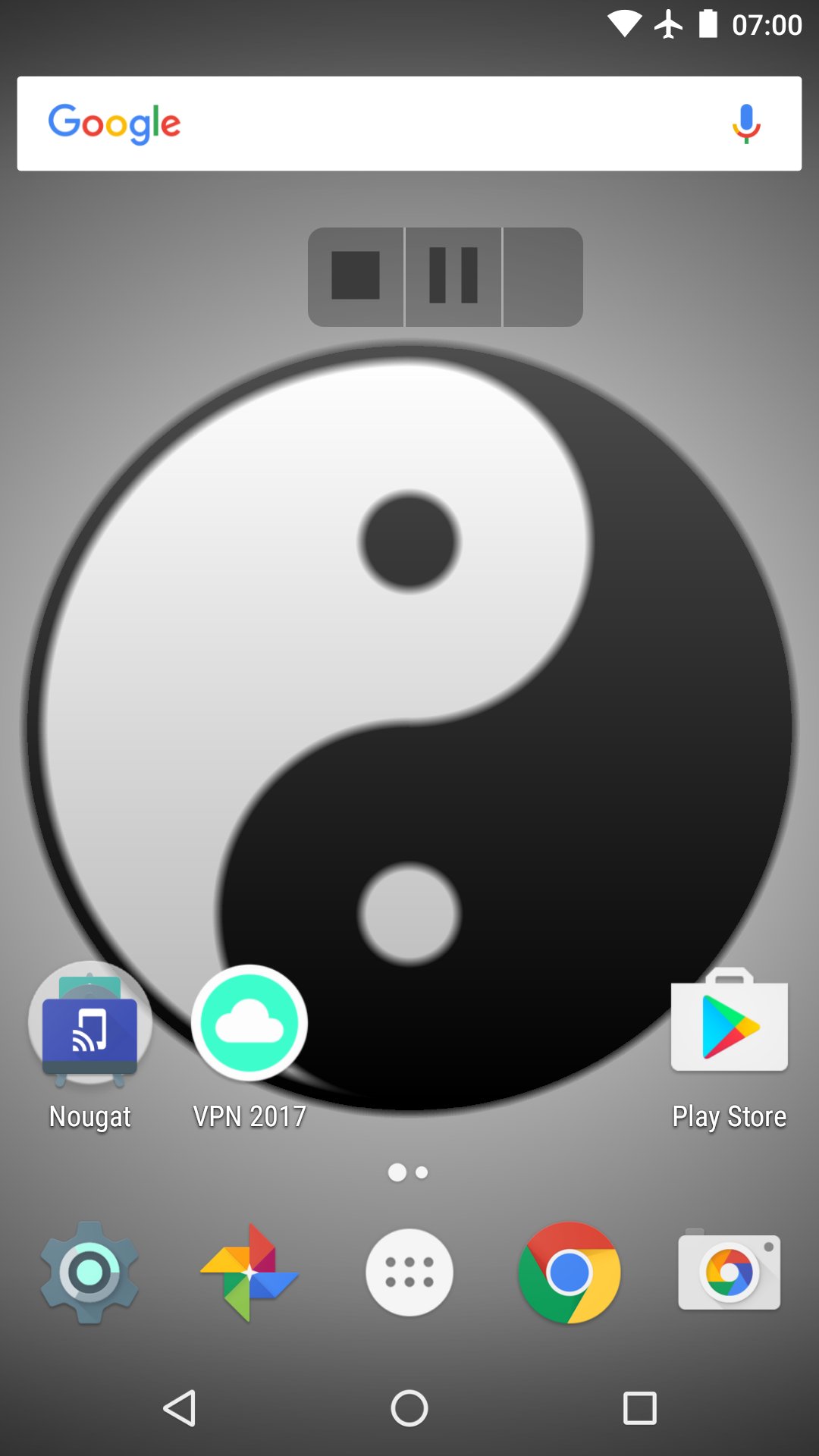
------ Control screen recording through floating window or notification bar; hide floating window for frameless video
------ Display click operations in the screen recording(Only Android Lolipop)
------ Using a Wi-Fi-connected computer, download videos to your computer
★ Video Editing
------ You can easily trim the recorded video with the screen recorder:
★ Share Videos
------ Share your videos to Wi-Fi-connected computer. Share your recorded videos with friends!
***Permission Declaration***
Android requires any software to declare all functions it accesses, and requires users to acknowledge this in order to install the app. In Android Marshmallow 6 It may Gives you dialog to allow Permission here, is declaration of it.
1) External Storage: When you record screen using Screen recorder, we will use WRITE_EXTERNAL_STORAGE and READ_EXTERNAL_STORAGE permission to save recorded video for you. This App is MUST reach this permission!
2) Record Audio: When you record screen using Screen recorder, if you enable audio record, we will use RECORD_AUDIO permission to record for you. This is the only reason why Screen recorder need the RECORD_AUDIO permission.
3)System Alert Window: This App will use SYSTEM_ALERT_WINDOW permission when you enable Floating window controls, which draws over every screen.
4)Internet: If you share the recorded videos via WiFi or contact with us, we will use INTERNET permission.
5)Write Settings: If your Android device is API 22(Lollipop) and down, when you enable touches trace, we will use WRITE_SETTINGS permission, if your Android device is API 23(Mashmallow) and up, there is NO WRITE_SETTINGS permission required.
If you like, Screen recorder app don't forget rate five stars ★★★★★ or review. They are appreciated for me. Thank you so much
Help me translate into your language. Thanks! 😆
90hougo@gmail.com
Latest Version
0.8.8Uploaded by
Eric Cruz
Requires Android
Android 5.0+
Category
Free Tools AppContent Rating
EveryoneLearn More · Everyone
Report
Flag as inappropriateLast updated on Aug 16, 2017
welcome!




APKPure - A multi-platform app store primarily focused on Android, providing extensive app-related content. Discover the app you want easier, faster, and safer, with quick and efficient downloads and installations.