Scan Date:May 2, 2026
Show More

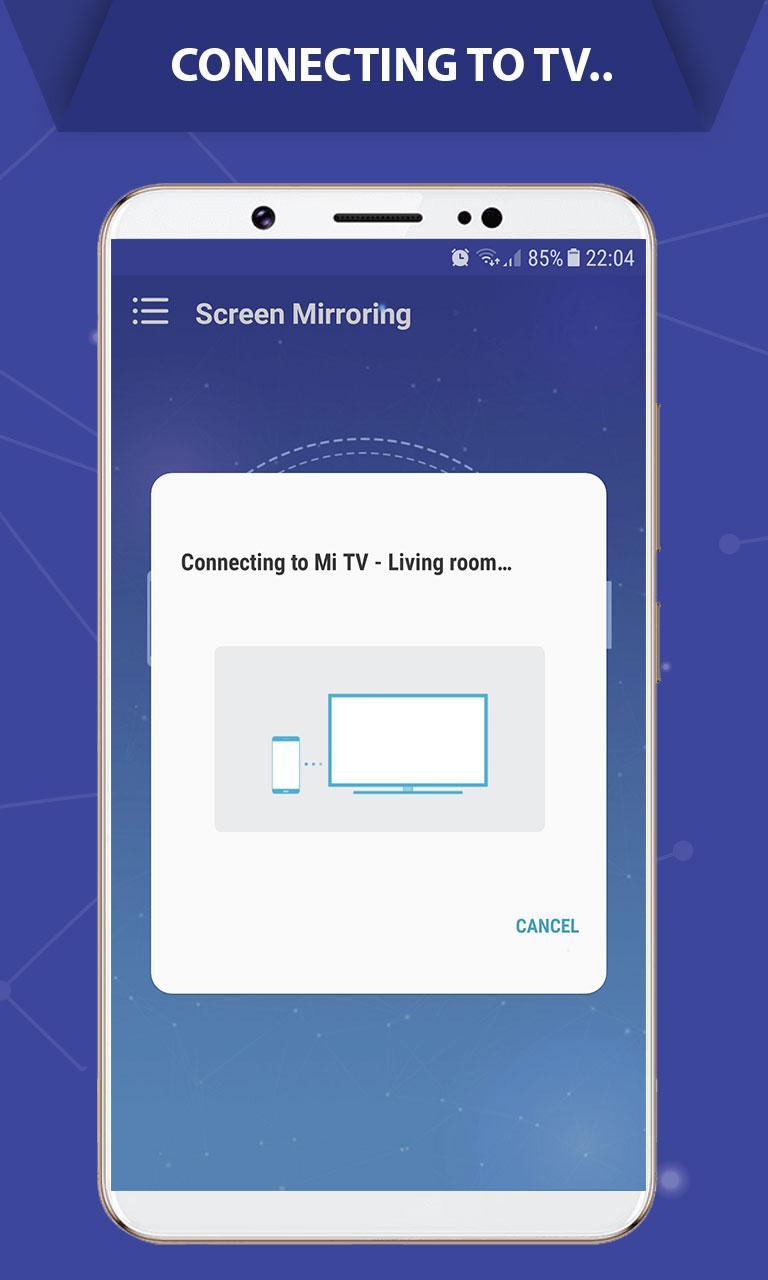
Screen Mirroring Cast to TV helps when a small screen makes viewing or sharing difficult. It lets you show games, photos, videos, and other apps on a TV, which is useful for family viewing, demos, or travel photos. With a straightforward connection over WiFi, you can mirror your Android phone in real time to a larger display. Screen Mirroring Cast to TV APK is for users who want a simple way to see mobile content on a TV without cables.
Mirror your phone on the TV
Screen Mirroring Cast to TV mirrors the entire screen so you can view apps, games, photos, and videos on a bigger display. It is practical for presentations at work and casual viewing at home.
Connect to smart TVs and streaming devices
Screen Mirroring Cast to TV works with many TVs that support Miracast and common devices such as Chromecast, Fire TV, Roku, and Anycast. You get a wireless link that keeps your phone and TV connected while you use your content. The connection is designed to help protect your data, files, and apps.
Simple setup over WiFi
You can set it up in minutes and start casting quickly. After you download Screen Mirroring Cast to TV, make sure both devices are on the same WiFi network, then follow these steps:
Screen Mirroring Cast to TV offers an easy way to mirror your phone and stream media to a larger screen. Check that your TV or device supports Miracast, connect over WiFi, and follow the prompts. Install the Screen Mirroring Cast to TV latest version to begin casting without cables.
Latest Version
2.10.1Uploaded by
Softoria LLC
Requires Android
Android 7.0+
Category
Free Tools AppContent Rating
Everyone
Security Report
Report
Flag as inappropriateLast updated on May 3, 2026
Minor bug fixes and improvements. Install or update to the newest version to check it out!





APKPure - A multi-platform app store primarily focused on Android, providing extensive app-related content. Discover the app you want easier, faster, and safer, with quick and efficient downloads and installations.