Scan Date:Jan 24, 2026
Show More

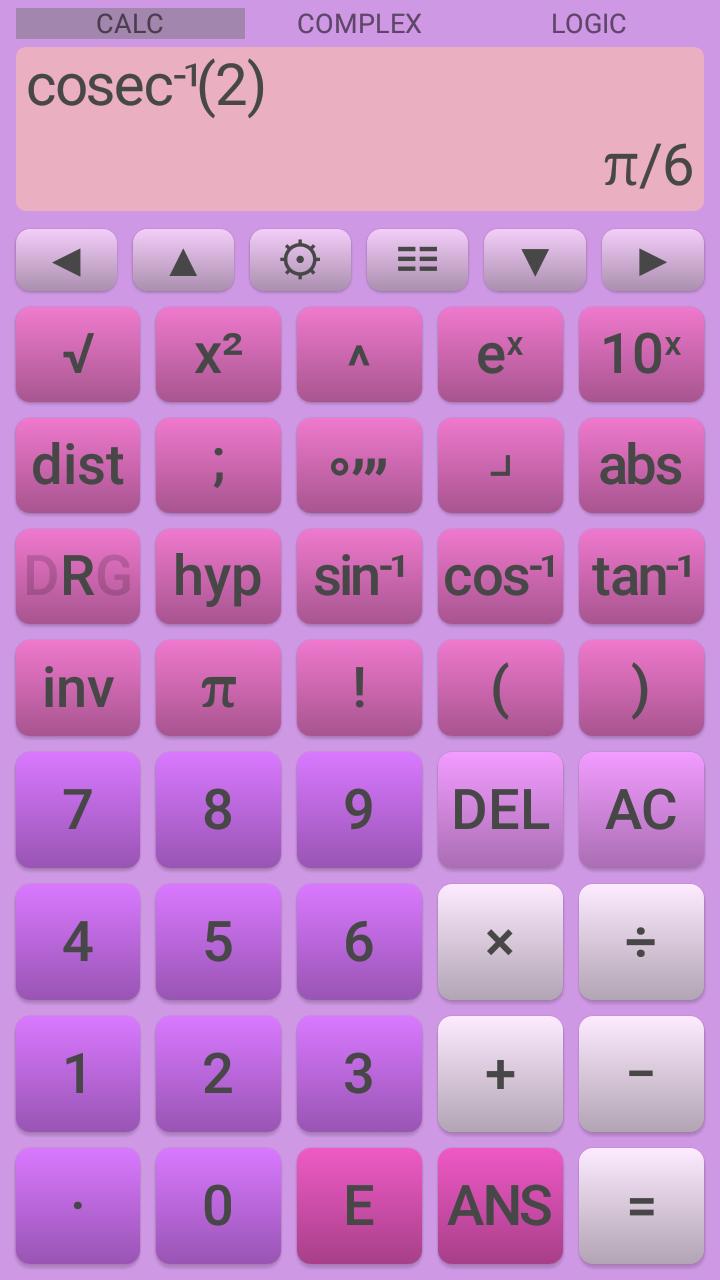
This free scientific calculator offers a number of useful features allowing you to carry out advanced calculations. Its simple and intuitive design makes it a pleasure to use. The calculator has all the functions that would be expected of a basic scientific calculator and a number of more advanced features too, including complex numbers and logic functions.
The calculator is customizable allowing you to change the colors of the screen, background and all the individual buttons, allowing you to personalize its appearance.
A fully ad free version of this app is also available.
the Scientific Calculator's features include
• basic mathematics operators addition, subtraction, multiplication, division and powers.
• conversion between decimal and surd answers.
• indices and roots.
• logarithms base 2 to 10 and base e (natural logarithm).
• trigonometric and hyperbolic functions and their inverses and reciprocals.
• complex numbers can be entered and displayed in polar or component form.
• all valid functions work with complex numbers, including trigonometric and inverse trigonometric functions.
• logic operations and conversion between bases, including choice of two's compliment or unsigned for decimal answers.
• 26 scientific constants.
• unit conversions.
• factorials, combinations and permutations.
• degrees, minutes, seconds, radians and gradians conversions.
• fractions and percentages key.
• absolute function.
• previous 10 calculations stored and re-editable.
• last answer key (ANS) and five separate memories.
• random number generators including normal, poisson and binomial as well as uniform distributions.
• probability distribution calculator for normal, poisson, binomial, student-t, F, chi-squared, exponential and geometric distributions.
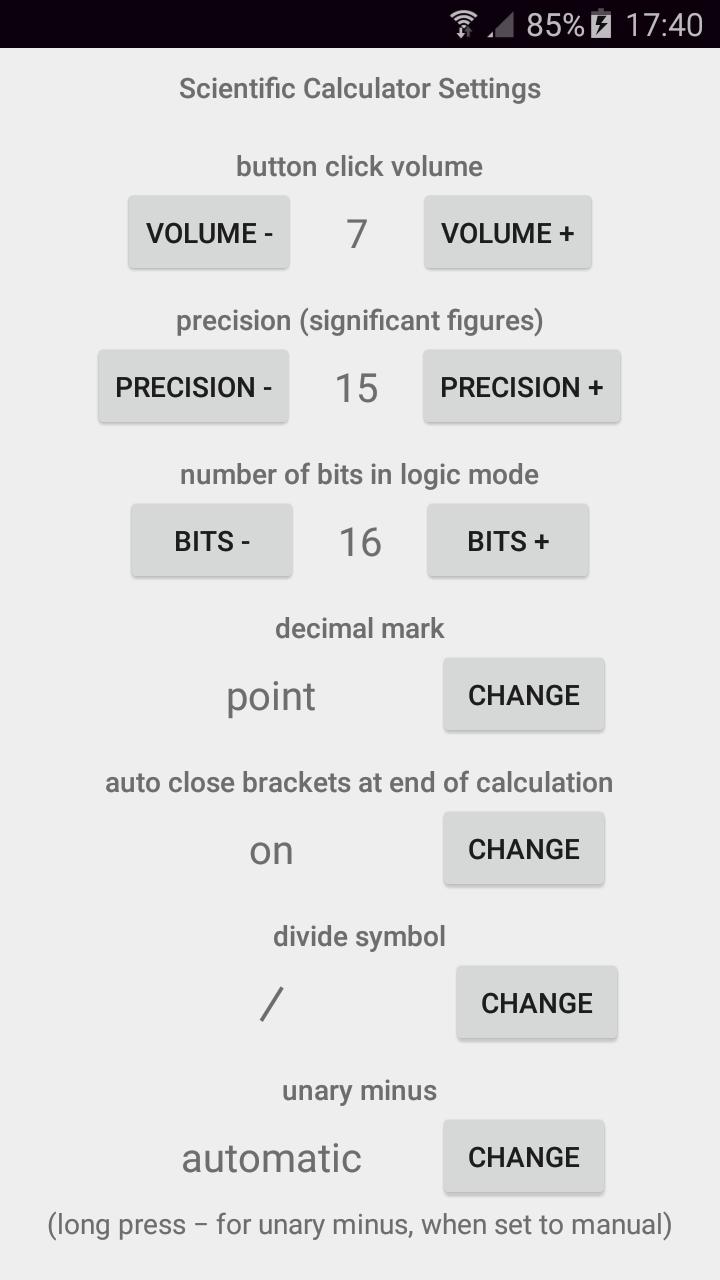
• user definable decimal marker (point or comma).
• choice of division symbol.
• automatic, scientific or engineering output.
• automatic or manual entry for unary minus.
• Choose the precedence (order of operations) for implied multiplication:
2÷5π → 2÷(5×π)
2÷5π → 2÷5×π
• optional thousands separator. Choose between space or comma / point (depends on decimal marker).
• variable precision up to 15 significant figures.
• scrollable screen allowing arbitrarily long calculations to be entered and edited.
Latest Version
3.12.0Uploaded by
Z'Bank Bose'x
Requires Android
Android 6.0+
Category
Free Tools AppContent Rating
Everyone
Security Report
Report
Flag as inappropriateLast updated on Aug 23, 2025
Option to show phone's status bar.





APKPure - A multi-platform app store primarily focused on Android, providing extensive app-related content. Discover the app you want easier, faster, and safer, with quick and efficient downloads and installations.