Scan Date:Jun 5, 2025
Show More
Scanning documents is in your hands with this all-rounder scanning app, Scanner Go. The new-age app is a powerful pdf Camscanner and doc scanner application for scanning documents anywhere and anytime. No more handling paperwork, no more running to the machines. Scan anything and handle all your documents with this one dynamic app.
Using hardly any space on your phone, the CS scanner app scans, saves, archives and shares the documents with a simple click. The Camscanner app also works as a Pdf Converter that easily groups and converts your images into a single PDF file.
The Scanner Go app with PDF CamScanner turns your phone’s camera to a PDF Scanner, PDF Maker, or a PDF Converter, whatever you need, whenever you need, and where ever you need. You can easily share these scanned files in multiple formats like PDG or JPG. Scanner Go comes with an easy-to-use PDF converter tool to convert your documents.
Scanner Go is the best doc scanner and a must-have application for those people who are always on the go, especially for work. Business travel is not easy as you can easily send scanned documents from anywhere. A striking feature of this document scanner app is that its PDF Converter is completely offline and requires no internet connection.
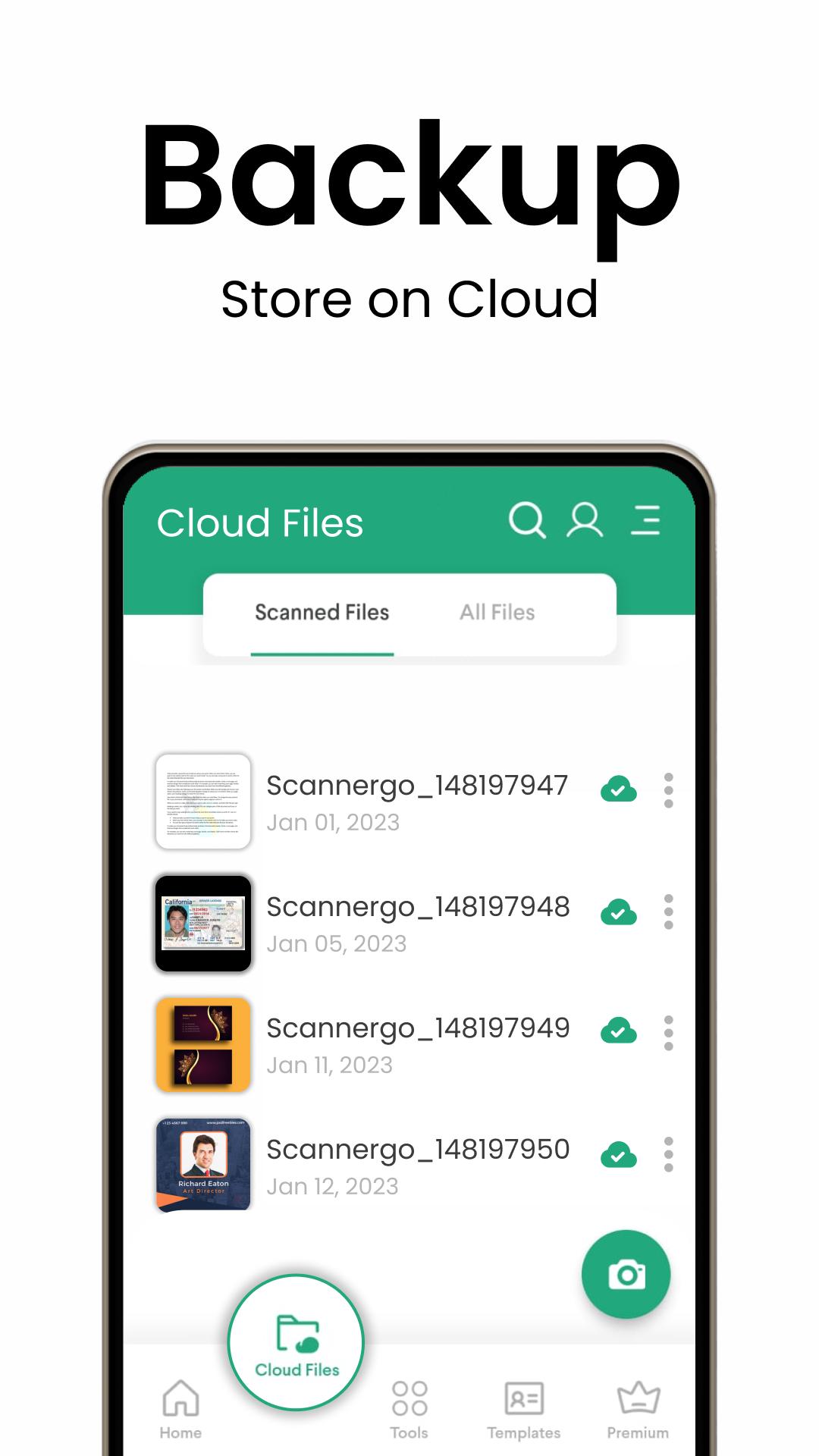
Your PDF files will be easily accessible in the app’s history and recently used documents section of this Pdf Maker app.
The documents scanned in the Cam Scanner (or Kagaz Scanner) are not uploaded to any server for processing. Document recognition of the photos after scanning is done on the device. So, there’s no risk of losing the privacy of your documents or photos.
Scan almost anything with the Document scanner or PDF converter.
How to scan documents with the cam scanner app –
1. Click on the “Create new PDF” tab and start scanning your document.
2. You can select an image or a document from your gallery to scan.
3. Crop the edges according to your requirement.
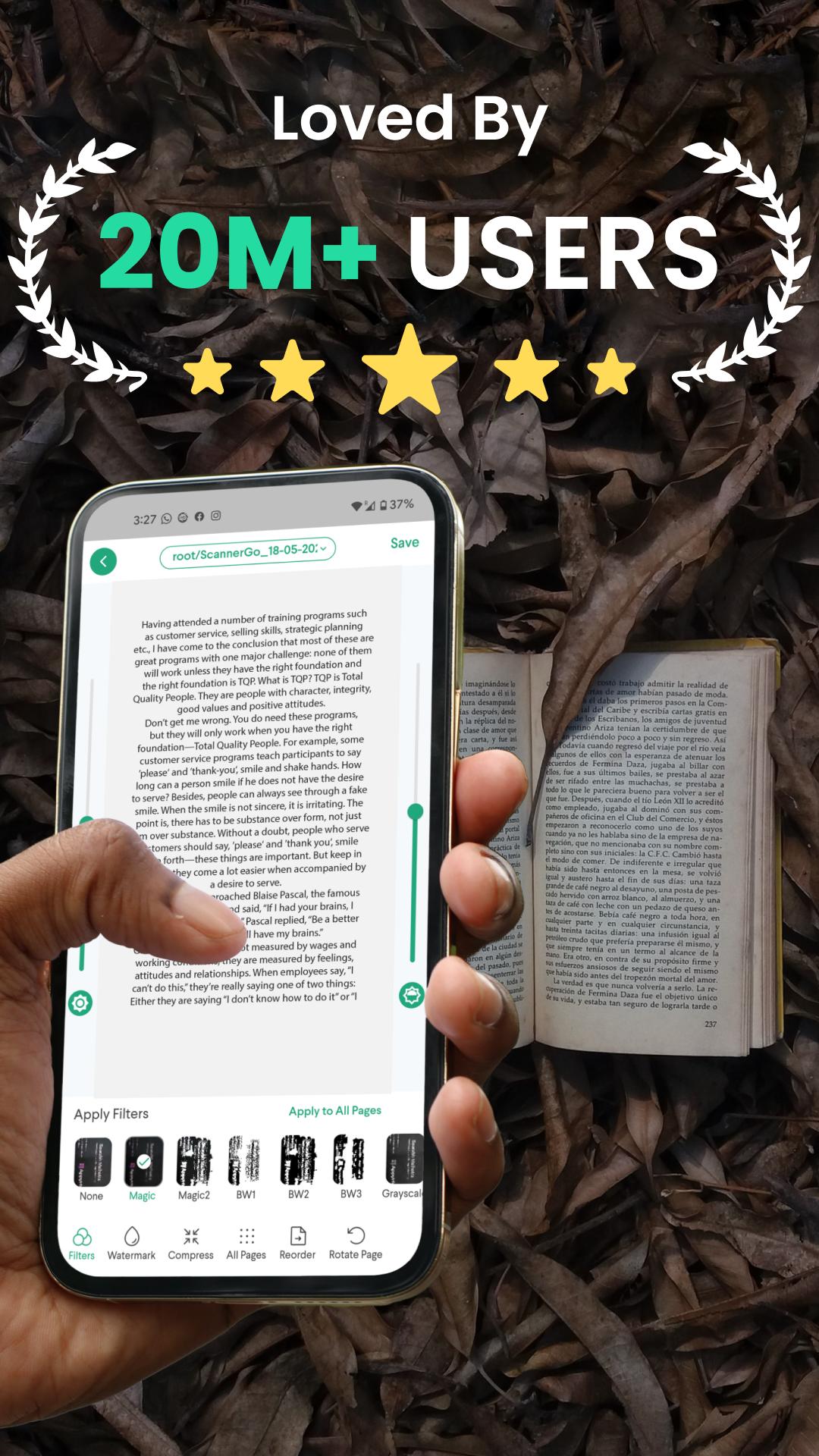
4. Use the free filters for your documents. You can use the brush to add your own colors.
5. Compress your file in the size you need using the camcanner app.
6. You can choose the page type. For example, A4, Legal, Ledger, etc.
7. Adding your own watermark into the document using the scanner app is also possible.
8. After you have scanned your document, you can send or share it via email, WhatsApp, etc.
Features of PDF scanner, Kagaz Scanner, and Cam Scanner App
1. Scan unlimited documents & Kagaz. There are no limitations on this scanner app.
2. Scanner Go app is completely free with no subscriptions whatsoever
3. No internet is needed to scan the documents or kagaz.
4. With this PDF Scanner and PDF Converter, select images to make a single pdf.
5. Some recently-added features of this scanner app are converting text to PDF, excel to PDF, and images to PDF.
6. On this PDF maker app, you can also create a password-protected PDF file so it is never misused.
7. Remove duplicate pages from the pdf with ease on the app.
8. Easily open the pdf created and scanned on the Scanner app with any pdf viewer.
9. The Doc scanner app comes with 9 app languages that you can choose according to your convenience.
10. All scanned documents and images scanned on the camscanner app are in HD quality.
Make our work life easy with this top-notch scanning app created just for you!
Latest Version
4.2.7Uploaded by
Sasmito Agung
Requires Android
Android 8.0+
Category
Free Business AppContent Rating
Everyone
Security Report
Report
Flag as inappropriateLast updated on Mar 17, 2025
Pesky bug fixes and Enhancements





APKPure - A multi-platform app store primarily focused on Android, providing extensive app-related content. Discover the app you want easier, faster, and safer, with quick and efficient downloads and installations.