Scan Date:Feb 17, 2026
Show More

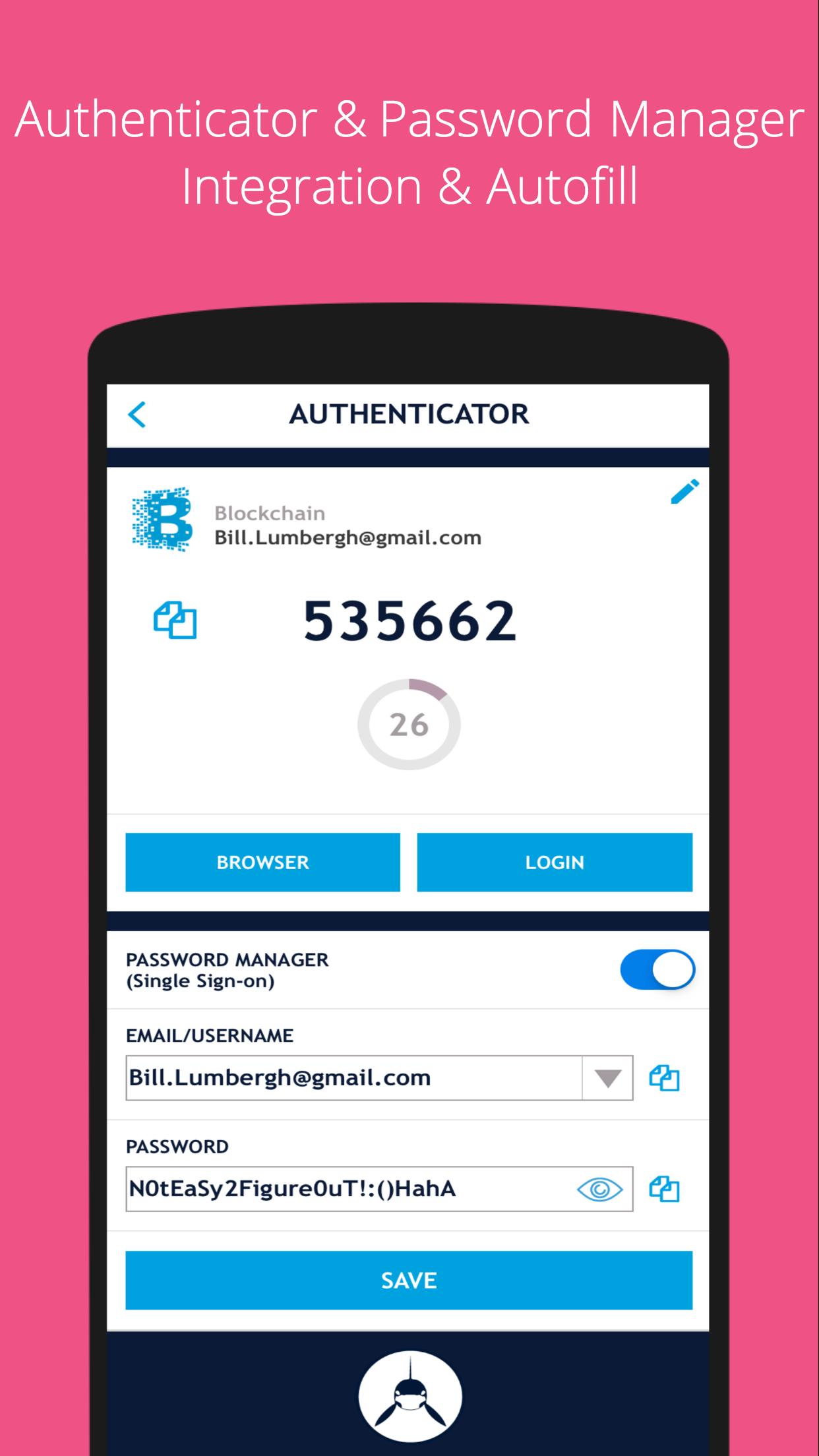
SAASPASS brings the future of security to Android by seamlessly merging both the Password Manager and 2FA Authenticator codes in a single app with all the security precautions balanced with extreme usability.
Password Manager
Over 100 Thousand pre-configured websites & mobile apps available with AutoFill support.
Authenticator Code
Various types of authenticator codes are available and companies can share access to the authenticator code across multiple individuals.
Password Generator
Helps you to generate strong passwords
Security Scan
Identifies which websites & apps you use in the password manager have duplicate or weak passwords and the Authenticator 2FA support
Secure Notes
You can save notes offline, and can optionally turn it online and even enable it to be on multiple devices and be recoverable.
Recovery - Secure Backup & Restore
SAASPASS offers multiple secure recovery capabilities where you can prevent SIM swap attacks as well.
This way if you lose your Authenticators and passwords, you can have them restored on your new device without going through the hassle of pain-stakingly setting each one up individually.
Autofill
Both the password manager and Authenticator code generator are available on your desktop from both the web portal (login at https://www.saaspass.com/sd/#/login ) and the browser extension. They come with optional Autofill and AutoLogin capabilities on your mobile app as well as the desktop.
Download the browser extension for your computer to see the magic in action.
For Chrome:
https://chrome.google.com/webstore/detail/free-password-manager-aut/nhhldecdfagpbfggphklkaeiocfnaafm
- SAASPASS works offline by default
- SAASPASS works on multiple devices and comes with device management capabilities, where you can even remotely disable it.
- Unlock SAASPASS using pin, pattern, fingerprint and facial recognition.
- Watch Wear OS support
------
SAASPASS also offers security for employees, companies, developers, admins and computers.
Developers can integrate multi-factor authentication (MFA) services with ready code snippets in multiple languages and SDKS from:
developer.saaspass.com
Companies can sign up for usage of MFA, SSO, the Access Sharing Center, IAM solutions, Directory Services, Adaptive Authentication from the www.saaspass.com website.
Companies can integrate on-premise, cloud and hybrid applications
The Identity & Access Management of SAASPASS can be used to integrate many business and productivity applications including email and collaboration suites
Out of the box integration to over 100 THOUSAND applications
Latest Version
2.2.41Uploaded by
Anucha Srionjan
Requires Android
Android 5.0+
Category
Free Tools AppContent Rating
Everyone
Security Report
Report
Flag as inappropriateLast updated on Feb 4, 2026
Enhancements and performance improvements.




APKPure - A multi-platform app store primarily focused on Android, providing extensive app-related content. Discover the app you want easier, faster, and safer, with quick and efficient downloads and installations.