Scan Date:Jun 24, 2024
Show More


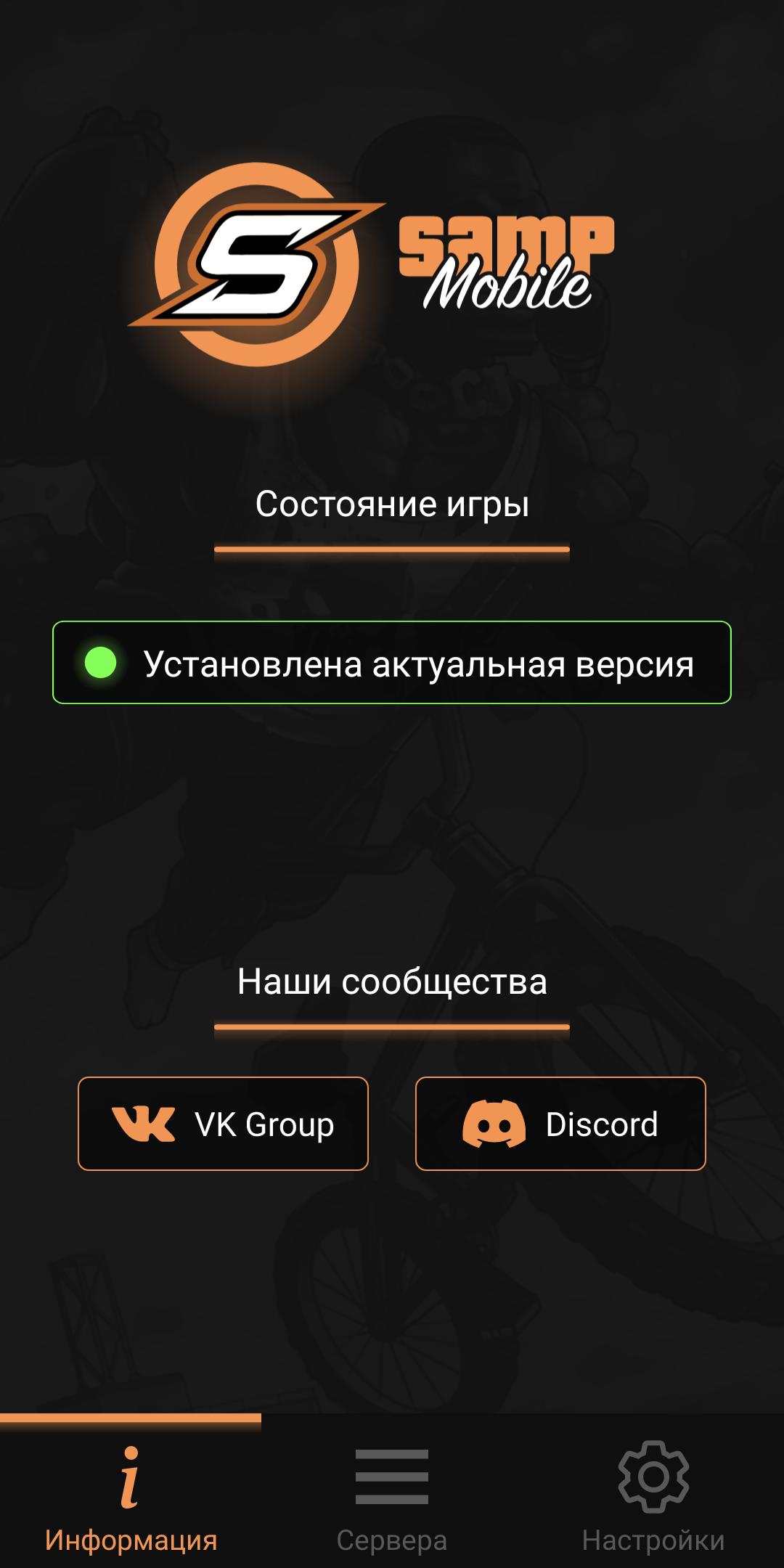
SA-MP Launcher helps players who want to join San Andreas Multiplayer from an Android phone without switching to a desktop. It offers a familiar client feel, so moving between devices is straightforward. In everyday use, it keeps server access organized and lets you pick a setup that matches your play style. Meanwhile, you can manage sessions and return to the same places with ease. For users looking for a simple way to enter community sessions, the SA-MP Launcher APK provides a consistent experience while staying mobile.
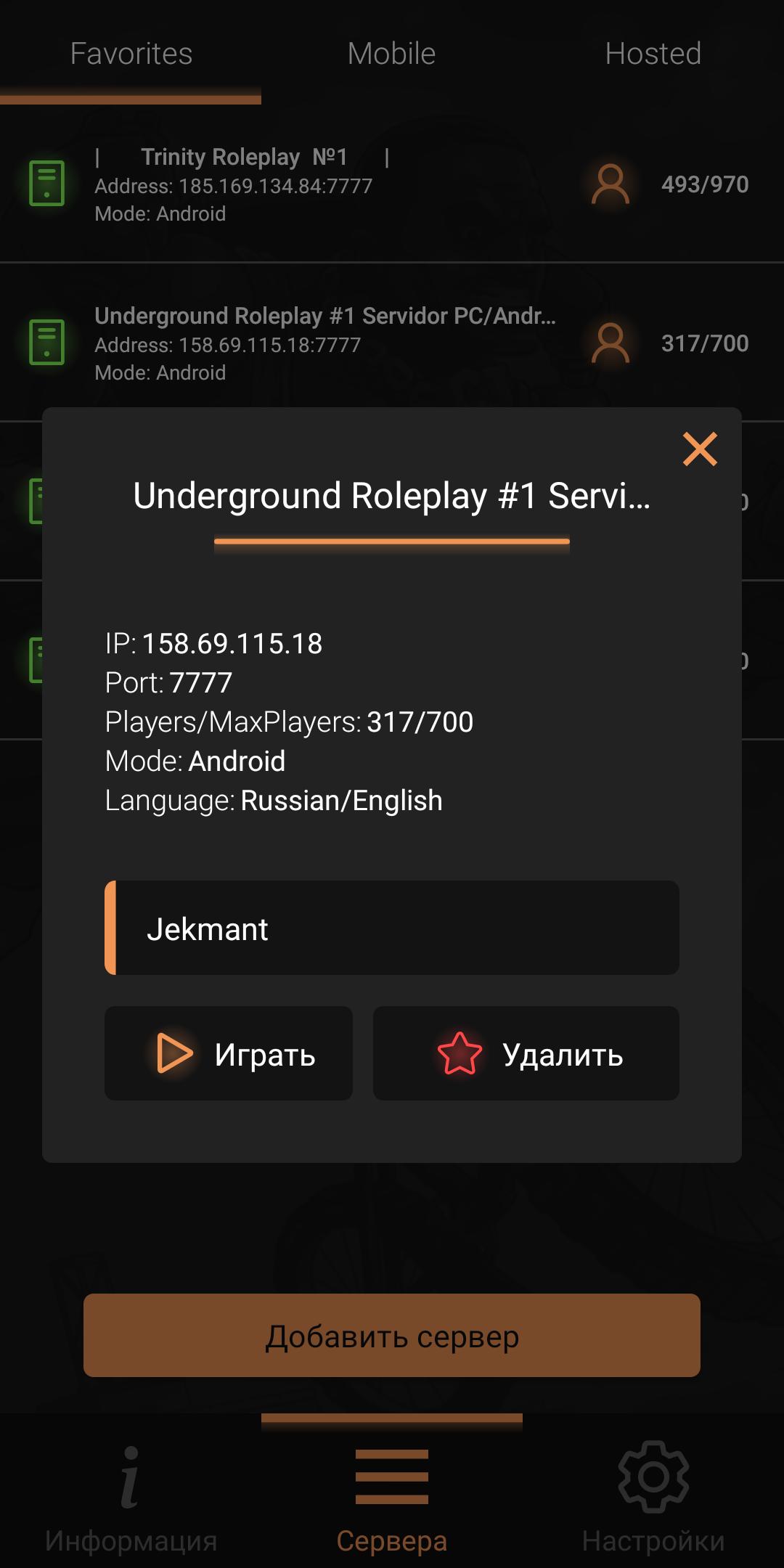
SA-MP Launcher supports the Hosted tab known from the PC client, so discovery feels familiar. You can browse active San Andreas Multiplayer servers and join them directly. This reduces the time spent searching and keeps your focus on playing.
Favorites by IPFor repeat access, you can add servers to Favorites by their IP address. This makes returning to your usual servers straightforward because everything sits in one list. When you open the app, your preferred servers are ready to connect.
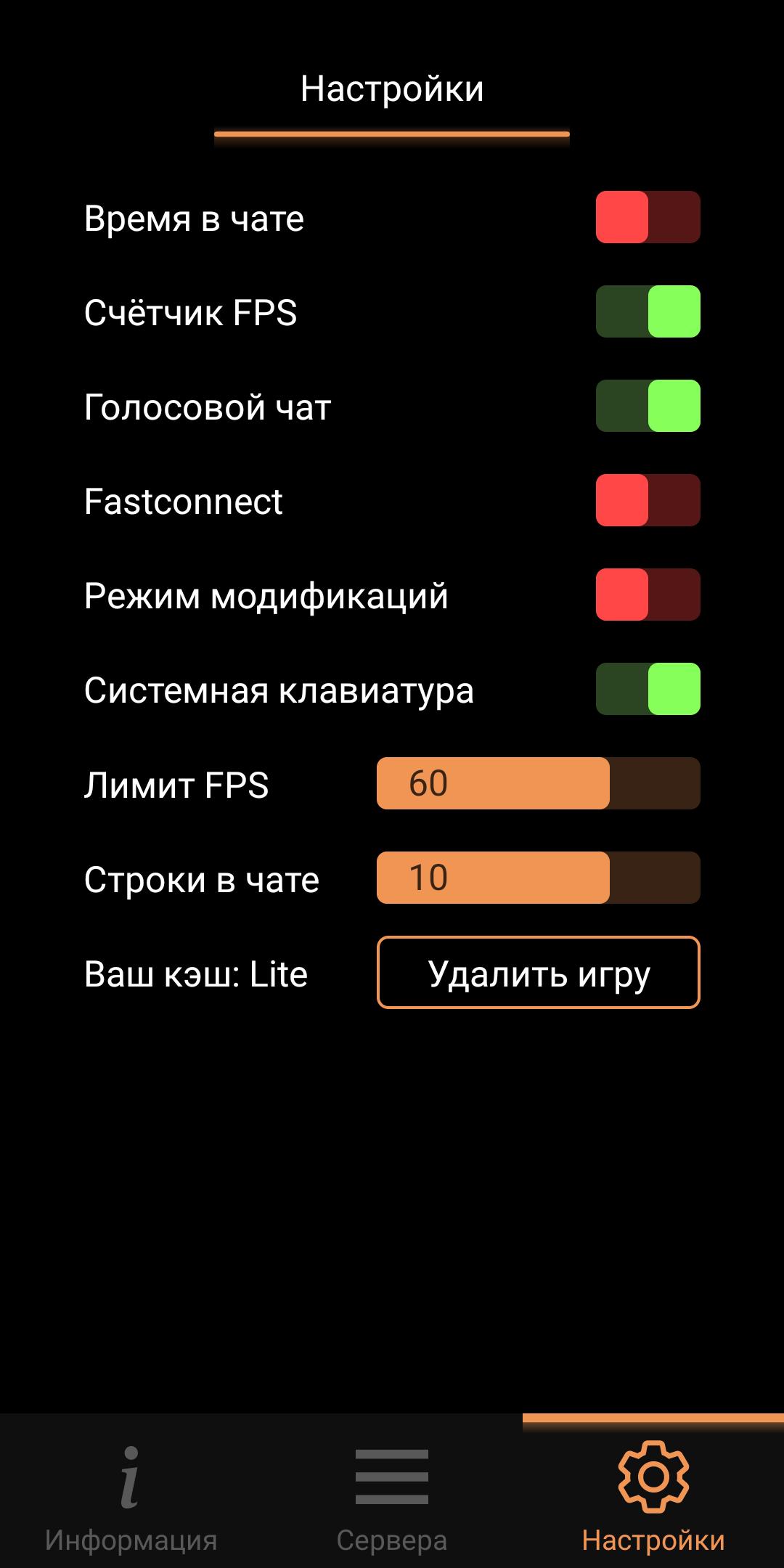
Lite or Full client choiceFor client flexibility, SA-MP Launcher lets you pick between Lite and Full versions. Lite offers a streamlined experience that prioritizes quick access. Full retains the complete client components for users who want more control. You can choose the version that matches your needs before each session.
Extensive client settingsBeyond version choice, you can configure many client options to suit your usage. The settings give you practical control over how the client behaves during play. Adjust them when moving between servers with different rules or preferences.
Play on Windows with Google Play GamesIf you prefer a desktop environment at times, SA-MP Launcher can run on Windows through Google Play Games. This lets you use a larger screen and improved input while staying with the same app. It is useful when switching between phone and desktop without changing your setup.
The developer declares that the app collects no data and shares no data with third parties. This clear stance helps security-conscious users decide whether to install. It removes common tracking concerns and keeps usage focused on connecting to servers.
Favorites rely on IP addresses, so you need the server IP to add it. If a server changes its IP, your entry must be updated to keep access working. The Hosted tab shows servers that are available through the central list, and availability depends on server hosts.
This short guide explains how to browse servers, save Favorites, and choose a client version on your phone. To begin, make sure the app is installed and ready to open the SA-MP Launcher latest version.
SA-MP Launcher brings San Andreas Multiplayer to Android with familiar discovery and flexible client options. To get started, download SA-MP Launcher and set up your Favorites for quick access.
For support or questions, use the official contact below.
Latest Version
2.0-build-24.05.23_(16.10)Uploaded by
Hồng Hại Não
Requires Android
Android 4.4+
Category
Free Simulation GameContent Rating
Mature 17+ · Strong Language
Security Report
Report
Flag as inappropriateLast updated on May 24, 2023
Minor bug fixes and improvements. Install or update to the newest version to check it out!




APKPure - A multi-platform app store primarily focused on Android, providing extensive app-related content. Discover the app you want easier, faster, and safer, with quick and efficient downloads and installations.