Images can be converted to PDF files using the Image to PDF Converter. These PDF documents can be read, viewed, shared.
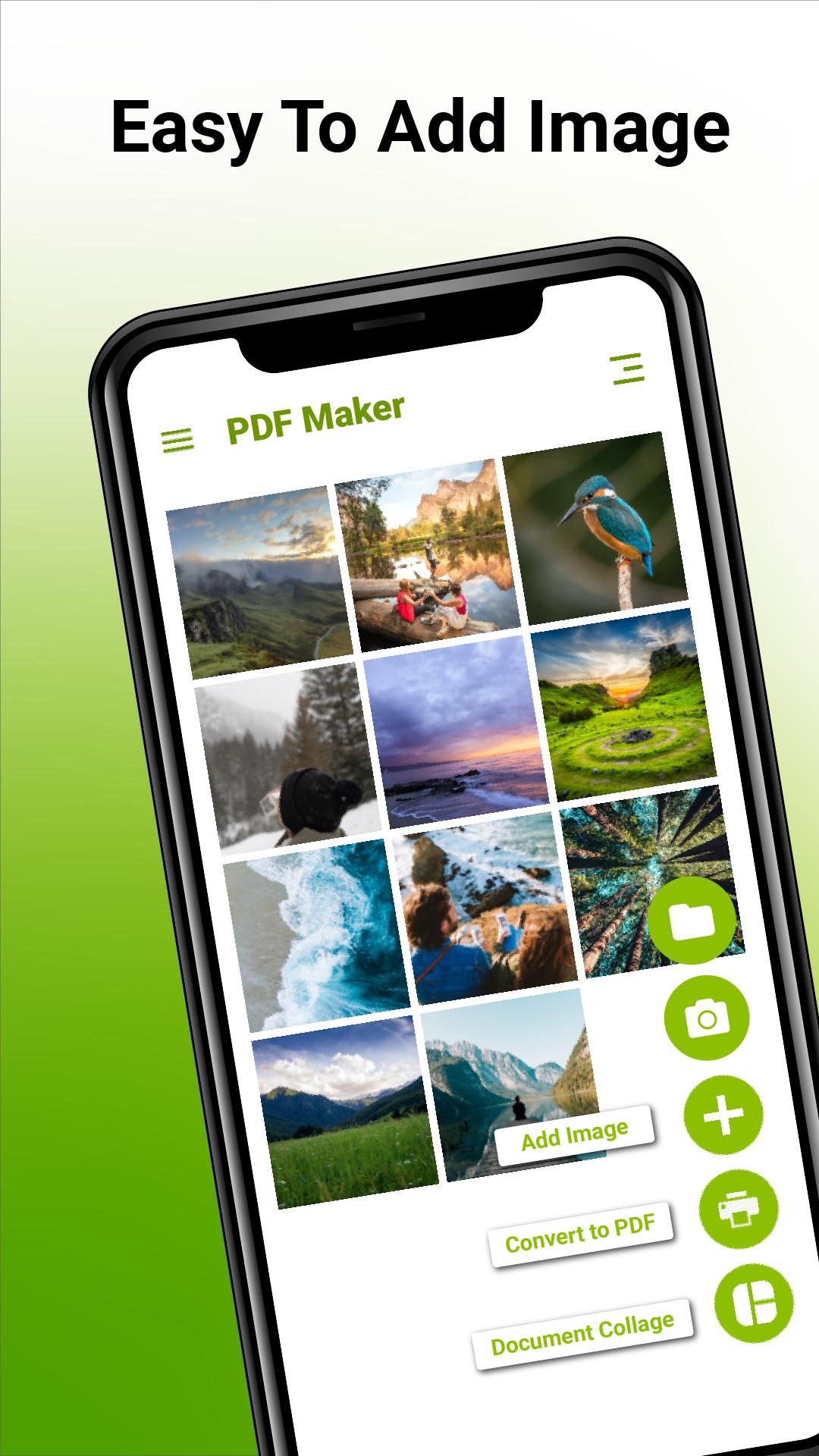
This app allows you to combine multiple images into a single PDF document. Select pictures from the gallery in any sequence and convert them to PDF in a single click with the Image to PDF converter.
Select an image(s) from the gallery using the Plus icon. You can also use the camera to shoot new photos. The PDF converter's search function can assist you in rapidly locating your target file. Simply type in the keywords, and the results will appear instantly.
Rotation and cropping of photos are supported. PDF files can be sent and shared quickly and effortlessly by social media, Bluetooth, email, and other methods.
Features:
*Multiple photos can be combined into a single PDF.
*Image can be added by gallery or by camera as well.
*Crop, rotate, and flip the added photos.
Simple View of all PDFs created.
*The pdf on the list can be shared, renamed, or deleted.
*Work in offline mode.
Последняя версия
3.0Требуемая версия Android
4.4
Категория
Бесплатно Работа ПриложениеВозрастные ограничения
Everyone
Жаловаться
Сообщить о неприемлемом содержанииLast updated on 14/07/2022
Minor bug fixes and improvements. Install or update to the newest version to check it out!



APKPure - Мультиплатформенный магазин приложений, в основном ориентированный на Android, предоставляющий обширный контент, связанный с приложениями. Находите нужные приложения проще, быстрее и безопаснее, с быстрой и эффективной загрузкой и установкой.