
Android File Manager is a file manager application for Android operating system.
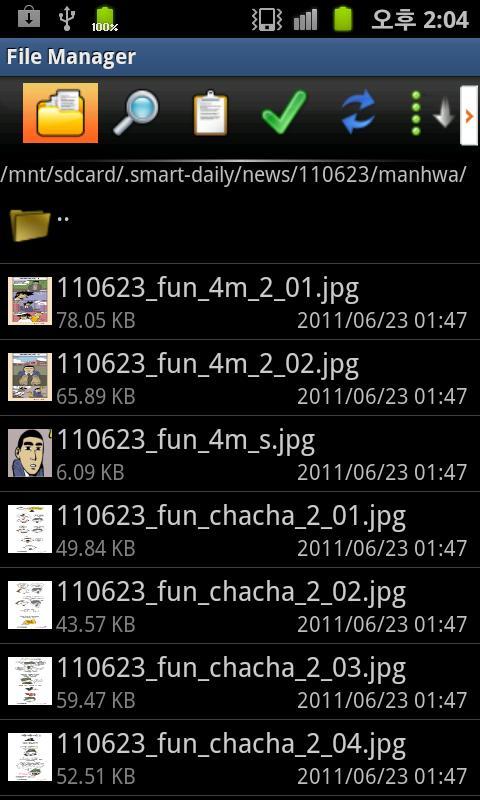
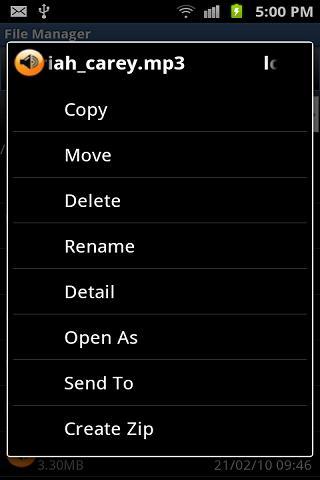
File Manager allows you to browser your SD card, create folder, copy and post file.
Features:
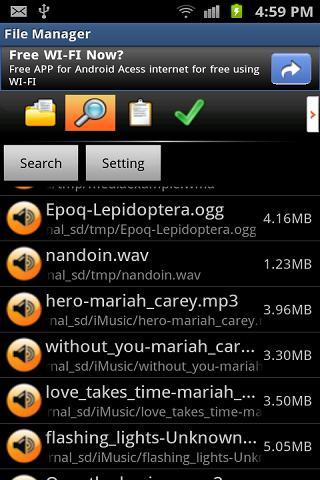
- Look up files, Play audio & video files, view image & html files, etc
- Create folders
- Manage File(Folder) copy, delete, rename ...
- support Internal Image Viewer ( can see animated gif file )
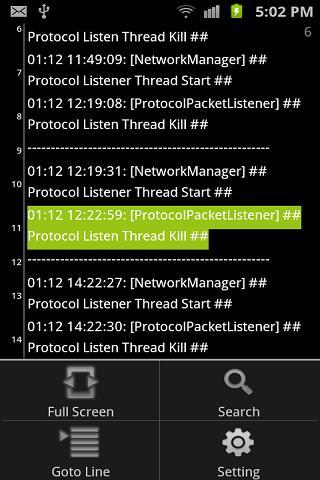
- support Internal Text Viewer
- support internal Swf Viewer
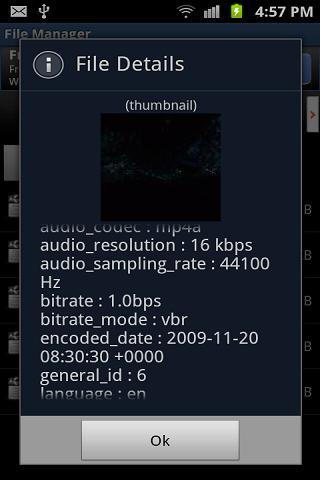
- support multimedia file meta data (mp3, mp4, avi, jpeg, ogg, wma, wmv etc...)
- Unzip, zip, rar, alz
(extract a password zip)
- System information (cpu, memory, battery, network, sensor etc..)
- Clean Cache Information
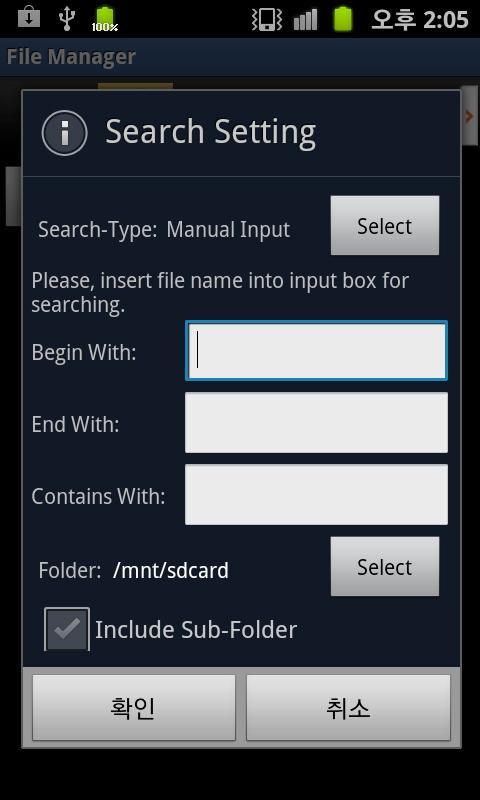
- Search File
- history used file
- Ftp Server support (file manage without usb driver)
Browse, sync, download, upload, delete, copy, stream and manage files that are on your phone, using a ftp via a WiFi connection.
- Process Manager
manage running process
kill running process
- Http Server support(file manage without usb driver)
Browse, sync, download, upload, delete, copy, stream and manage files that are on your phone, using a web browser via a WiFi connection.
when you upload file, you can drag & drop it at firefox, chrome web browser
Последняя версия
1.3.9Загрузил
محمد رضا الموسوي
Требуемая версия Android
Android 2.1+
Категория
Бесплатно Связь ПриложениеВозрастные ограничения
Everyone
Жаловаться
Сообщить о неприемлемом содержанииLast updated on 29/07/2015
1.3.9
-------------------------------------------
- textviewer facility enhancement
( change font color, background color, highlight color)
1.3.8
-------------------------------------------
bug fix
1.3.7
-------------------------------------------
- imageviewer facility enhancement
( change and set rotate, orientation )
- enable webbrowser to download file of all type.
( menu -> setting -> tools -> (check) enable webbrowser file downlod )
- bug fix




APKPure - Мультиплатформенный магазин приложений, в основном ориентированный на Android, предоставляющий обширный контент, связанный с приложениями. Находите нужные приложения проще, быстрее и безопаснее, с быстрой и эффективной загрузкой и установкой.