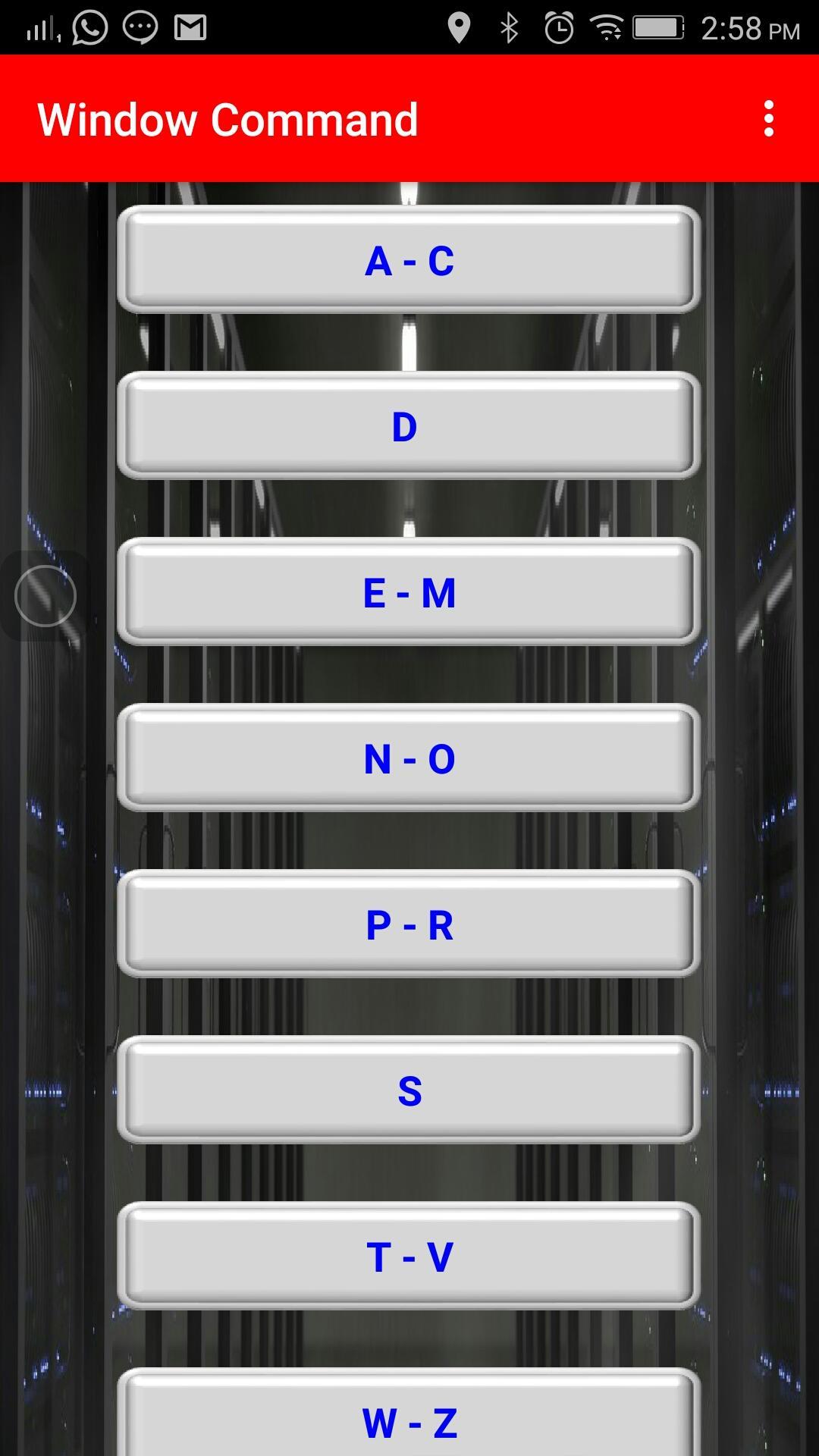
Window Command Guide
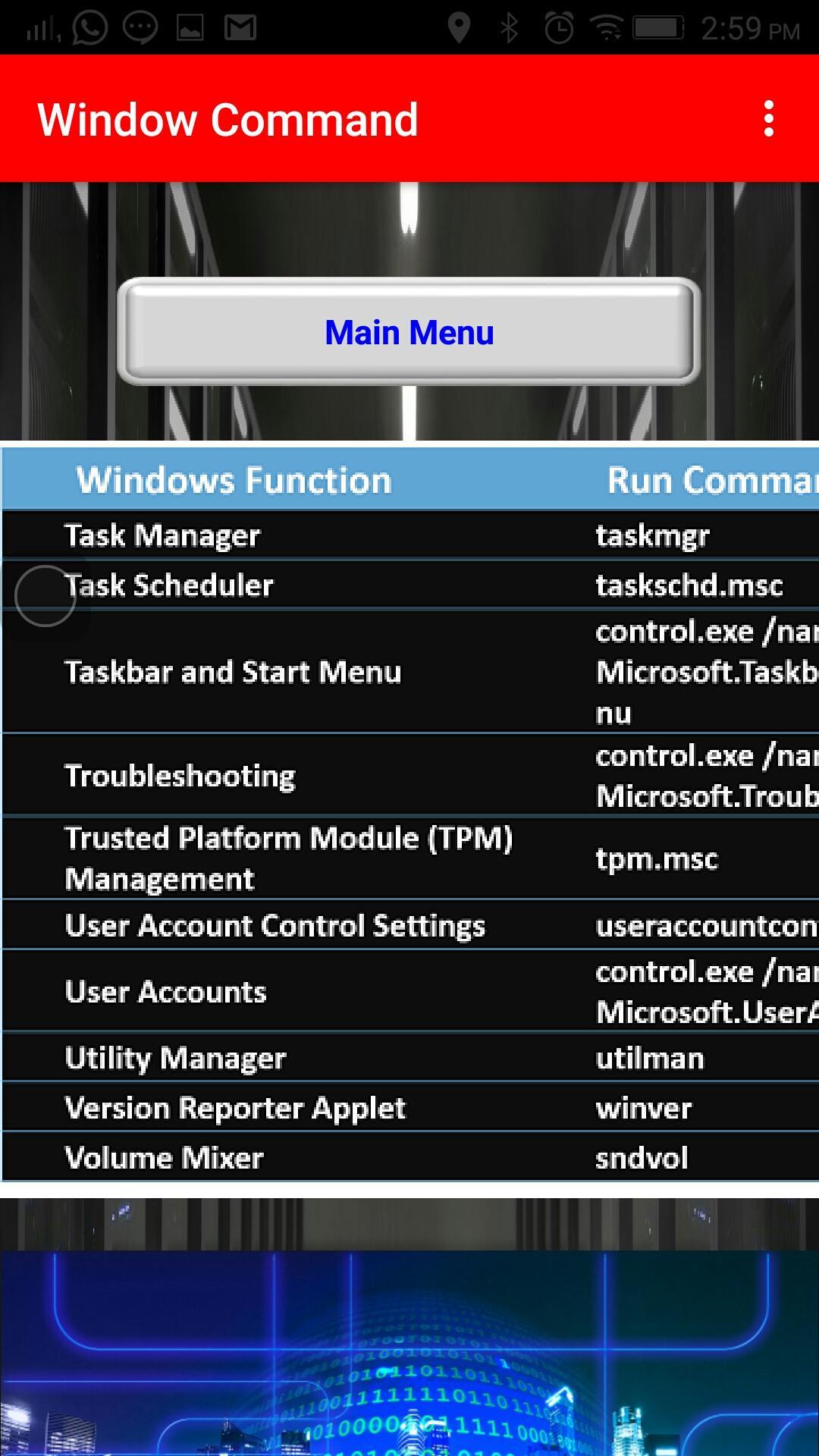
Go to Start Program (in the Ms Window) -> then go to the Run window and input the Window Command or
Use keyboard shortcut to open Run Window (press Windows + R ) -> Input window Command in the Run Window
- You may find this easy to open respective program without go through long process
- IT is easy to learn
- Make you look like IT Professional
Please rate us if you satisfy our product, thanks!
Последняя версия
1.0Загрузил
Rozen Shufihmed
Требуемая версия Android
Android 4.0+
Категория
Бесплатно Инструменты ПриложениеВозрастные ограничения
Everyone
Жаловаться
Сообщить о неприемлемом содержанииLast updated on 28/10/2017
Window Command Guide
Go to Start Program (in the Ms Window) -> then go to the Run window and input the Window Command or
Use keyboard shortcut to open Run Window (press Windows + R ) -> Input window Command in the Run Window
- You may find this easy to open respective program without go through long process
- IT is easy to learn
- Make you look like IT Professional
Please rate us if you satisfy our product, thanks!


APKPure - Мультиплатформенный магазин приложений, в основном ориентированный на Android, предоставляющий обширный контент, связанный с приложениями. Находите нужные приложения проще, быстрее и безопаснее, с быстрой и эффективной загрузкой и установкой.