Scan Date:Mar 1, 2026
Show More
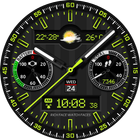
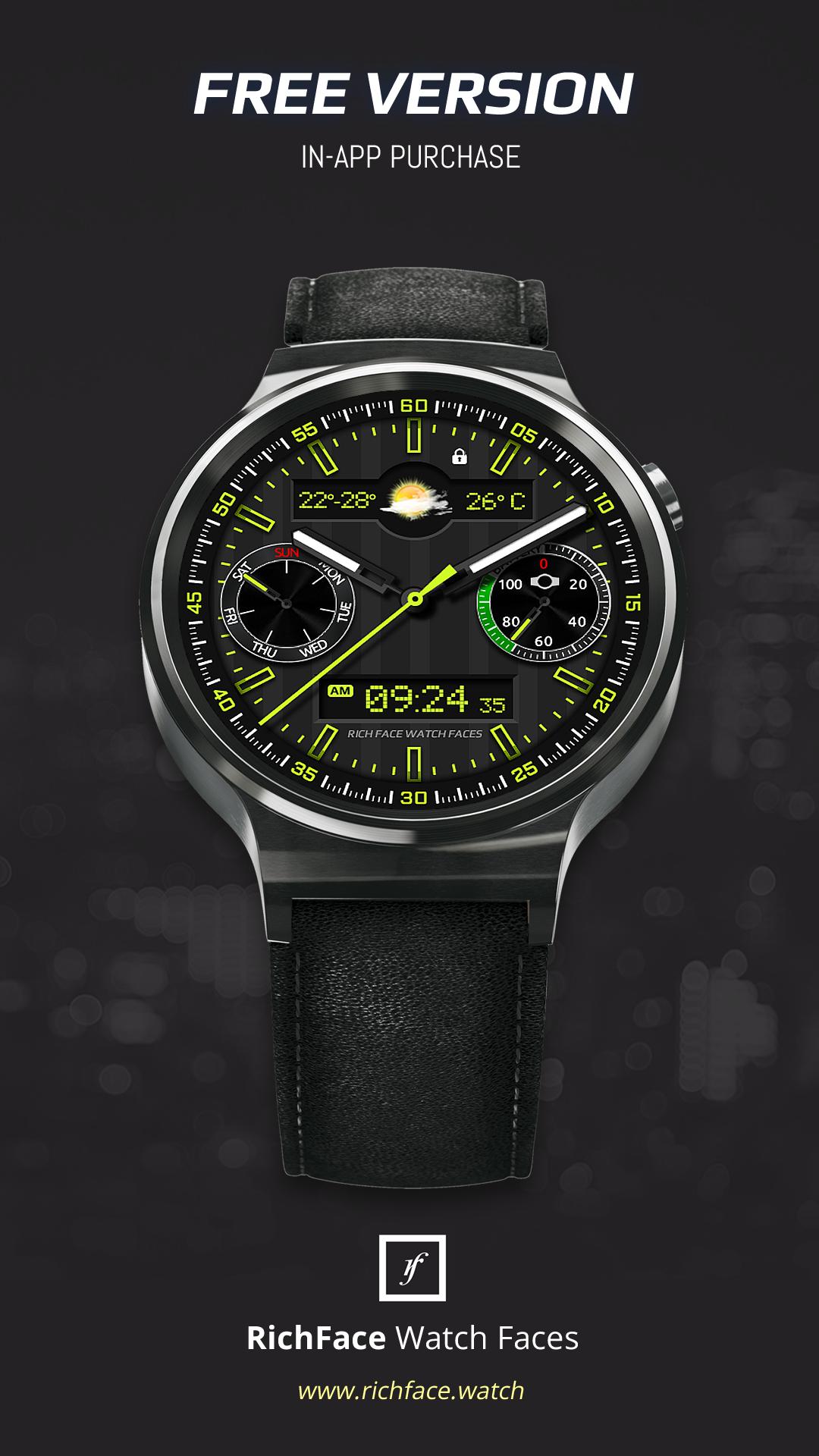
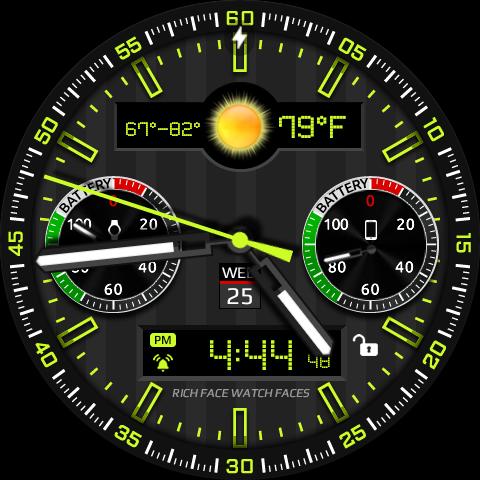
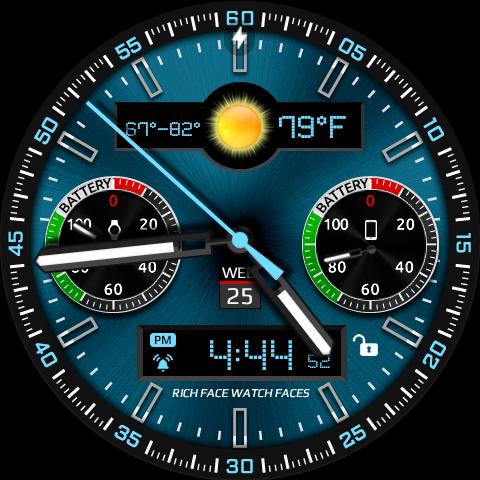
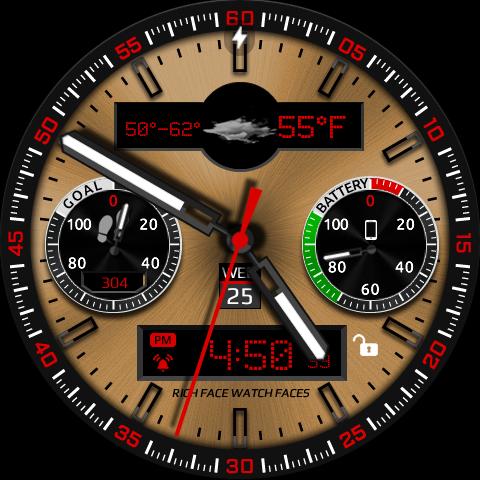
Watch Face RoverOne for Wear OS is true eye-catcher with digital characteristics and interactive functions.
Watch face contains a huge number and user friendly settings on the watch and the phone companion app.
The Wear OS comes with external complication which this watch face supports completely.
★ Watch Face RoverOne is fully Wear OS supported
★ WEAR OS 2.0 integration
• Fully standalone! (iPhone and Android compatible)
• External complication data for the indicators
★ Compatible with all Wear OS watches
★ Free version
Complications:
• Phone battery
• Date
Options:
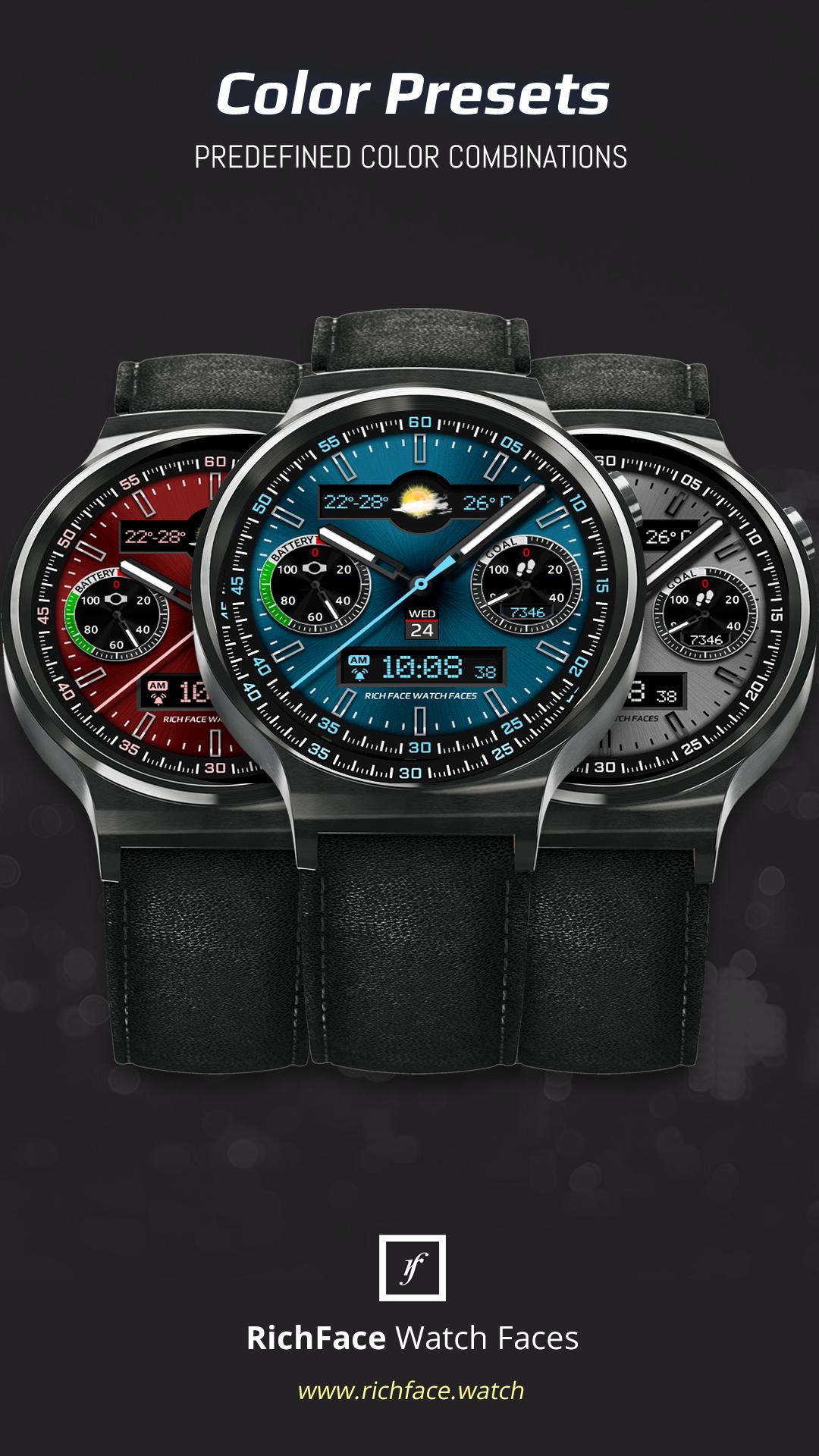
• Change color
• 24 hour format
• Leading zero
• Screen time
★ NEW option for paid version ★
• Vibrate on every hour
★ Paid version
Built-in complications
• Alarm shortcut
• Steps
• Distance
• Walking
• Running
• Biking
• Calories
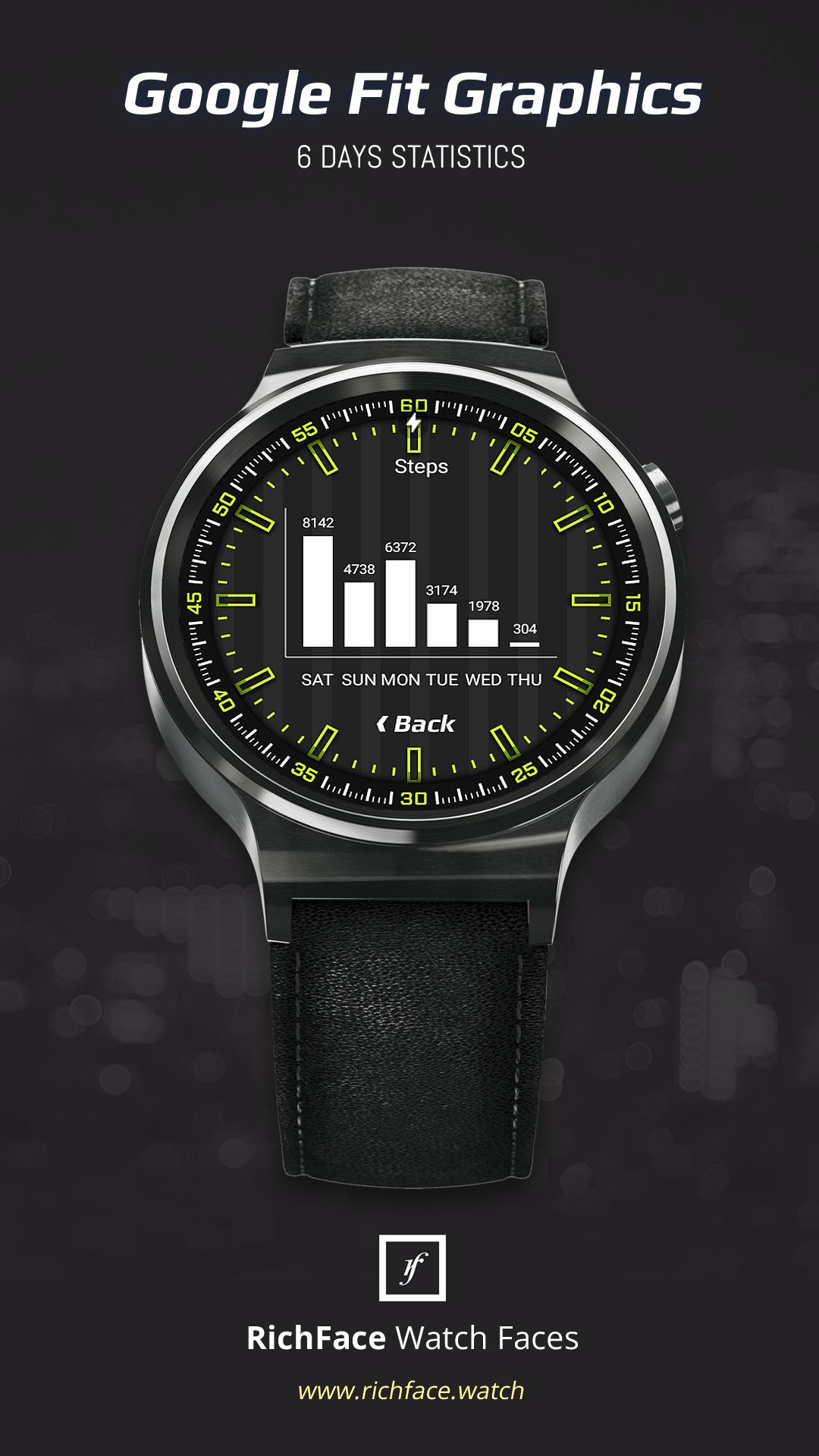
• Fit statistics
• Water counter
• Coffee counter
Options:
• External complications
• Change color
• 24 hour format
• Leading zero
• Screen time
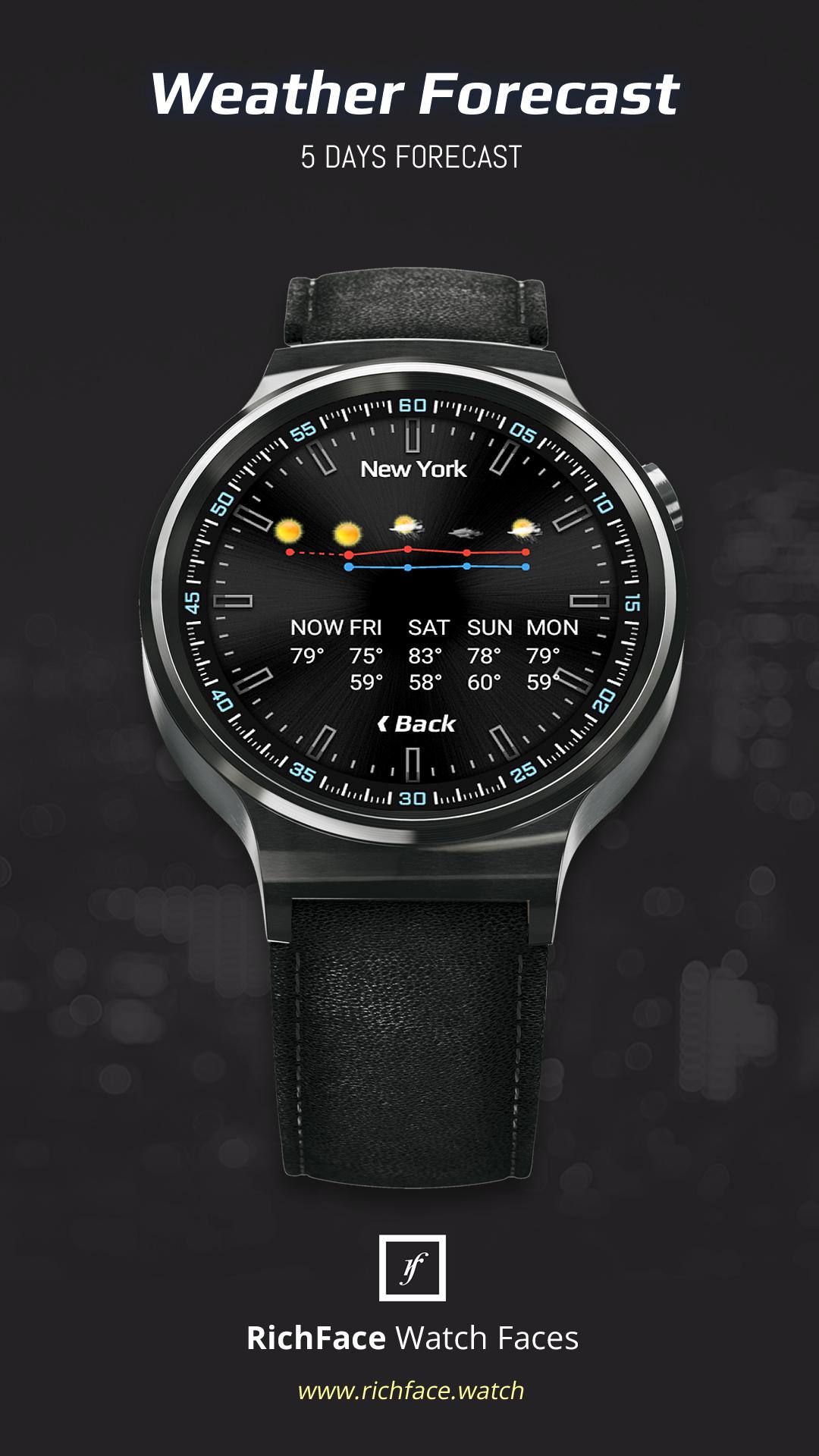
• Forecast
• Full ambient mode option
• Change color preset on tap
• Tap indicator
• Google FIT integration
• Weather settings (location, providers, frequency update, units)
★ DISCLAIMER ★
The free version doesn't have a tap functionality. It just shows data and the user is not able to change it until unlock the PREMIUM version.
★ FAQ
!! Please contact us if you have any trouble with the app !!
richface.watch@gmail.com
How do I install the watch face on Wear OS ?
1. Install it from Google Play Store on your Wear OS smartwatch.
2. Install the companion app for fully customization (Android phone devices).
★ PERMISSIONS Explained
https://richface.watch/privacy
Latest Version
1.1.2Uploaded by
Ganbaatar Ganbaa
Requires Android
Android 6.0+
Category
Free Personalization AppContent Rating
Everyone
Security Report
Report
Flag as inappropriateLast updated on Oct 28, 2024
Minor bug fixes and improvements. Install or update to the newest version to check it out!


APKPure - A multi-platform app store primarily focused on Android, providing extensive app-related content. Discover the app you want easier, faster, and safer, with quick and efficient downloads and installations.