

Rootless Launcher helps users who want a straightforward, consistent home screen without extra clutter. It suits phones of different sizes, and the layout stays familiar as you customize. The project is open source and completely free, which keeps the experience focused on essentials. You can install the Rootless Launcher APK on devices running Android 5.0 or higher, then set it as your default launcher. With a light footprint and clear options, it offers a simple way to organize apps and widgets.
Reachable search bar
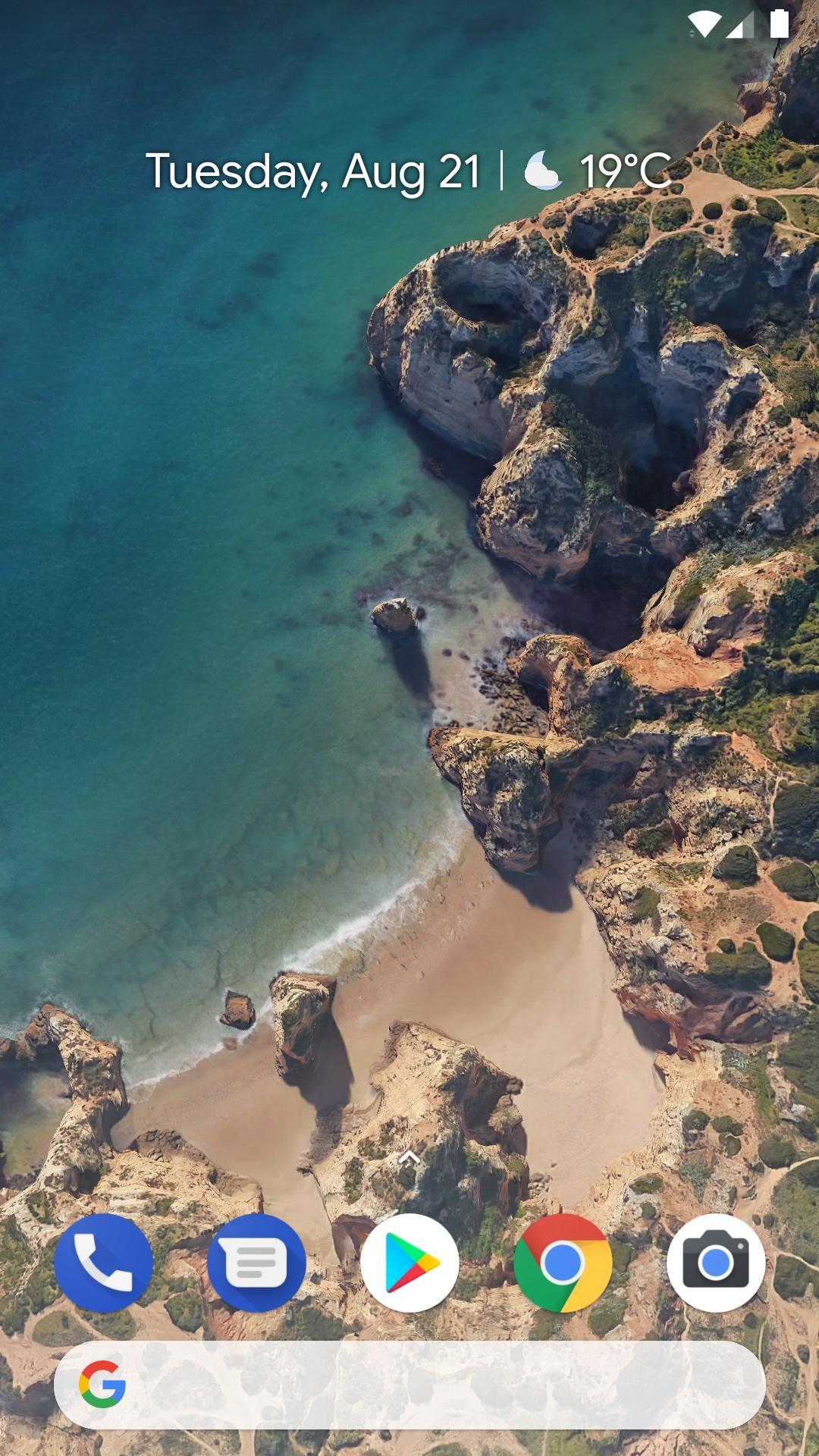
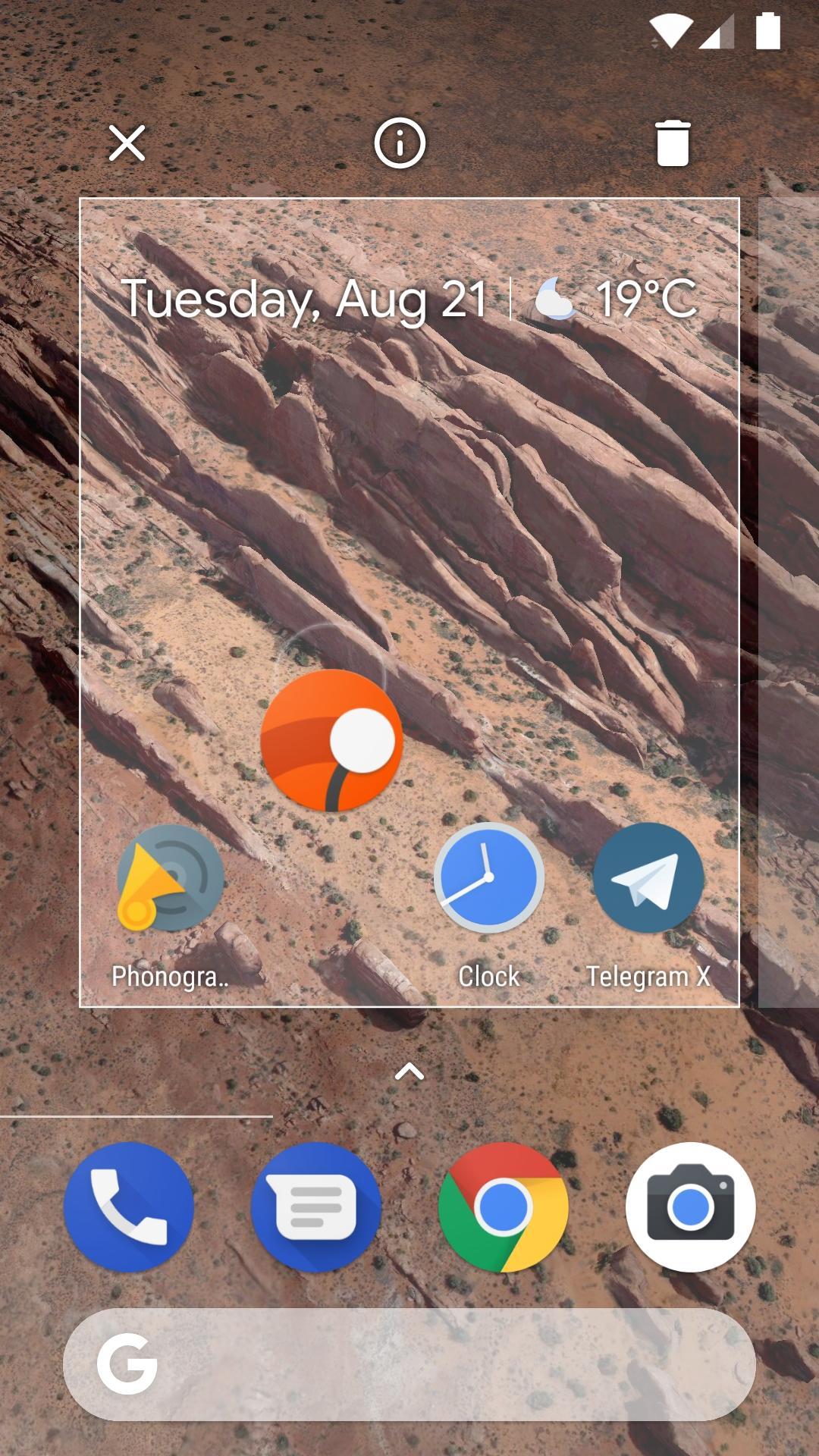
Rootless Launcher places the search bar at the bottom of the home screen, which makes one-handed use easier on large displays. You can open search quickly without stretching to the top area.
Wallpaper-based theming
Next, colors adapt to your wallpaper to keep icons and text readable. This reduces the need to change settings after switching wallpapers and keeps the interface consistent.
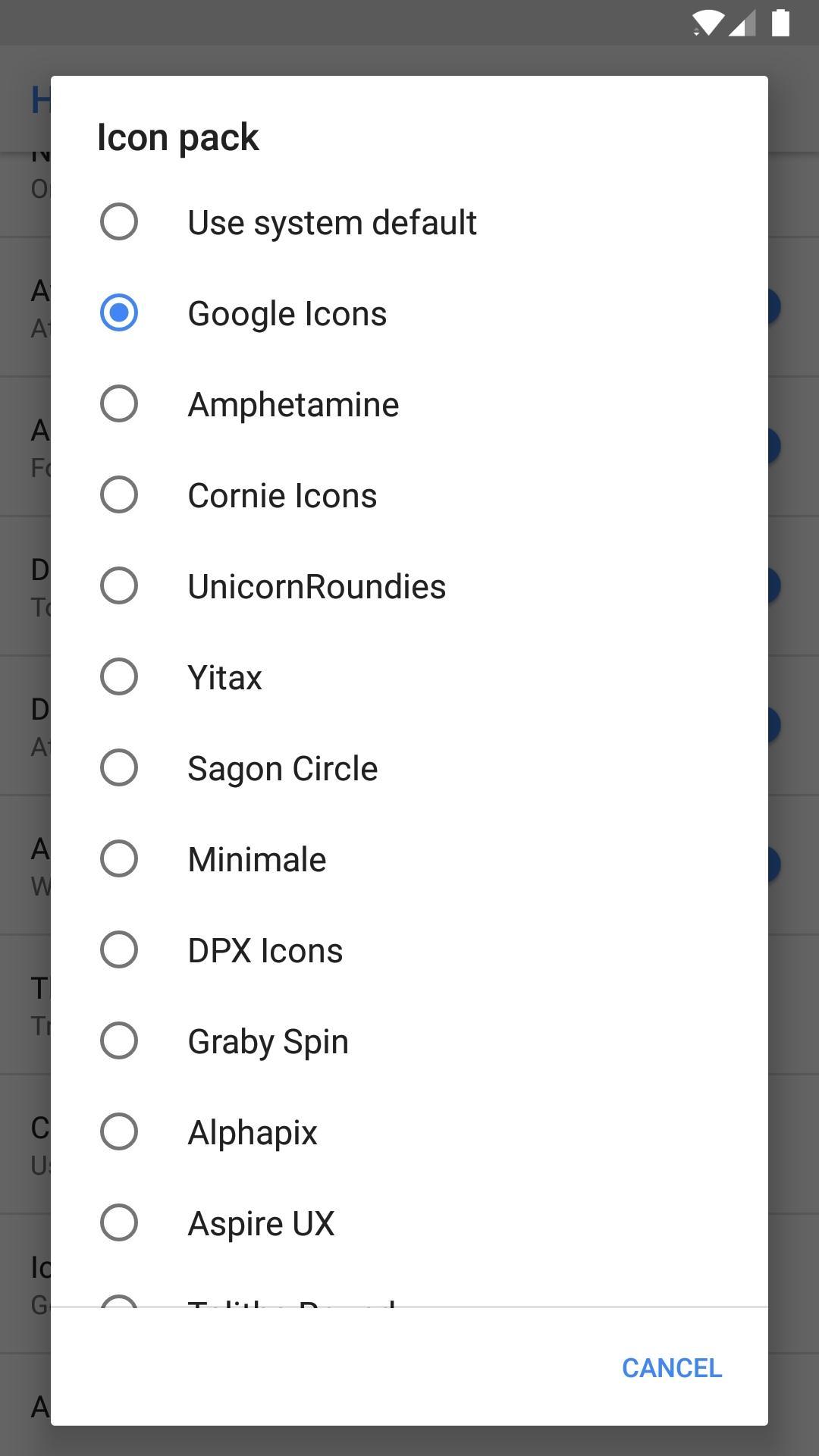
Regular and adaptive icon packs
Icon shape options on Android 8.0
Finally, on devices running Android 8.0 or higher, you can choose different icon shapes across the launcher. This setting helps align icons with system preferences for a cleaner look.
Rootless Launcher offers a clean home screen with practical controls for search, theming, and icons. It runs on Android 5.0 or higher. To get started, download Rootless Launcher, open the app, and choose it as your default home screen. After setup, adjust your icon pack, theme, and icon shape as needed.
Latest Version
3.9.1Uploaded by
Omar Ahmed
Requires Android
Android 5.0+
Category
Free Personalization AppContent Rating
Everyone
Report
Flag as inappropriateLast updated on May 20, 2019
Support Rootless Pixel Bridge v3 (Grab it from the description)
Implement workaround for weather shortcut
Fix crash from zero length app titles
Make search bar coloured with Google Assistant icon
Remove fog at the bottom of the home screen





APKPure - A multi-platform app store primarily focused on Android, providing extensive app-related content. Discover the app you want easier, faster, and safer, with quick and efficient downloads and installations.