Scan Date:Feb 6, 2026
Show More


RocketTunnel helps when you need private access for everyday browsing, streaming, or gaming. Many users want a secure tunnel that starts quickly and does not drain the battery. This app focuses on speed and consistent privacy, so you can connect and keep using your phone with fewer interruptions. For Android users who prefer direct installs, RocketTunnel APK is available for quick setup.
RocketTunnel uses Rocket Protocol v2 with adaptive routing and efficient encryption. In typical cases it can reach up to eight times faster speeds while using about fifty percent less power. This helps with streaming, gaming, and file transfers on mobile data or Wi Fi. As a result, you get responsive connections even when the network is busy.
Security and privacyRocketTunnel applies AES 256 encryption across its tunnels. It follows a strict zero logs policy to keep session data off the servers. The app experience is ad free, which reduces distractions during browsing. Together these elements provide a stable foundation for private activity online.
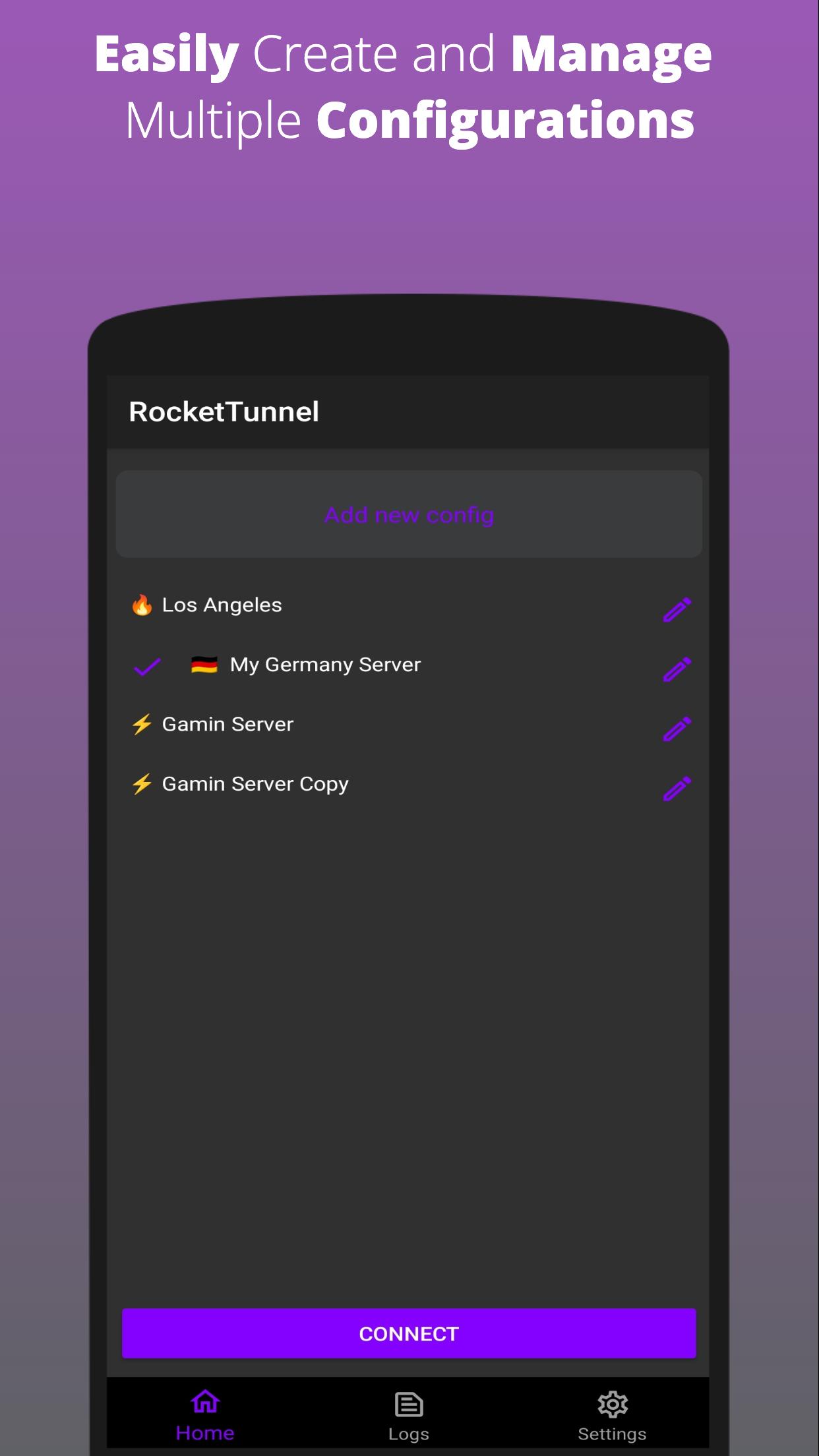
Smart server selection and one tap connectWith global servers and smart auto selection, RocketTunnel can choose a nearby location with low latency. You can tap once to connect and start using apps without additional steps. When a region is busy, the routing adjusts to maintain consistent performance. This setup is useful for video streaming and real time games.
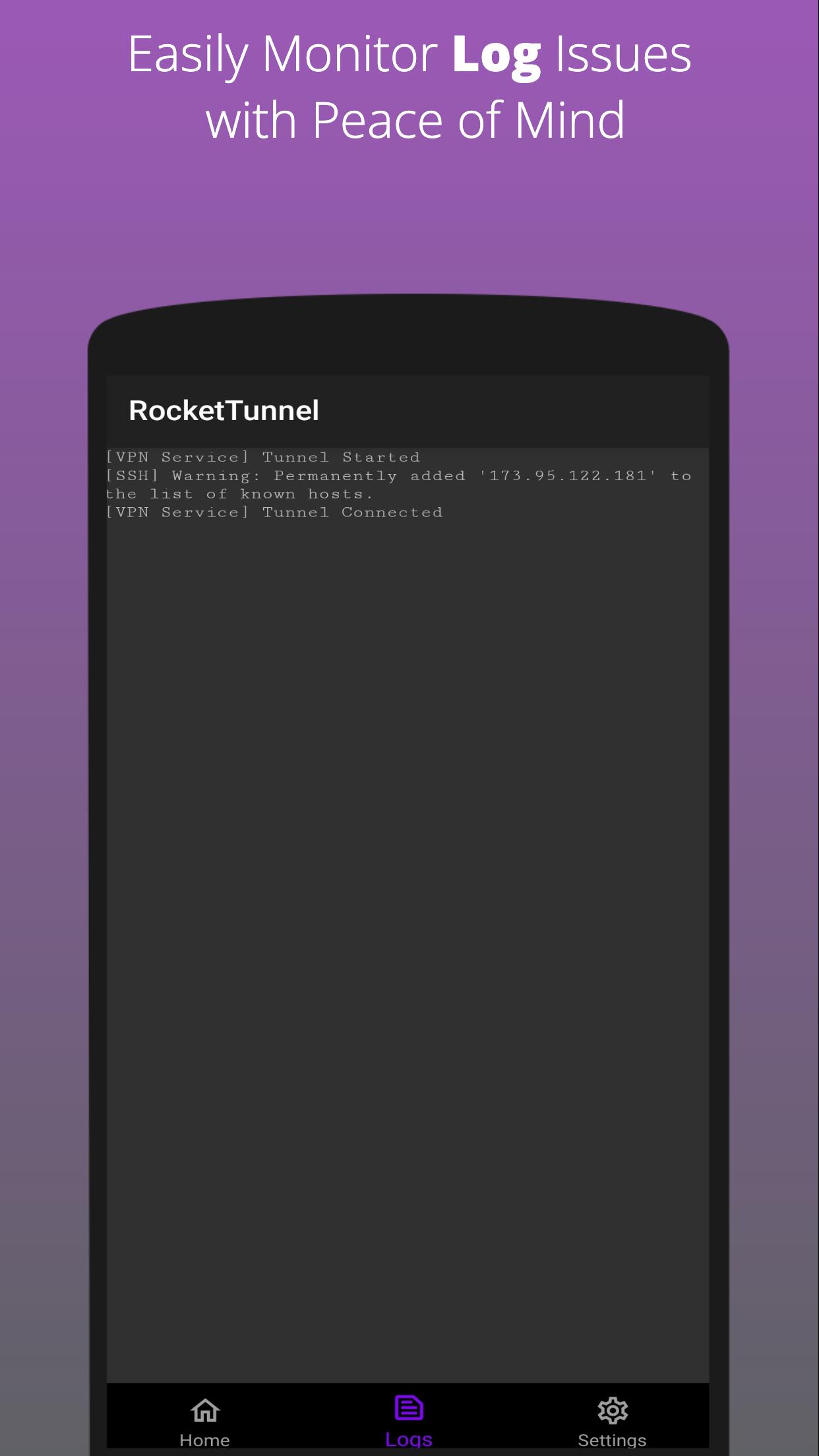
Protocol options and SSH supportBeyond its own protocol, RocketTunnel supports modern standards like WireGuard, OpenVPN, and IKEv2 with IPSec. You can select a protocol that fits your needs, such as a UDP based option for speed or a TCP route for stability. SSH support is available for users who prefer that style of tunneling. Switching protocols is a quick way to adapt to different networks.
To avoid confusion with similar names, the official Android package name is com.hypertunnel.android. Use this identifier to confirm that the RocketTunnel app you install matches the official build.
One account can be used on up to six devices across supported platforms, including phones and smart TVs. The service offers a 30 day money back guarantee, which may help you evaluate the tool. These notes can help you plan before you decide to download RocketTunnel.
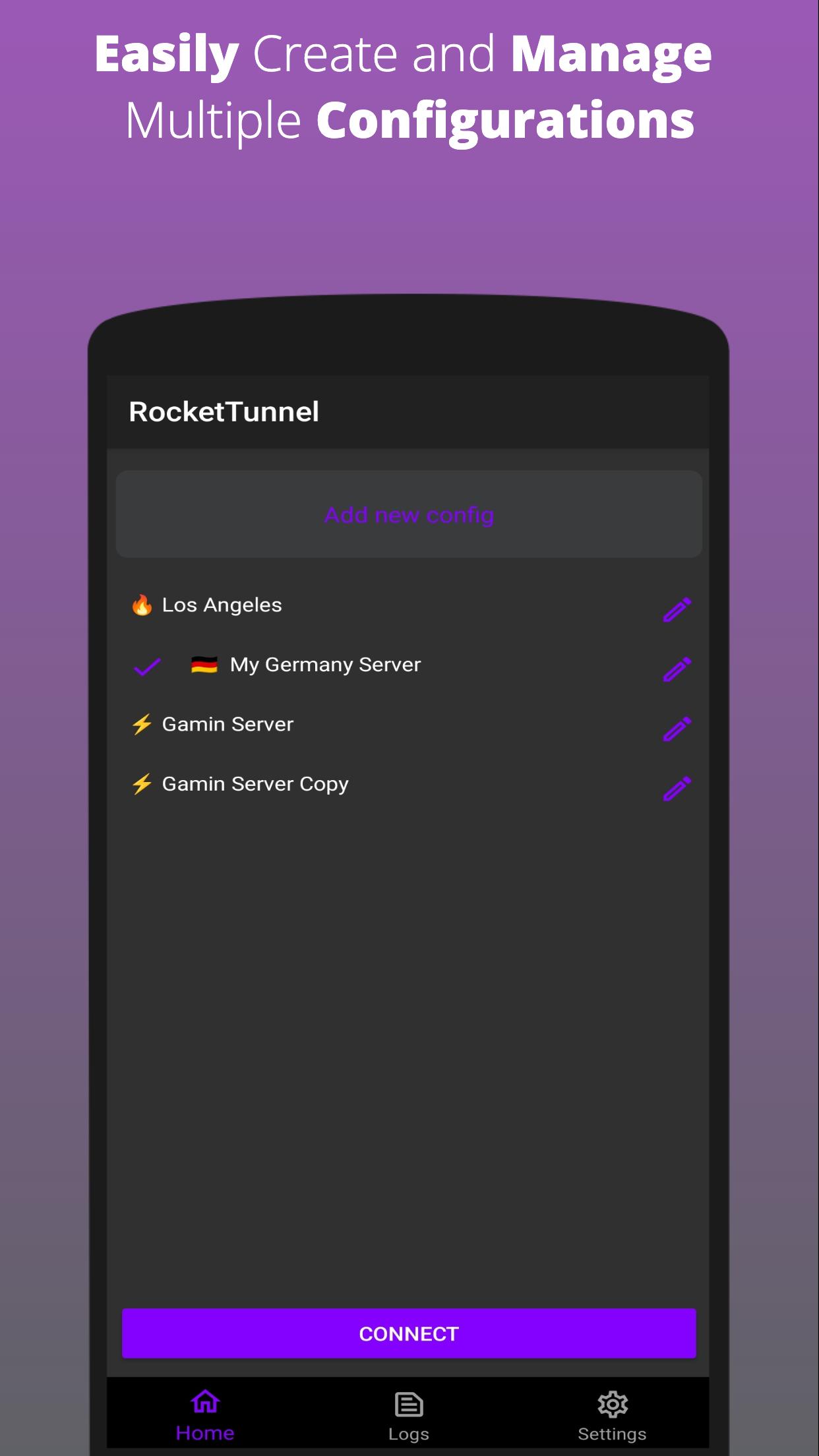
To start, download RocketTunnel and install it on your Android phone. The app is built for quick setup, so the first connection only takes a moment. Follow these steps to connect and adjust your preferences.
RocketTunnel focuses on fast, private connections with simple controls and smart routing. For users who prefer direct installs, RocketTunnel latest version can be set up quickly on Android. Download and connect to keep streaming, gaming, and browsing with consistent performance.
For official support and product details, use the link below.
Latest Version
2.0.6Uploaded by
Damian Gomez
Requires Android
Android 9.0+
Category
Free Tools AppContent Rating
Everyone
Security Report
Report
Flag as inappropriateLast updated on Jan 29, 2025
This update brings important bug fixes, stability improvements, and performance enhancements to ensure a smoother and more reliable experience. We've resolved known issues and optimized the app for faster performance, providing a more responsive and seamless experience for all users. Update now for a better, more stable app experience!


APKPure - A multi-platform app store primarily focused on Android, providing extensive app-related content. Discover the app you want easier, faster, and safer, with quick and efficient downloads and installations.