Scan Date:Apr 5, 2026
Show More


RoarZone ISP Client Portal suits users who want simple control of their home internet account. It puts key account information and common actions in one place so you can handle tasks on your own time. You can access the portal even if your home connection goes offline by using mobile data. To manage everything from your phone, download RoarZone ISP Client Portal and follow the on screen options.
Track recent data usage
Check how much data you have downloaded and uploaded since your last connection to the service. This view helps you see recent activity without digging through settings.
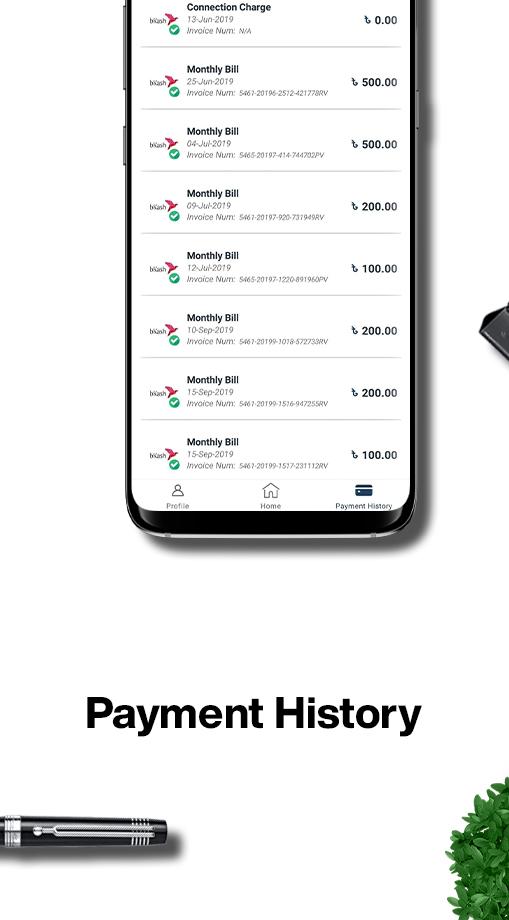
Manage plans and payments
Router Connectivity Test
When issues appear, run a test to check the WiFi path from your router to your phone. If a problem is detected, the app provides steps or guidance to help you fix it.
Support and service updates
This app brings usage, billing, testing, and support into one place on your phone. Install the RoarZone ISP Client Portal latest version to access these tools even when your home connection is offline.
Latest Version
6.04.05Uploaded by
Avinash Shekhawat
Requires Android
Android 6.0+
Category
Free Business AppContent Rating
Everyone
Security Report
Report
Flag as inappropriateLast updated on Apr 5, 2026
Minor bug fixes and improvements. Install or update to the newest version to check it out!




APKPure - A multi-platform app store primarily focused on Android, providing extensive app-related content. Discover the app you want easier, faster, and safer, with quick and efficient downloads and installations.