Scan Date:Apr 8, 2026
Show More
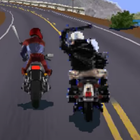

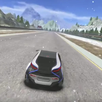
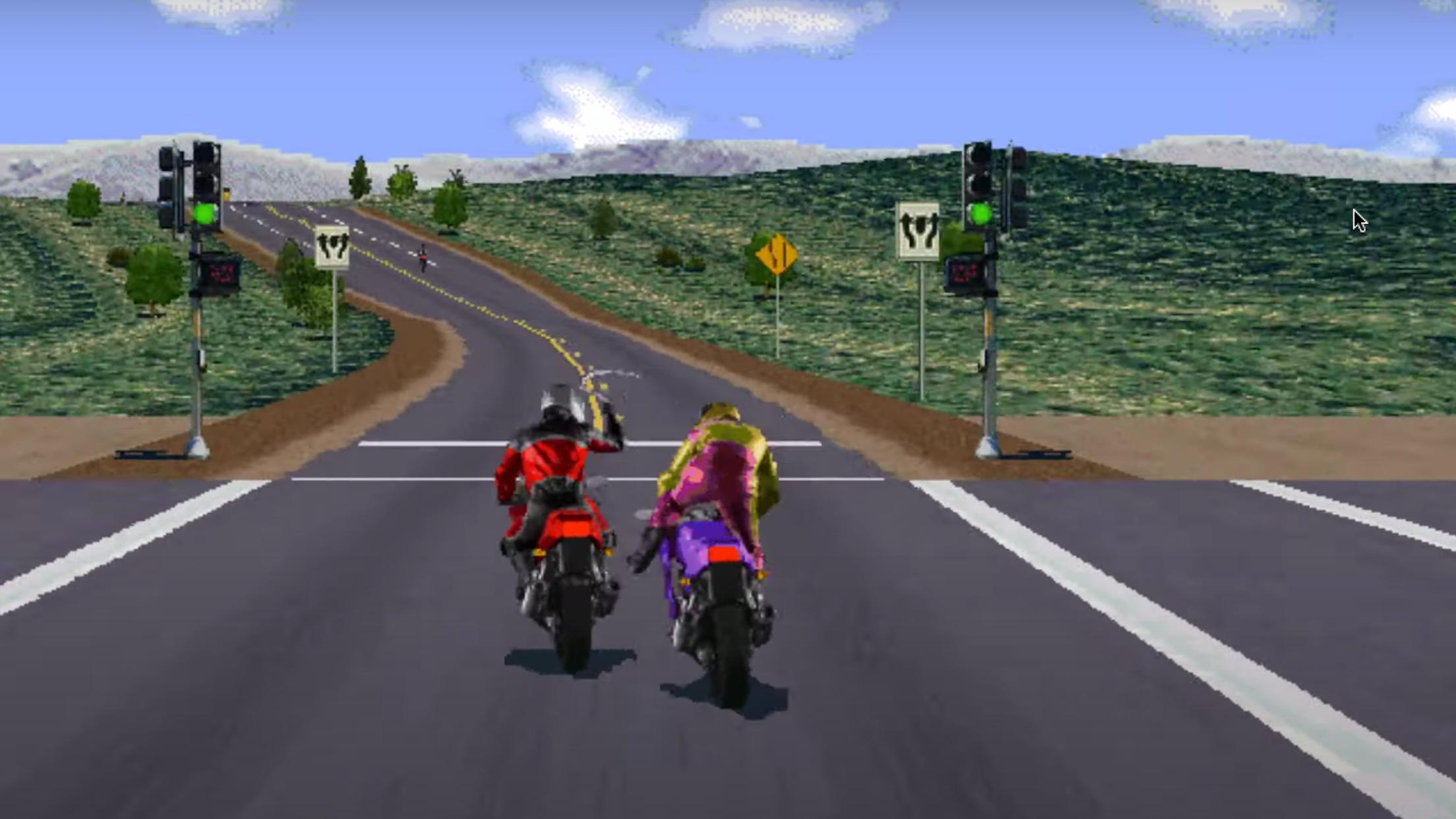
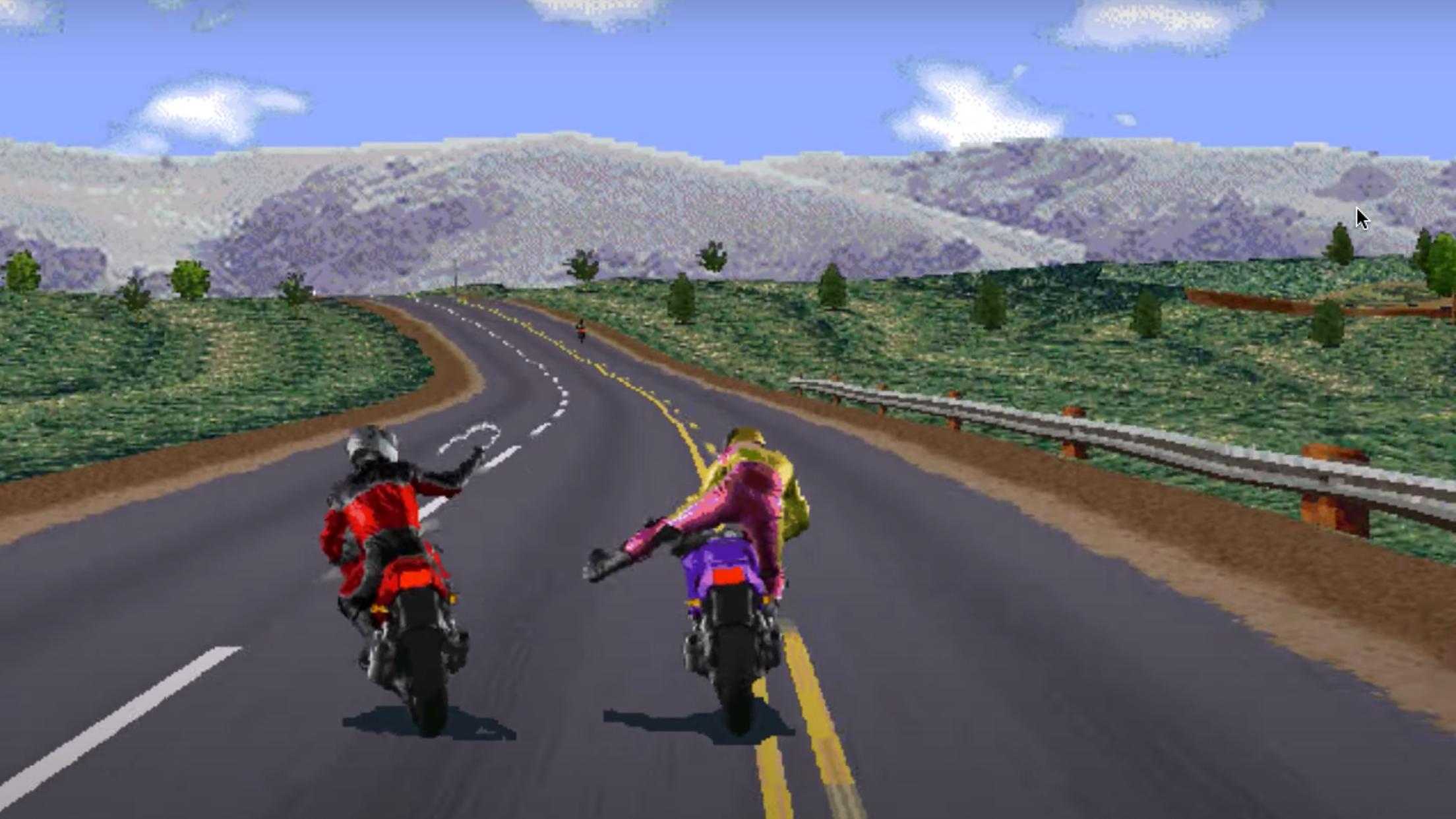
Road Rash suits players who want a simple street bike experience on a phone without virtual buttons. If you miss the straightforward feel of older PC racing, this version uses touch input instead, so you manage speed and direction with quick taps. You steer, accelerate, and brake on different screen areas. There is also a tap action to bump rivals while moving. You can download Road Rash when you prefer one finger control that fits short sessions on the go.
Tap to move and brake
Touch near the top of the screen to move forward. Touch near the bottom to slow down or stop. This basic setup prepares your speed so the next inputs feel natural.
One finger steering
After you set speed with taps, keep your finger on the screen to steer left, steer right, or stay straight. You do not need a virtual joystick, and your view stays open to watch traffic.
Quick strike gesture
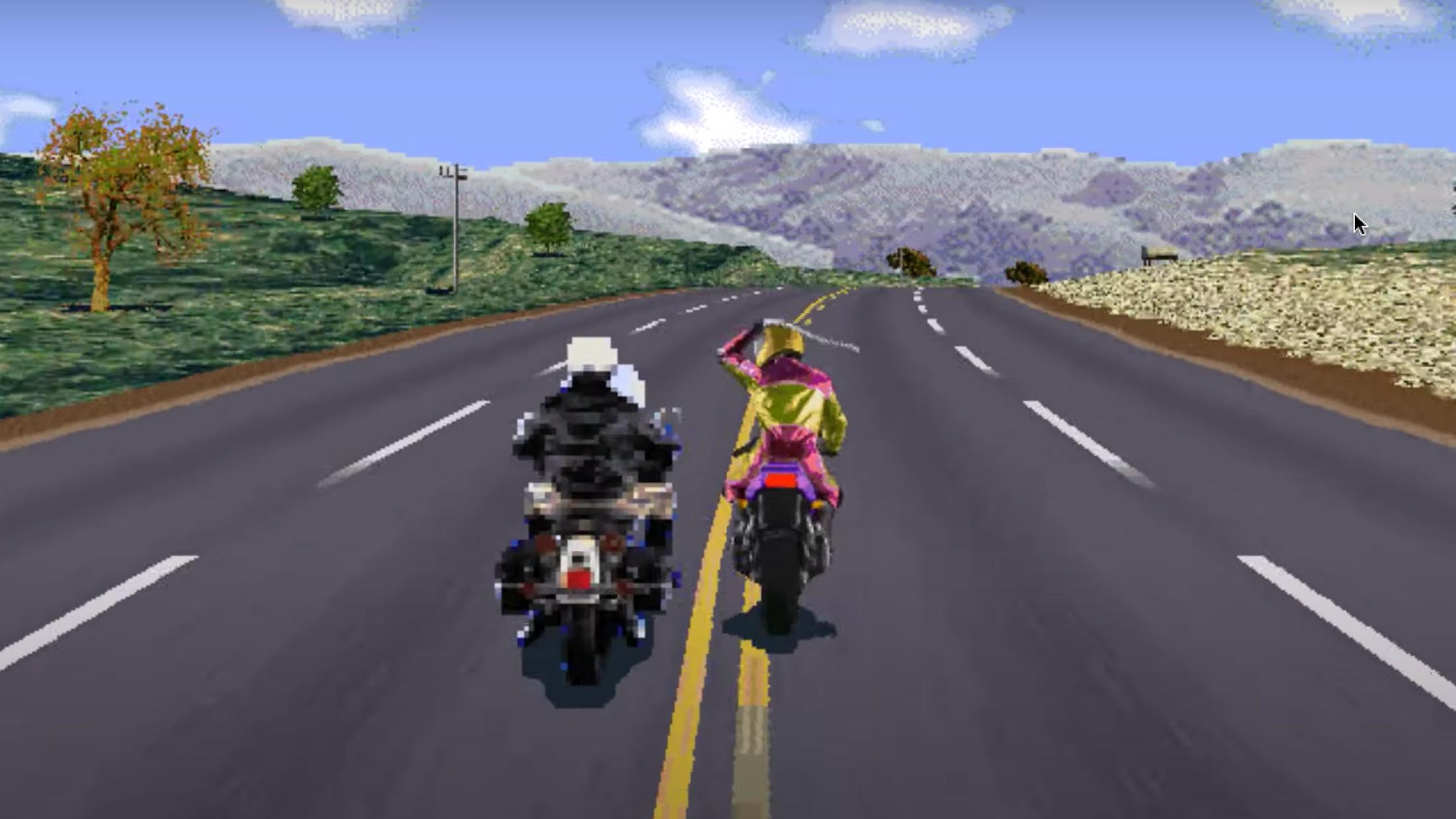
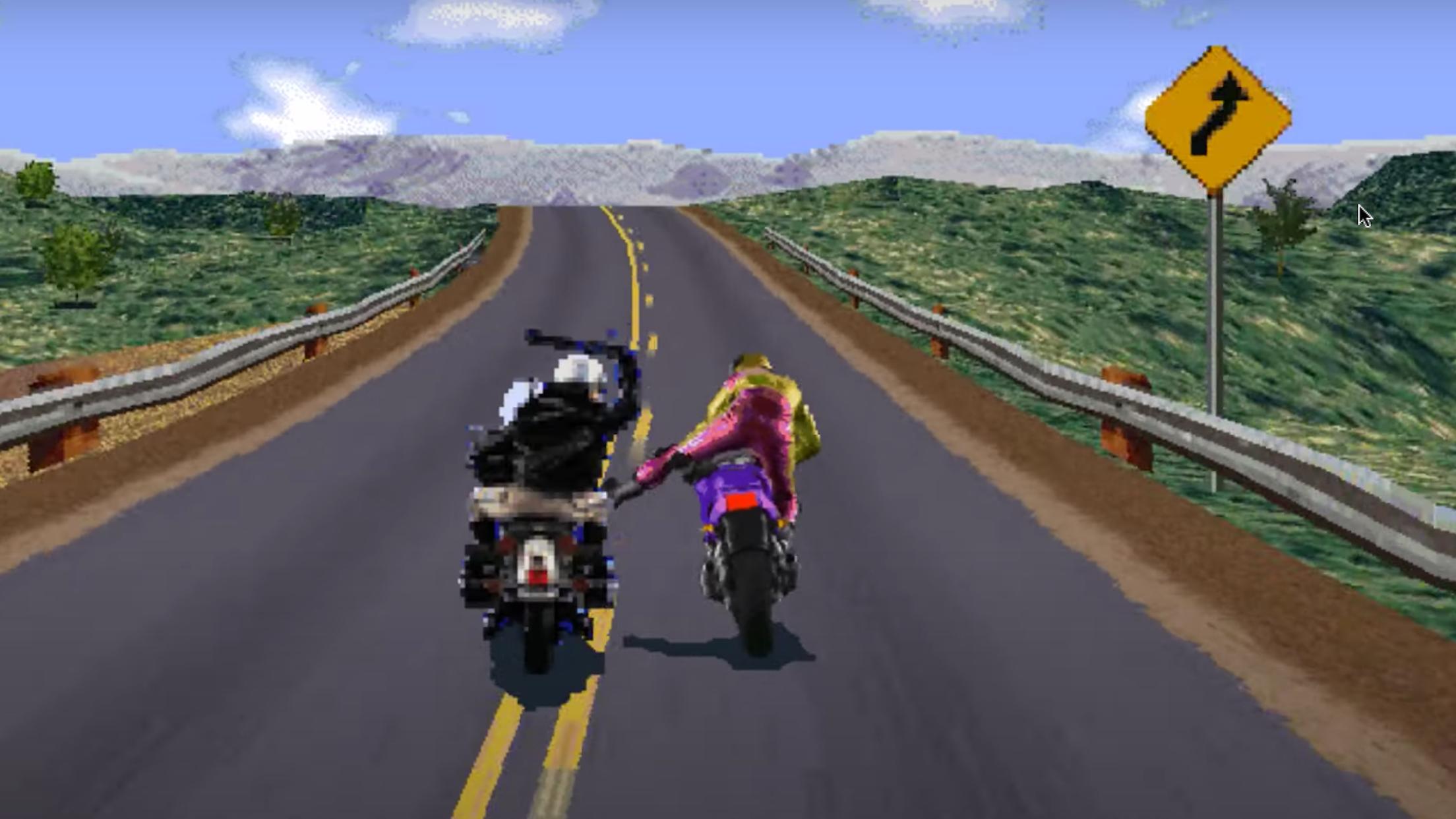
Beyond movement, the game maps attacks to a simple gesture. While the bike is running, lift your finger and tap again to hit nearby opponents. This keeps your hands on one area without switching modes.
Classic arcade feel on mobile
Together, these inputs recreate a familiar 1995 feel with city routes and no extra clutter. Sessions are short and focused, which suits quick breaks or commutes.
Road Rash focuses on tap based bike racing in city traffic, with one finger controls for speed, steering, and strikes. If you want a direct setup with minimal on screen buttons, this version keeps actions simple. Get the Road Rash APK to begin and use the in game prompts to learn the basics.
Latest Version
2.1Uploaded by
Minh Ánh
Requires Android
Android 6.0+
Category
Free Racing GameContent Rating
Everyone
Security Report
Report
Flag as inappropriateLast updated on Apr 8, 2026
- fix errors in Unity 2017.1




APKPure - A multi-platform app store primarily focused on Android, providing extensive app-related content. Discover the app you want easier, faster, and safer, with quick and efficient downloads and installations.