Scan Date:May 15, 2026
Show More


RFS - Real Flight Simulator suits users who want structured flight operations and community flying on a phone. It focuses on practical routines and real procedures, so you can practice routes, coordinate with others, and learn standard flows at a comfortable pace. In addition, controls and tools support both short sessions and long journeys. For consistent access to improvements, checking the RFS latest version helps keep features aligned.
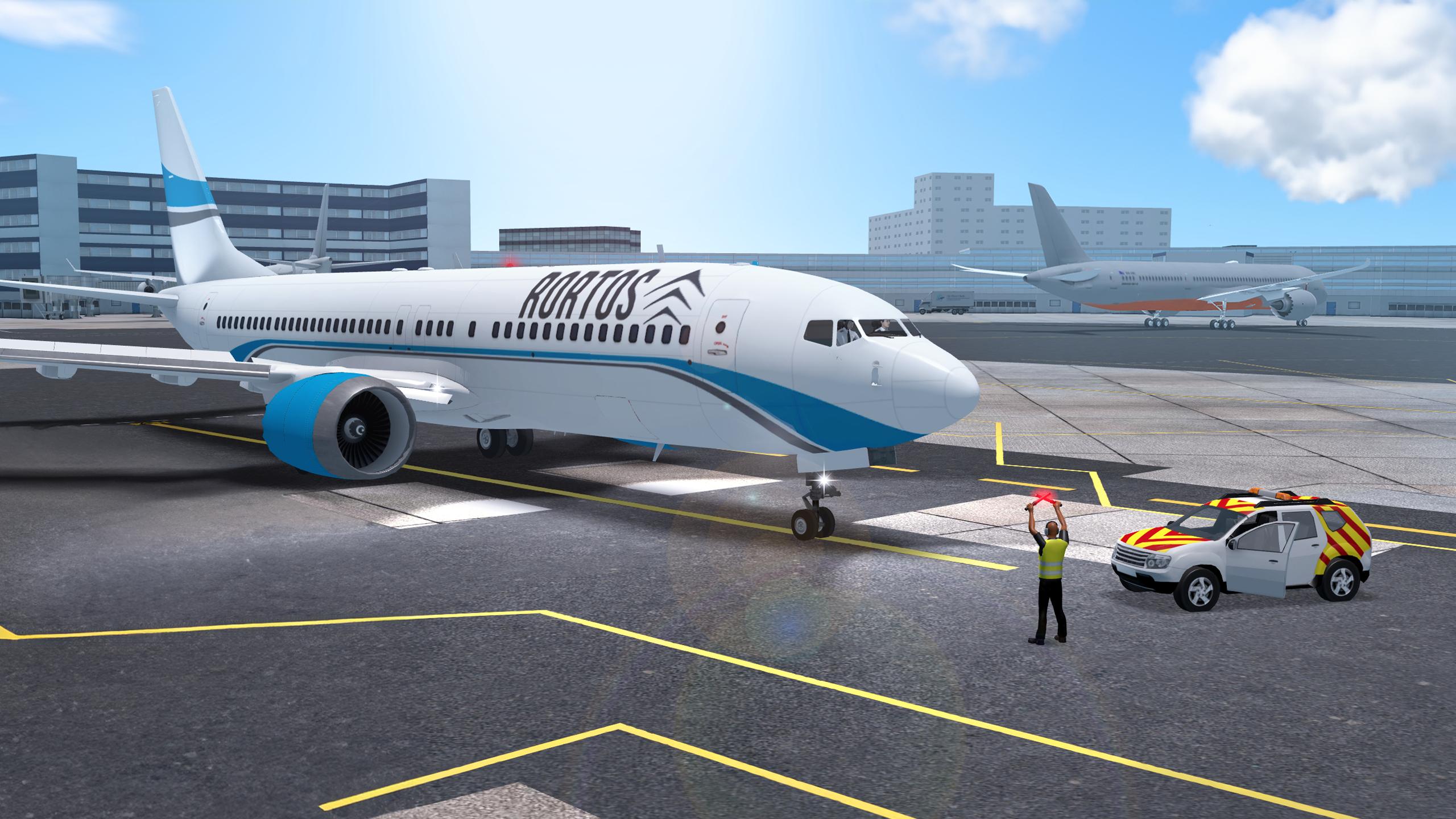
RFS offers 60+ commercial, cargo, and military aircraft with working instruments and lighting across a wide range of types. You can fly to and from 1,900+ detailed 3D airports that include jetways, ground services, and authentic taxiway procedures. This gives you consistent aircraft behavior and airport layouts that match real operations.
Real-world environment and automationBeyond aircraft and airports, RFS simulates high-fidelity satellite terrain and height maps that affect your flight path and approach planning. Live weather lets you adapt to changing conditions, and customizable failures support training or practice scenarios. A precise autopilot with assisted landing helps during long-hauls while you continue to monitor systems and navigation.
Live traffic and multiplayer communityWhen you want to fly with others, RFS tracks 40,000+ real flights daily and mirrors live traffic for situational awareness. You can join real-time sessions, chat with other players, and take part in weekly events. Virtual Airlines and Flight Points leaderboards add structured goals and provide a way to compare progress with the community.
ATC modeFor users who prefer coordination and communication, ATC mode lets you manage live airspace and issue instructions to pilots. Multi-voice communications simulate real exchanges, so controllers and pilots can follow clear procedures. This mode supports organized flows at busy airports while keeping traffic movements consistent.
Create and share contentFinally, creators can design custom liveries and build their own HD airports to expand the world you fly in. Advanced camera tools help capture plane-spotting shots and flight moments from multiple angles. You can share creations and images on official channels to engage with other players and gather feedback.
RFS uses live data for traffic, multiplayer, and ATC, so a stable internet connection is required for these modes. Some content and tools are available through a subscription tier, and access can vary by feature. Before starting long sessions, check current access in the in‑app menus to avoid interruptions. If you search for RFS apk download, verify version notes and required internet access for the modes you plan to use.
Weekly events, Virtual Airlines, and leaderboards run on live servers, which means timing and schedules can change with real activity. If you plan to publish liveries or airports, follow the in‑app guidelines and naming rules so items remain visible and easy to find. Screenshots and plane‑spotting images can be shared on official channels to reach other players and receive constructive feedback.
New players can get airborne quickly by selecting a route and tuning basic settings. For current builds, download RFS APK and keep the app updated before joining online sessions.
RFS - Real Flight Simulator provides realistic aircraft behavior, live operations, and creative tools in a mobile format. To begin, download RFS and pick a short route to practice standard procedures. For support or questions, use the official contact listed below.
For official support and developer details, see the information below.
Latest Version
3.1.9Uploaded by
Matheus Nunes
Requires Android
7.0
Category
Simulation GameContent Rating
Everyone
Security Report
Report
Flag as inappropriateLast updated on May 15, 2026
- New aircraft DOUGLAS DC-8-61
- Occlusion effect applied to A320NEO,A350, AN225, A310, B707C, B777F, DHC8, B767, E145, MD11F, B767F, B757F, B7272
- Bug fixes








APKPure - A multi-platform app store primarily focused on Android, providing extensive app-related content. Discover the app you want easier, faster, and safer, with quick and efficient downloads and installations.