Scan Date:Aug 23, 2025
Show More


RevHeadz suits users who want engaging engine audio without starting a real vehicle. It works for casual listening, sound demonstrations at meets, or practicing how engines respond before a drive. The app focuses on responsive control and clear sound, so you can explore car and bike character at home, in the garage, or on the go. You can use a phone or tablet and play through built-in speakers or a connected system. Users searching for RevHeadz APK can test the experience easily.
Accurate sonic modeling
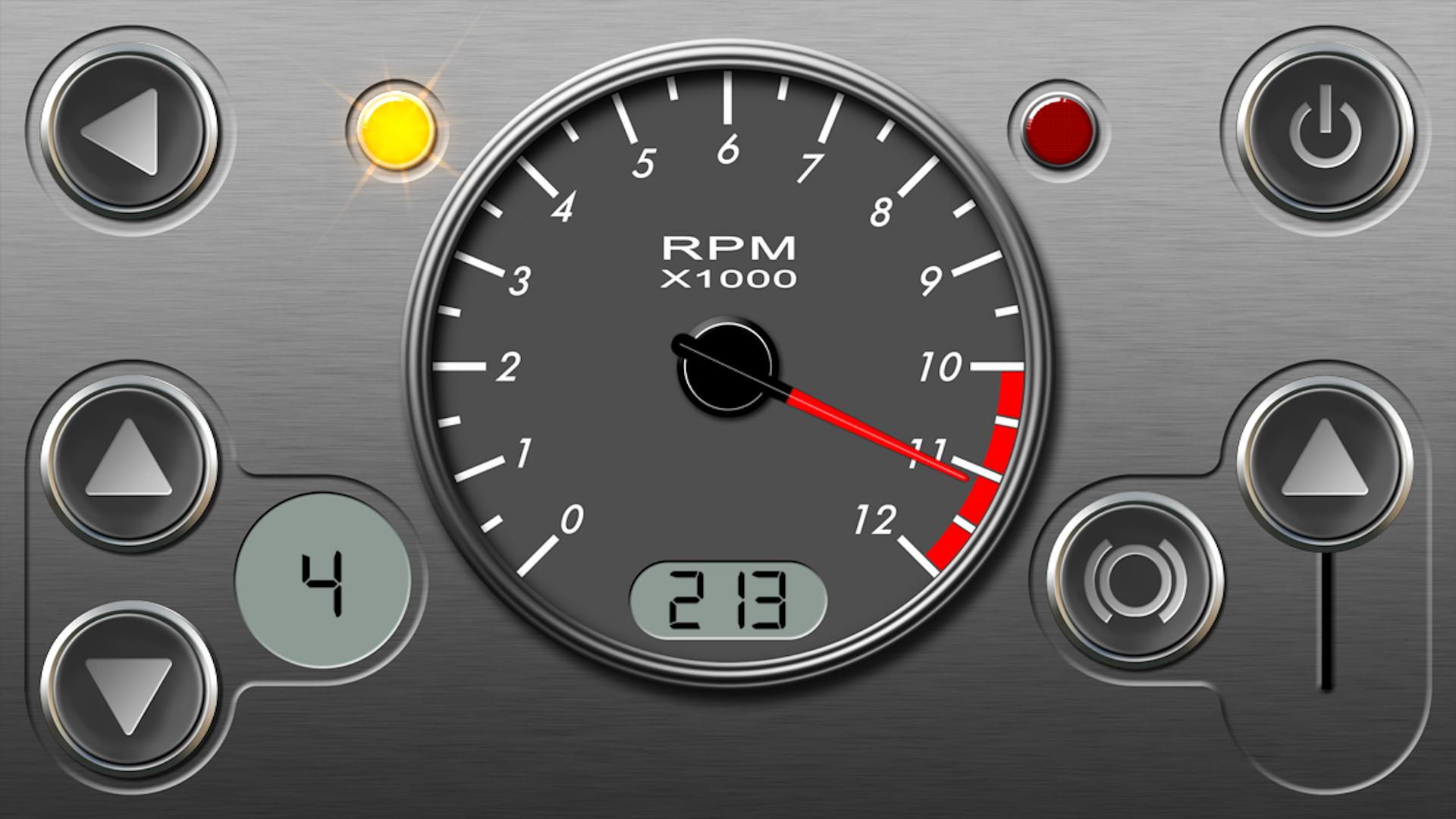
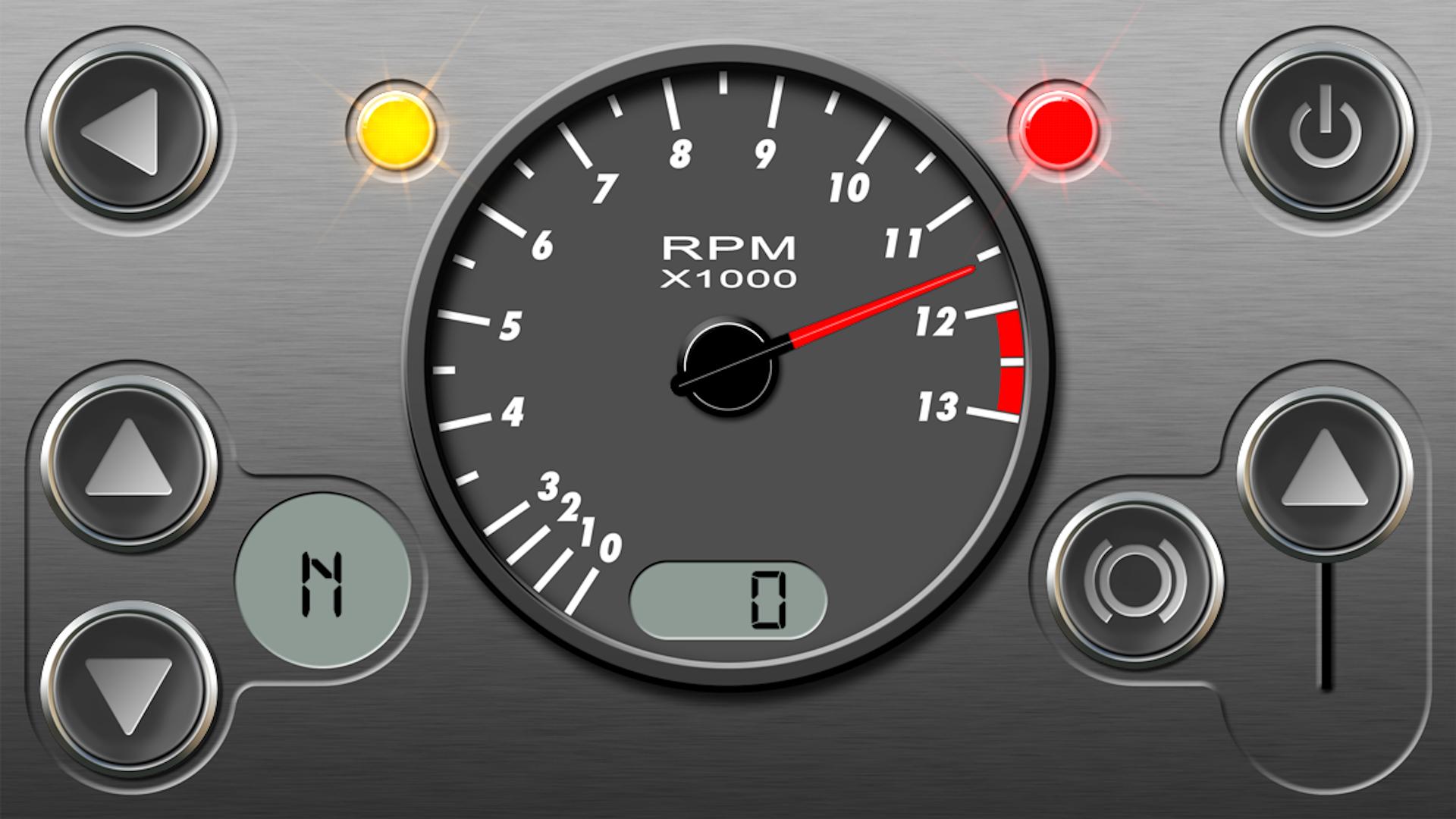
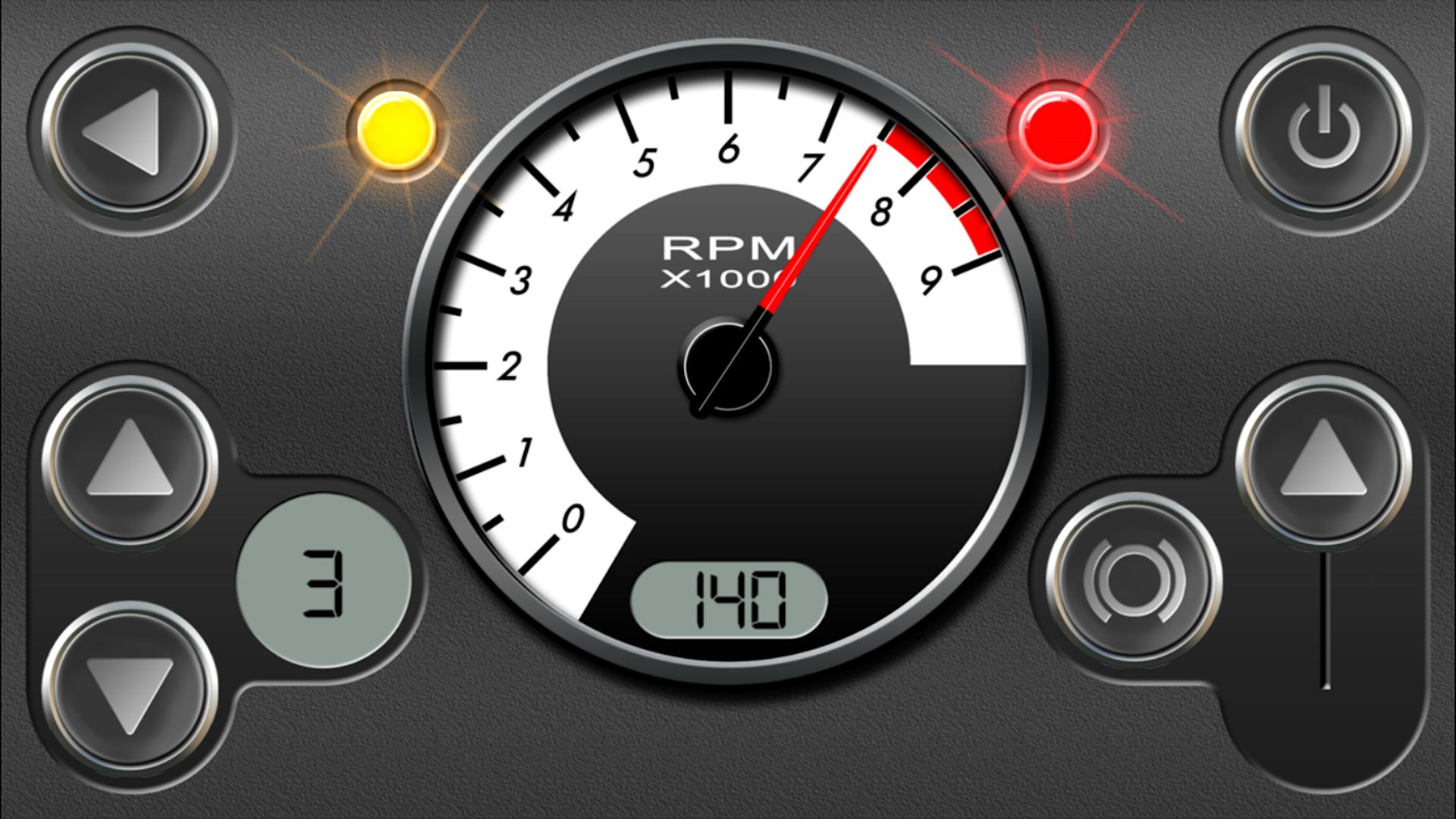
RevHeadz uses sonic models mapped to real mechanical parameters for a lifelike response. The sound engine references a speedometer, tachometer, drive ratios, engine load, and backfire logic so changes feel connected to how engines behave. This approach helps the audio rise and fall with realistic timing, tone, and transition between revs.
Real-time driving controls
You can shape the sound directly with on-screen accelerator, brakes, and gear selection. Short throttle blips, steady cruise, or downshifts produce different results, and the app reacts as you move. This creates a simple way to practice rhythm and listen for how different inputs affect the tone.
OBD‑II in-car mode
RevHeadz offers an in-car mode that can follow your driving when paired with a compatible adapter. RevHeadz OBD2 support requires a vehicle with OBD‑II RPM data and an ELM Bluetooth or WiFi adapter. Once connected, the app mirrors engine revs and load so the audio aligns more closely with your real inputs.
Large catalog of vehicles and packs
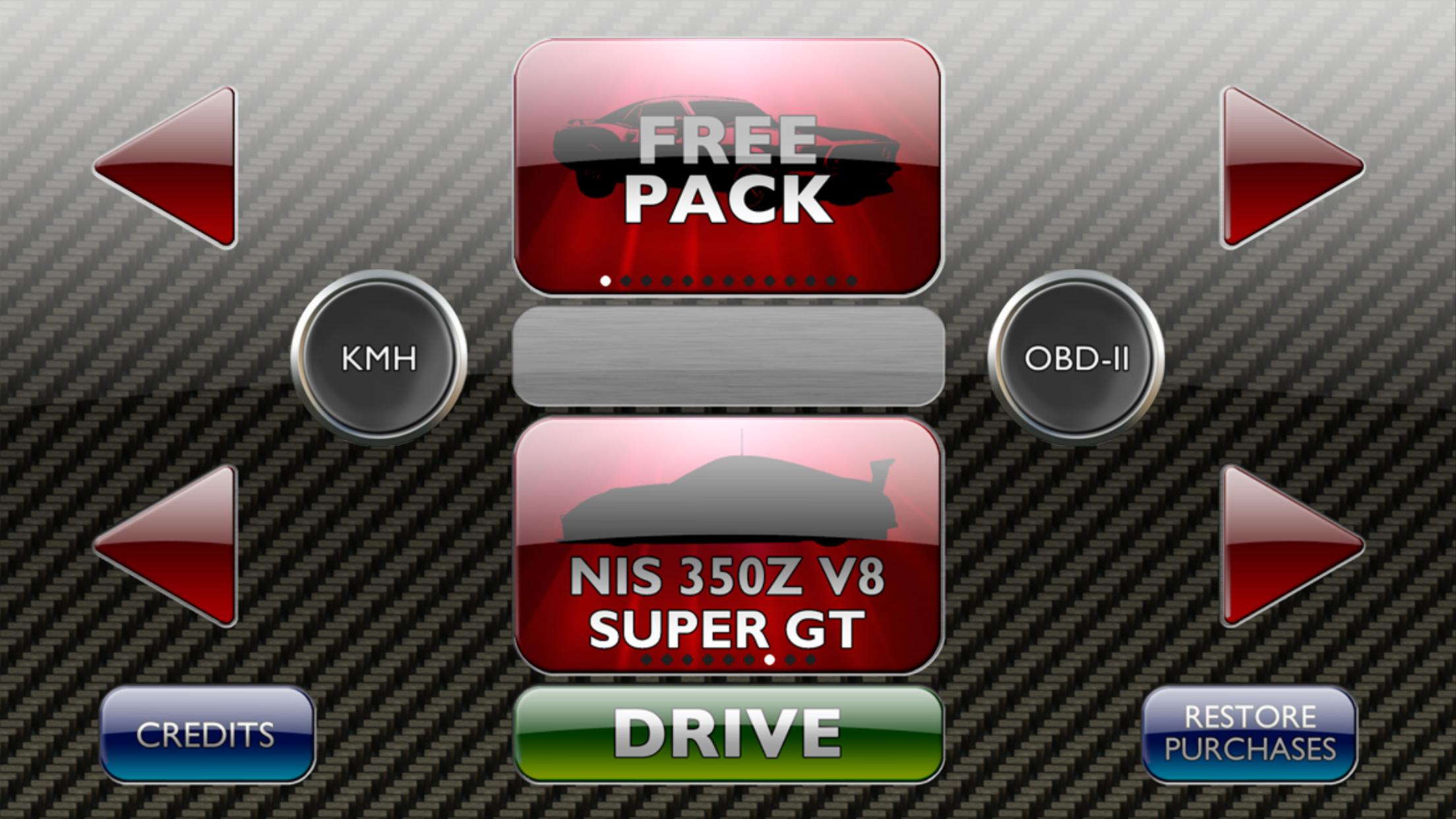
RevHeadz includes a free starter pack and optional themed packs that cover many styles. You can explore modern muscle, classic V8 sports, GT packs one to three, import cars, historic and modern Grand Prix, off road, race car, street tuner and bike, supercar, and V8 thunder. The selection also features icons such as Italian exotics, American muscle, GT3 race cars, rotary engines, choppers, dirt bikes, and monster trucks.
Optimized for external audio
RevHeadz plays well through car and home speakers for a stronger, room-filling sound. Connecting to a sound system improves low-end presence and stereo detail, which helps the character of each engine stand out. This setup is useful for meetups, show demos, or background audio while working in the garage.
RevHeadz Engine Sounds is designed for responsive, enjoyable audio, but it is not a full engine simulator. Some advanced effects, such as turbo flutter, may not be present. Features can evolve over time, so using the RevHeadz latest version helps you access the newest packs and refinements without changing your routine.
If you plan to use in-car mode, choose a quality ELM Bluetooth or WiFi OBD‑II adapter that provides reliable RPM data. After pairing the adapter, route your phone audio to your car speakers for the best experience. For step-by-step connection guidance, see the official instructions: http://www.revheadz.com.au/obd/instructions.htm.
Users focused on two-wheel audio can also look into the dedicated RevHeadz Motorbike Sounds app. It targets motorcycle styles more directly, which can be helpful if you prefer bikes over cars or want a narrower set of choices for quick access.
Getting started is straightforward and works well for short sessions or longer listening. After you download RevHeadz, the basic flow is to pick a vehicle, adjust controls, and connect audio for best results. You can add OBD‑II later if you want in-car sync.
RevHeadz for Android focuses on responsive engine audio with simple controls and a broad set of vehicle styles. Users who want the latest packs and refinements can check the RevHeadz latest version and begin listening within minutes.
For official support and information, use the links below.
Latest Version
1.38Uploaded by
Jose Carlos Cabrera
Requires Android
Android 6.0+
Category
Free Music & Audio AppContent Rating
Everyone
Security Report
Report
Flag as inappropriateLast updated on Aug 23, 2025
- Added phone vibration effects. Configurable in the settings.





APKPure - A multi-platform app store primarily focused on Android, providing extensive app-related content. Discover the app you want easier, faster, and safer, with quick and efficient downloads and installations.