Scan Date:Jul 20, 2025
Show More

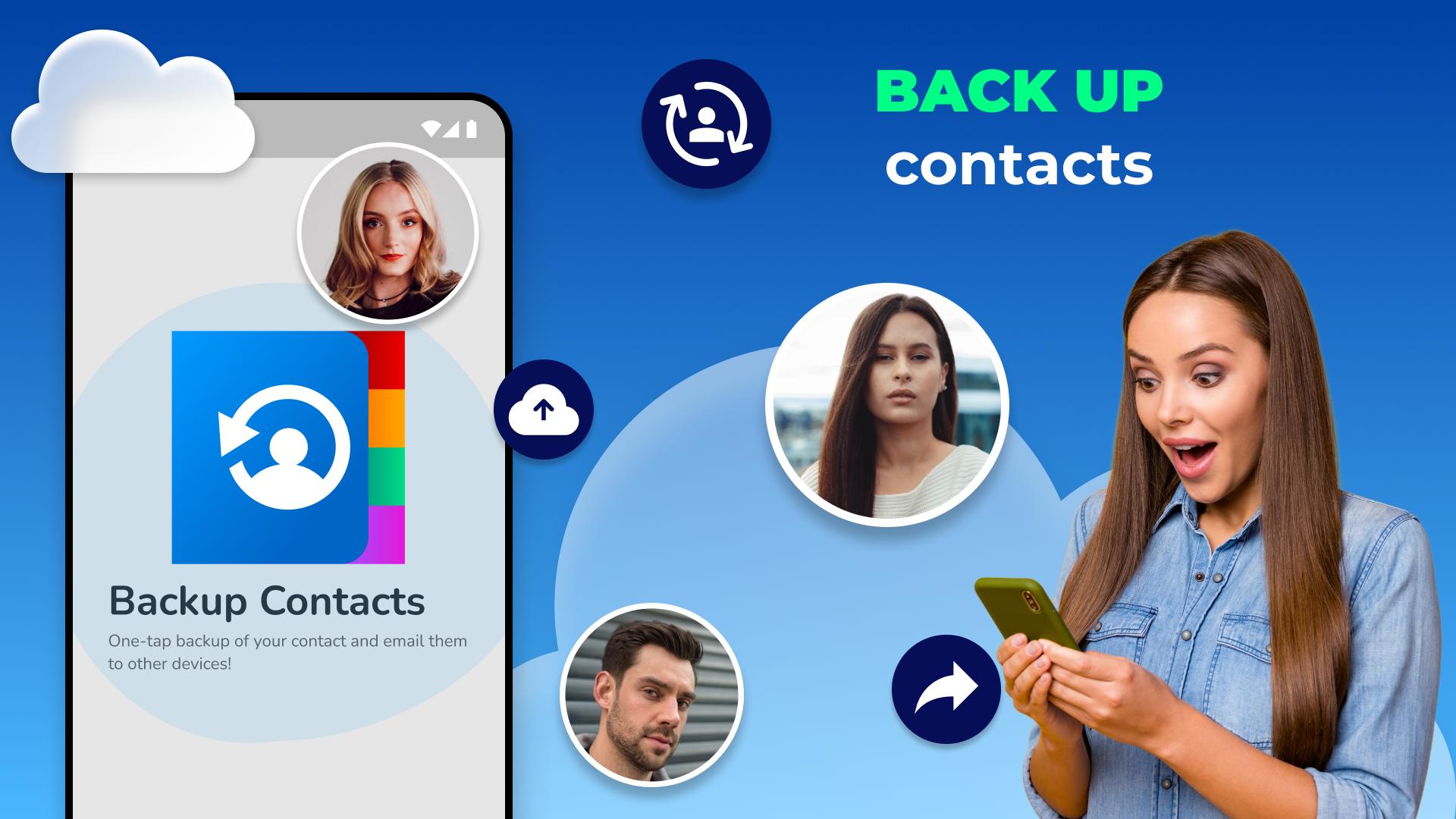
Recover Contacts & Backupapp makes it easy to recover your contacts and create backups using an intelligent app that helps you switch, transfer, and restore contacts. ☑️
Now, it's easy to recover contacts and create backups using an intelligent app that helps you switch and transfer contacts. With My Contacts Backup, you can move, copy, share, manage, and recover deleted contacts. This smart phonebook restore app makes backing up your device a breeze.
In the modern world, our smartphones connect us to our personal and professional networks.
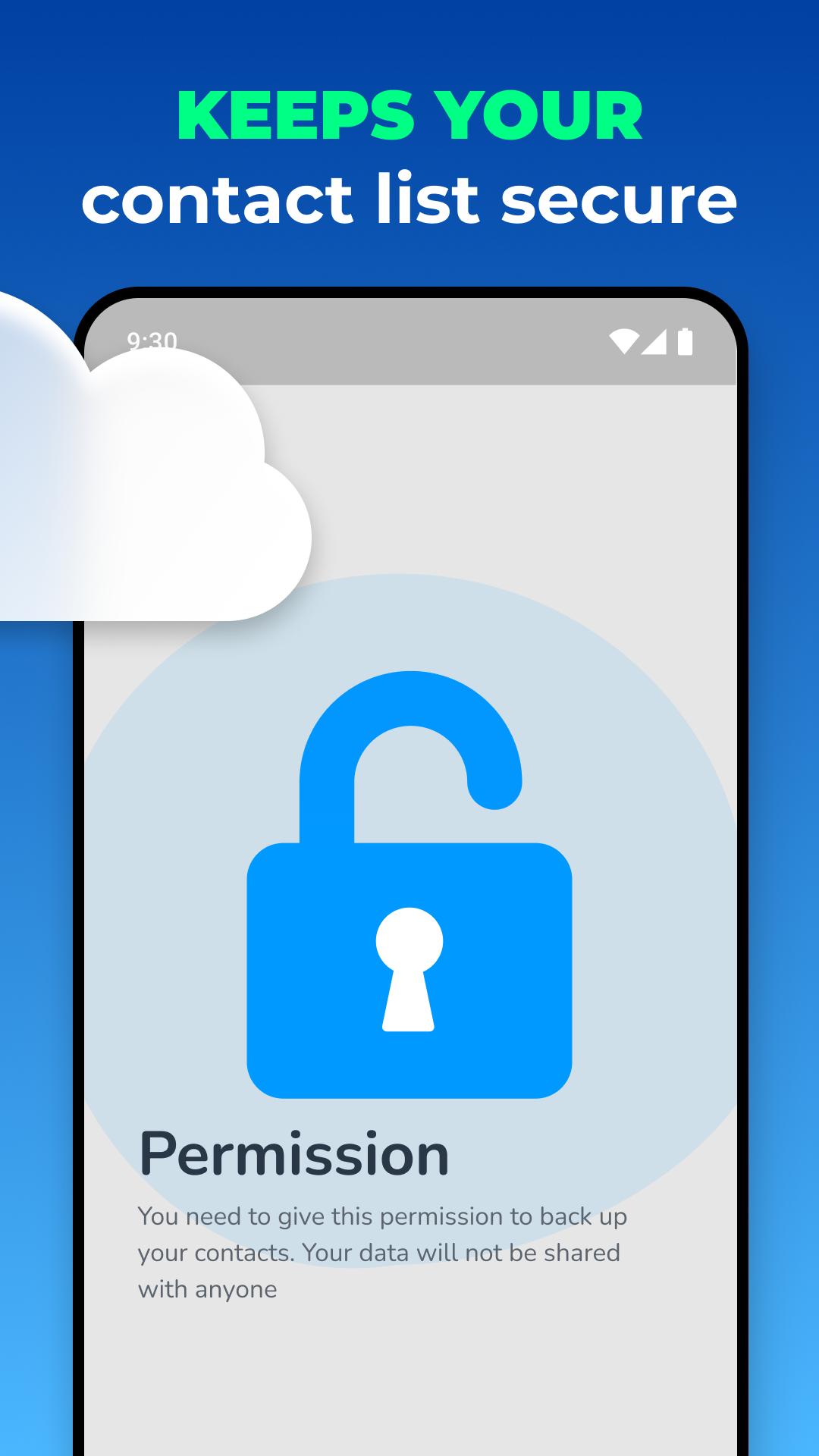
Our contact list is a valuable treasure, a key to our relationships, communications, and memories. However, accidents happen, phones get replaced, and data may be lost. That's where Recover Contacts & Backup steps in as your ultimate contacts backup solution. This my contacts backup app ensures your contact list remains intact, secure, and effortlessly recoverable. With the power to perform contacts backup and phonebook restore, you can recover contacts quickly.
⭐ How to use Recover Contacts & Backup: ⭐
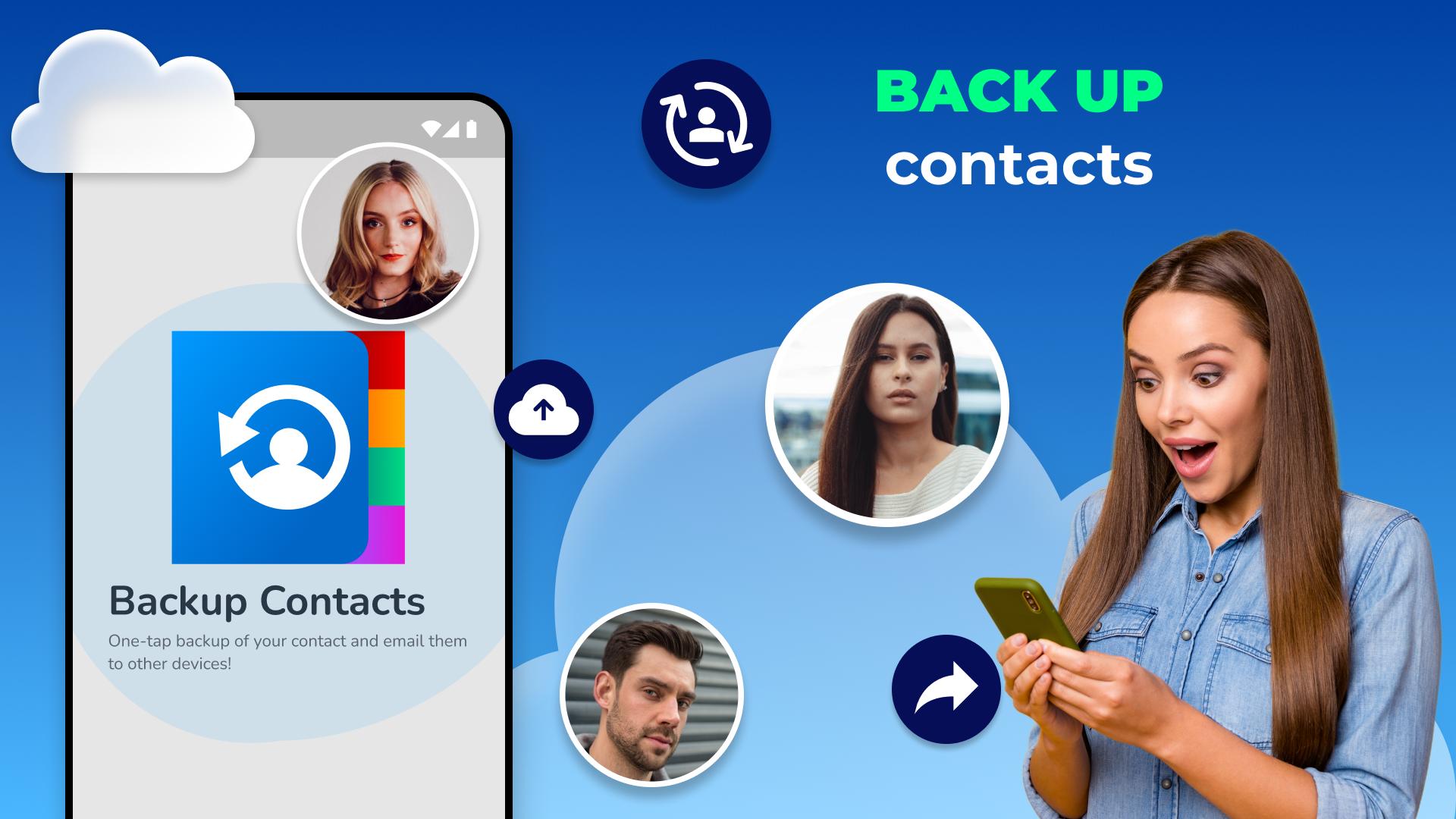
✔️ Backup and restore contacts in a few seconds.
✔️ Transfer or send a My Contacts backup file of your contact list in a few clicks.
✔️ After backing up, save the contact list to device storage.
✔️ Import backup of your SIM card and contact list anytime.
✔️ Recover deleted contacts with your backup files - phonebook restore.
✔️ Backup phone book, sim card, and mail in one tap.
✔️ My contacts backup app checks all your connections, sorts them, and identifies duplicate phone numbers.
✔️ The Restore contacts tool will professionally organize your contact list, and the backup starts.
✔️ After backing up the SIM card, you can send it to other devices.
💡 Features of Recover Contacts & Backup
🔹 Fast and easy contacts backup:
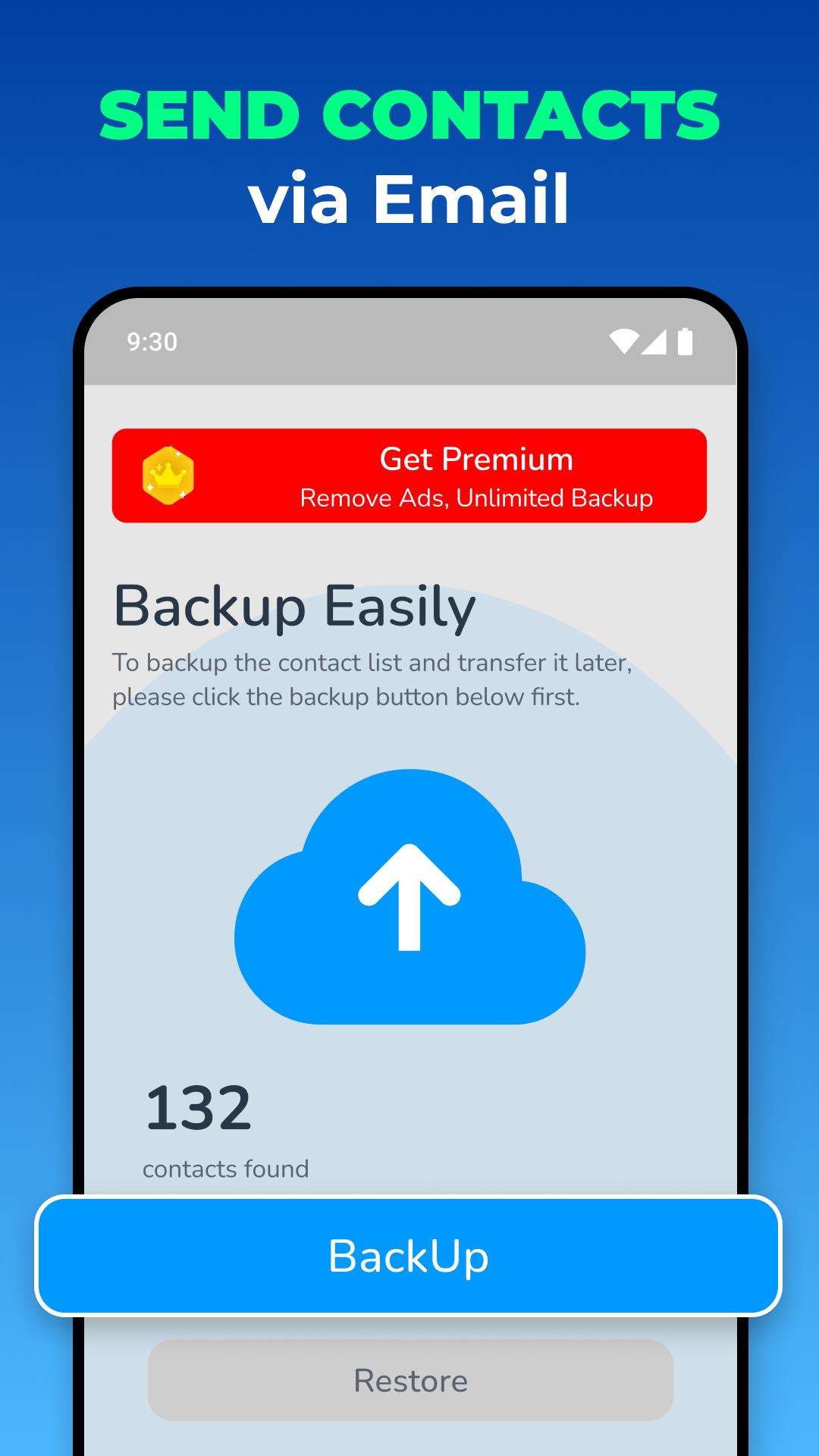
It doesn't matter how many connections are in your contact list. Even if there are thousands of connections in your contact list, directory, or sim, you can back up their contacts quickly and easily after pressing the backup button.
🔹 Share or transfer contacts easily:
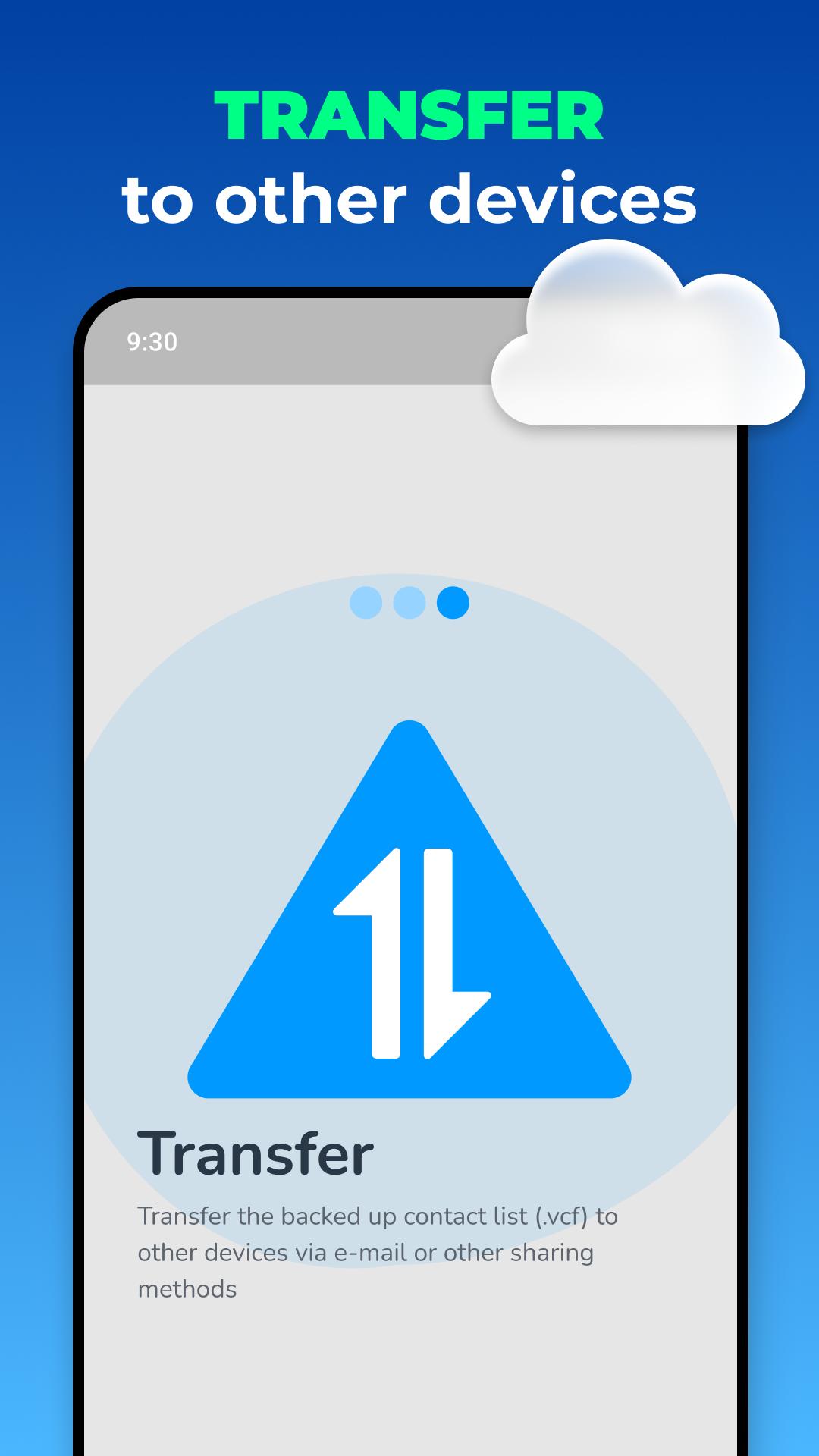
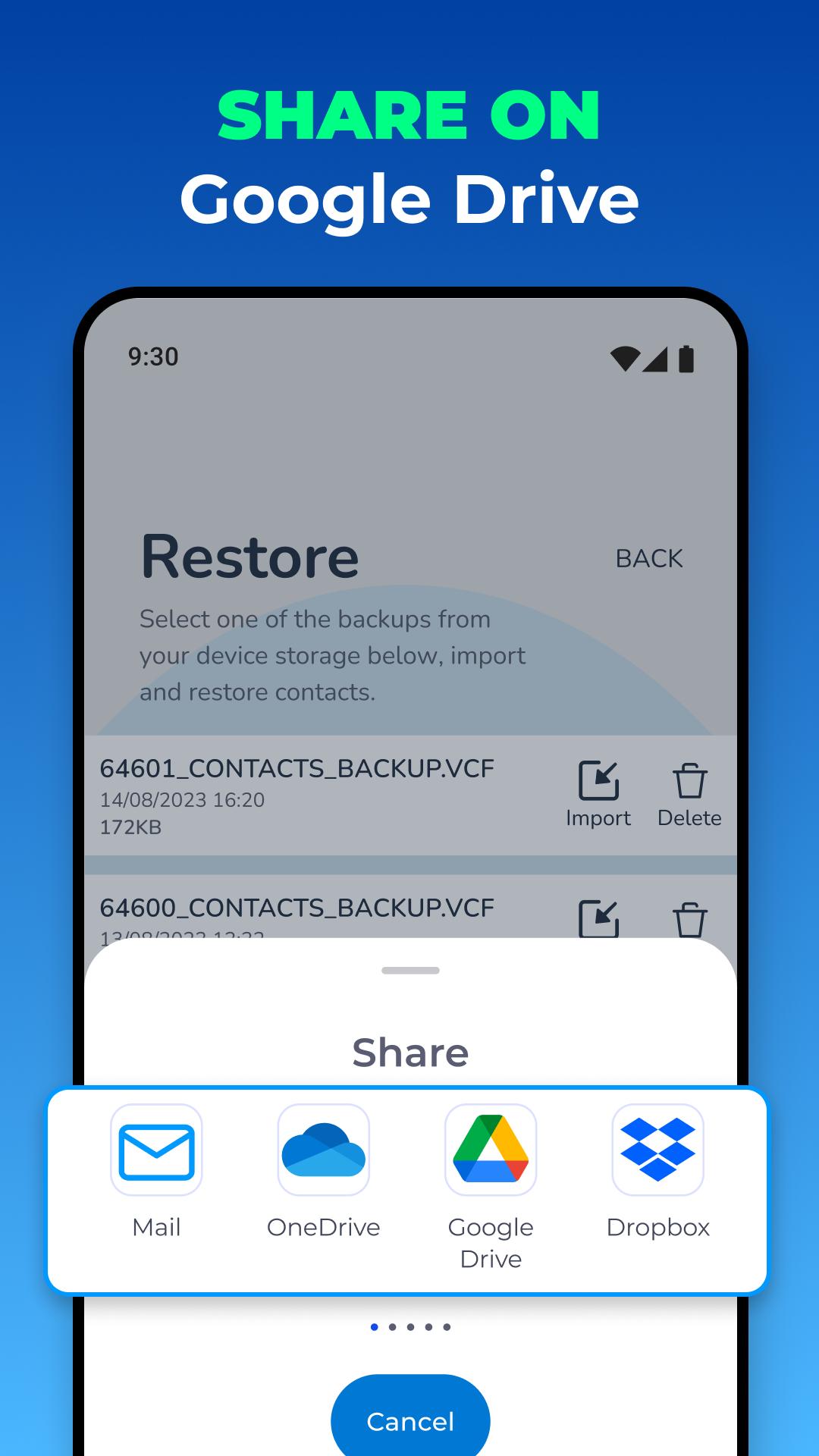
After backing up, the backup file is in the device's cache. You can send this backup file, transfer it, and share it as a VCF file via other applications. The fastest way is to send the backup file via email.
🔹 Save contacts to your device storage:
After backing up, if you want to save them to your device and keep them on your device, all you have to do is press the save button. So you can save your contact list in device storage in a few seconds, and you can also store your contact list in storage. Your contact list will be saved to your device as a VCF file. So you can share and restore contacts in a few seconds.
🔹 Import or restore contacts:
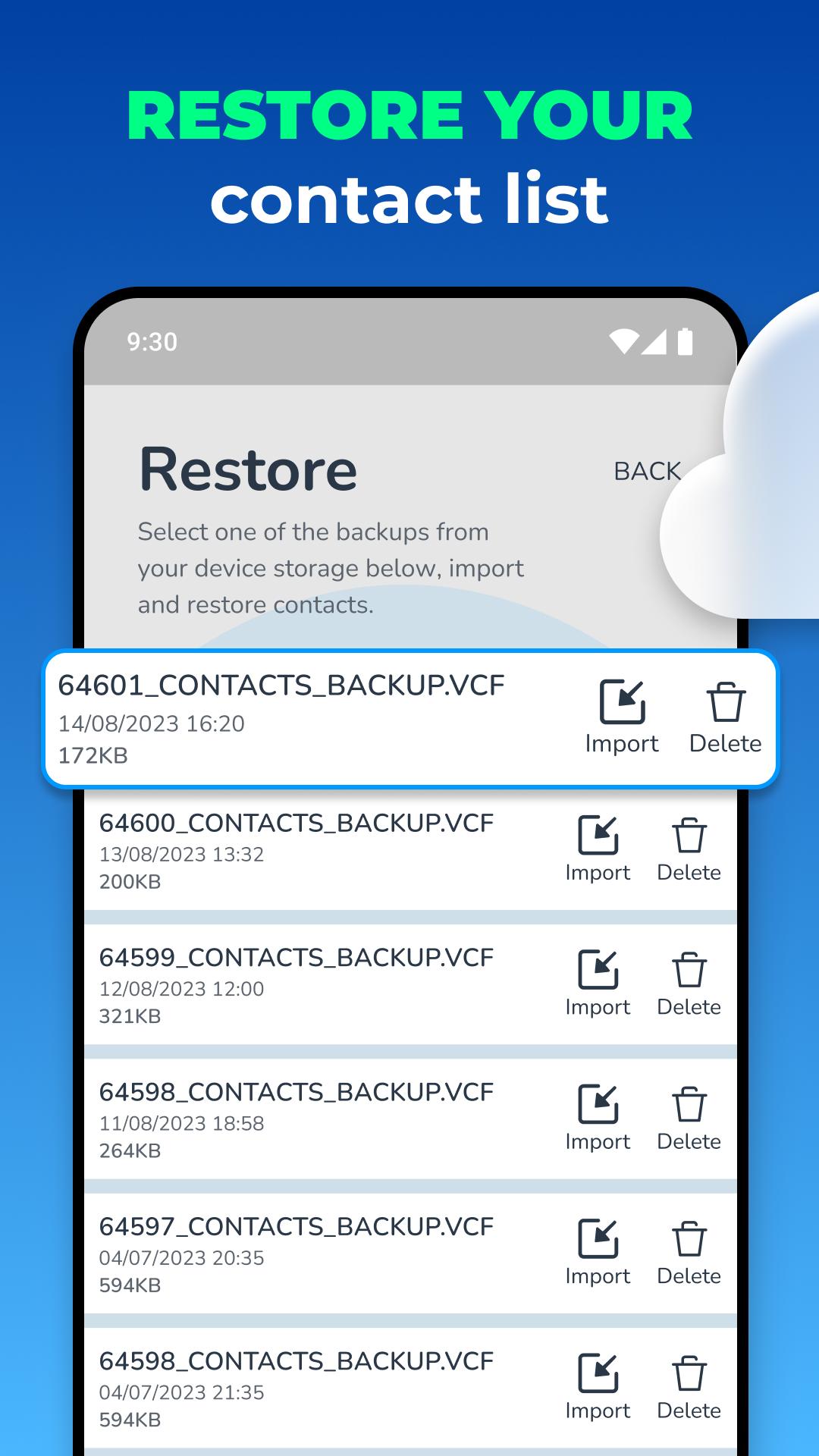
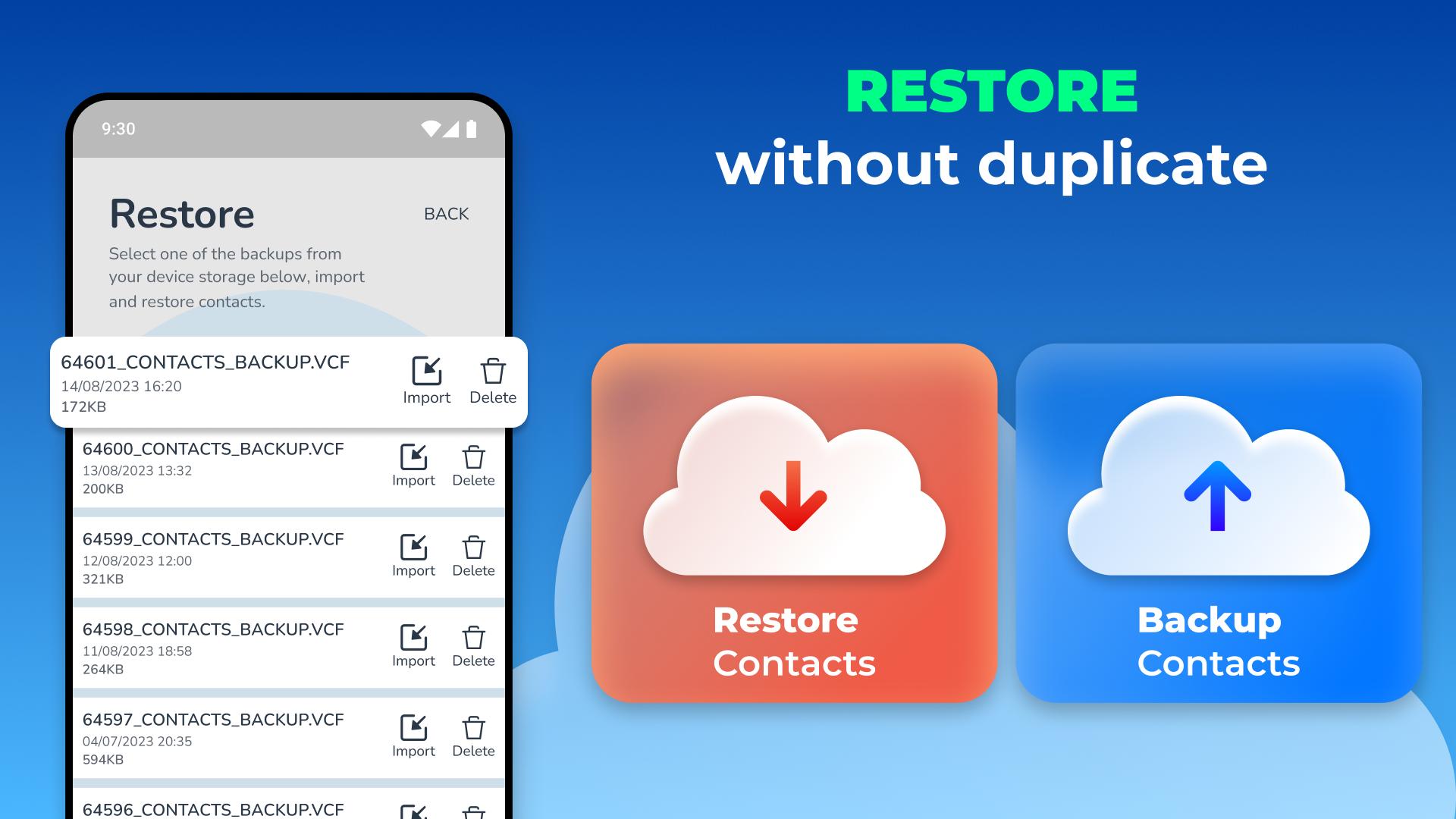
After contacts backup to your device, you can import your backup file later. After the backup, if you lose your contact list or something happens to your contact list, you can import one of your previous VCF backup files using Phonebook Restore.
Latest Version
1.4.5Uploaded by
حسين الجبوري
Requires Android
Android 5.0+
Category
Free Communication AppContent Rating
Everyone
Security Report
Report
Flag as inappropriateLast updated on Feb 9, 2025
- Small bugs fixed

APKPure - A multi-platform app store primarily focused on Android, providing extensive app-related content. Discover the app you want easier, faster, and safer, with quick and efficient downloads and installations.